UPS Maintenance Checklist
A UPS inspection checklist helps facility teams, IT staff, maintenance technicians, and service contractors check uninterruptible power supply units, batteries, alarms, load levels, runtime status, ventilation, electrical connections, bypass mode, and visible safety issues.
This checklist is useful for offices, data rooms, server rooms, healthcare facilities, hotels, schools, warehouses, retail sites, industrial buildings, and other managed properties where backup power protects critical systems, security equipment, network infrastructure, and business continuity.
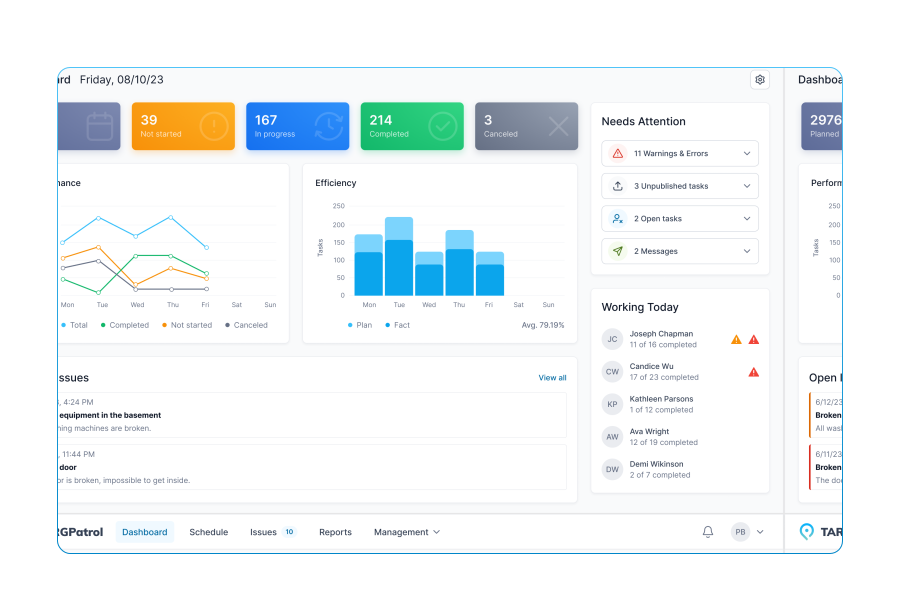
With TARGPatrol, UPS inspections can be completed as scheduled digital checks or route-based maintenance tasks. Inspectors can scan QR codes near UPS equipment, attach photos, record readings, report defects, create work orders, assign responsible users, and track corrective actions until the issue is resolved.
Property / facility name
Property address
Building / floor / zone
UPS location
UPS ID / asset number
UPS type
Protected equipment / system
Photo of UPS overview
UPS area is accessible
No immediate safety hazards observed
Required clearance around UPS is maintained
UPS area is clean and organized
No unauthorized storage near UPS
General UPS area notes
UPS is powered on
UPS appears operational
UPS display is readable
No active alarm is displayed
No warning or fault indicator is displayed
UPS mode is normal / online, if checked
UPS status notes
Photo of UPS display
Input power is available
Output power is available
Load level appears acceptable
Load percentage reading
Runtime estimate is acceptable
Runtime estimate reading
Power / load issue notes
Photo of load or runtime status
Battery status appears normal
No battery alarm is displayed
Battery charge level is acceptable
Battery charge percentage
Battery replacement warning is not displayed
Battery backup test passed, if checked
Battery issue notes
Photo of battery status
Battery cabinet is accessible, if present
Battery cabinet is closed and secure, if present
No battery swelling observed, if visible
No battery leakage observed, if visible
No corrosion on visible battery terminals
Battery area issue notes
Photo of battery cabinet / battery area
UPS ventilation is clear
Air intake and exhaust are not blocked
UPS fans appear operational, if checked
No excessive heat around UPS
Room temperature appears acceptable
No excessive dust buildup observed
Ventilation / temperature issue notes
Photo of ventilation condition
UPS exterior is not damaged
UPS panels and covers are secure
No loose or missing fasteners observed
No signs of overheating, discoloration, or burning smell
No unusual noise or vibration observed
Physical condition issue notes
Photo of UPS physical condition
Power cables are secure
No exposed or damaged wiring observed
No loose plugs or connectors observed
Cable routing is safe and organized
No trip hazards from UPS cables
Cable / connection issue notes
Photo of cable condition
Electrical panel / circuit feeding UPS is accessible, if checked
Breaker labels are readable, if checked
No tripped breaker observed, if checked
Electrical disconnect is accessible, if required
Electrical issue notes
Photo of electrical panel or disconnect
Bypass switch is accessible, if present
UPS is not in bypass mode unless approved
Bypass status appears normal, if checked
Bypass labels are readable, if present
Bypass issue notes
Photo of bypass switch or status
Network / monitoring connection is active, if applicable
Remote monitoring status appears normal, if checked
UPS name / label matches location
Alarm notifications are configured, if checked
Monitoring issue notes
Photo / screenshot of monitoring status
Connected equipment is identified
Connected load appears appropriate for UPS capacity
Critical equipment is connected correctly
Non-critical equipment is not overloading UPS
Connected equipment issue notes
Photo of connected equipment / outlets
Recent maintenance tag / service record is visible, if provided
Service date appears current, if checked
UPS operating instructions are available where required
Emergency contact information is posted, if required
Documentation issue notes
Photo of service tag or documentation
Fire extinguisher is accessible, if required
No combustible materials stored near UPS
No water leakage near UPS equipment
No pest activity observed near UPS area
Safety / environmental issue notes
Photo of safety or environmental issue
Previous UPS issue was reviewed, if applicable
Previous corrective action appears completed
Open UPS issue still requires follow-up
Previous work order number
Photo of previous issue area
UPS issue found
Issue location
Issue description
Issue type
Priority: low / medium / high / urgent
Repair required
Battery replacement required
Further technician inspection required
Responsible person
Target completion date
Work order number
Photo of UPS issue
Temporary control applied
Load was reduced, if required
Unsafe area was marked or restricted
IT / facility manager notified
UPS service contractor notified
Follow-up inspection required
Photo after temporary control
Inspection completed
Property passed inspection
Final status
Final comments













Mobile Work Order Management Software for Business Maintenance