

Easy Inspection App with QR Code and Checklists
Scan the QR code at the inspection point, complete the checklist on your phone, and attach a photo when it’s needed. Supervisors review the result after it syncs.

From QR scan to inspection record
Open the assigned inspection
In the mobile app, start the task and scan the QR code on the equipment when prompted at the checkpoint.
Record what you find
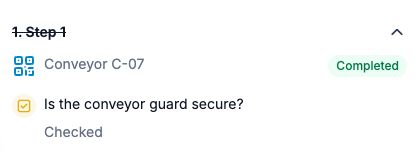
Check whether the conveyor guard is secure and attach a photo if the checklist requires one.
Review the completed inspection
After the device syncs, open the completed task in the web schedule to review the answers and attached photo.
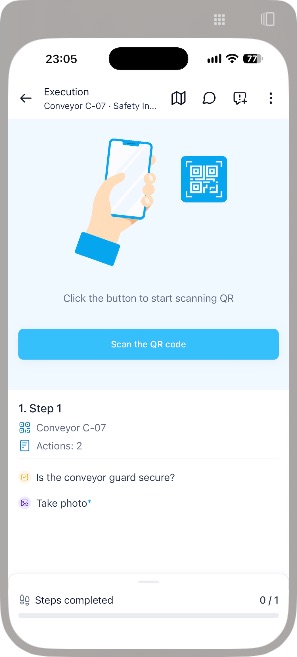
For an unscheduled inspection, enable On-Demand Check-ins at the Point and configure its checklist actions. An authorized employee can then scan the QR code from the app’s Check-in screen without an assigned task. Set up On-Demand Check-ins
A scan documents one checkpoint. For a wider walk-through, use the workplace safety inspection checklist.

Scheduling

Tasks

Checklists

GPS, QR, and NFC

Incidents

Asset management

Reports

Mobile app
Scheduling
Tasks
Checklists
GPS, QR, and NFC
Incidents
Asset management
Reports
Mobile app
Link equipment inspections to NFC checkpoints
A technician opens the inspection task and taps the tag by an air-handling unit. The technician records the filter condition and attaches a photo of any damage.
- Open the assigned task
- Hold the phone near the NFC tag
- Complete the checklist
- Attach a photo and finish
- Review the result and build a report
How to set up and scan an NFC Point
Watch on YouTube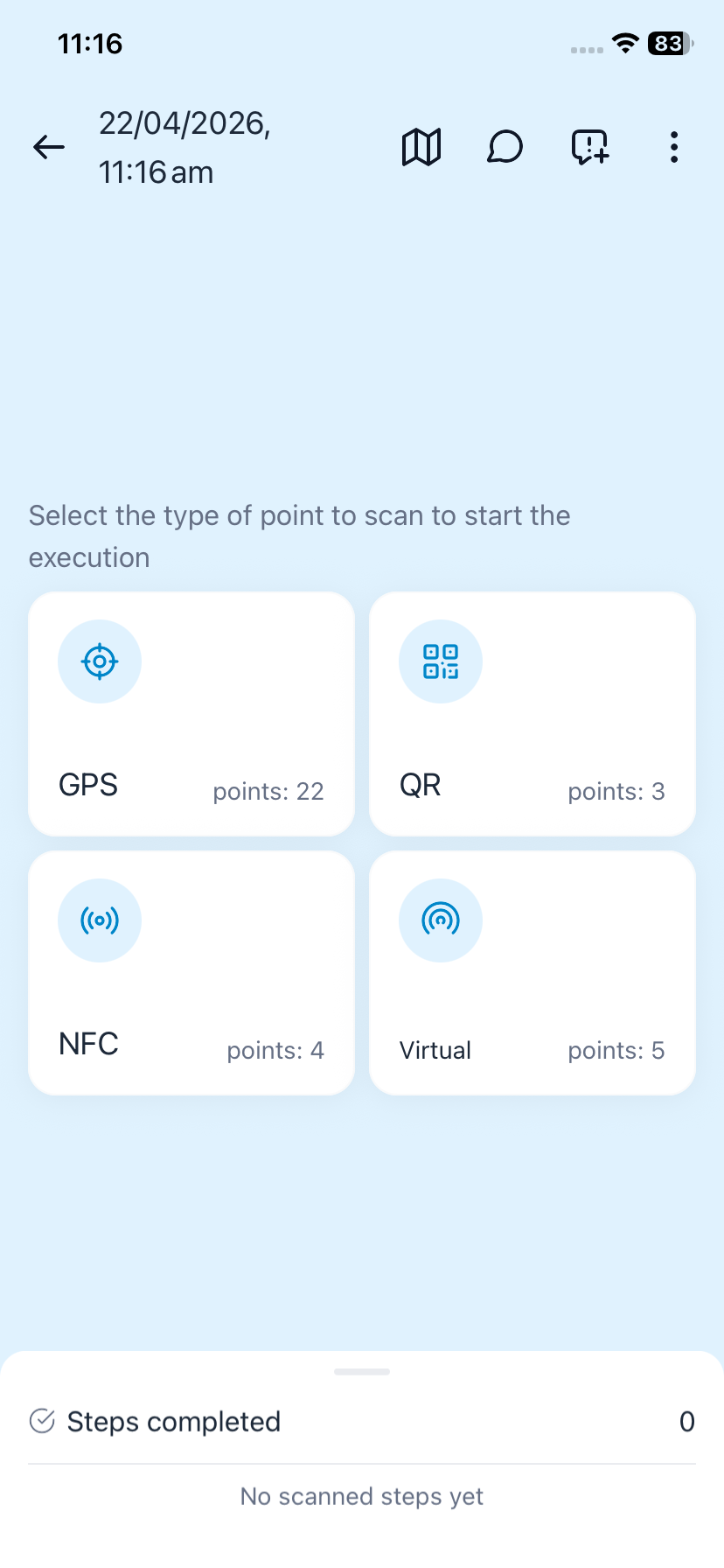
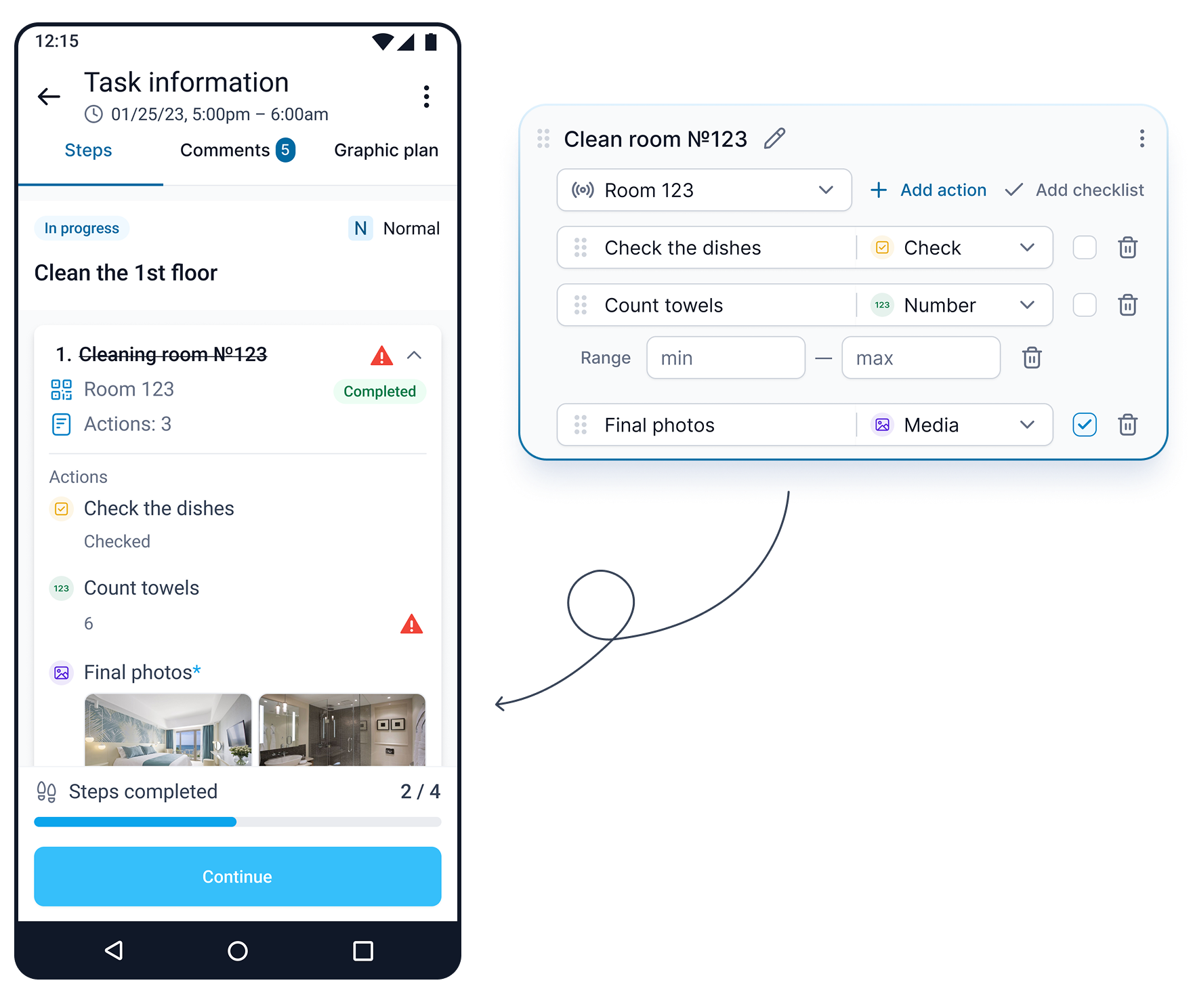
What the manager sees
After sync, the inspection lead can review the answers and photo together and report on completed inspections.
Explore reporting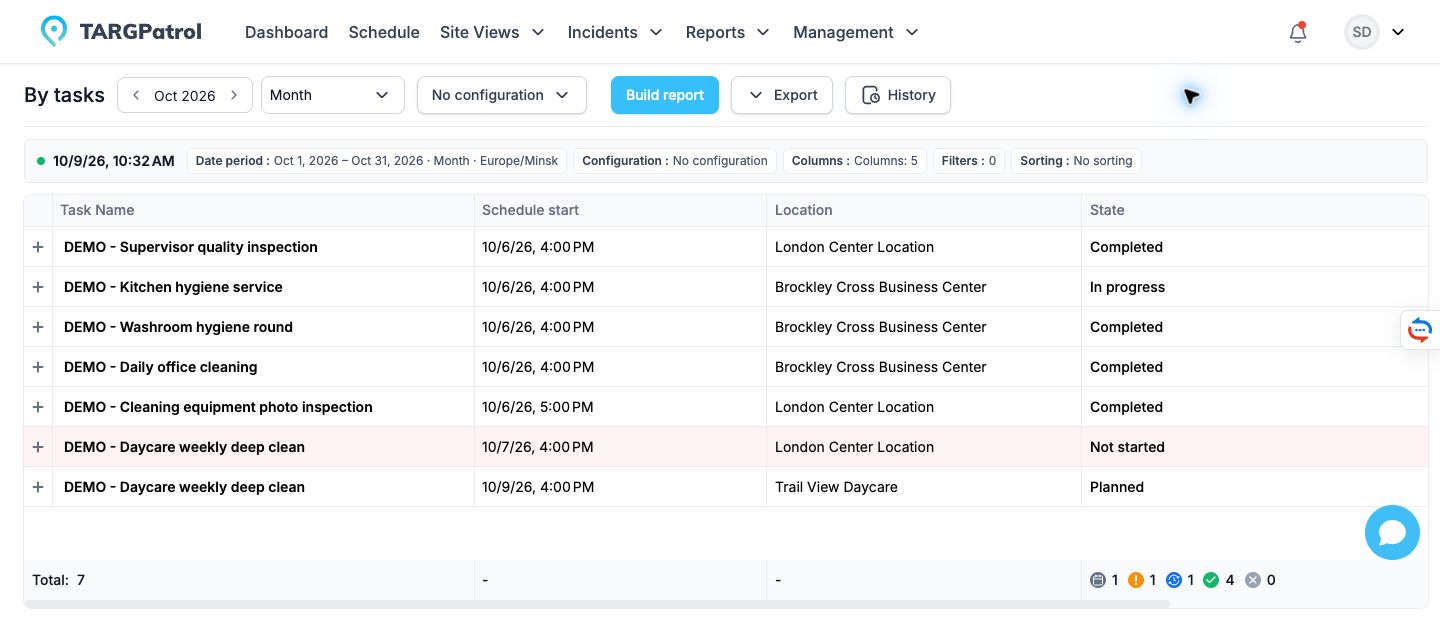
Screens show separate examples in the English interface. The mobile check-in is on demand; the checklist and report illustrate other parts of the workflow.
Need an unscheduled check? Enable On-Demand Check-ins for the point and set who can use it. An authorized employee can then scan the tag in the app and complete the actions configured for that point without an assigned task.
A cloud platform to streamline inspections and audits
Inspection App with Maintenance Scheduling
Plan and automate inspections with ease using TARGPatrol’s flexible scheduling tools. Whether you’re managing daily cleaning checks, weekly safety audits, or monthly equipment inspections, TARGPatrol ensures nothing gets missed.

Digital Inspection Checklist App
Create custom checklists tailored to your industry, assign them to specific tasks, locations, and employees, and collect real-time confirmations with photo, video, or data input. Every checklist submission is tracked and time-stamped, helping you ensure full compliance.

Patrol Tracking with Inspection App
Elevate inspection management with interactive maps, site plans, and accurate checkpoint tracking. Create patrol routes using QR codes, NFC tags, or GPS Points on maps. A GPS Point can be completed only when the employee is close enough to its saved coordinates, while every checkpoint is time-stamped for accountability.

Efficient Incident Management
TARGPatrol simplifies incident reporting with in-app tools to log issues like equipment failures or safety risks, complete with photos, comments, and location data. Reports are time-stamped, assigned automatically, and tracked to resolution. Real-time notifications keep managers informed, ensuring fast response and full accountability.

Smart Software for Asset Management Audits
Schedule asset checks, track items with QR or NFC tags, and confirm their condition with photo evidence. Every audit is logged with time and location, giving you clear, verifiable records. Reduce losses, ensure accountability, and keep your asset data always up to date.

Real-Time Insights for Smarter Decisions
TARGPatrol leverages real-time tracking to help managers spot issues instantly and act fast. Stay compliant, resolve problems quickly, and use automatically generated reports to gain actionable insights for better strategic decisions.

How it works
Add Team Members
Integrate your staff into the system for seamless collaboration.
Define Checkpoints
Set up key event areas or task zones using NFC, QR codes, or virtual checkpoints.
Create Schedules
Schedule inspections, assign tasks, create custom checklists, and organize workflows.
Execute Tasks
Teams complete tasks using the mobile app, ensuring accountability and efficiency.
Get Results
Monitor progress in real time, generate detailed reports, and analyze performance.
Maintenance Inspection App for Multiple Industries


Latest news
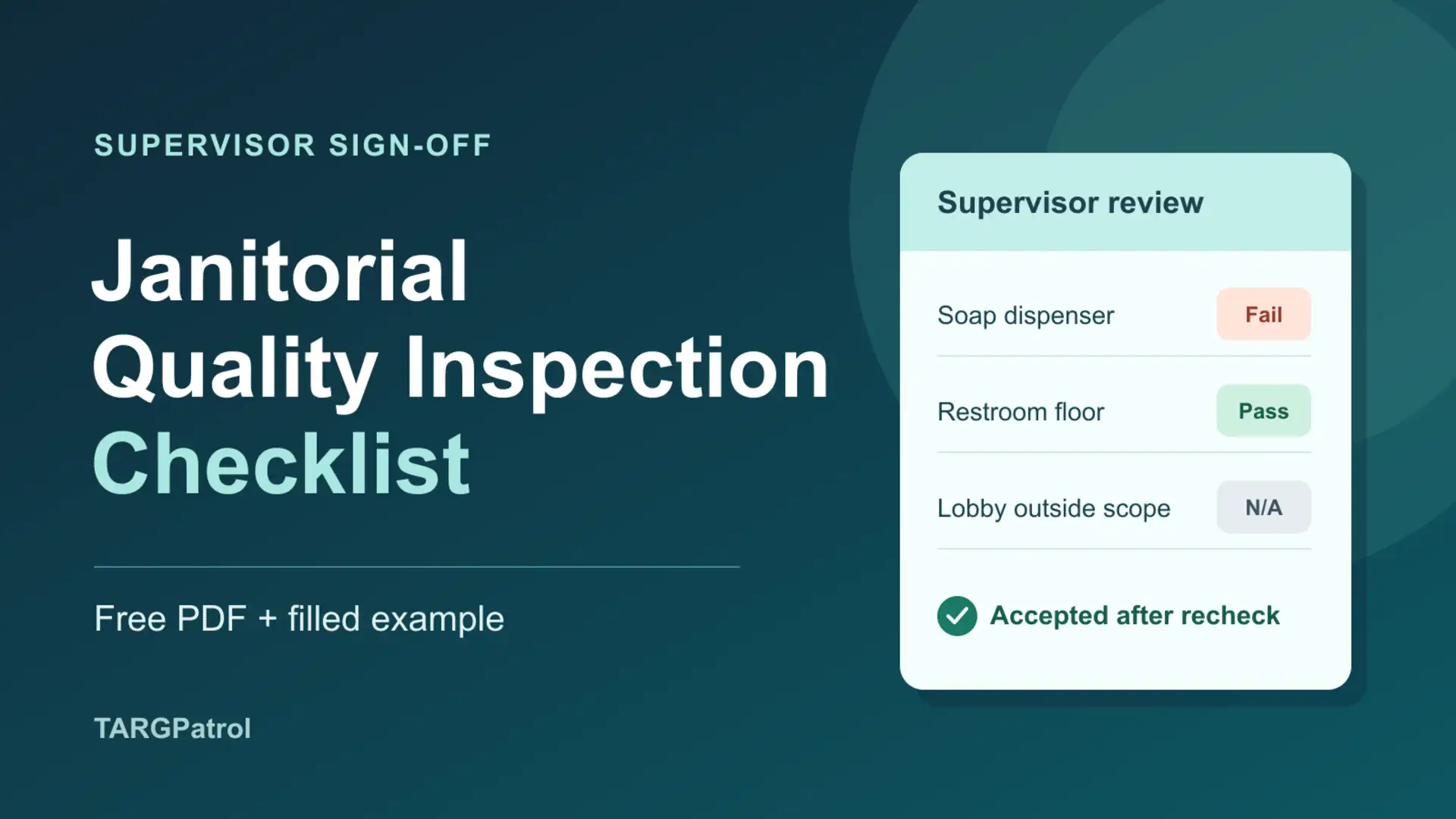
Janitorial Quality Inspection Checklist (Free PDF + Example)
Download a free janitorial inspection checklist for supervisor sign-off. Record Pass, Fail or N/A, photo references, who fixes each issue, deadlines and rechecks.
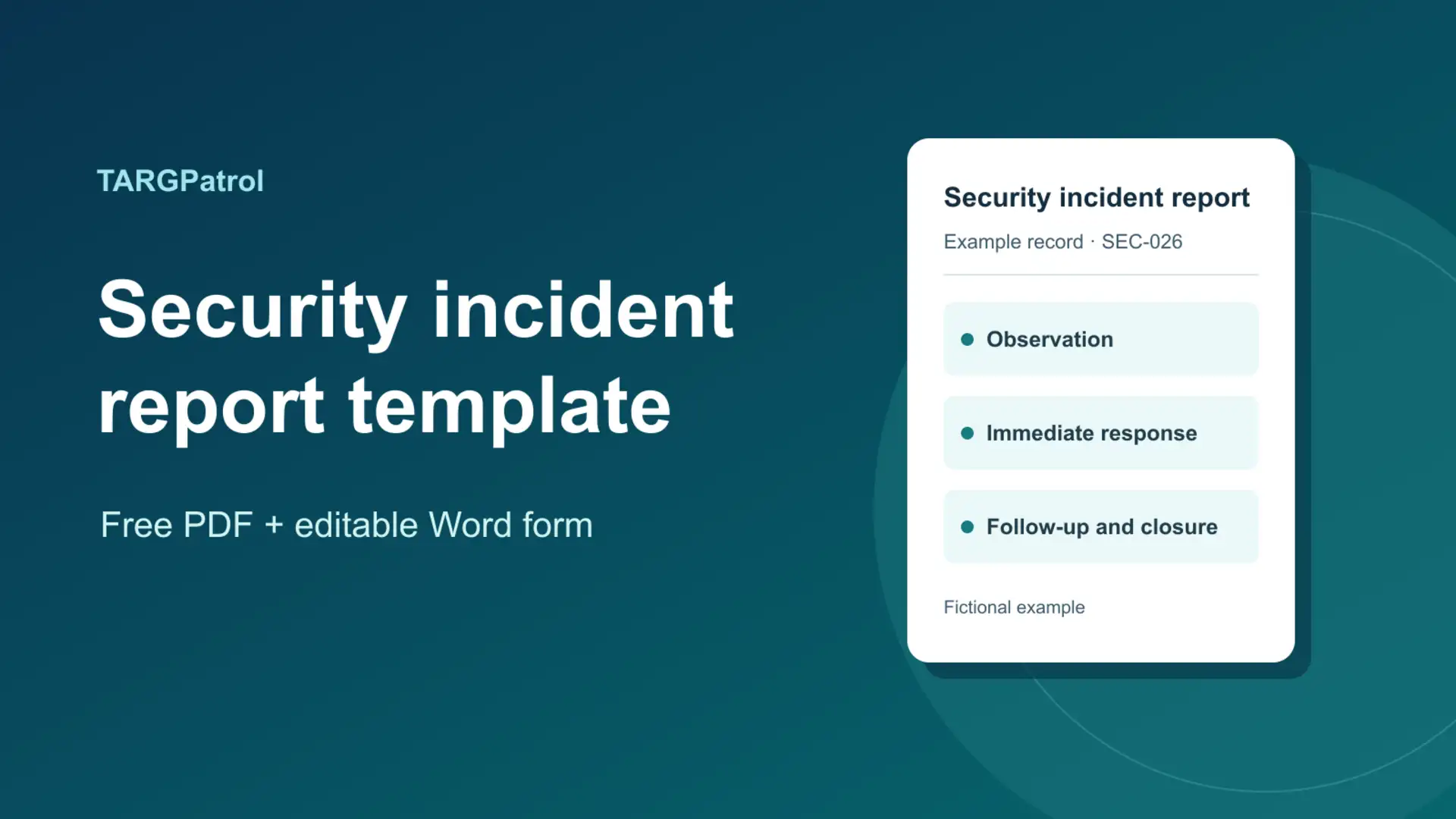
Security Incident Report Template (Free PDF + Filled Example)
Download a free security incident report template in PDF or Word. See a filled example for a guard shift, from the first observation through supervisor sign-off.
TARGPatrol Update November 2026
Explore TARGPatrol’s November update: Location geofencing, clearer maps, audit logs, smarter scheduling, reliable exports, and targeted Incident alerts.
Client Success: Harnessing the Power of TARGPatrol's Functionality

Inspections and audits span diverse industries, and their requirements can be complex. TARGPatrol simplifies these processes by enabling the creation of checklist templates and task assignments.
Helen Knight
Manufacturing productivity surged with optimizing processes, and minimizing errors.