

Track time through real work
Let employees start work with a single tap and capture everything that happens during the shift — time, location, and actions — in one continuous record.


Scheduling

Tasks

Checklists

GPS, QR, and NFC

Incidents

Asset management

Reports

Mobile app
Scheduling
Tasks
Checklists
GPS, QR, and NFC
Incidents
Asset management
Reports
Mobile app
Start time tracking with a check-in
Turn check-ins into real working time
Let employees start work with a single check-in
Ensure work is performed in the right place and order
Track work across tasks, operations, and on-site activity
Confirm activity through QR, NFC, or location-verified GPS Point check-ins

Structure work across locations and tasks
Keep work organized without overcomplicating processes
Guide employees through tasks and checklists
Capture photos and videos as work is performed
Communicate in real time with comments and voice notes
Keep work running even without an internet connection

Capture incidents as part of the workflow
Track issues from detection to resolution
Log incidents during ongoing work
Add context, notes, and supporting evidence instantly
Track time spent on issue resolution
Turn problems into clear, trackable records

Turn activity into reports and insights
Get clear visibility into time, work, and performance
Automatically calculate worked time from real activity
Build reports based on actual work performed
Identify gaps, delays, and inefficiencies
Use data for payroll, analytics, and operational decisions

How it works
Add Team Members
Integrate your staff into the system for seamless collaboration.
Define Checkpoints
Set up key event areas or task zones using NFC, QR codes, or virtual checkpoints.
Create Schedule
Schedule tasks, create custom checklists, and organize workflows.
Execute Tasks & Track Time
Teams complete tasks while time is tracked automatically.
Get Results
Monitor progress, generate reports, and analyze performance based on real activity.


Connect your tools
TARGPatrol seamlessly integrates with your existing systems, allowing for a unified operational environment. Connect with your preferred tools and platforms to maximize efficiency.
Latest news
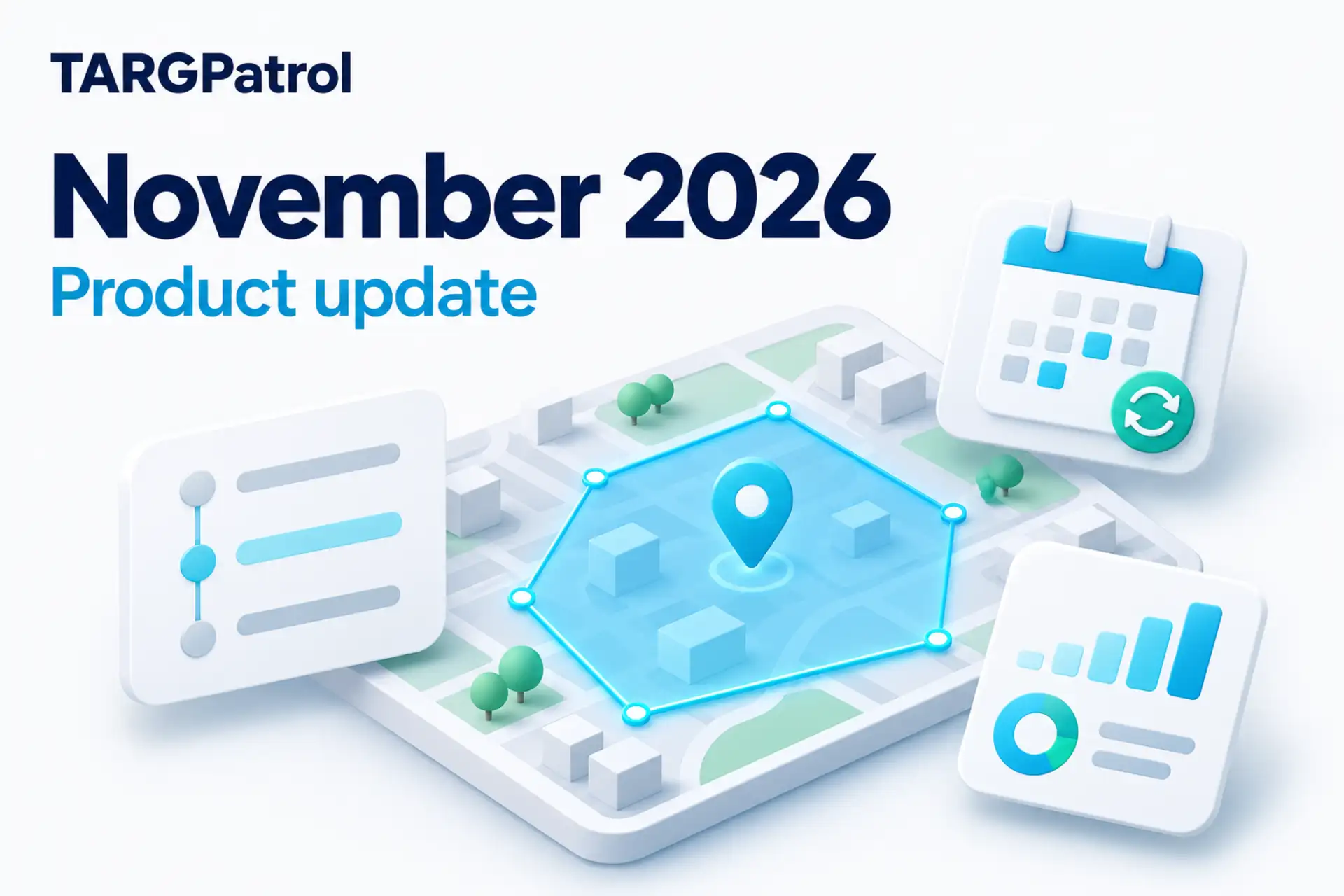
TARGPatrol Update November 2026
Explore TARGPatrol’s November update: Location geofencing, clearer maps, audit logs, smarter scheduling, reliable exports, and targeted Incident alerts.
7 Best SafetyCulture (Mitti) Alternatives in 2026
Compare 7 SafetyCulture (now Mitti) alternatives for inspections and field teams, with pricing, free-plan limits, offline work and practical trade-offs.
TARGPatrol Mobile 1.9.0: Dark Mode, Scheduling, and Better Sync
Explore TARGPatrol Mobile 1.9.0: dark mode, flexible recurring tasks, in-progress Check-in sync, and organization settings you can manage from your phone.