Janitorial Quality Inspection Checklist (Free PDF + Example)
The crew has marked the shift complete. Is the site ready to hand back? Use this janitorial quality inspection checklist to walk the site, record what meets the agreed standard, and assign anything that needs fixing before you sign off.
Download the free janitorial inspection checklist
Download the blank checklist (PDF) · Download the filled example (PDF)
Both are one-page, US Letter PDFs. Print the blank form for your walk-through. It has space for six checks, photo references, two corrective actions and supervisor sign-off. If more than two items fail, use an extra copy and label it with the same inspection ID and the item numbers.
If you’re assigning the shift’s work, use the Janitorial Duties Checklist. That list tells the crew what to clean. The inspection checklist records what the supervisor checked after the work was done.
How to inspect and accept a cleaning shift
Set the scope. Write down the site, work order or shift, areas covered, inspection time and your name or initials. Use the standard agreed for that shift. A lobby excluded from the work order shouldn’t count against the crew.
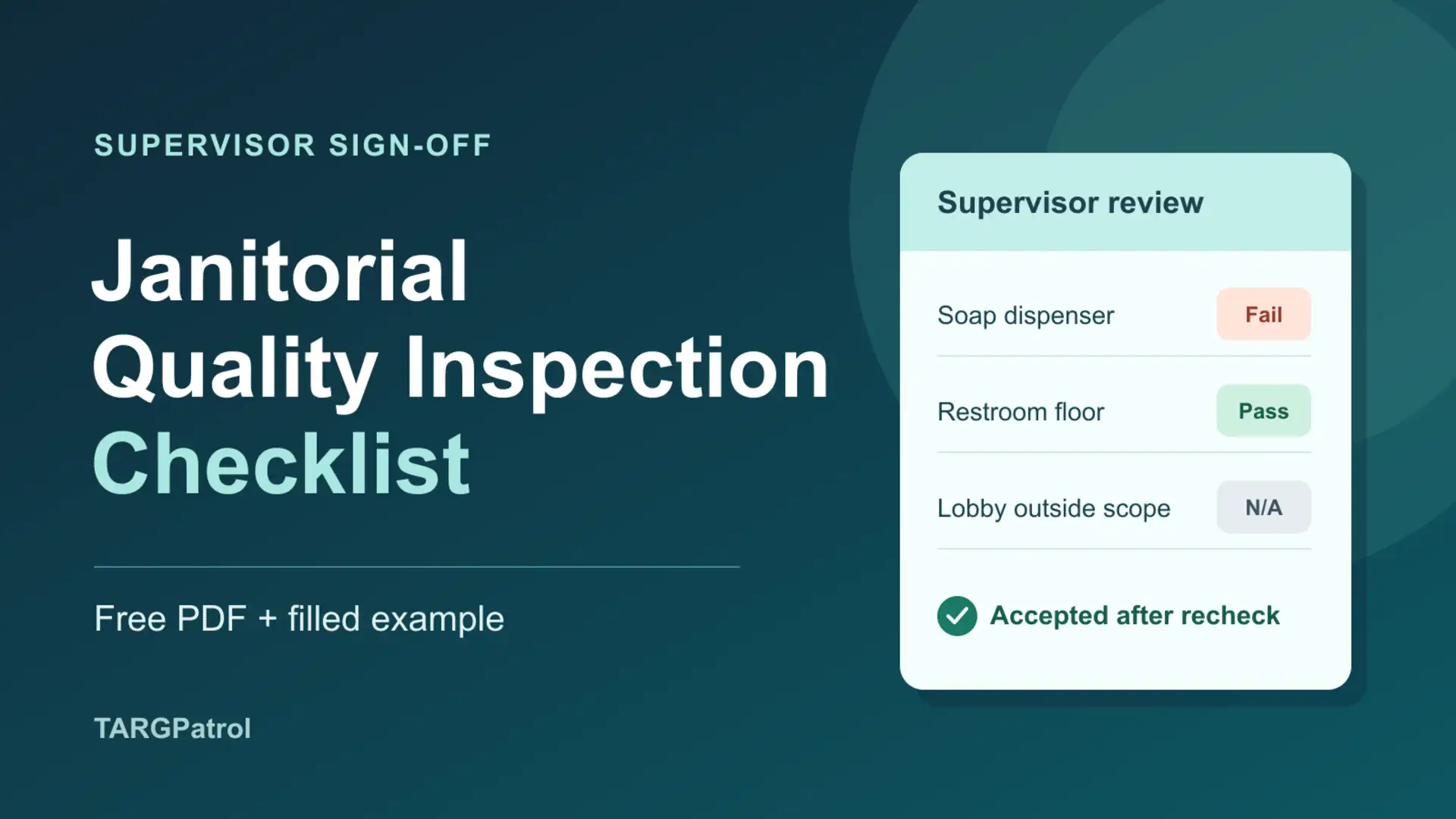
Check the result in person. Test dispensers, look for standing water, and check that bins have fresh liners. Mark Pass if the result meets the standard, Fail if it doesn’t, or N/A if the item doesn’t apply. Give an N/A reason. If you couldn’t access a room that was in scope, note that it still needs inspection instead of marking it Pass or N/A.
Record the fix and who owns it. For a Fail, note the exact spot and what you found. Use the same item number in the corrective action section. Record a photo ID or approved link if you took a photo, then name the person responsible and set a due date and time. “Level 2 west restroom: refill dispenser and test pump” is specific enough for the next shift to act on.
Verify the result before signing. Log who rechecked the item, when, and what they found. Add an after-photo reference or a verification note, such as “soap dispensed on test.” Keep the original Fail on the inspection row. If anything is still unresolved, record Corrections open. Mark Accepted once the work in scope meets the agreed standard.
Filled example: an empty soap dispenser
Inspection QI-017 covers the Level 2 restrooms and service area at a fictional office building. Supervisor LM started the inspection at 7:10 p.m. ET on November 17. The lobby was outside the evening work order, so it was marked N/A.
7:10 p.m. · Fail. The soap dispenser in the Level 2 west restroom was empty. LM marked item 01 Fail and recorded the before-photo reference.
Due by 8:00 p.m. · Correction assigned. AR, the evening cleaner, was asked to refill the dispenser and test the pump.
7:42 p.m. · Recheck passed. LM tested the pump and confirmed it dispensed soap. The recheck was logged separately with an after-photo reference.
7:45 p.m. · Accepted. LM signed off on the work. The first Fail, the assigned correction and the passing recheck all stayed on the form.
The photo filenames in the example are placeholders. For a real inspection, use references that an authorized reviewer can open. Keep the original photos in the approved location, not in a shared handover if they contain sensitive details.