Security Incident Report Template (Free PDF + Filled Example)
Use this form to record a single physical security incident at a site. It captures what the guard saw, what happened next and who needs to follow up. Keep routine patrol rounds in your daily activity log. Use your organization’s separate process for cybersecurity incidents.
Download the free security incident report template
Download the printable PDF · Download the editable Word form (.docx)
Both files contain the same one-page blank form. Print the PDF for a paper report, or open the Word form and type below each field label. The fictional example below shows what to put in the form.
Want a short list to use during a shift? Use the Security Incident Reporting Checklist alongside the report to check that evidence, notifications and follow-up are recorded.
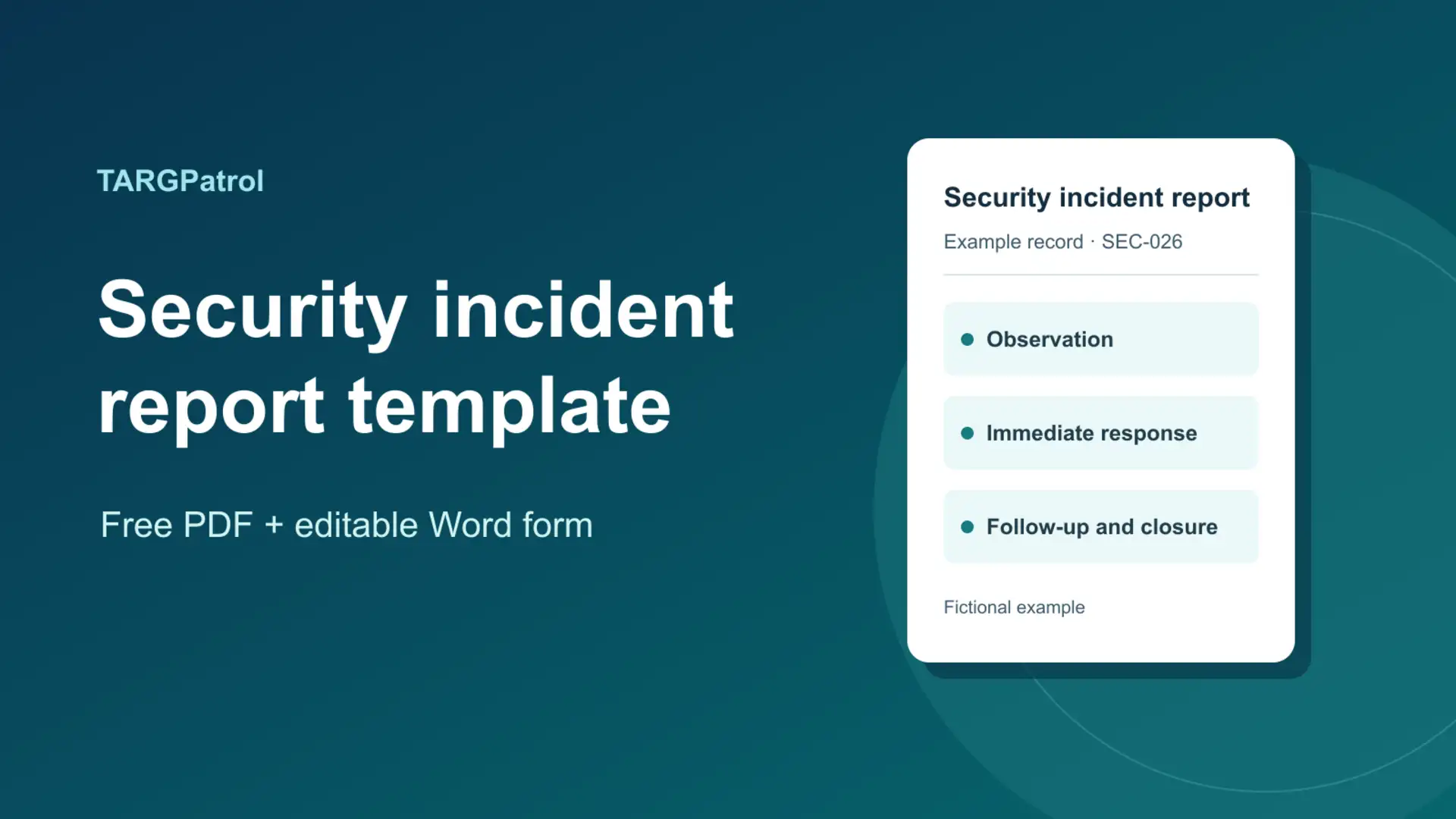
What to include in a security incident report
Report details: Report number, incident type, site and exact area, reporting officer, and shift. Record when the incident occurred or was discovered, when the report was filed, and the time zone.
Observation and evidence: Write what happened in order. Note who was involved, any witnesses, and where an authorized reviewer can find the photos or records. Keep private contact details out of a shared handover.
Immediate response: Record what you did, who you notified and when. Note what remains unresolved at handover.
Follow-up and closure: Record the owner, deadline, corrective action, outcome, and who verified it and when. Add officer and supervisor sign-off if your site requires it.
Filled example: a service door found open
This is a fictional training example. It illustrates the difference between an observation and a conclusion.
Report details. SEC-026 · Door found open · Northpoint Business Center, loading area. Discovered November 12, 2026, at 9:14 p.m. ET. Filed by the evening guard at 9:25 p.m. ET. Incident start time unknown.
Observation and evidence. “At 9:14 p.m. I found the service door standing open. I did not see anyone in the immediate area. I do not know when the door opened or why.” No witness was identified when the guard filed the report. Photo SEC-026-01 was stored with the incident record. It shows the door as found, not why it was open.
Immediate response. The guard notified the shift supervisor at 9:16 p.m. and closed the door at 9:19 p.m. At handover, the report was still open pending a latch check.
Follow-up and closure. Facilities was assigned to check the latch by 10:00 a.m. ET on November 13. At 8:40 a.m., Facilities logged a latch adjustment. At 9:10 a.m., the site supervisor verified that the door closed and latched and signed off. The cause of the original opening remained unconfirmed.
How to write the report during a shift
Follow your site’s notification policy first. Filing a report does not replace an urgent call. Write down the key times and facts as soon as it is safe to do so. Submit the report within the time your organization sets, even if an evidence reference is pending. Add a dated follow-up when it becomes available.
Use observable language. “The door was open when I arrived” is useful. “Someone broke in” is not supported by that observation alone. Attribute witness statements and make it clear what you could independently confirm. Keep original photos and logs in their approved location. Include only the references a reviewer needs, such as a photo ID or the location and time window for authorized footage review.
What the supervisor should check
Check for missing timestamps, unclear ownership or evidence references the next shift cannot locate. Record immediate actions separately from the repair or other corrective work. If the same issue appears in several reports, assign someone to check the pattern before deciding on a preventive measure. Record who verified the result before closing the incident.
How to adapt the form for your site
Use the editable Word form to add site codes, incident categories or the required sign-off. Keep discovery time separate from report time. Using the same fields across sites makes recurring issues easier to spot.
Keep the report and follow-up together
For a shared record across shifts or sites, TARGPatrol Incidents lets staff report an incident from mobile and managers review evidence and follow-up in one place. See Creating and Managing Incidents for the workflow.