Retail Store Audit Checklist (with a Store Walk Example)
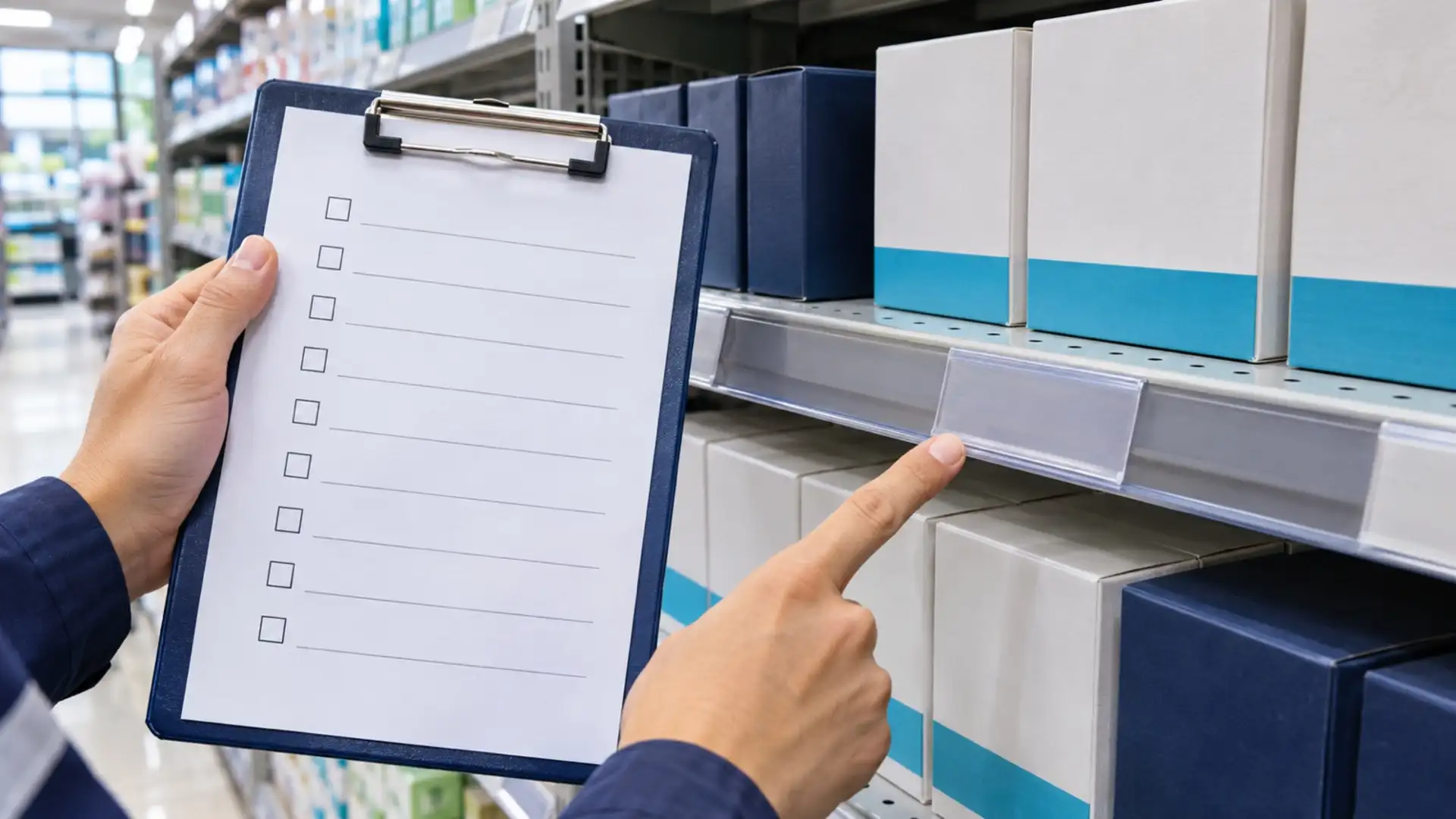
Use this retail store audit checklist to walk one store, compare what you see with the current standards, and leave the store manager a clear list of what needs fixing. The form covers 12 checks, from the entrance to checkout and the sales floor. It also gives you a place to record who owns a correction and what the recheck showed.
Download the free retail store audit checklist
Blank store audit checklist (PDF) · Filled store walk example (PDF)
Both files are one-page US Letter PDFs. No registration is needed. Print one form per visit. If you have more than one corrective action, use extra copies and carry over the same visit ID and item numbers.
Before the visit
Bring the current merchandising brief, the promo dates, and the results of the last visit. Record the store and district, visit date and time, checklist version, and who is walking with you. If you audit several stores, use the same core checks for each comparable store format. Record what doesn't apply instead of quietly dropping it.
Pick the items you'll sample before you begin. This example uses one SKU for label presence and three labeled items for a checkout price check. That's a starting point for a routine visit, not proof that every price in the store is right. Include a priority or promoted item if that is what the visit is meant to check.
What to check on the store walk
Entrance: Make sure the walkway is clear and the dates on the front promotion match the current brief.
Merchandising: Check the feature display against the floor plan. Confirm that promoted products sit under the right signs and expired signs have been removed.
Shelves and pricing: Record priority shelf gaps by SKU and location. Check that the sampled SKU has a matching shelf label. Separately, compare the displayed price with the checkout price on three labeled items.
Checkout: Check that returns aren't piling up on the customer counter. If the format uses a checkout promo stand, compare it with the current brief.
Safety: Look for blocked exit routes, spills, and trip hazards. Report urgent findings immediately through your store's procedure; don't wait until you finish scoring the visit. This form is not a substitute for required safety or regulatory inspections.
A store audit checks how closely a branch meets a standard. It doesn't tell a shift leader what to do at opening or closing, and a shelf-gap sample is not a stock count. If you're looking for a tool to manage recurring shift work, use the daily retail checklist app comparison.
Score the visit
Mark Pass if the item meets the written check and Fail if it doesn't. Use N/A only when the check doesn't apply and record the reason. An uninspected item is not N/A; leave it open and finish the check before reporting a visit score.
Divide passes by the number of applicable checks, then multiply by 100. For 10 passes, one fail, and one N/A, that is 10 ÷ 11 = 90.9%. Keep the original score after fixes are made. When comparing stores, show the denominator and keep critical findings separate. A high score doesn't make a blocked exit less urgent.
Worked example: one missing price label
Fictional visit: Demo Store 014, North District, November 21. The initial audit is 10 Pass, 1 Fail, 1 N/A. The checkout promo stand does not apply to this store format. All three labeled items sampled at checkout matched.
9:20 a.m. — Record the finding. Item 07 fails. There's no shelf label below SKU 41827 in Aisle 4, Bay B. The auditor records the spot and saves a photo reference, NW014-07-before.jpg. Include enough of the shelf in the photo to identify the product and empty label holder.
Assign the fix. The floor lead must verify the checkout price, print the matching shelf label, and attach a new photo by 11:00 a.m. The agreed price in this example is $4.49.
10:42 a.m. — Recheck and close. The district supervisor checks the new label against the product and verifies that the price at checkout is $4.49. The supervisor records the after-photo reference, NW014-07-after.jpg, and closes the action. The original Fail and the 90.9% visit score stay on record.
The filenames in the worksheet show what to record. They aren't actual photos. A new photo alone wouldn't close this example unless it showed the right SKU and the price was also verified.
Run the same audit across stores
In TARGPatrol, you can assign a checklist to a store visit, record answers and photos on mobile, and review the completed work from the web app. Use a separate follow-up task for the correction when you need an owner and due date. The scoring formula above belongs to the printable worksheet; it's not an automatic app score.
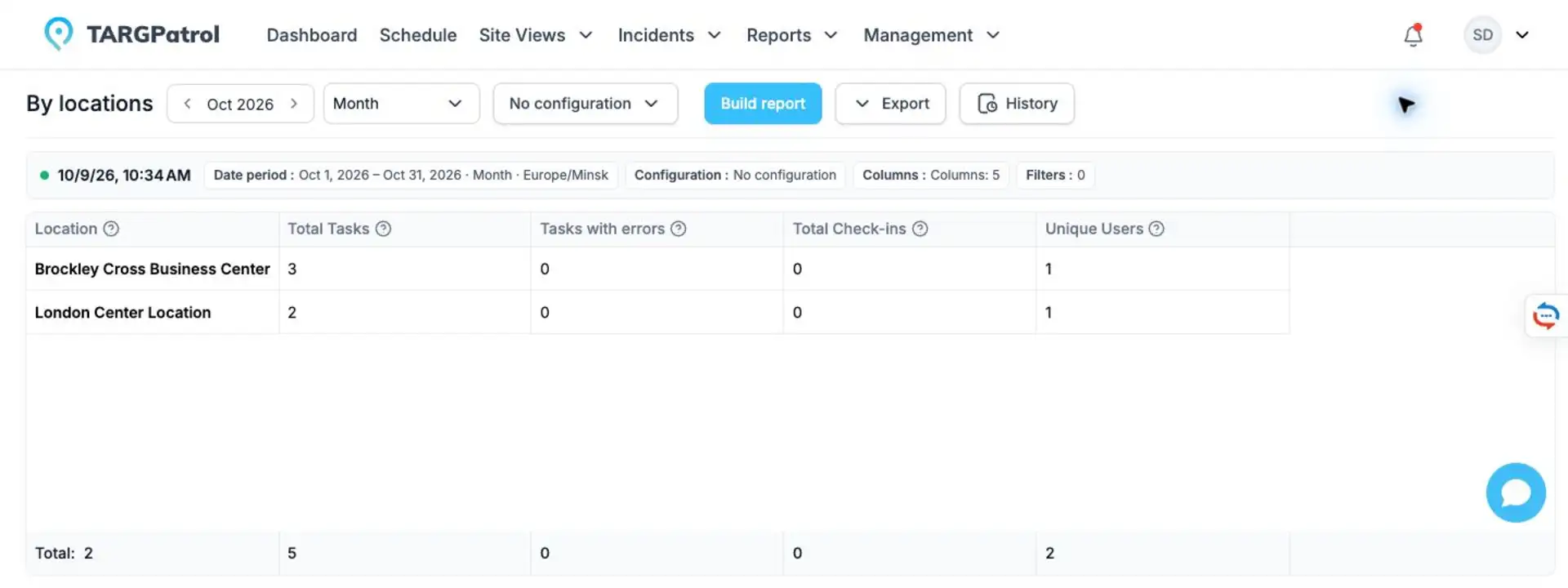
TARGPatrol's By locations report groups task totals by location. This is a product demo with different locations, not the record of the fictional price-label example.
See how TARGPatrol supports retail operations. If you're evaluating vendors rather than planning the visit, start with the retail audit software comparison.