NFC Security Guard Tracking: How NFC Tags Improve Patrols in 2026
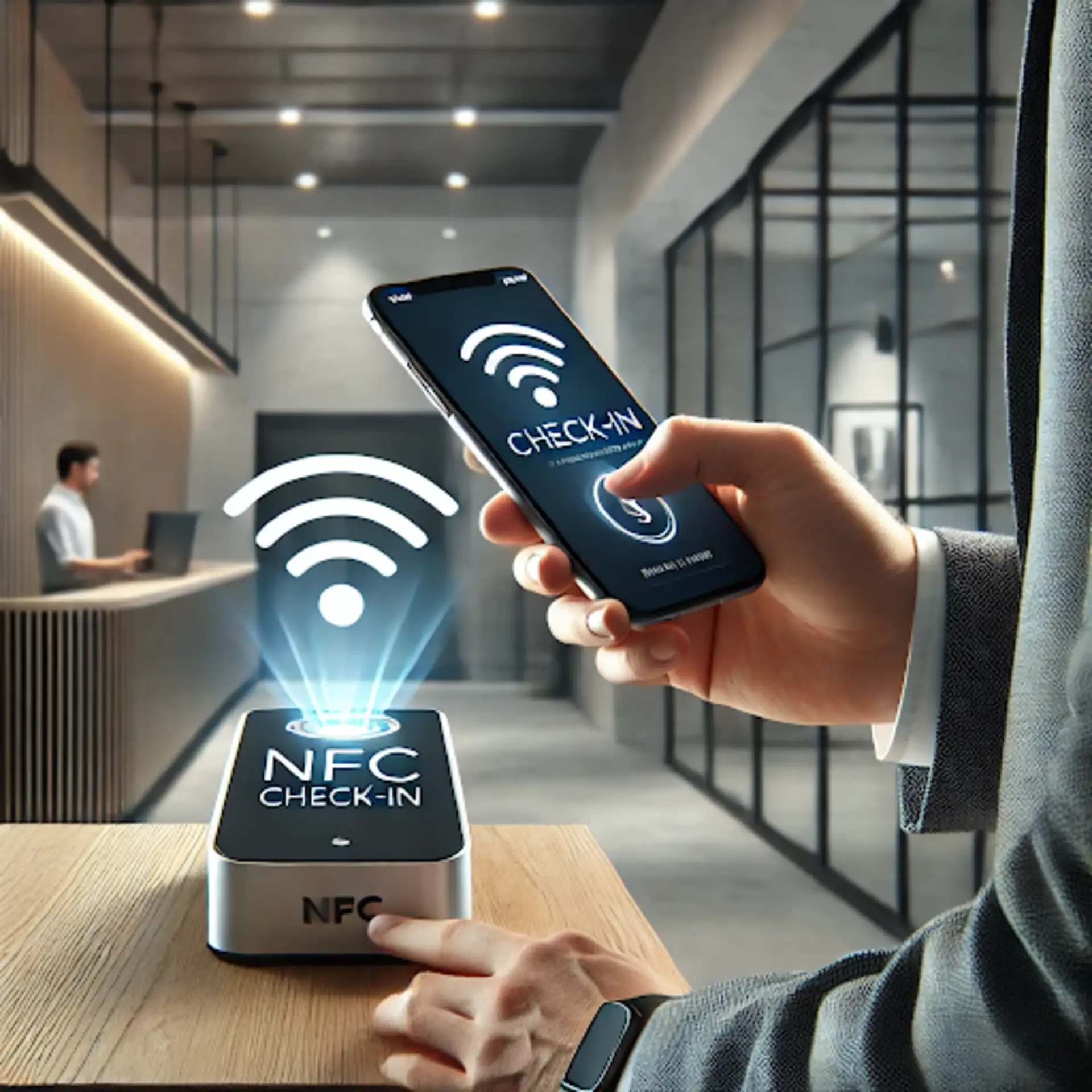
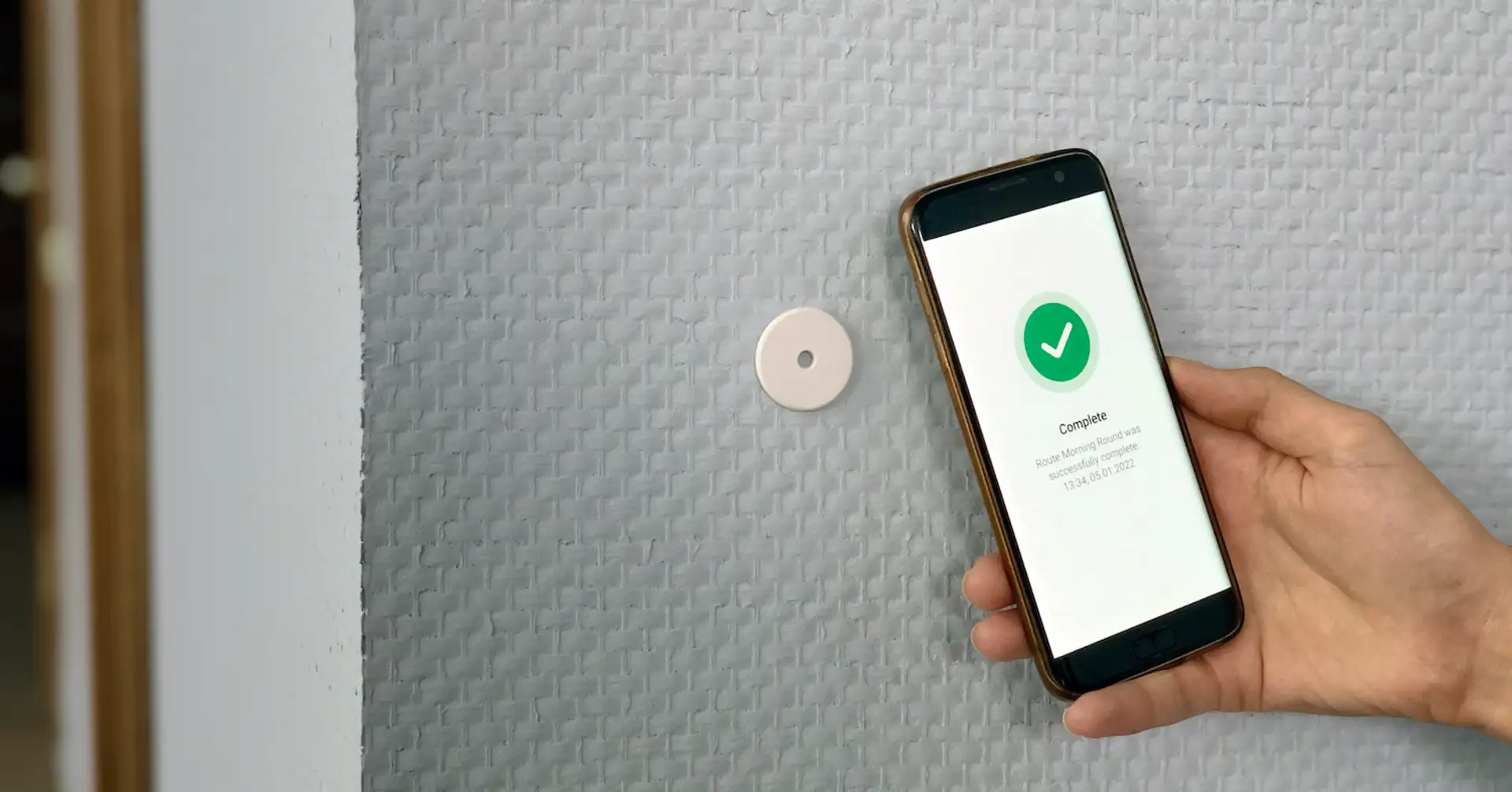
NFC checkpoints give security teams a simple way to confirm that a guard physically reached a specific patrol point. The guard taps a compatible phone against a tag, the mobile app identifies the checkpoint, and the patrol record receives a time and user context. No dedicated handheld reader is required when the phone supports NFC.
This 2026 guide explains how NFC patrol verification works, how to select and place tags, where NFC is stronger than QR or GPS, and how TARGPatrol connects a checkpoint scan to tasks, incidents and reports.
What is an NFC patrol checkpoint?
Near Field Communication is a short-range wireless technology. Passive NFC tags do not require their own battery; they receive enough energy from the reader during a tap to return stored data or an identifier. The short interaction range is useful for checkpoints because it requires the phone to be brought close to the installed tag.
A tag alone does not manage patrols. The operational value comes from the mobile application and cloud workflow that interpret the tag, match it to a location, record the visit and compare the result with the patrol plan.
How NFC patrol verification works in TARGPatrol
Create the location and the physical or virtual points that belong to it.
Register the NFC tag identifier manually or scan the tag with the TARGPatrol mobile app.
Add the NFC Point to a task, checklist, inspection or patrol route.
Schedule or assign the work to the responsible guard.
The guard taps the installed tag when reaching the checkpoint.
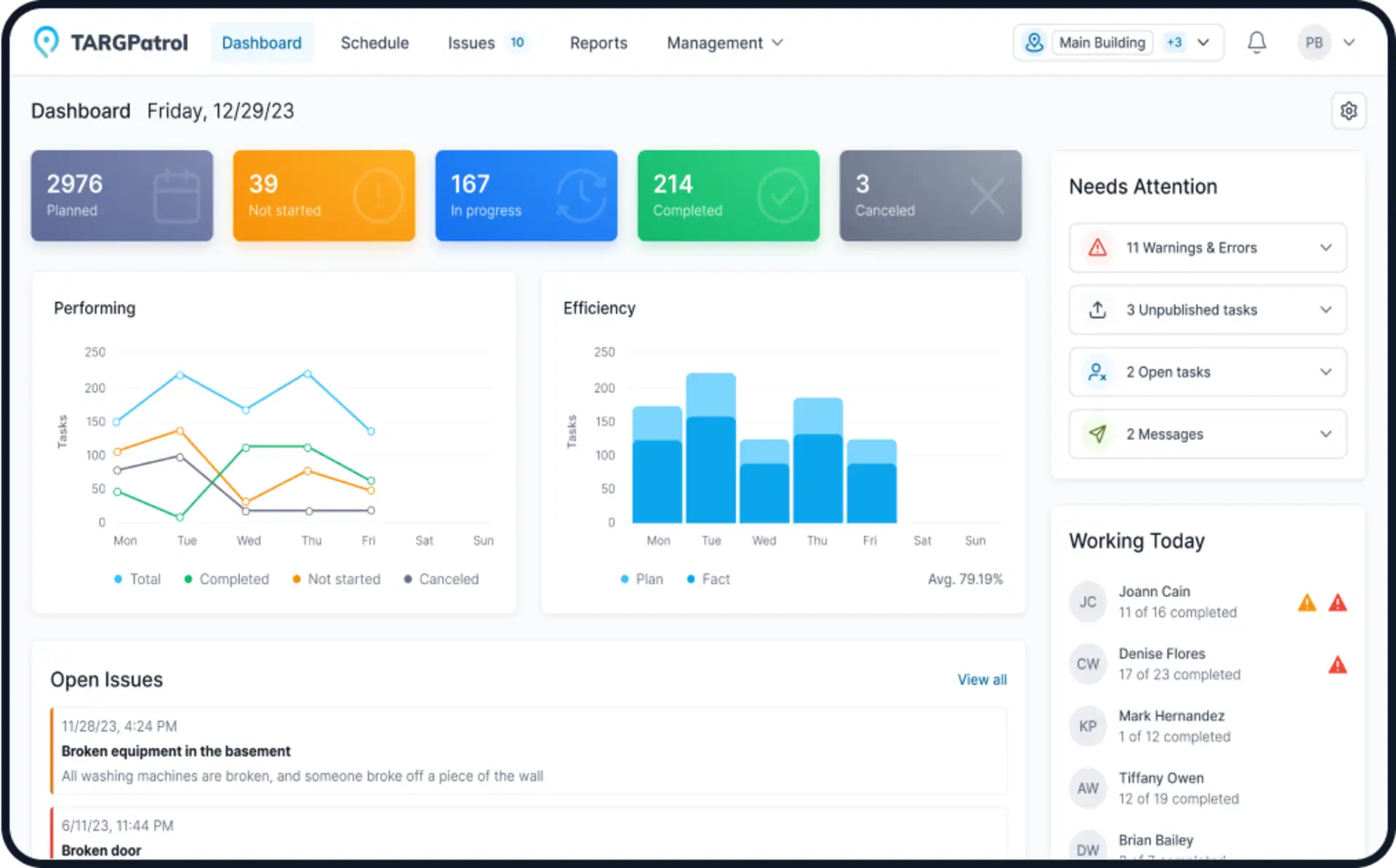
TARGPatrol records the result and makes it available to authorized managers in reports and operational views.
The detailed setup process is available in Quick start with NFC for Security and the general Points guide.
NFC vs QR, GPS and virtual checkpoints
Point type | Best use | Main advantage | Main limitation |
|---|---|---|---|
NFC | Indoor and fixed physical checkpoints | Requires a close tap and does not need camera focus | Requires an NFC-compatible phone and correctly selected tag |
QR code | Fast, low-cost deployments | Easy to print, replace and scan with most phones | A visible code can be photographed or copied |
GPS Point | Outdoor or open-area locations | No physical tag is required | Accuracy can vary indoors; location validation is not the same as continuous tracking |
Virtual point | Steps that do not need physical verification | No hardware or location permission required | Does not prove presence at a physical checkpoint |
Many organizations use a combination: NFC for doors, plant rooms and indoor checkpoints; GPS Points for gates or outdoor zones; and QR codes where the lowest deployment cost matters most.
Why security teams use NFC checkpoints
Clear physical action: the guard must bring the phone close to the installed tag.
Fast mobile workflow: a tap is practical in low light and does not require framing a camera image.
Low-maintenance hardware: passive tags have no battery to charge or replace.
Consistent audit trail: the platform can connect each scan with the assigned user, task and time.
Flexible deployment: tags are available as stickers, cards, tokens and rugged or on-metal formats.
How NFC differs from GPS tracking
An NFC scan confirms a deliberate interaction with a physical checkpoint. A GPS Point uses device location to allow completion only within a configured radius. Optional GPS tracking records coordinates periodically for selected users while the TARGPatrol mobile app is open and in use.
These are complementary controls. NFC is useful for precise indoor checkpoints; GPS provides outdoor location context and route history. Neither should be presented as more extensive monitoring than the configuration actually enables.
Choosing the right NFC tag for a patrol site
1. Match the tag to the mounting surface
Standard adhesive inlays can perform poorly when placed directly on metal. Use an on-metal tag for steel doors, gates, machinery or electrical cabinets. Test the exact tag and phone combination before purchasing a large batch.
2. Choose an enclosure for the environment
Indoor stickers may be sufficient for dry, controlled spaces. Outdoor, industrial or cleaning-intensive locations usually need sealed, rugged tags that tolerate moisture, temperature changes, impact and cleaning chemicals.
3. Prefer a convenient tap area
A larger antenna or clearly marked enclosure can make scanning easier, but actual performance depends on the tag, phone, surface and installation. A pilot is more reliable than choosing by advertised range alone.
4. Keep identifiers and installation records
Record the tag identifier, site, checkpoint name, installation date and replacement history. This prevents confusion when a tag is moved or damaged and makes maintenance auditable.
Placement guidelines
Install the tag at a reachable height without creating a safety hazard.
Avoid hidden areas that require guards to enter unsafe spaces merely to scan.
Use on-metal tags or spacers on metallic surfaces.
Make the checkpoint name clear in the mobile task and on the site plan.
Do not place tags where the public can easily remove or tamper with them.
Test every checkpoint with the phone models used by the actual team.
Document a fallback process for a damaged tag or unavailable NFC reader.
Security limitations to understand
NFC is a presence-verification aid, not an unbreakable security control. Some tag technologies can be copied, tags can be physically moved, and a legitimate scan does not prove every patrol instruction was completed. Strong deployments combine checkpoint scans with task order, photos, checklist answers, supervisor review and incident reporting.
For higher-risk sites, use tamper-evident mounting, inspect tags periodically, restrict who can edit Point identifiers and review unusual scan patterns. Avoid writing confidential information directly to a tag; store operational detail in the authenticated platform instead.
NFC patrols with incidents and evidence
A checkpoint becomes more valuable when it opens the correct work context. In TARGPatrol, a guard can complete the assigned task, answer checklist questions and register an Incident separately or while performing the task. Photos, comments and other supported evidence help managers understand what happened and what action is required.
This creates a visible flow from checkpoint visit to corrective action instead of leaving NFC scans as an isolated list of timestamps.
A practical rollout plan
Map the patrol route and identify checkpoints that require physical verification.
Choose NFC, QR, GPS or virtual Points according to the environment.
Buy a small set of tags and test them on the actual surfaces and phones.
Register each tag and build one complete patrol in TARGPatrol.
Run the pilot during normal and low-connectivity conditions.
Train guards on tap position, failed scans and incident escalation.
Review reports for missed, duplicated or unusually fast checkpoint activity.
Expand gradually and keep a replacement-tag register.
Real-world example
Sobek Security Solutions used NFC/RFID checkpoints with mobile patrol routes, GPS context, checklists, incidents and reporting. Read the Sobek Security Solutions story to see how physical checkpoints fit into a broader digital patrol workflow.
Frequently asked questions
Do NFC patrol tags need batteries?
Passive NFC tags normally do not. They are powered briefly by the reader during the tap.
Can an NFC checkpoint work without internet access?
The mobile workflow should be tested for your application and device configuration. TARGPatrol can preserve supported mobile work for synchronization when connectivity returns, but teams should validate the exact offline steps during a pilot.
Is NFC better than QR codes?
NFC requires a close tap and can be more convenient in low light. QR codes are cheaper and work with a wider range of phones. The better choice depends on risk, environment, device compatibility and replacement cost.
Does scanning NFC continuously track the guard?
No. An NFC scan records a checkpoint interaction. Optional GPS tracking is a separate setting and records location only according to its configured mobile behavior.
Conclusion
NFC works best as one layer in a complete patrol process: schedule the route, verify physical checkpoints, capture evidence, report incidents and review the result. TARGPatrol for security services combines those steps in one mobile and web workflow. A free plan supports up to 10 users, and the full platform can be evaluated during the trial.