RFID Guard Tour Systems and NFC Patrol Checkpoints
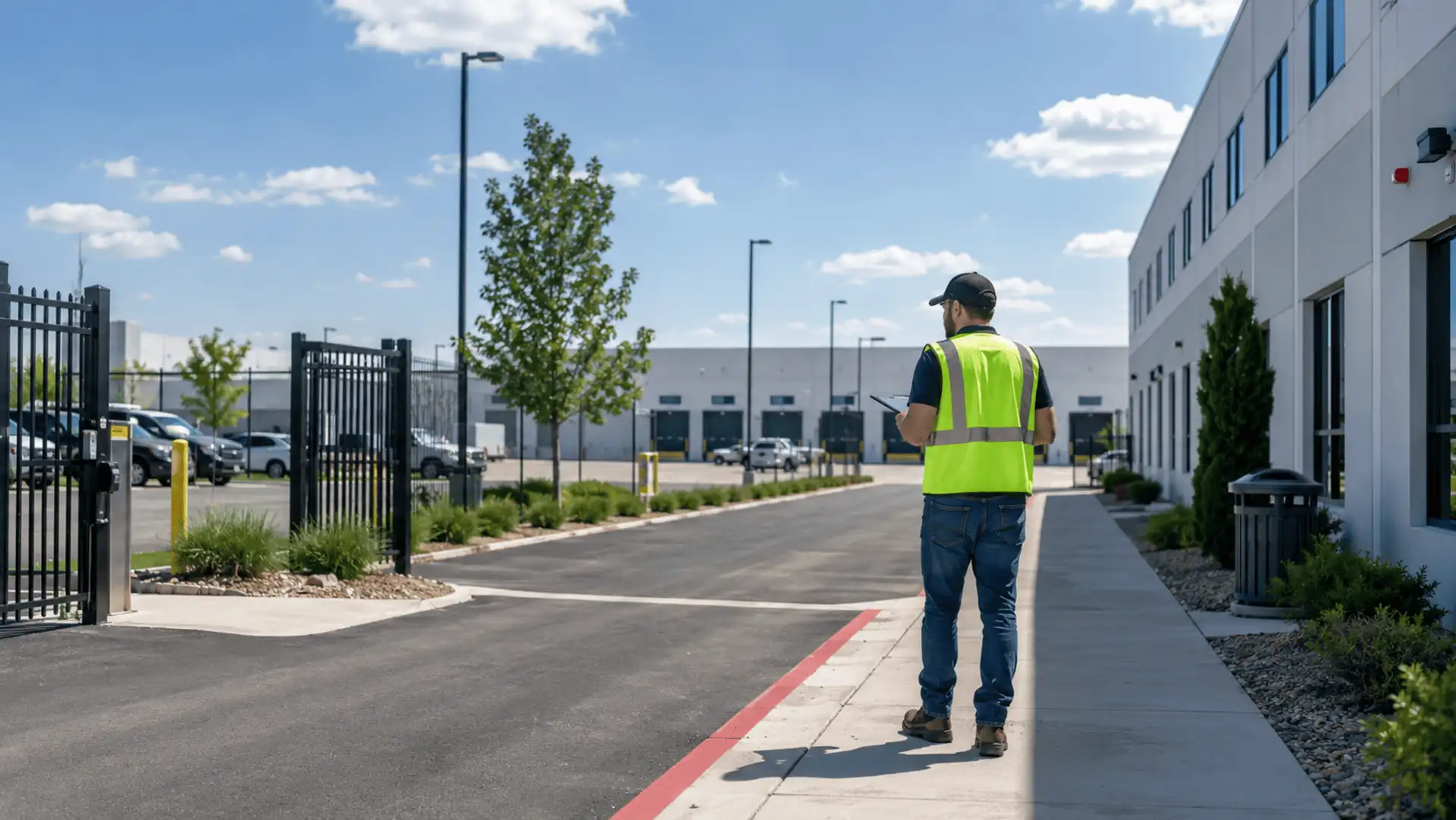
An RFID guard tour system records visits to checkpoints placed around a site. The guard reads each tag, and the system associates that checkpoint with a time and a user or assigned device. The useful question is not simply whether a tag was read, but whether the patrol and its required checks were completed.
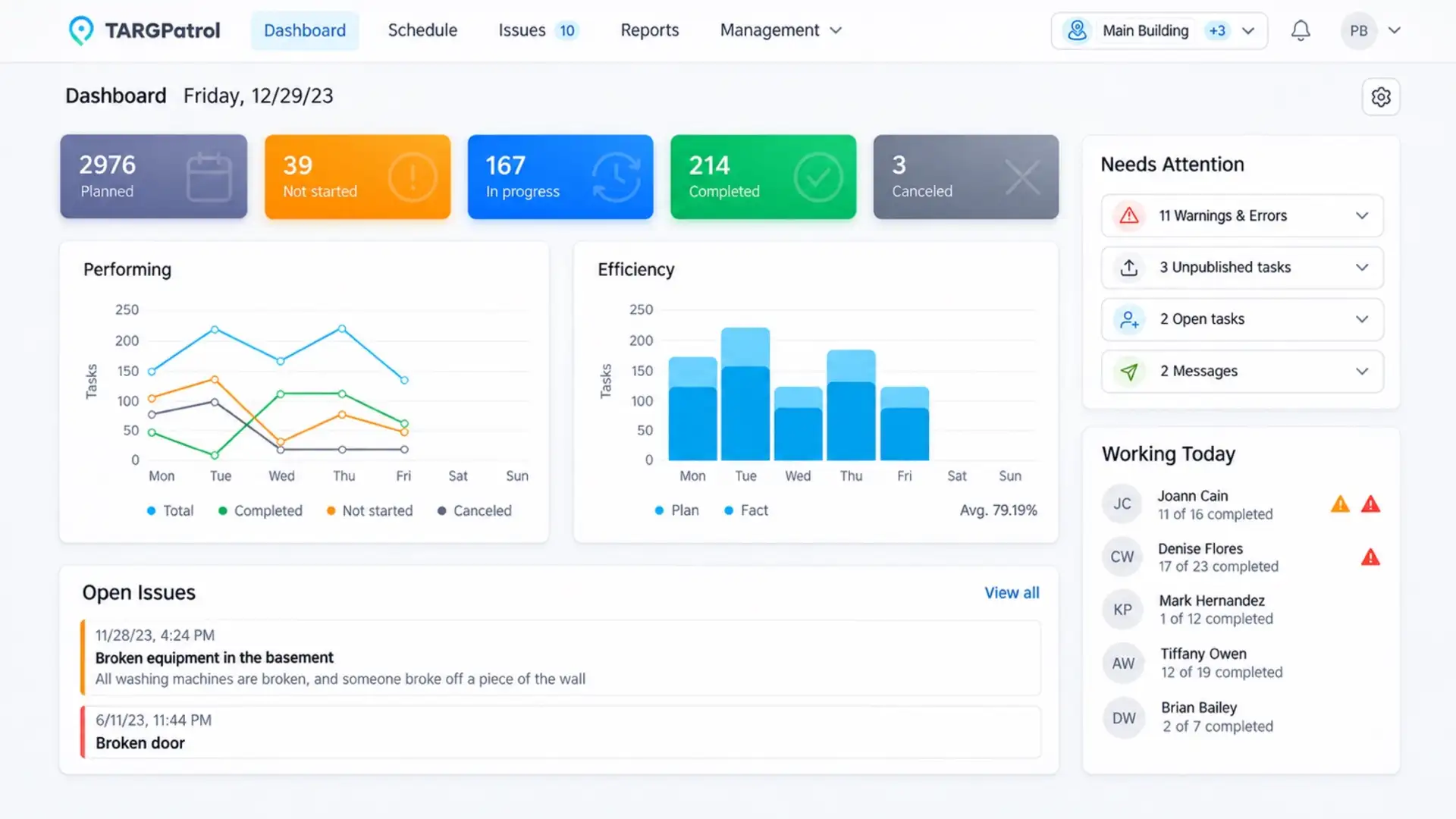
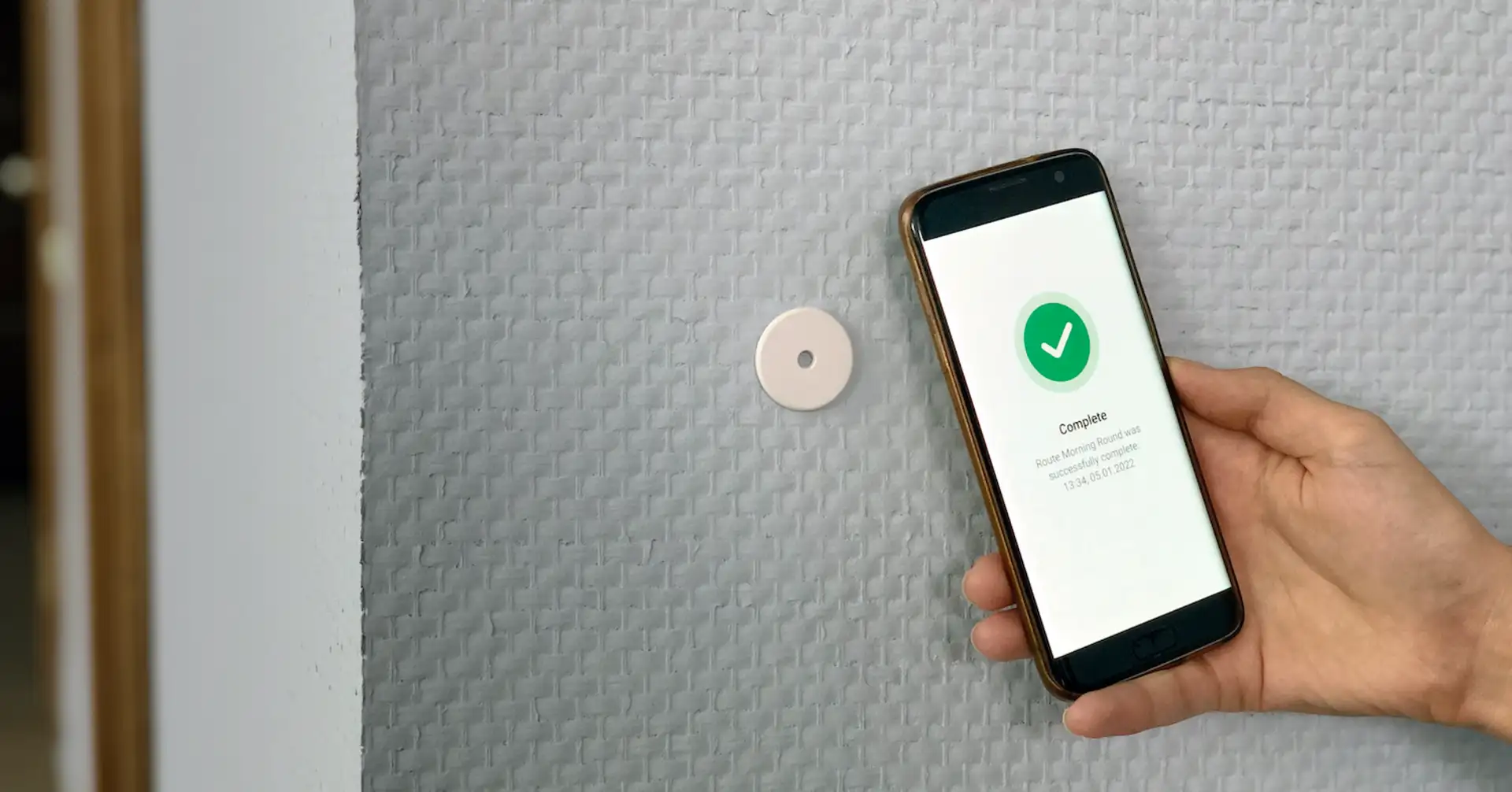
For TARGPatrol, the phone-based option uses compatible NFC tags. Guards tap a checkpoint with the mobile app, complete the assigned steps, and record any findings. Managers can then review synchronized work across locations without collecting a separate patrol reader after each shift.
Reviewed November 10, 2026. This guide covers checkpoint hardware and the patrol workflow, not long-range inventory tracking or door access control.
RFID patrol systems and NFC phones
RFID is a family of radio technologies, not a single interchangeable tag format. NFC is a short-range form of HF RFID operating at 13.56 MHz. STMicroelectronics explains the relationship between NFC and RFID.
Some guard tour systems use dedicated handheld readers. Others use NFC-capable phones. A tag installed for an older patrol reader, an access card, and an NFC sticker may look similar but use different standards. Do not assume that an existing RFID patrol tag will work with a phone or with TARGPatrol.
Approach | How checkpoints are read | What to verify |
|---|---|---|
Dedicated RFID patrol reader | A handheld device reads compatible tags | Tag standard, upload method, device-to-guard assignment and reporting integration |
NFC guard tour app | A compatible phone reads an NFC tag at close range | Phone and tag compatibility, app workflow, mounting surface and synchronization |
Long-range RFID installation | Specialized readers detect compatible tags over a wider area | Hardware and integration requirements; this is not TARGPatrol's smartphone NFC check-in workflow |
The NFC option suits fixed checkpoints such as doors, plant rooms and loading areas. It avoids camera framing in poor light and can use passive tags with no battery. Weather resistance and durability depend on the tag enclosure and installation, not on the letters RFID alone.
What a useful patrol record contains
A timestamp by itself leaves questions unanswered. For a scheduled patrol, managers need to connect the checkpoint visit to the assigned work and see what the guard found.
The location, checkpoint and responsible user.
The scheduled task and its execution status, when work was planned in advance.
Required checklist answers, notes and photos.
Any Incident that needs investigation or corrective action.
Whether the device has synchronized its work and uploaded the associated media.
A scan records an interaction with a tag. It does not prove that a door was locked, a fire exit was clear or every instruction was followed. Those observations belong in the task's actions and evidence.
How the TARGPatrol workflow works
Create a Location and add an NFC Point for each physical checkpoint.
Assign the tag identifier to its Point, either by scanning in the mobile app or by entering the identifier in Point settings.
Create a Scheduled Task with the required Points as steps, attach the appropriate actions or checklists, and assign the work.
At the checkpoint, the guard uses the mobile app to read the tag and completes the required actions.
If a problem needs follow-up, the guard can create an Incident, including from the task when permissions allow.
After synchronization, the manager reviews task results, evidence and unresolved Incidents.
The NFC quick-start guide explains setup. For installation choices and limitations, use our NFC security patrol guide.
Not every visit needs a schedule. On-Demand Check-ins let authorized users scan an enabled Point and complete its configured actions without a pre-assigned task. Choose Scheduled Tasks when you need to compare actual work with a plan; choose on-demand visits for additional checks and flexible rounds.
Example of a checkpoint finding
Consider an illustrative evening patrol at a distribution center. At the loading-bay checkpoint, a guard taps the installed NFC tag and answers a door-security checklist. One door does not latch. The guard records the failed check, adds a photo and creates an Incident for follow-up.
The manager now has more than a record of a visit: the task explains what was checked, and the Incident tracks the unresolved problem. The scan alone would not provide that information. See how TARGPatrol handles operational Incidents.
Questions to ask before replacing patrol hardware
Will the existing tags work?
Test the actual tag, phone model and installed app together. NFC-capable does not mean compatible with every RFID tag. The standard TARGPatrol workflow matches the tag identifier to a Point; do not assume it authenticates encrypted tag contents. If tags are mounted on metal, test an on-metal design in its intended position. Our NFC tag selection guide covers the main purchasing considerations.
What happens without a connection?
Prepare the device and required work online before the shift. Supported task work can be stored locally and synchronized after connectivity returns, but a manager cannot see unsynchronized work on the server. Include a low-connectivity test in the pilot and check both task synchronization and media uploads after reconnecting.
Can managers receive alerts and export reports?
TARGPatrol includes reports for reviewing work on Free. Notifications, PDF/Excel report exports and bulk attachment exports require a paid plan. Configure the required rules and recipients rather than assuming every missing checkpoint scan triggers an alert. Free supports up to 10 users, with media automatically deleted after seven days from upload. Check plans and feature limits before agreeing a client reporting or evidence-retention process.
How is misuse handled?
Tags can be moved, and some tag technologies can be copied. Protect the mounting, restrict who can change Point identifiers and investigate unusual results. Combine scans with relevant checklist responses, photos and supervisor review. NFC is not a guarantee against fraud and does not continuously track a person's location.
Test one route before a full rollout
Start with one representative route and the phones your guards already use. Check indoor and outdoor mounting, low light, damaged-tag handling, synchronization and the supervisor's report. Include the guards and the person who reviews the results: both sides need to find the process usable.
If NFC does not fit every checkpoint, combine it with other Point types. Our QR, NFC and GPS comparison explains where each method fits. To compare platforms rather than tag technologies, read the guard patrol software comparison.
For a pilot, start with TARGPatrol for security teams and build a short route with clear checks. Review the results before buying tags for the whole site.