Music Concert Planning Checklist
The Music Concert Planning Checklist is designed to guide organizers through every key stage of a live show — from the first booking confirmation to the final teardown. It replaces scattered notes and verbal agreements with one structured list that keeps venue staff, technical crew, security, and the artist’s team aligned on the same plan.
The checklist covers all critical blocks of a concert: venue and stage setup, sound and lighting equipment, artist hospitality and backstage, ticketing and entry, crowd control and safety, merch stand preparation, show flow, and post-event cleanup. Each section focuses on what must be physically checked on-site, not on theory or paperwork, so teams can move quickly and confidently on the day of the event.
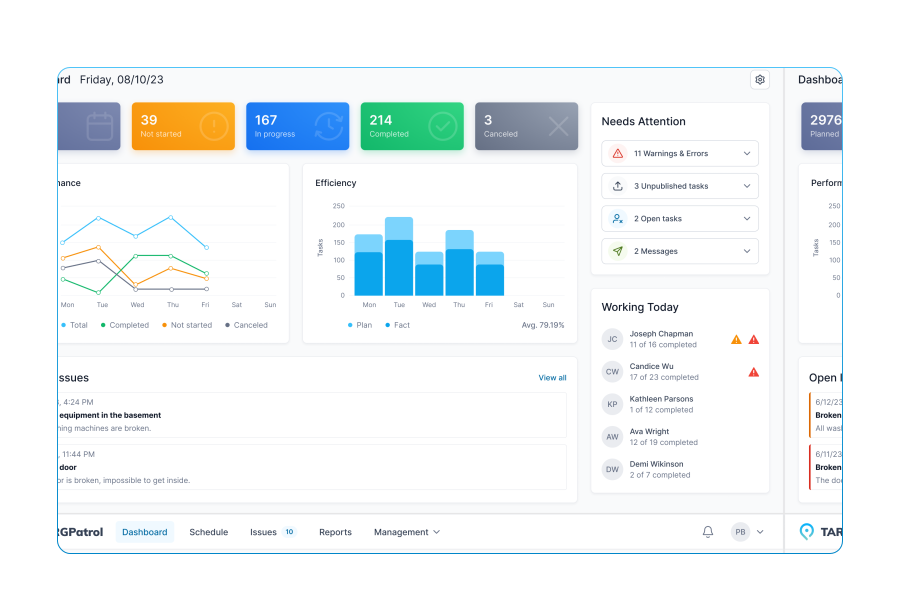
Tasks use mixed answer types so the checklist works both in the field and in reports: [Flag] for simple “done/not done” checks, [Number] for gear counts and audience/staff figures, [Text] for incidents, changes, and notes to future teams, and [Media] for photos of stage setup, crowd, entrances, and final condition of the venue. This makes the checklist ideal for running in TARGPatrol on mobile with time stamps and photo proof.
You can use this template as a free printable PDF for pre-event planning meetings or as a live digital checklist during the show. Over time, completed checklists form a base of real operational data: what worked, what failed, where bottlenecks appeared, and how safety and guest experience can be improved for the next concert.
Event name, date, and venue confirmed
Artist/band contract signed, rider received
Expected audience size confirmed
Event schedule drafted (soundcheck, doors, show, teardown)
Upload event brief
Venue booking verified, access hours confirmed
Stage dimensions checked, layout approved
Green room/backstage allocated and cleaned
Audience flow defined (entry/exit, VIP lane)
Upload venue layout / stage map
Sound system requirement list confirmed
Speakers, subs, and monitors checked
Mixing console and channels tested
Backup audio source available
Report any missing gear or patching issues
Microphones counted and tested (units)
Instrument DI boxes and cables checked
Stands, clamps, and adapters prepared
Stage power distribution inspected
Upload photo of stage tech setup
Lighting rig planned (wash, spots, effects)
Dimmer/DMX controllers tested
Lighting cues programmed (if applicable)
Fog/haze machines operational
Note any lighting restrictions or issues
Artist hospitality rider fulfilled
Snacks, water, and towels stocked
Dressing room lighting, mirrors, and seating checked
Security access to backstage assigned
Upload photo of prepared green room
Ticketing setup completed
Ticket scanners/QR readers tested
Guest list / VIP passes printed
Crowd control barriers placed at entry
Expected number of staff at entrance
Security staffing plan approved
Bag check and metal detector stations ready
Emergency exits clear and marked
Radio communication tested
Note any risks identified during walkthrough
Merch booth location prepared
Inventory counted (items)
Cash box/POS terminal tested
Display lighting working
Upload booth setup photo
Restrooms checked and stocked
Cleaning staff scheduled
Trash bins placed and lined
Soundcheck completed on time
Monitor levels set per artist request
Stage cleared for doors opening
House music playlist prepared
Note any last-minute changes from artist
Doors opened on schedule
Entry flow stable, no bottlenecks
Front-of-house and backstage communication active
Noise levels at FOH within allowed limits
During event: crowd monitored for safety
Stage barrier staffed
Beverage/food points operating smoothly
Any incidents recorded
After show: meet & greet (if planned) executed
Artist escorted to transport
Audience exit flow managed safely
Lost & found items documented
Teardown: sound and lighting gear counted
Cables coiled and stored properly
Stage cleared, rental gear separated
Venue swept and cleaned
Upload final stage teardown photo
Merch inventory recounted after event
Cash-out/POS report completed
Staff debrief scheduled or completed
Key lessons noted for future events



















Mobile Work Order Management Software for Business Maintenance