Banquet Event Checklist
The Banquet Event Planning Checklist keeps everyone on the same page from first client brief to final teardown. It walks the coordinator through all key blocks of a banquet: client and event details, venue setup, menu and bar, AV and entertainment, staffing, guest flow, safety, and post-event wrap-up. Instead of relying on memory or scattered notes, the team works from one structured list that makes sure nothing gets missed on a busy event day.
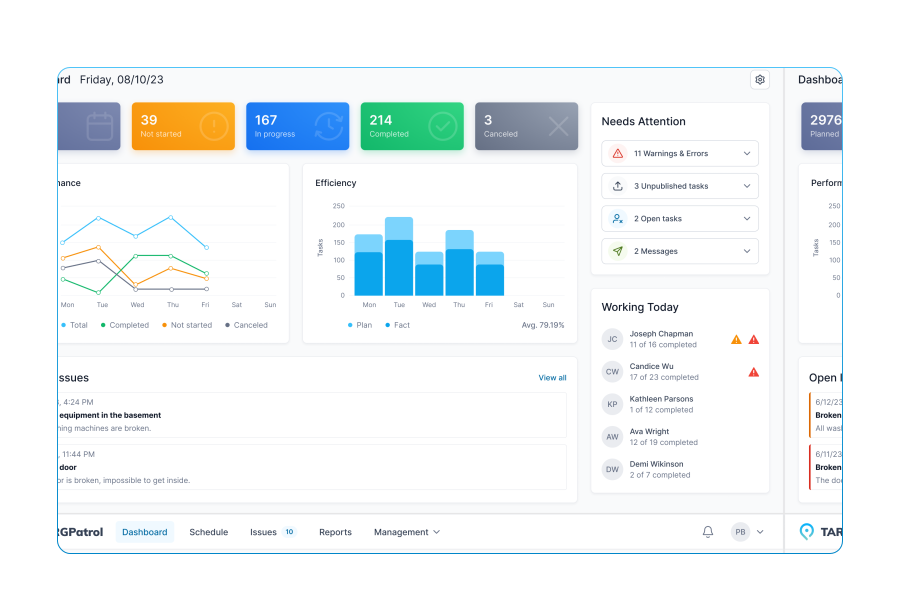
Each item is designed for quick verification on site: simple [Flag] checks for readiness, [Number] fields for counts (guests, staff, bottles, equipment), [Text] notes for special requests or issues, and [Media] uploads for photo proof of layouts, setups, and cleanliness. In TARGPatrol, this same checklist can be run on mobile by the event manager or supervisor, with time stamps and photos attached to every critical step.
Use this template before, during, and after the banquet: first to prepare the room and team, then to control service quality while guests are present, and finally to close the event and document results. Over time, the collected data and photos help you standardize your banquet operations, train new staff faster, and show clients a professional, transparent approach to event management.
Client name, event name, and date confirmed
Event type defined (wedding/corporate/private/other)
Guest count finalized
Event schedule approved (start, dinner, program, end)
Special requests/allergies documented
Upload client-approved event brief or contract
Venue booking confirmed (room, time, access)
Room capacity matches guest count + staff needs
Floor plan approved (tables, stage, buffet, bar)
Entrance, registration/reception desk location defined
Coat check / wardrobe arranged (if applicable)
Tables and chairs set per plan (count checked)
Tablecloths and skirting installed, no stains/tears
Centerpieces placed according to scheme
Reserved/VIP tables labeled correctly
Place cards or seating chart displayed
Note any missing/extra furniture vs. plan
Menu approved and shared with kitchen
Dietary options prepared (vegan, gluten-free, etc.)
Service style confirmed (plated / buffet / family style)
Final dish count per course confirmed with chef
Kids’ or special menu items prepared (if needed)
Upload photo of buffet/table setup before service
Bar package confirmed (open/cash/limited)
Wine/beer/spirits stock checked (bottles)
Glassware prepared (wine, water, cocktail, beer)
Ice quantity verified (bags/containers)
Note any alcohol or license restrictions
AV requirements confirmed (mic, speakers, screen)
Sound check completed with microphone(s)
Projector/LED screen tested with content
Lighting scenes set (dining, speeches, dancing)
Power outlets and extension cords secured
Upload photo of stage/AV area setup
Entertainment booked (DJ/band/MC)
Program timeline aligned with entertainment
Speeches/toasts order confirmed
Backup audio source available (laptop/playlist)
Staffing plan finalized (servers, bartenders, runners)
Number of waitstaff assigned
Event manager on duty named
Pre-shift briefing completed (timeline, menu, VIPs)
Dress code checked (uniforms, name tags)
Guest arrival route clear and signed
Registration/check-in station ready (lists, badges)
Welcome drink/canapé setup prepared
Signage placed (restrooms, exits, smoking area)
Accessibility needs addressed (ramps, seating)
Restrooms checked and stocked before event
Hand soap, paper, and towels available (units low)
High-touch surfaces wiped (door handles, faucets)
Trash bins emptied and with liners
Upload quick photo of restroom condition
Emergency exits visible and unobstructed
Fire extinguishers accessible, gauges checked (units)
First-aid kit on site and stocked
Incident log prepared (book/form in place)
Note any identified risks (slippery floors, cables, etc.)
Guest seating opened on time
Meals served according to schedule
VIP tables monitored for service issues
Any guest complaints recorded
Post-event: leftover food handled per policy
Rental equipment counted and checked (items)
Decor and props packed and labeled
Lost & found items documented
Room cleared and returned to base condition
Upload “after” photo of empty/clean venue
Feedback requested from client within 24–48 hours
Short summary of client reaction (verbal/email)
Staff debrief completed (what worked/what to improve)
Key lessons or issues to note for future events




















Mobile Work Order Management Software for Business Maintenance