Award Ceremony Checklist
The Award Ceremony Planning Checklist is a structured tool that helps event teams prepare, run, and close an award ceremony without missing critical steps. Instead of relying on memory or scattered spreadsheets, the checklist turns the entire ceremony workflow into a clear sequence: venue setup, stage design, presenter readiness, trophy preparation, guest registration, media areas, and final teardown.
Each item is designed for quick verification in the field. Simple status checks, number fields, notes, and photo uploads let you confirm that seating is arranged correctly, scripts are distributed, lighting cues work, trophies are ready, and VIP areas are set. This makes the checklist practical not just for the preparation phase but also during rehearsals and live operations.
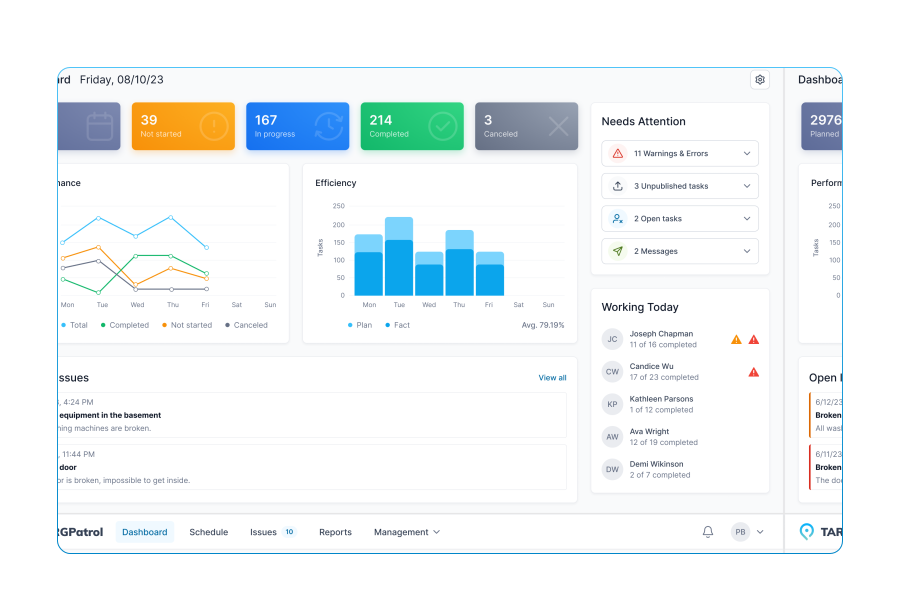
When used in an event management checklist app, the process becomes even more convenient. Staff can check off tasks from their phones, attach photos of stage setup or award tables, flag issues instantly, and see real-time progress across teams. Time stamps and photo proof help maintain consistency and provide a reliable record for supervisors.
By following the Award Ceremony Planning Checklist, organizers reduce errors, speed up coordination, and gain full transparency over the ceremony’s readiness. The result is a smoother run-of-show, fewer last-minute surprises, and a more polished experience for nominees, presenters, and guests.
Event name, date, and venue confirmed
Award categories finalized
Guest list count confirmed
Run-of-show drafted (rehearsal, doors, ceremony, after-event)
Upload event brief or final program
Venue booking verified, access hours confirmed
Seating layout approved (VIP, nominees, general audience)
Stage design planned (podium, backdrop, screens)
Red carpet area arranged (if applicable)
Upload venue/stage layout file or photo
Trophies/awards ordered and checked
Engraving details verified
Award quantity confirmed (units)
Trophy table set up and secured
Upload photo of award display setup
Sound system tested (mics, podium mic, backup)
Lighting cues programmed (highlights, spotlight for winners)
Projector/LED screen checked for visuals
Walk-on/walk-off music cues prepared
Note any AV restrictions or issues
Hosts/MCs confirmed
Presenter list finalized
Scripts printed and distributed
Rehearsal completed with MC/presenters
Upload photo of rehearsal/setup
Nominee list verified and approved
Nominee seating assigned and labeled
Intro videos/photos for nominees prepared
Winner envelopes prepared and sealed
Note any last-minute nominee changes
Registration/check-in desk prepared
Guest list printed, scanners tested
VIP and media badges prepared
Crowd flow planned for arrivals
Number of staff at registration
Red carpet/media zone prepared
Backdrops and sponsor boards installed
Press passes ready
Photo/video team briefed on timings
Upload photo of media area setup
Hospitality: seating cards prepared
Refreshments prepped (water, tea, coffee)
Green room stocked for hosts/presenters
Gift bags counted and distributed (units)
Note any missing hospitality items
Security staffing plan in place
Emergency exits clear and marked
First-aid kit available
Fire extinguishers accessible (units)
Any safety risks identified
Cleaning staff scheduled
Restrooms stocked and checked
Trash containers placed and lined
Hand sanitizer stations filled
Doors opened on time
Music playlist active for guest entry
Registration flow stable, no bottlenecks
VIPs and media escorted to their zones
Ceremony start cue confirmed
Script followed by MC/presenters
Award transitions smooth
AV cues executed accurately
Any showflow issues noted
Winner photos captured on stage
Press interviews conducted (if planned)
Post-ceremony mingling monitored
Crowd exit handled safely
Upload photos of key ceremony moments
Post-event: trophies leftover counted
Equipment packed (sound, lights, screens)
Stage cleared and venue reset
Lost & found items documented
Upload final venue condition photo
Gift bag remainder counted
Vendor settlements completed
Team debrief conducted
Improvements for next ceremony documented




















Mobile Work Order Management Software for Business Maintenance