5 Best Security Guard Management Software in 2026
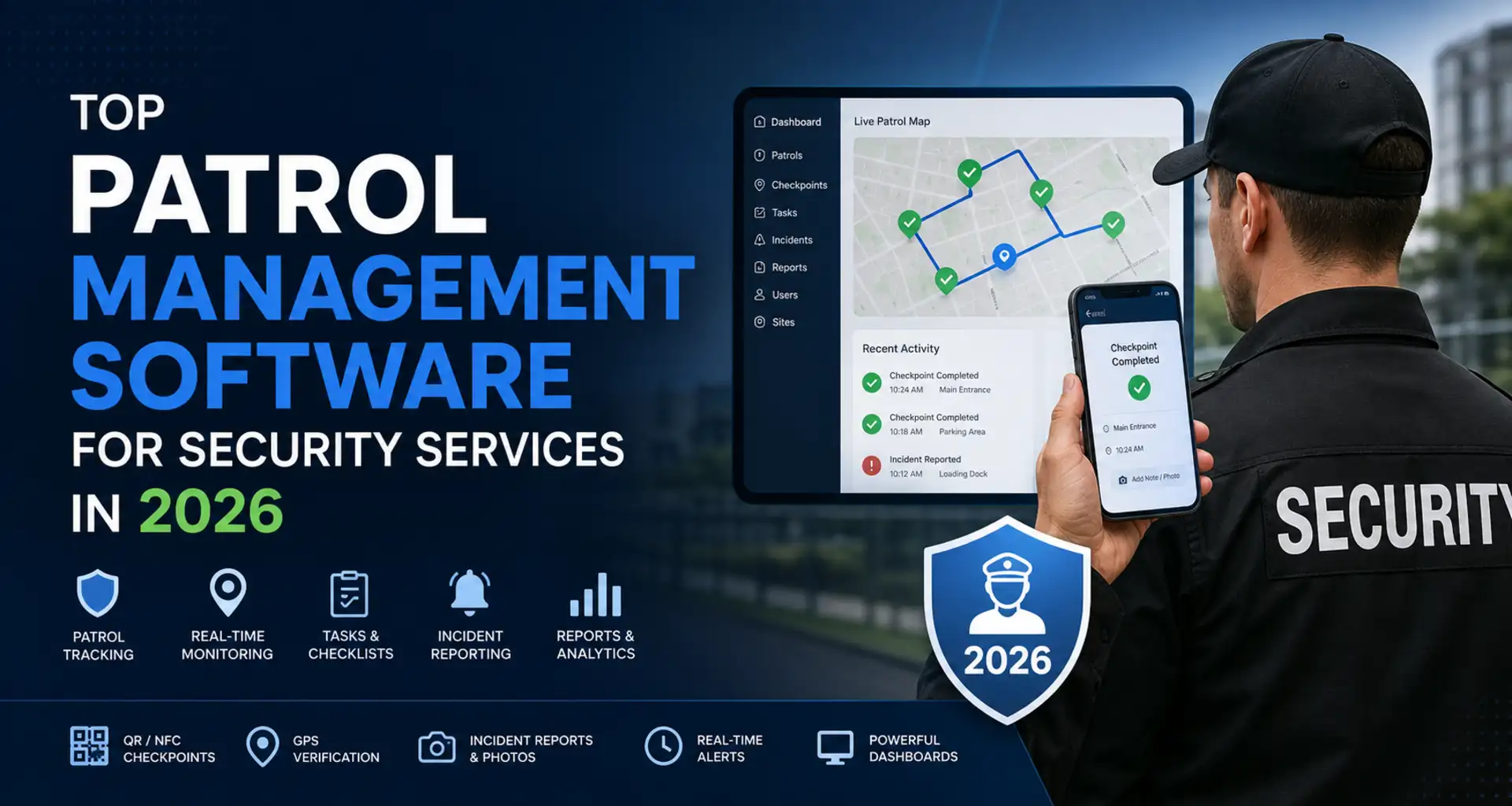
Security guard management software should do more than place dots on a map. The right system helps you cover shifts, verify patrols, capture incidents, protect lone workers, document service delivery, and give managers a reliable view across every site.
This 2026 comparison covers five credible options for different operating models. TARGPatrol is the strongest fit when field execution, patrol proof, tasks, and incident workflows matter most. GuardsPro, TrackTik, and Guardhouse offer broader guard-company administration, while Connecteam is a flexible workforce app for teams that do not need a dedicated guard-tour platform.
Quick shortlist: TARGPatrol for flexible field operations and verified work; GuardsPro for an accessible all-in-one security suite; TrackTik for enterprise security operations; Guardhouse for workforce and back-office control; Connecteam for general scheduling, time tracking, forms, and communications.
How we selected the software
We reviewed official product, feature, support, and pricing information available in August 2026. This is an editorial comparison, not a claim that every product was tested in a live guard operation. We assessed each platform against the work security managers need to control every day:
Shift and workforce coordination: coverage, availability, open shifts, time and attendance, and multi-site oversight.
Patrol verification: QR, NFC, GPS, checkpoints, routes, missed-check alerts, and a trustworthy audit trail.
Incident response: structured reports, evidence, priorities, ownership, follow-up, and exports.
Field usability: a practical mobile experience, offline resilience, clear instructions, and fast reporting.
Back-office depth: payroll preparation, invoicing, contracts, client portals, compliance, and integrations.
Value and transparency: public pricing where available, trial options, likely implementation effort, and whether teams must buy more functionality than they need.
Prices below are public US-dollar list prices available at the time of review. Vendors can change pricing, plan limits, and packaging, so confirm the final quote before buying.
Security guard management software compared
Product | Best for | Patrol proof | Workforce scheduling | Back-office depth | Public starting price |
|---|---|---|---|---|---|
TARGPatrol | Verified field work, tasks, patrols, and incidents | QR, NFC, GPS Point, photos, routes | Task schedules and open work; not full roster/payroll | Light: reports, API, webhooks; no payroll or invoicing | Free up to 10 users; Base $15/user monthly or $12 annual |
GuardsPro | Small and midsize guard companies wanting one suite | Site tours, GPS, geofences, tracking history | Guard scheduling, open shifts, time clock | Client portal, invoices, estimates, payroll-ready reporting | Advanced from $6.80/user/month; 3-user minimum |
TrackTik | Enterprise and complex multi-site security operations | GPS, NFC, QR, tours, command center | Security-specific scheduling and attendance modules | Contracts, invoicing, payroll preparation, BI, ERP links | Custom quote by site count and modules |
Guardhouse | Security firms prioritizing rostering and financial administration | QR/NFC tours, mobile patrols, geofenced attendance | Rostering, availability, overtime and conflict controls | Payroll, invoicing, compliance, customer portal | From $3,500/year |
Connecteam | Teams needing a general deskless workforce app | GPS attendance and site-linked forms; not patrol-first | Job scheduling, open shifts, time clock | Payroll integrations, HR and communications hubs | Free small-business plan; Operations Basic from $29/month annual |
1. TARGPatrol — best for verified patrols, tasks, and incident workflows
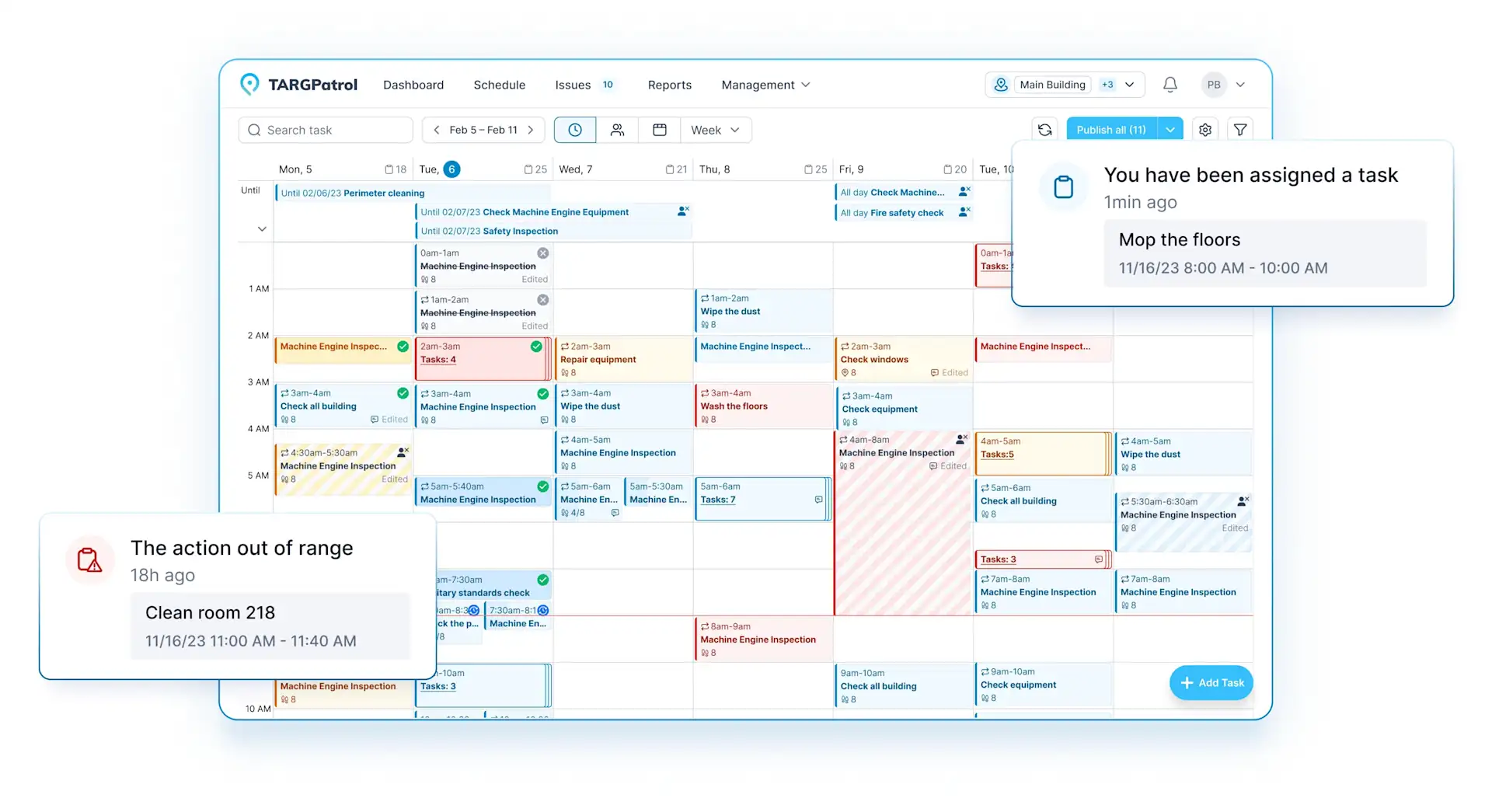
TARGPatrol for security guard services connects scheduled work, patrol checkpoints, checklists, incident reporting, media evidence, and management reports in one mobile-first operational layer. It is especially useful when a company needs to prove what happened at each location without deploying a large payroll-and-billing suite.
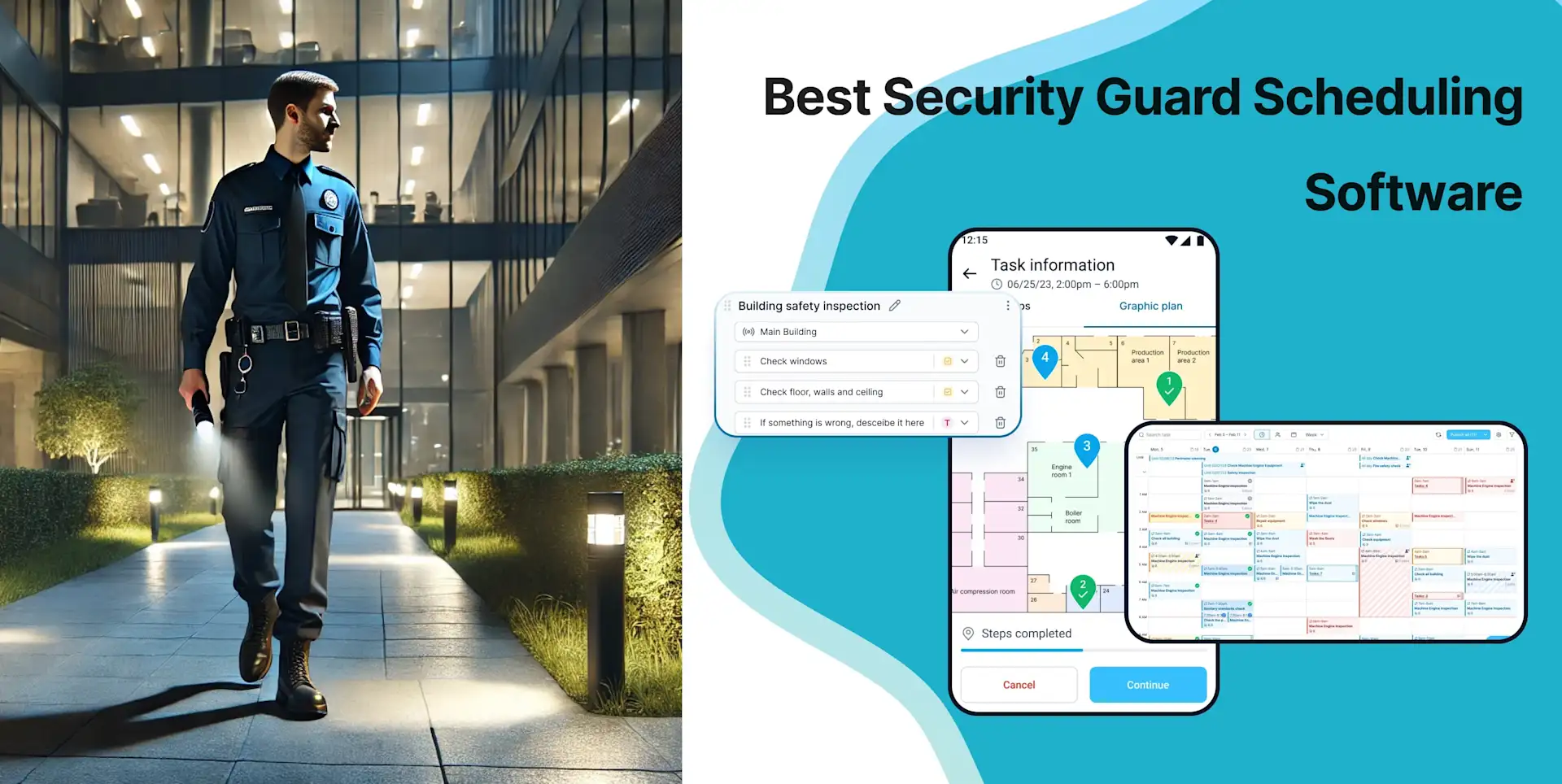
Managers create locations, Points, tasks, checklists, instructions, and schedules. Guards use the mobile app to complete work, add notes, attach photos or videos, and register an Incident either on its own or while completing a task. Supervisors can follow status, route history, missed work, incidents, and evidence from the web app instead of collecting paper logs and chat messages.
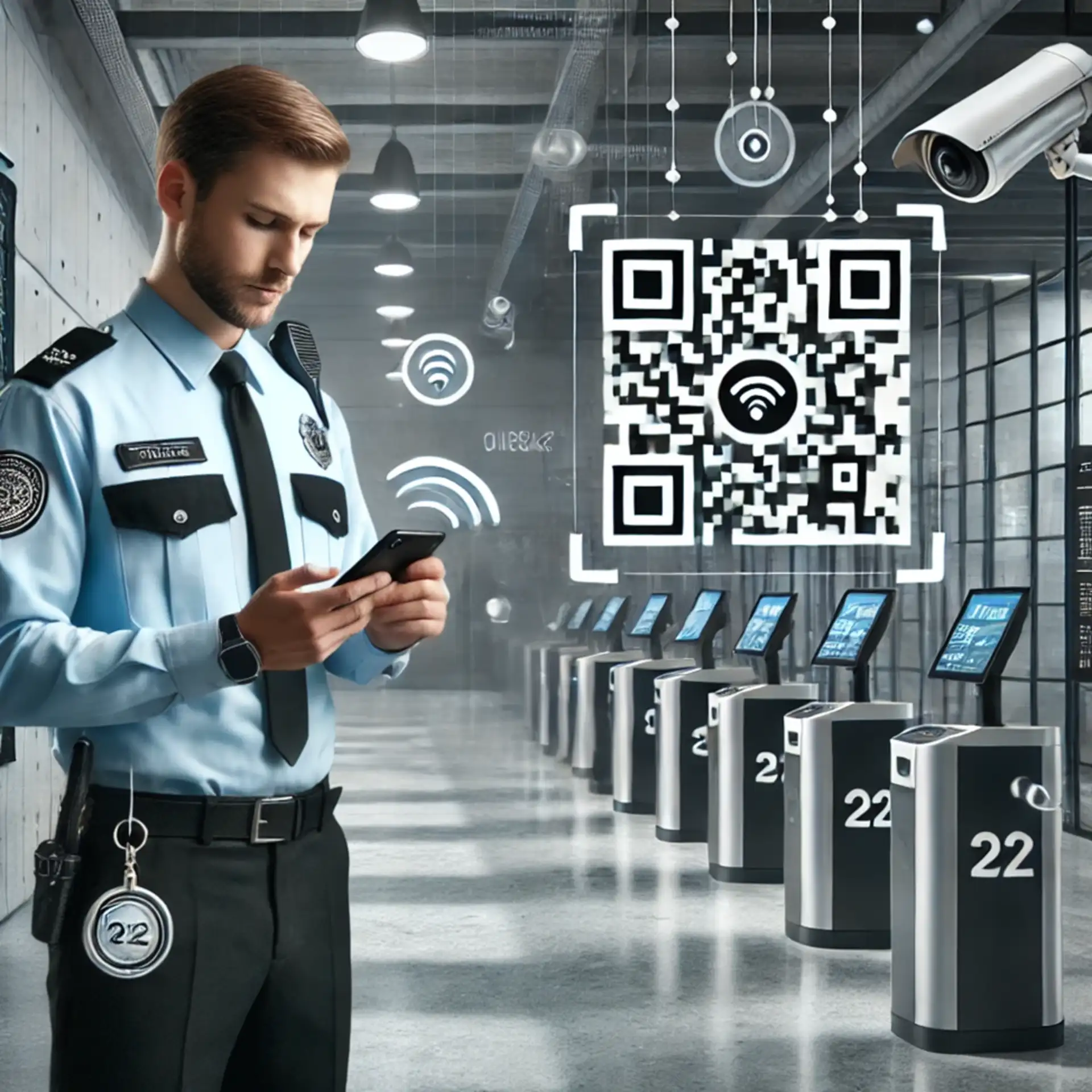
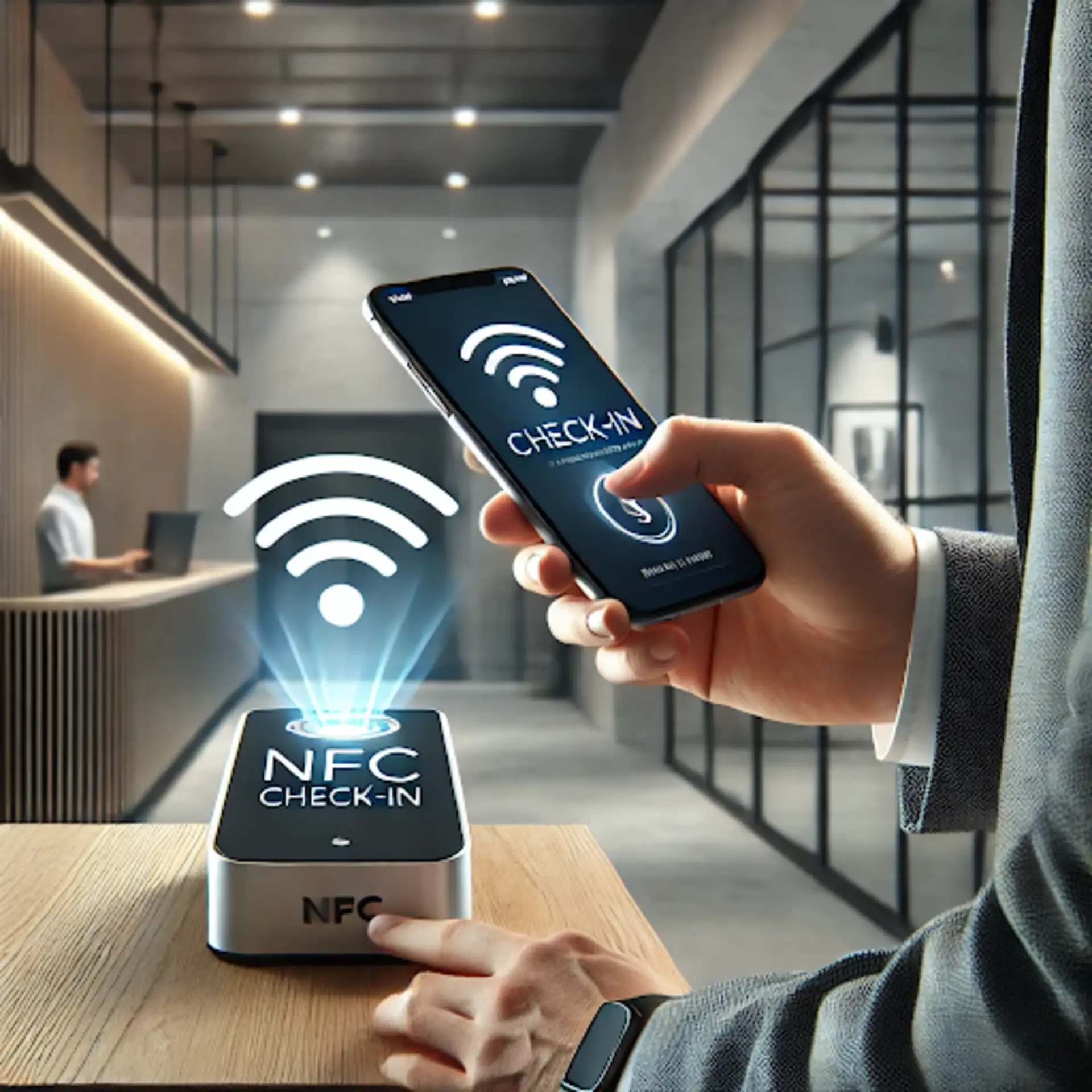
TARGPatrol supports several verification methods. QR codes and NFC tags confirm a physical checkpoint. A GPS Point check-in validates that the guard is within a configured radius of the saved coordinates. Optional GPS tracking is a separate per-user setting that records coordinates while the mobile app is active. This distinction matters: a proximity-validated action proves the user reached a Point, while tracking provides route context over time.
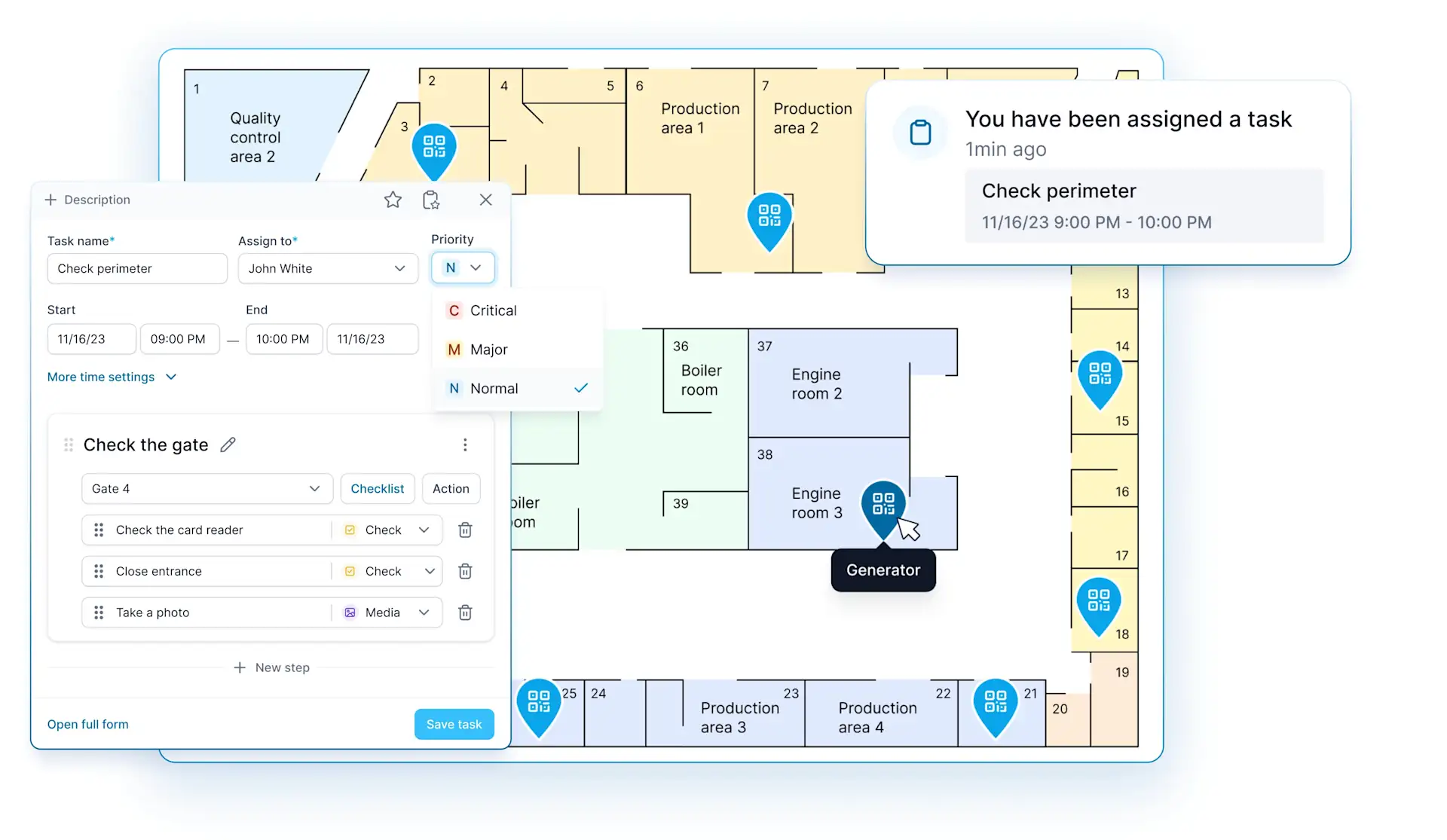
Where TARGPatrol stands out
One workflow for patrols, recurring tasks, checklists, inspections, and incident follow-up.
QR, NFC, GPS Point proximity validation, virtual check-ins, and photo or video confirmation.
Incidents with priority, status, ownership, history, attachments, comments, and reporting.
Mobile work can continue offline and synchronize when connectivity returns.
Multi-location dashboards, maps, scheduled reports, PDF and Excel exports, External API, and webhooks on eligible plans.
Useful beyond guarding: the same workspace can coordinate maintenance, cleaning, inspections, and other site operations.
Important limitations
TARGPatrol provides operational scheduling, open work, time tracking, and proof of completion, but it is not a full guard-company back-office system. It does not replace payroll, contract billing, invoicing, HR, or certification-aware workforce rostering. Companies that need those functions can connect TARGPatrol to existing systems through its API and webhooks or choose a broader suite.
Pricing: Free forever for up to 10 users with seven-day data retention. Base costs $15 per user per month, or $12 per user per month when billed annually. A 14-day fully featured trial is available. See the current TARGPatrol pricing and feature comparison.
2. GuardsPro — best all-in-one option for growing security firms
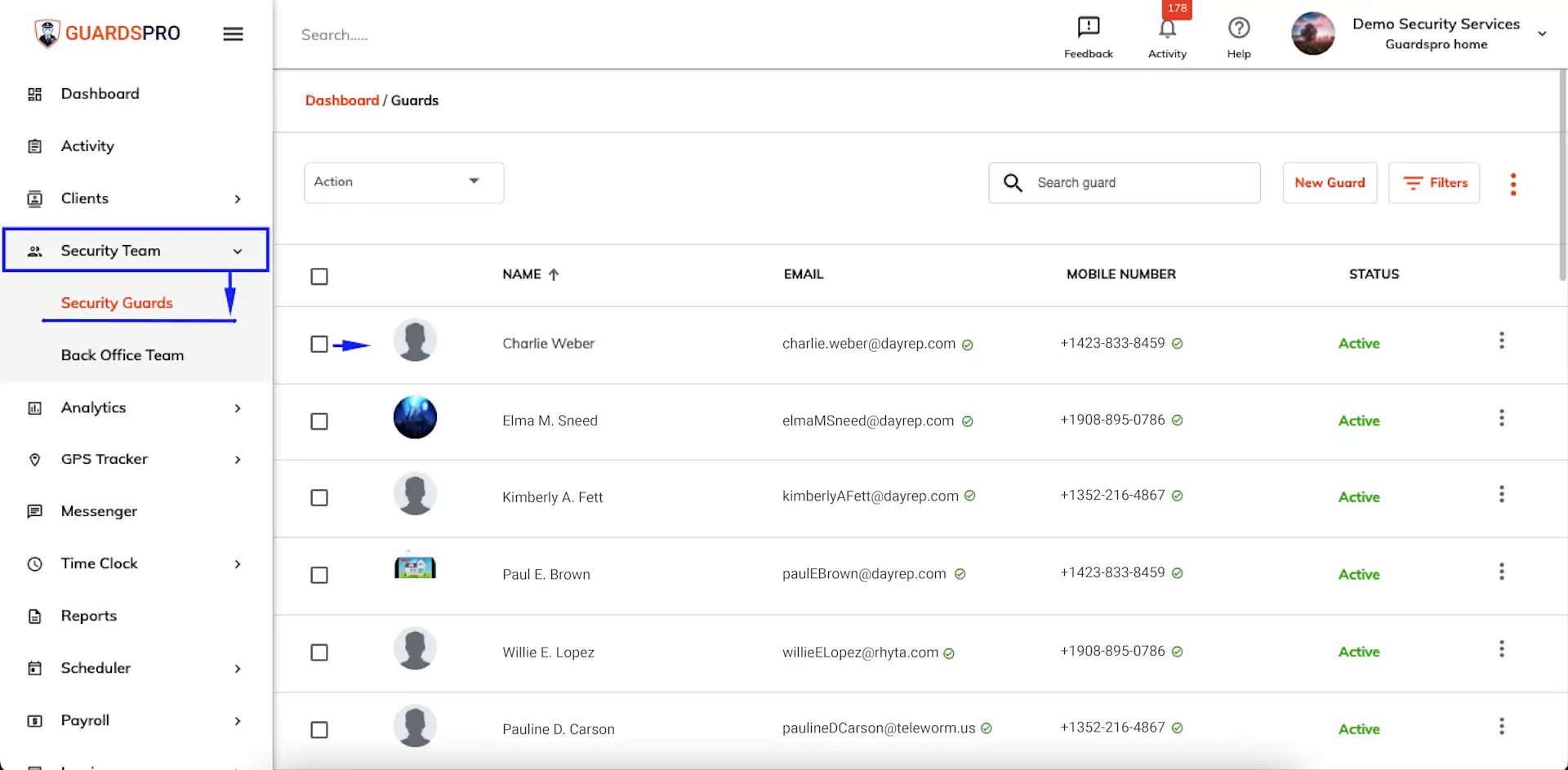
GuardsPro is purpose-built for physical security teams and combines guard scheduling, time clock, site tours, GPS visibility, reporting, dispatch, communication, client access, and back-office tools. It is a stronger fit than a patrol-only app when the business wants one vendor to support both field delivery and day-to-day administration.
The mobile app supports site tours and field reports, while managers can review live activity, tracking history, geofence events, shift status, incident reports, Daily Activity Reports, and hours. GuardsPro also provides post orders, tasks, passdowns, a messenger, a client portal, invoicing, estimates, and integrations or add-on modules for broader administrative needs.
Where GuardsPro stands out
A broad security-specific feature set without immediately moving to an enterprise platform.
Scheduling, open shifts, time clock, GPS tracking, geofences, site tours, incidents, DARs, and dispatch.
Client web and mobile access can improve transparency for contract customers.
Invoices, estimates, payroll-oriented reporting, and integrations help reduce duplicate back-office work.
A 30-day free trial gives teams time to validate the workflows.
Important limitations
The breadth can create more configuration and training than a team needs if its main requirement is simply task execution and patrol proof. Some financial and workforce capabilities depend on plan level, integrations, or add-on modules, so buyers should confirm the exact package rather than assume every feature is included in the entry plan.
Pricing: The Advanced plan starts at $6.80 per user per month with a three-user minimum. The Professional plan starts at $8.50 per user per month. GuardsPro advertises a 30-day free trial.
3. TrackTik by Trackforce — best for enterprise security operations
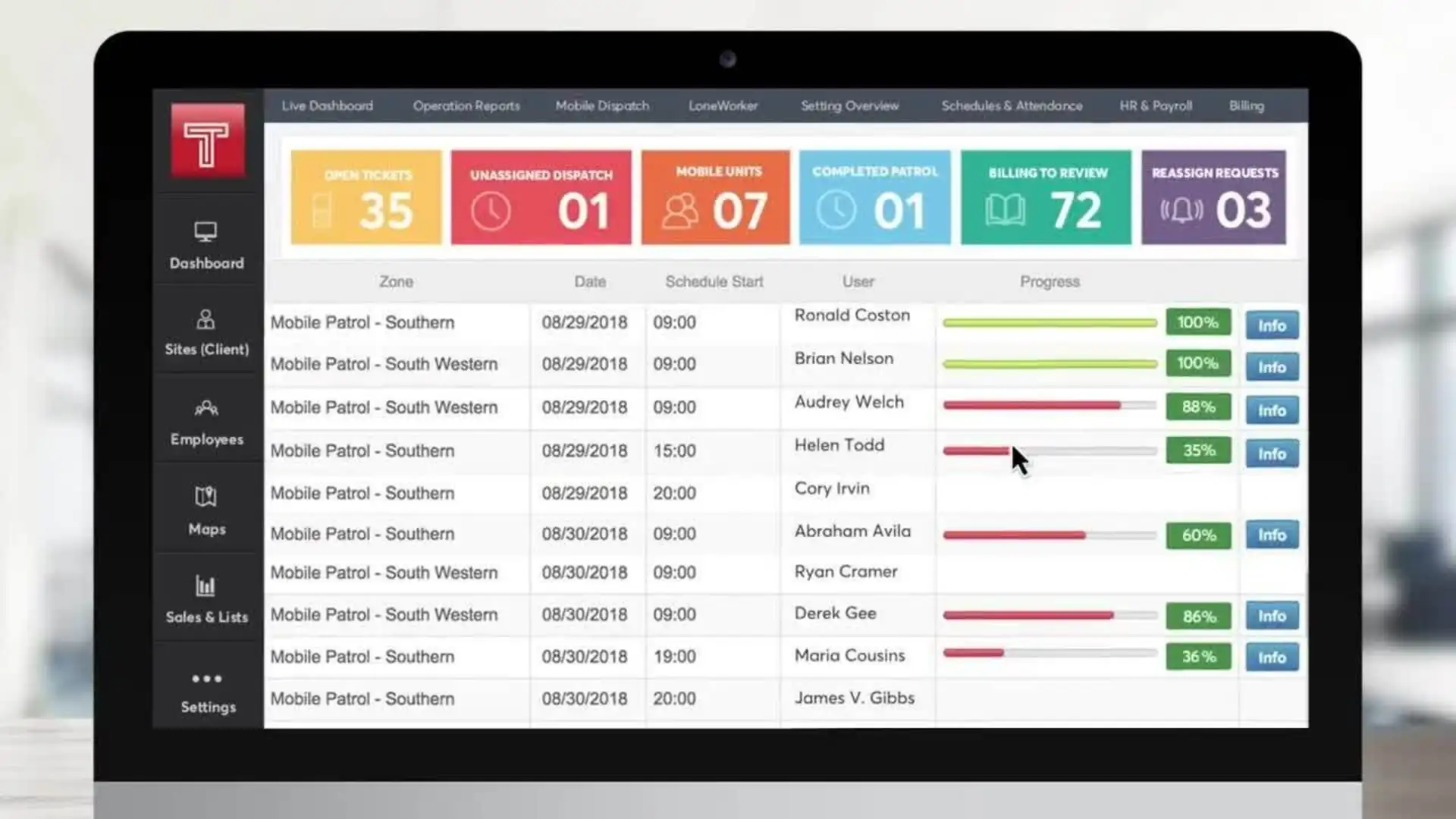
TrackTik is an end-to-end physical security platform that connects frontline activity to scheduling, command-center oversight, business intelligence, contracts, billing, and payroll preparation. It is designed for organizations with complex sites, high guard counts, enterprise clients, or a need to standardize operations across regions and service providers.
Its security operations capabilities include GPS-, NFC-, and QR-verified checkpoints, guard tours, incidents, post orders, offline mobile work, lone-worker features, dispatch, live maps, and client-facing proof. TrackTik’s back-office modules can then turn validated attendance into payroll-ready timesheets and contract-aware invoices, reducing manual re-entry between operations and finance.
Where TrackTik stands out
A connected operational and financial data model for large security programs.
Security-specific scheduling, attendance, overtime controls, contracts, billing, payroll preparation, and leave management.
Command center, incidents, patrol verification, lone-worker protection, client portals, and advanced reporting.
Enterprise integrations and APIs for ERP, analytics, and governance systems.
Suitable for both guarding companies and enterprises overseeing multiple guarding vendors.
Important limitations
TrackTik is likely to be too complex for a small team that only needs patrols, tasks, or straightforward incident reports. Pricing is quote-based, modules affect the final cost, and implementation deserves a formal project plan. Trackforce states that existing TrackTik customers adding back-office modules typically implement them over four to six weeks per module.
Pricing: Custom quote based on site count and the modules used. Back-office modules are priced per active guard with volume tiers.
4. Guardhouse — best for security workforce and back-office control
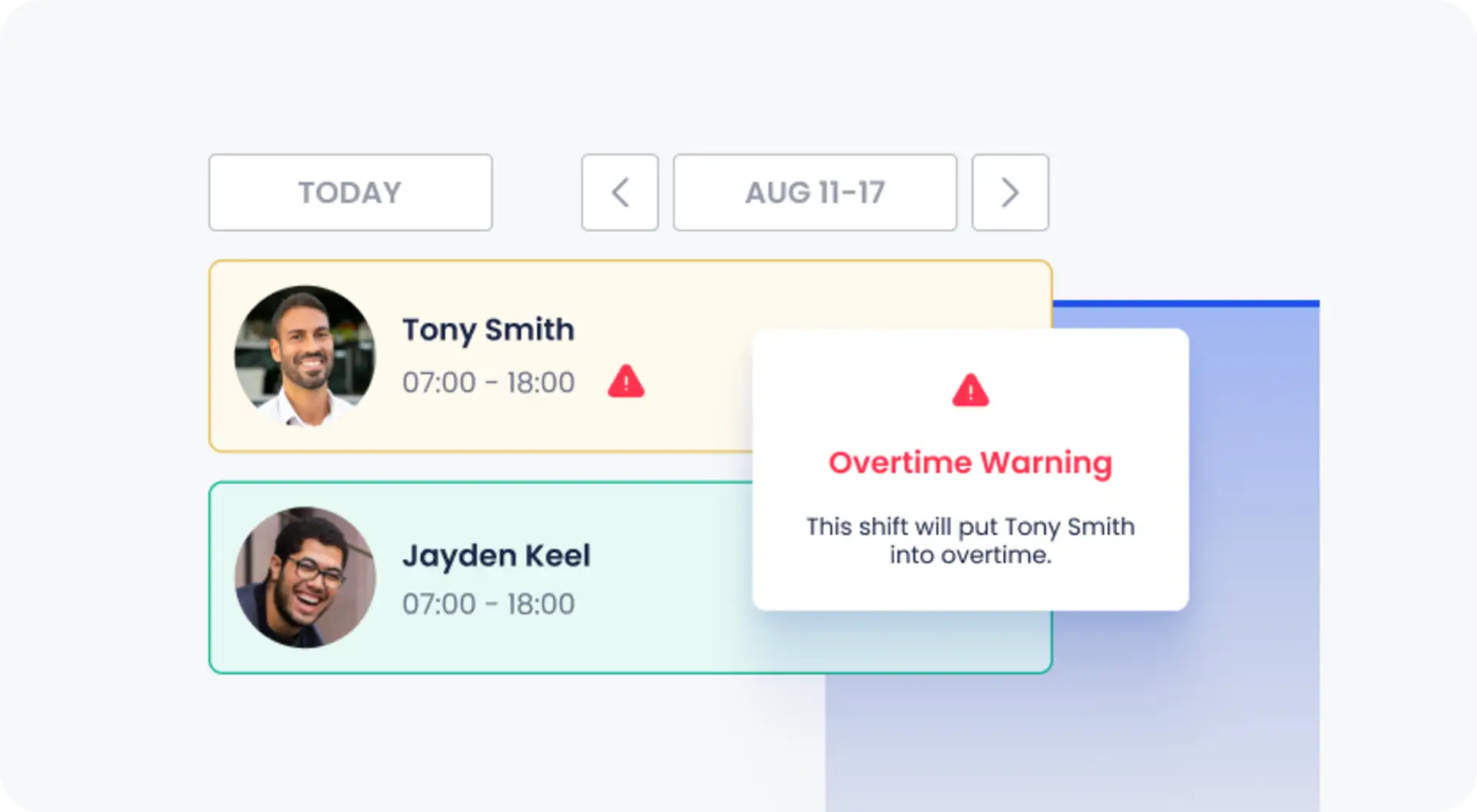
Guardhouse is an end-to-end workforce management system built specifically for security companies. Its strongest differentiator is the link between rostering, time and attendance, payroll, invoicing, compliance records, and customer reporting. It also includes mobile patrol and incident functionality, so field activity can feed the same operational record.
Schedulers can manage availability, overtime, fatigue, financial impact, and conflicting shifts. Guards can clock in within a geofence, scan QR codes or NFC tags on patrol, complete mobile reports, and submit incidents. Approved timesheets can flow into payroll and invoicing workflows, while customers receive controlled access to schedules, licences, incident reports, and occurrence logs.
Where Guardhouse stands out
Security-specific rostering with availability, overtime, compliance, cost, and shift-conflict visibility.
A shared data path from schedules and attendance to payroll and customer invoices.
QR and NFC patrol checkpoints, mobile incidents, occurrence logs, and geofenced clock-in.
Customer portal, subcontractor workflows, communications, and financial forecasting.
Free setup, training, and ongoing support are included according to the vendor.
Important limitations
Guardhouse has a higher entry point than lightweight patrol and task apps. The vendor uses a sales-led process and a supported pilot, which is helpful for a structured rollout but less convenient for a team that wants to self-serve immediately. Confirm that regional payroll, licensing, accounting, and compliance integrations match the country where you operate.
Pricing: US licence tiers start at $3,500 per year and are based on the number of guards scheduled each month. Final pricing is agreed with the vendor.
5. Connecteam — best general workforce app for smaller security teams
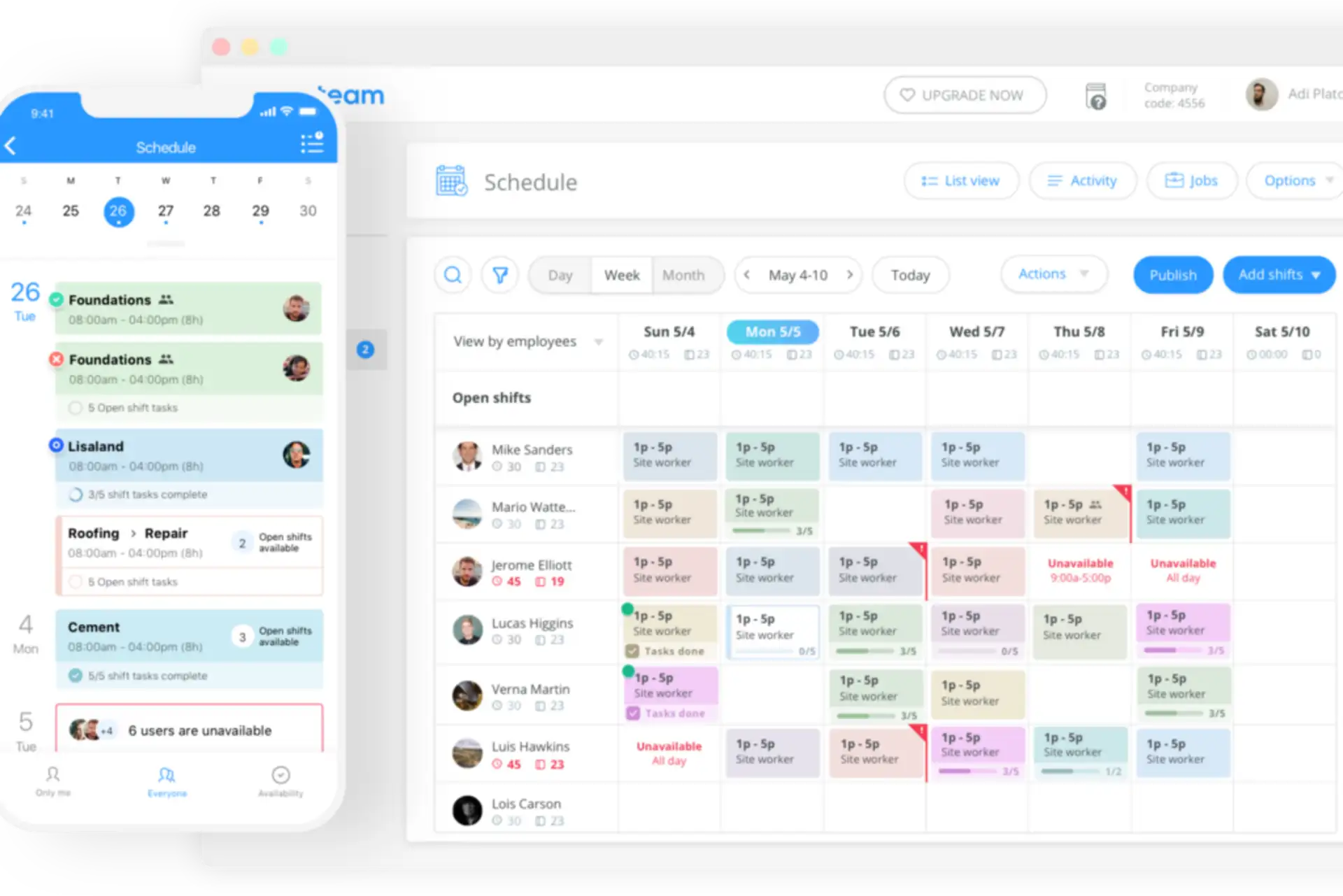
Connecteam is a general deskless workforce management platform with a security-industry configuration. It brings job scheduling, GPS time clock, forms, tasks, communications, knowledge, HR tools, and payroll integrations into one employee app. This makes it attractive for smaller or mixed-service teams that need workforce coordination more than a dedicated guard-tour system.
Security managers can schedule guards, assign site-specific forms and checklists, attach post instructions, confirm that critical updates were read, and capture incident information with photos, videos, timestamps, signatures, and geotagged records. Geofences can restrict clock-in to the correct site, and optional breadcrumbs record location only while a user is on the clock.
Where Connecteam stands out
A polished all-in-one app for scheduling, attendance, tasks, forms, chat, updates, and employee documents.
Fixed pricing for the first 30 users can be cost-effective for small teams.
GPS clock-in, geofences on eligible plans, site instructions, and searchable records support basic accountability.
Separate Operations, Communications, and HR hubs let companies choose the breadth they need.
Free options are available for very small teams and limited use cases.
Important limitations
Connecteam is not primarily a guard-tour or checkpoint-verification platform. Teams that need native QR or NFC patrol rounds, missed-checkpoint escalation, dedicated control-room workflows, or specialist client patrol reports should validate those requirements carefully or choose a security-specific product. Pricing can also increase when multiple hubs and advanced tiers are required.
Pricing: The Small Business Plan is free for teams with fewer than 10 employees, and a limited free plan is available for up to 30 users. Operations Basic starts at $29 per month for the first 30 users when billed annually, or $35 month to month. A 14-day trial is available.
Which security guard management platform should you choose?
Start with the operational gap you need to close. A long feature list is less useful than a clear match between the software and your operating model.
Choose TARGPatrol when reliable task execution, patrol verification, incident follow-up, media evidence, and multi-site reporting are the priority—and you want to keep payroll or billing in another system.
Choose GuardsPro when a small or midsize security company wants patrol operations, scheduling, client visibility, communication, and administrative tools in one security-specific suite.
Choose TrackTik when enterprise scale, command-center oversight, complex guard scheduling, business intelligence, contracts, billing, payroll preparation, and integrations justify a larger implementation.
Choose Guardhouse when rostering, compliance, attendance, payroll, invoicing, and customer administration drive the buying decision, with patrol capabilities included in the same security platform.
Choose Connecteam when your team primarily needs scheduling, time clock, forms, tasks, and communications, and specialist checkpoint tours are not essential.
Questions to answer before you buy
What must be proven? Attendance, a completed patrol route, a checklist, an incident response, or all four require different evidence.
Do you need guard rostering or task scheduling? Payroll-aware shift coverage is not the same as scheduling operational work at a site.
How should location be used? Decide whether you need a one-time geofence check, checkpoint proof, route history, or live tracking, and document the privacy rules.
Who needs access? Clarify what guards, supervisors, dispatchers, customers, payroll staff, and subcontractors should see and change.
What happens without a signal? Test the mobile workflow at real sites, especially basements, stairwells, parking areas, and remote posts.
Where does verified data go next? Plan reporting, exports, payroll, invoicing, API, webhooks, and client delivery before rollout.
Frequently asked questions
What is the difference between guard tour software and security guard management software?
Guard tour software focuses on proving patrol rounds through checkpoints, routes, timestamps, and alerts. Security guard management software is broader: it can add workforce scheduling, time and attendance, incidents, post orders, client portals, compliance, payroll preparation, contracts, and invoicing. Some products cover both categories; others deliberately focus on one.
Does TARGPatrol provide employee shift scheduling?
TARGPatrol schedules operational tasks and recurring work, supports open work and time tracking, and shows assignments by user, location, and tag. It should not be described as a full payroll-aware guard rostering system. If you need certification matching, complex overtime rules, payroll, or invoicing, use a dedicated workforce/back-office platform or integrate TARGPatrol with your existing systems.
Is GPS tracking the same as a geofenced check-in?
No. A geofenced or GPS Point check-in validates that an action occurs within an allowed radius. GPS tracking records a series of coordinates over time and can show movement or route context. Use the least invasive method that proves the work, tell employees what is collected, and follow local employment and privacy rules.
Can guards report incidents from a mobile phone?
Yes. Modern platforms let guards register incidents from a mobile app with structured details, timestamps, notes, photos, video, and location context. In TARGPatrol, an Incident can be registered separately or while completing a task, then assigned, tracked through statuses, verified, and included in management reports. Compare more options in our guide to the best incident management software for 2026.
Do security guard apps work offline?
Some do, but offline behavior varies. Confirm which actions can be completed without a connection, how conflicts are handled, when media uploads, and what supervisors see before synchronization. TARGPatrol supports offline mobile work and syncs completed activity after connectivity returns.
Final recommendation
The best choice depends on whether your immediate problem is field accountability or total guard-company administration. TARGPatrol is a practical choice for organizations that want guards to follow clear tasks and patrols, verify presence with QR, NFC, or GPS Point, report incidents with evidence, and give managers consistent visibility across sites—without paying for a full payroll and invoicing suite.
If your buying decision is dominated by complex shift coverage, payroll, contracts, and invoices, shortlist GuardsPro, TrackTik, or Guardhouse. If you need a broader employee app and can live without specialist guard-tour workflows, Connecteam deserves consideration.
Explore the top patrol management platforms for security services, review how TARGPatrol handles tours and walkarounds, or start a free TARGPatrol trial.