TARGPatrol Update July 2026
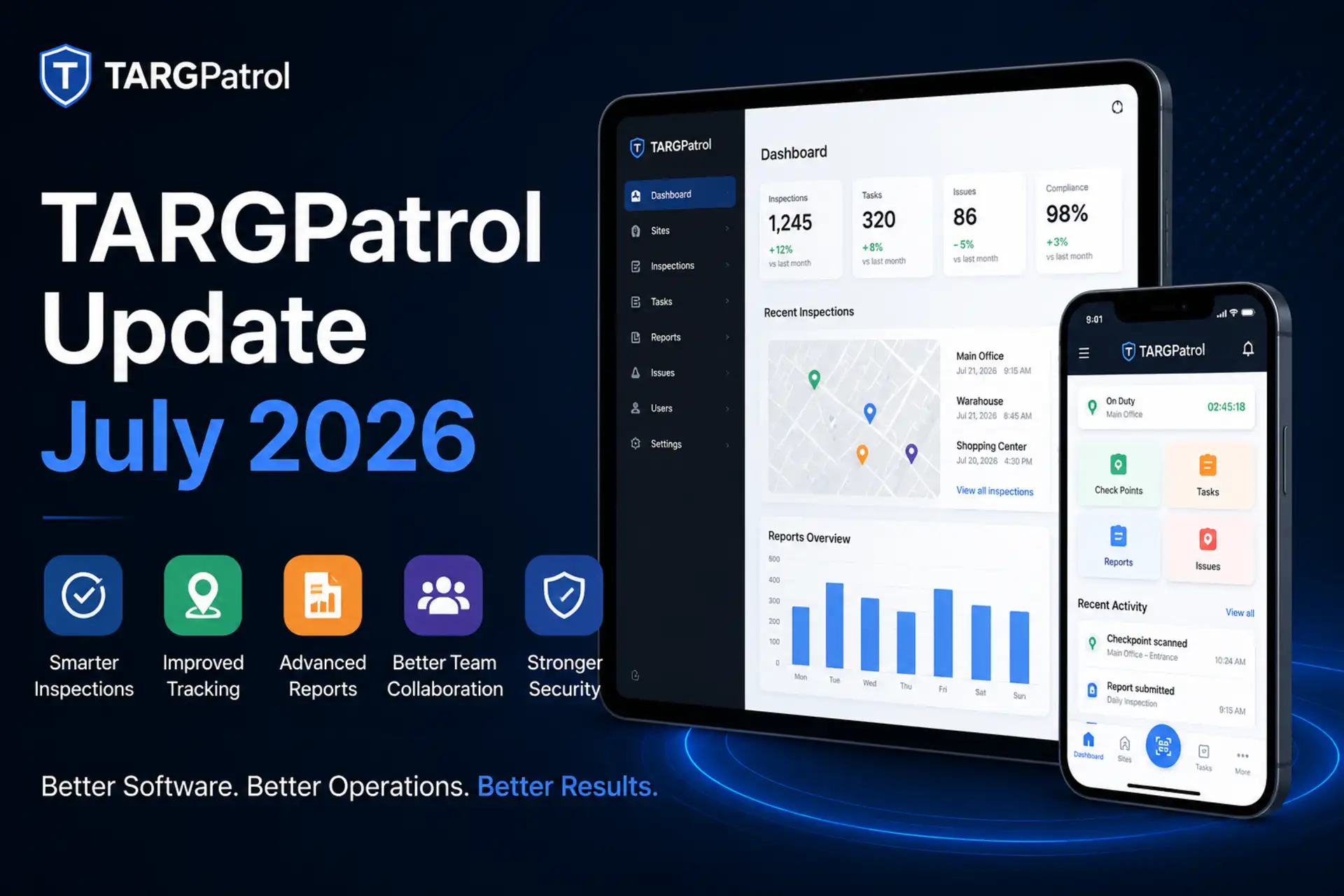
The July 2026 TARGPatrol update makes complex field operations easier to organize, analyze, and connect with other systems. This release introduces step groups for long tasks, expanded reporting and report configuration capabilities, safer device synchronization, organization self-service controls, improved QR exports, broader locale support, and more detailed webhook events for integrations.
Organize Long Tasks with Step Groups
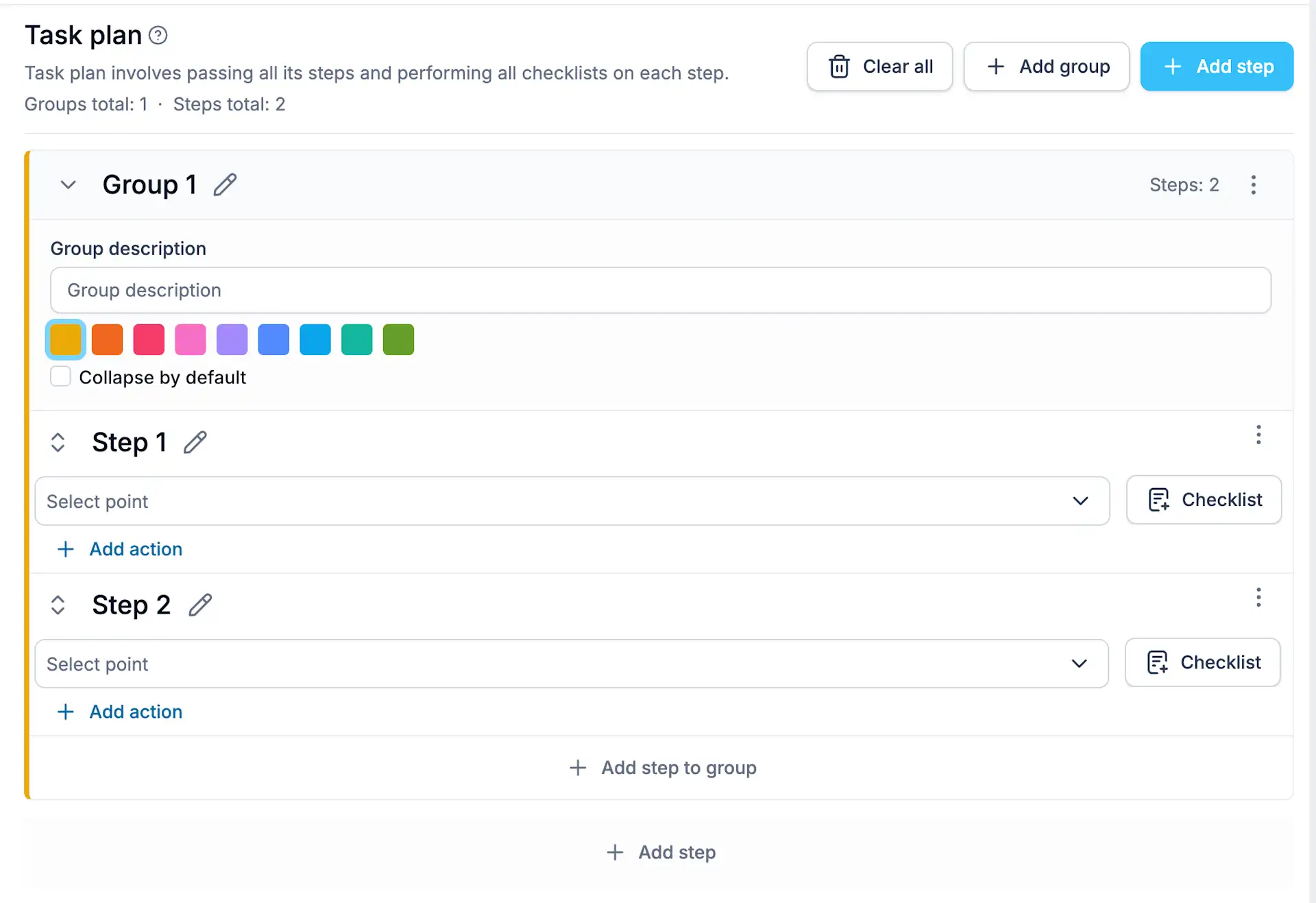
Tasks with dozens or even hundreds of steps can now be divided into logical groups. Instead of navigating one long list, managers can organize steps by area, work phase, equipment type, inspection section, or any other structure that fits the operation.
Groups can be expanded and collapsed, making task setup and execution easier to navigate while preserving the original order of every step. This is especially useful for extensive inspections, multi-zone cleaning routines, detailed maintenance procedures, and security assignments that cover several areas.
Step groups are included with the task throughout its lifecycle, so the same structure remains available when a task is assigned, synchronized, and completed in the field.
Support for Step Groups in the TARGPatrol mobile app will be available starting with version 1.7.0.
New Report by Actions
The new By Actions report provides a flat, analysis-ready view of values collected during tasks and on-demand check-ins. It helps teams work directly with operational answers instead of opening individual task results one at a time.
Users can select which actions should appear as report columns and filter the results by location, point, or performer. The report keeps values connected to their task and step context, including cases where actions with the same name are used in different steps.
This format is useful for labor tracking, inspection measurements, inventory counts, audit responses, equipment readings, and other workflows where collected values need to be compared or exported. By Actions reports can also be configured as scheduled reports for automatic delivery.
New Check-in Logs Report
The new Check-in Logs report provides a chronological record of check-ins completed across the organization. Each row shows the date and time, performer, employee number, location, and point, giving managers a direct view of who checked in, where, and when.
The report can be filtered by reporting period, user, location, and point, then exported for attendance reviews, patrol verification, cleaning records, and service documentation. Check-in Logs can also be included in scheduled report deliveries.
Reporting Updates
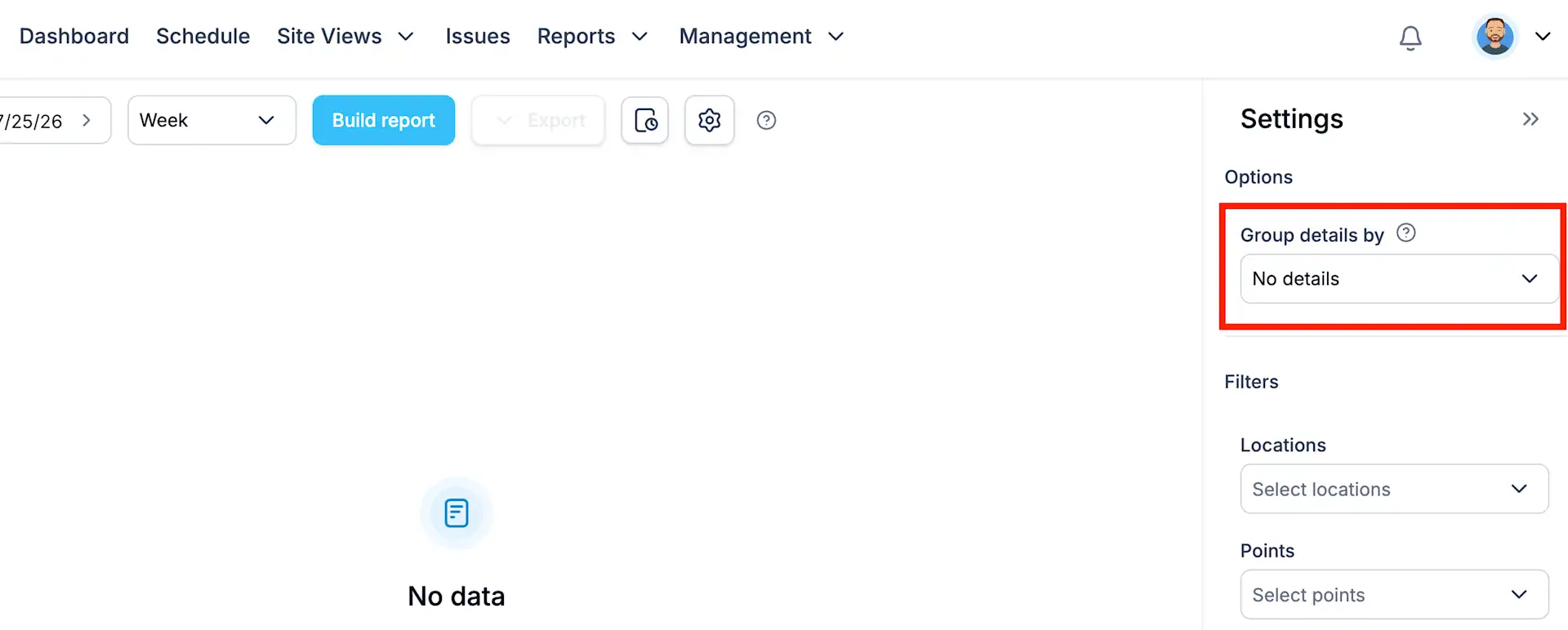
Reports by Points, By Locations, and By Users now support a more detailed time-based view. With Details Grain, each summary row can be divided into smaller intervals—hour, four hours, six hours, twelve hours, day, week, or month—depending on the selected primary reporting period.
The breakdown respects the selected timezone and daylight-saving changes. Point reports show check-ins, task totals, errors, working hours, and unique performers; location reports show tasks, errors, check-ins, unique users, and total hours; and user reports make it easier to compare tasks, errors, check-ins, media activity, and working time.
By Actions reports also make media easier to review. Photos and other media values now appear as links in the web report and remain clickable in Excel and PDF exports, so supporting evidence can be opened directly without searching individual task executions.
More Flexible User and Locale Management
Administrators can now update a user’s email address and phone number directly from the user profile. Contact details can be corrected or replaced without recreating the user, making routine user management faster and keeping communication details accurate.
TARGPatrol also includes a Spanish interface alongside English, German, and Russian. Organizations can select a default locale, while administrators can assign an appropriate locale to individual users.
Supported locales include en-US, en-GB, en-CA, en-AU, ru-RU, de-DE, and es-ES. Locale settings are used consistently across the interface, dates, names, report exports, and scheduled report delivery, giving international teams the correct language and regional formatting.
External API and Step Completion Webhooks
Integrations can now receive a TASK_STEP_COMPLETED webhook whenever an individual task step is completed. External systems no longer need to wait for an entire task to finish before receiving progress updates.
For integrations that create or update users through the External API, lastName and locale are now required user fields. The locale value uses one of the supported locale codes, allowing connected systems to create user records with the correct language and regional settings from the start.
The event identifies the organization, task execution, scheduled task, completed step, performer, location, point, and completion time. When an integration needs the full step result, it can use the task execution step endpoint in the External API to retrieve the latest data.
This makes it possible to trigger workflows as work progresses, such as updating a customer portal, notifying another system after a critical check, or synchronizing step results with external reporting and compliance tools.
Leave an Organization from Account Settings
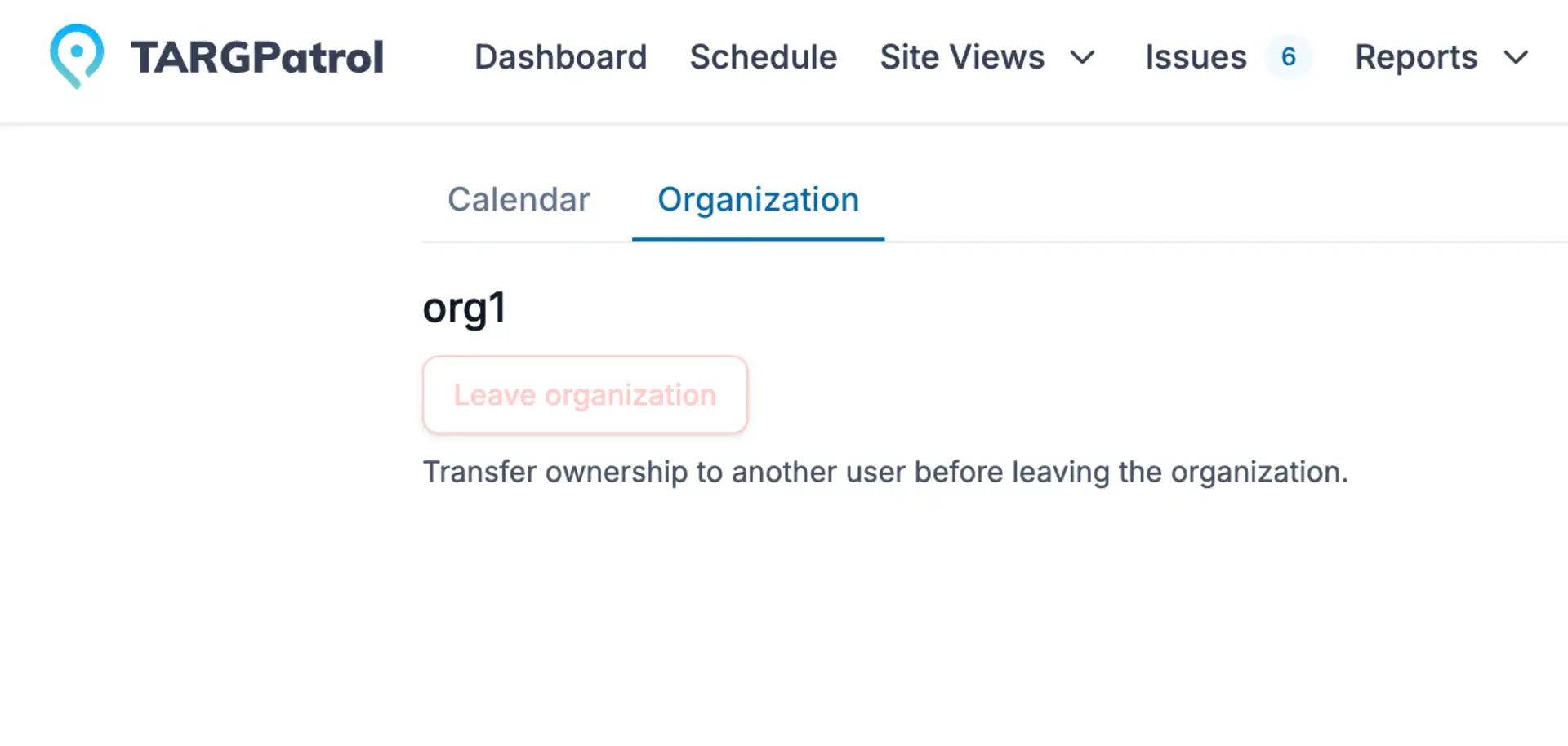
Users can now leave an organization directly from the Organization tab in Account settings. The action requires confirmation, removes access to the organization's data, and ends current sessions so the user can sign in again with an available organization.
Organization owners must transfer ownership to another user before leaving, preventing an organization from being left without an owner.
Support for Saved Report Configurations
The backend foundation for reusable report configurations is now in place. Organization-level APIs can create, list, update, and delete named setups that store the report type, filters, sorting, and an optional description.
In future updates, users will be able to save and reuse these configurations whenever they regularly work with the same report settings. This will reduce repetitive setup and also provide the foundation for scheduled reporting workflows.
Improved Single QR Code Export
Downloading or printing a single point QR code now produces a high-resolution image with an optional point label. Long point names wrap across multiple lines instead of being clipped, keeping both the preview and exported QR code readable.
Summary
The July update improves daily field work, reporting, administration, and integrations. Step groups make complex assignments easier to follow; detailed reports and media links turn operational data into clearer insights; safer synchronization keeps devices aligned with published work; account controls and QR export improvements simplify routine administration; and report configuration APIs and step-level webhooks provide a stronger foundation for connected workflows.