Best Retail Store Daily Checklist Apps in 2026
Best Retail Store Daily Checklist Apps in 2026
Retail store checklists turn opening, closing, merchandising, shelf, cleaning, and safety routines into repeatable work. The best apps do more than hold a to-do list: they schedule recurring checks, show progress across locations, collect photo evidence, and give managers a clear path from a failed check to corrective action.
This comparison focuses specifically on daily store execution. We reviewed the current retail operations and checklist capabilities of TARGPatrol, Zipline, SafetyCulture, YOOBIC, and Connecteam using official product and pricing information available in July 2026.
One important distinction: “inventory and shelf checks” below means verifying stock availability, shelf condition, pricing, planograms, or expiry dates. These apps can document those checks, but they do not replace a POS, ERP, warehouse management system, or inventory ledger.
Quick Comparison of Retail Daily Checklist Capabilities
The table separates dedicated incident workflows from findings or forms that can be configured for incident capture. “Checklist only” means the app can verify inventory or shelf conditions but does not maintain stock quantities as a system of record.
Capability | TARGPatrol | Zipline | SafetyCulture | YOOBIC | Connecteam |
|---|---|---|---|---|---|
Opening and closing | Recurring checklists | Recurring Day Sheet tasks | Scheduled inspections | Retail routines and checklists | Forms + recurring tasks (plan limits) |
Merchandising | Checklist + photo | Tasks + photo approval | Inspection templates | Strong retail and visual merchandising focus | Configurable checklist + photo |
Inventory and shelf checks | Checklist only | Audit/form only | Inspection only | Stock-control checks | Checklist only |
Cleaning and safety | Checklist + issue escalation | Tasks and store audits | Inspection + issue escalation | Checklists + action plans | Forms and checklists |
Multi-store monitoring | Location dashboards and reports | Hierarchy-wide reporting | Sites and analytics | Retail dashboards | Jobs, locations, and groups |
Photo confirmation | Yes | Yes, including approval workflows | Yes | Yes, including visual feedback | Yes |
Incident reporting | Dedicated Issues workflow | Audit finding/action follow-up | Dedicated Issues workflow | Issue reporting and action plans | Configurable form workflow |
1. TARGPatrol — Best for Verifiable Recurring Store Checks
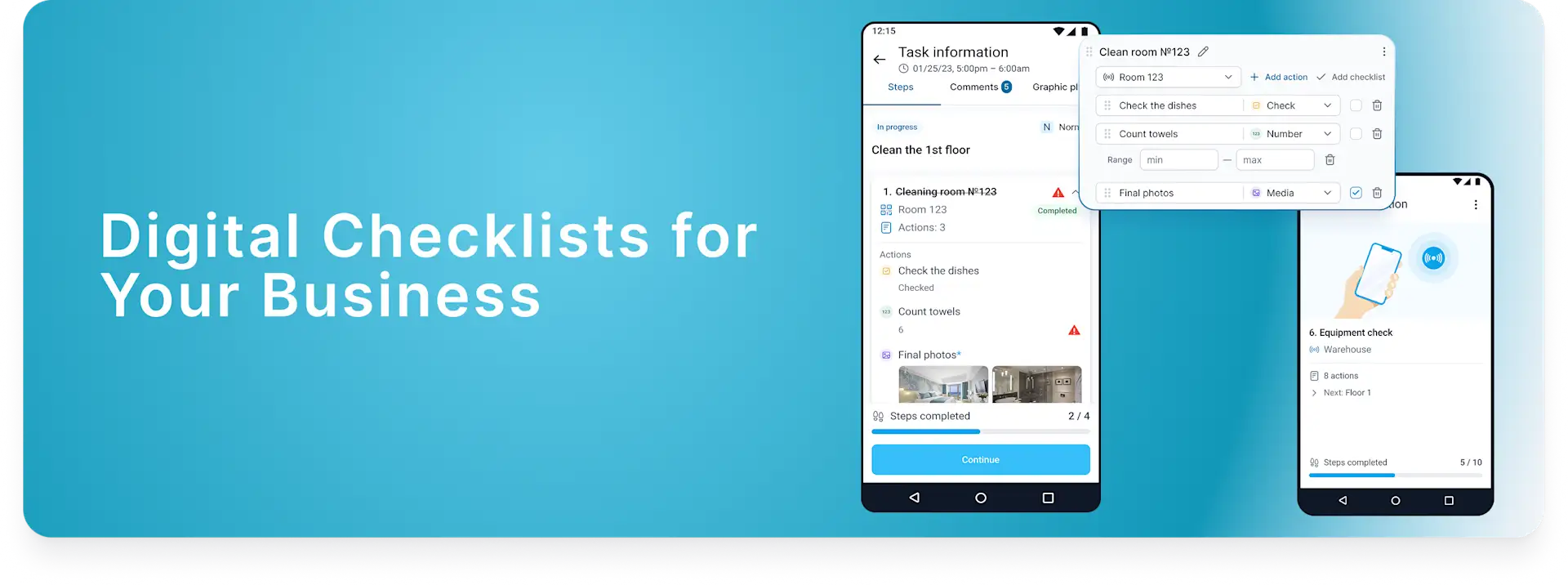
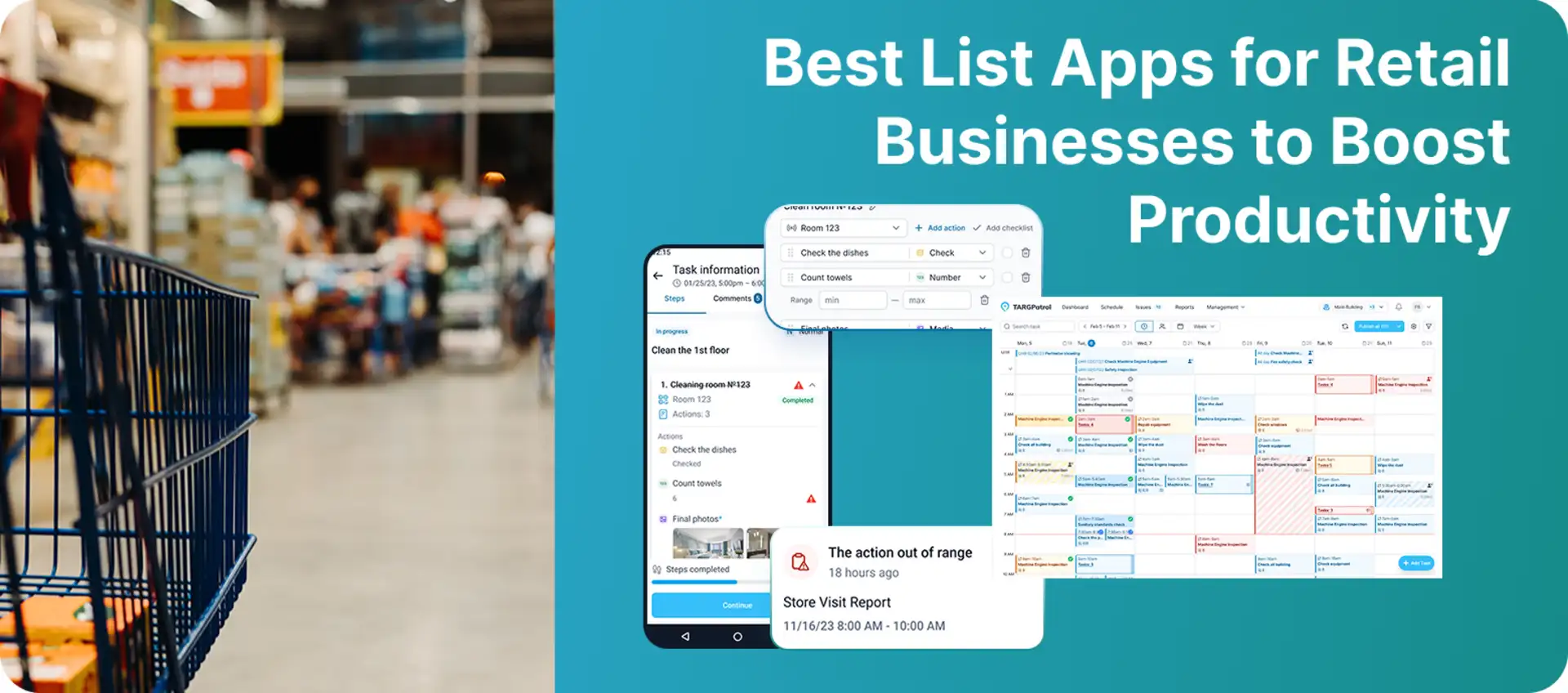
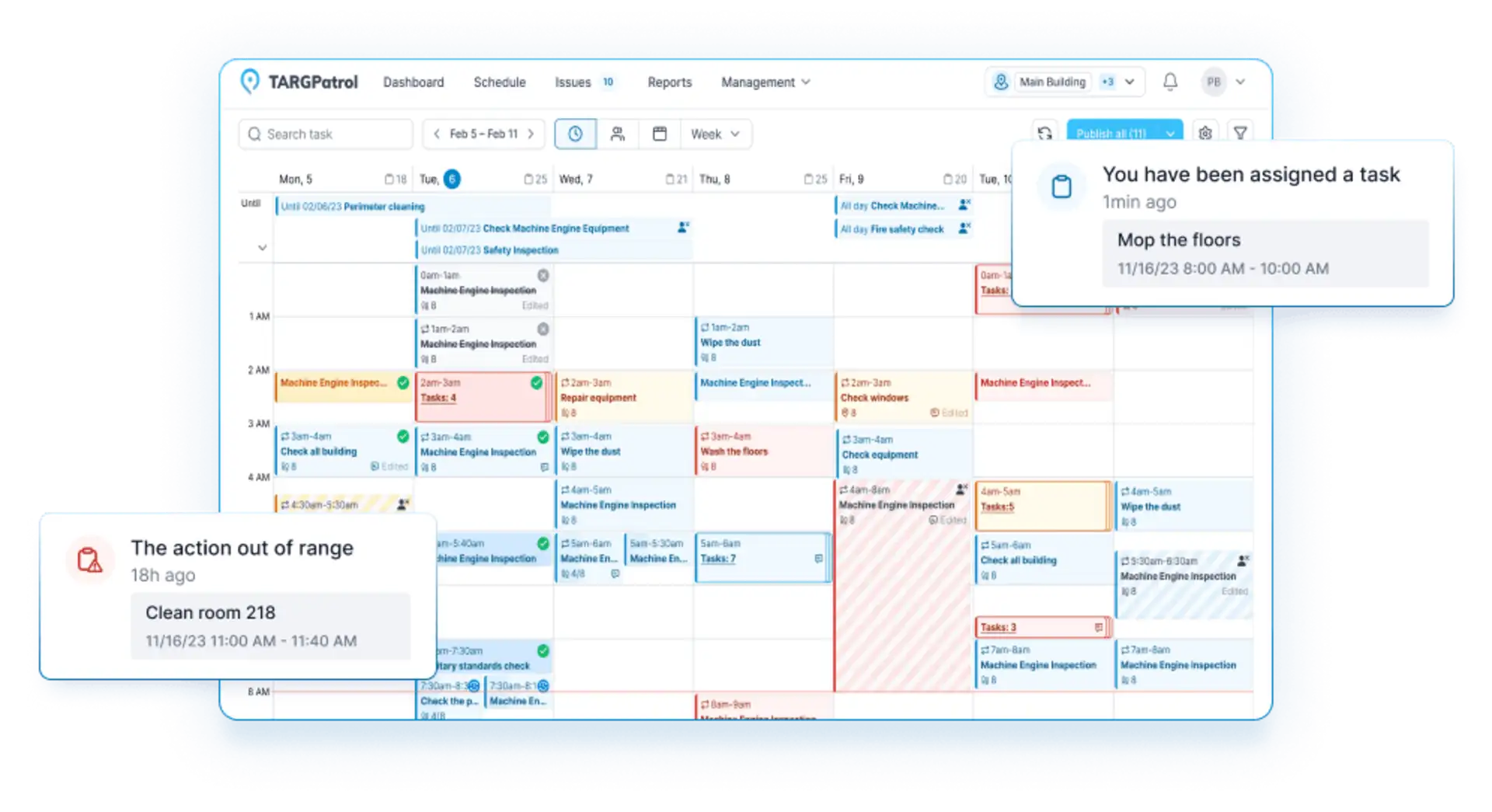
TARGPatrol combines recurring tasks, digital checklists, location-based check-ins, issues, and reporting. It is a practical fit for small and midsize retailers that need evidence that a routine was completed at the right store or checkpoint.
Daily Retail Coverage
Opening and closing: Schedule recurring checklists for alarms, doors, POS readiness, cash-area checks, lights, equipment, and end-of-day handover.
Merchandising: Build display, promotion, price-label, and planogram checks with required photos, notes, or checklist answers.
Inventory and shelves: Verify stock presence, shelf condition, expiry dates, or replenishment needs. TARGPatrol records the inspection result; it is not an inventory ledger.
Cleaning and safety: Run scheduled cleaning, equipment, fire-safety, and facility checks and escalate failed items.
Multi-store monitoring: Organize work by locations and points, then use centralized operational reports to review completion, overdue work, and issues.
Photo confirmation: Require photo or video actions and attach media to tasks and issues.
Incident reporting: Use the dedicated Issues workflow for safety hazards, damaged fixtures, maintenance requests, or other exceptions, including priority, history, attachments, and follow-up.
Where TARGPatrol Stands Out
QR, NFC, GPS, or virtual check-ins can confirm the checkpoint used to start work. A GPS Point check-in is accepted only when the employee is close enough to the store’s saved coordinates. Learn how GPS Point proximity validation works.
Offline mobile work supports stores or back-room areas with unreliable connectivity.
Dashboards, scheduled reports, PDF/Excel exports, and a media gallery help managers review execution.
Limitations: TARGPatrol does not replace inventory management or POS software. It also has a narrower communications and learning layer than enterprise frontline platforms such as Zipline or YOOBIC.
Pricing: The Free plan supports up to 10 users and keeps data for up to seven days. Base costs $15 per user/month on monthly billing or $12 per user/month on annual billing. A 14-day full-featured trial is available.
Verdict: Best for retailers that want configurable daily checklists, checkpoint verification, offline execution, and a dedicated path for reporting and resolving store issues.
2. Zipline — Best for Enterprise Retail Task Execution and Communication
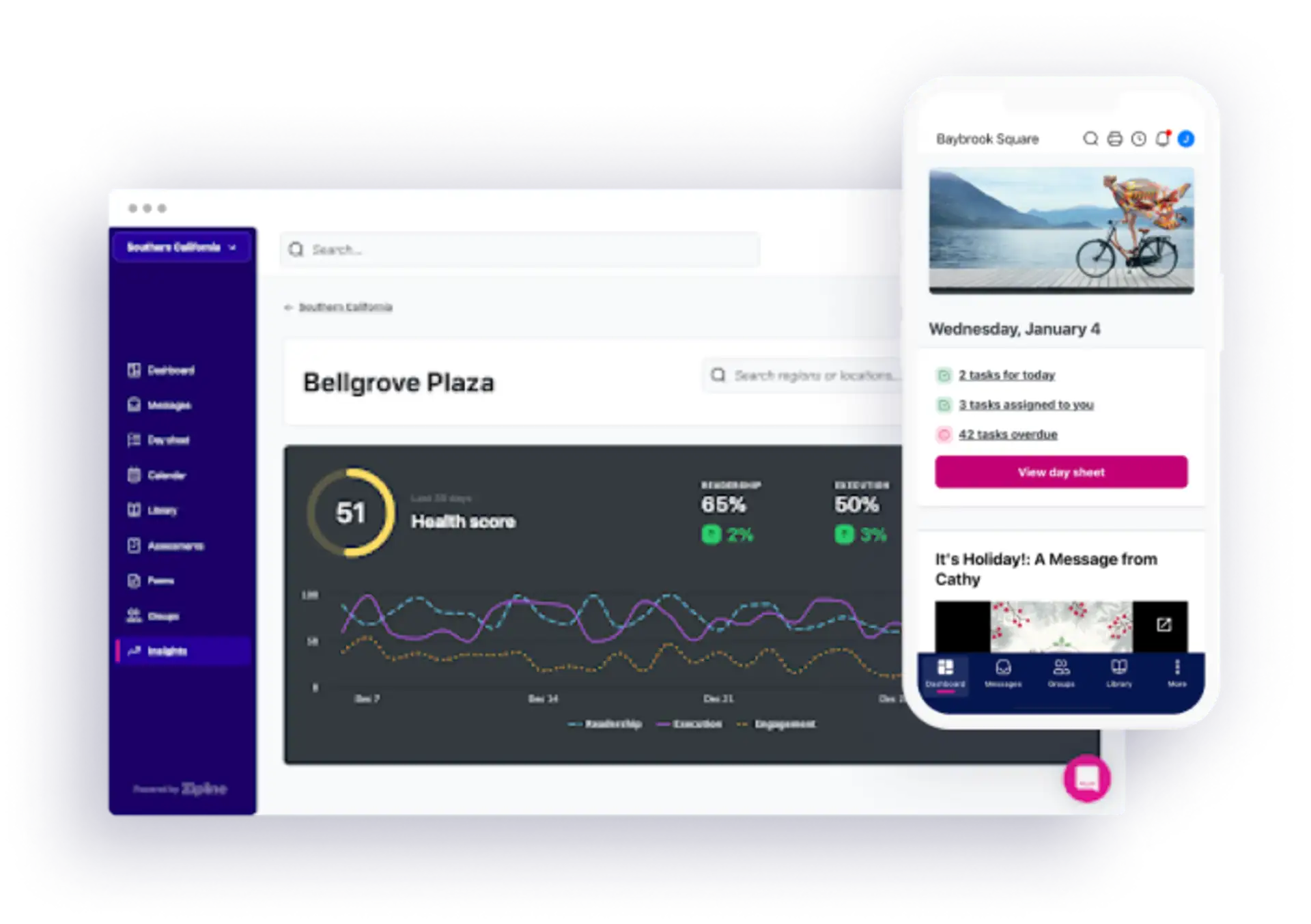
Zipline is built specifically for retail. It combines headquarters-to-store communication with task management, so store teams can see daily priorities without searching across separate messages, documents, and task lists.
Daily Retail Coverage
Opening and closing: Recurring tasks can be targeted by store, role, or group and surfaced on each employee’s Day Sheet.
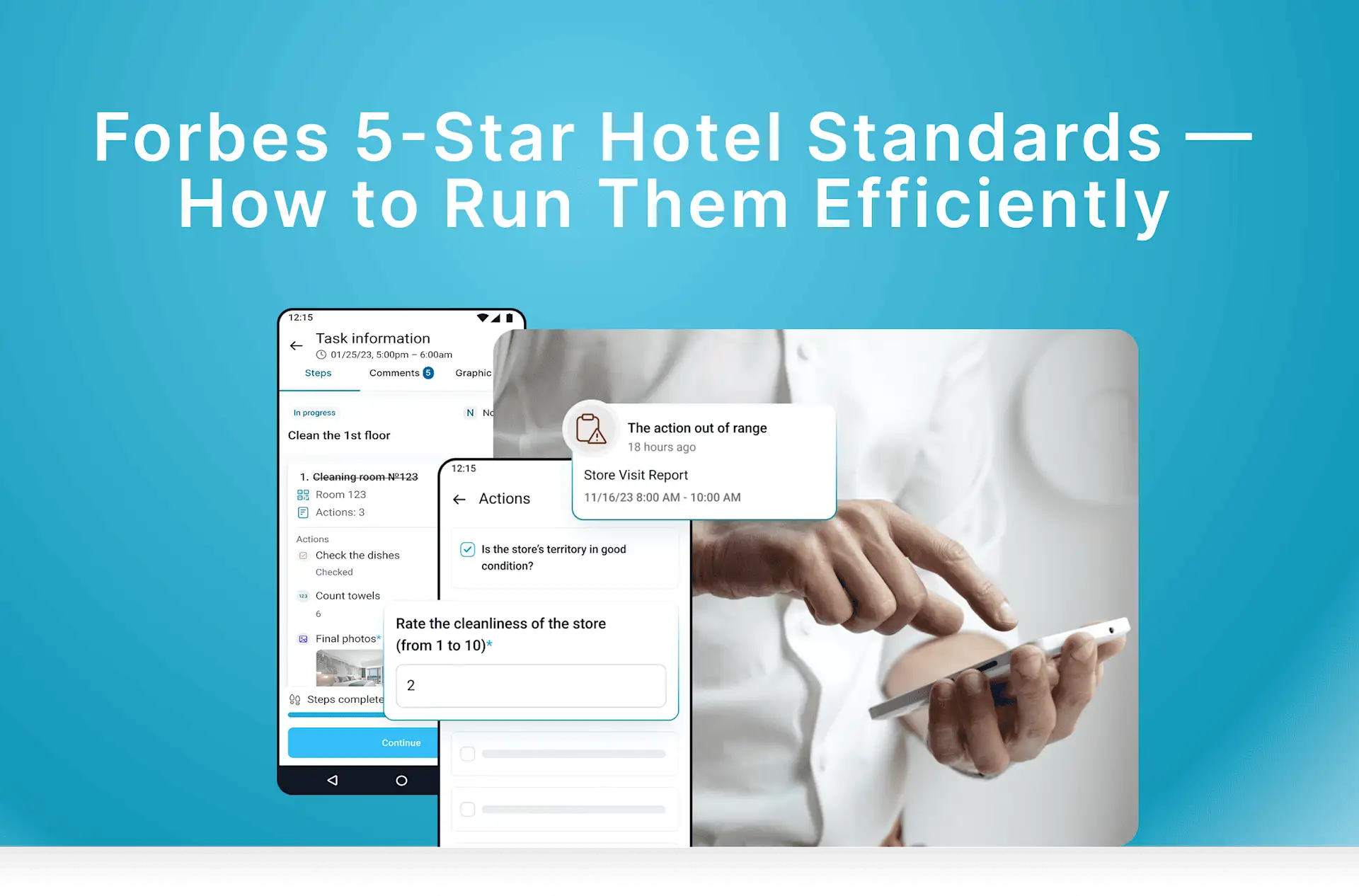
Merchandising: A strong use case. Photo Task Approvals let associates submit display evidence and managers approve it or return feedback.
Inventory and shelves: Store audits and mobile forms can capture shelf availability, pricing, and display compliance, but Zipline is not a stock ledger.
Cleaning and safety: Teams can run recurring tasks and store audits with photos and follow-up actions.
Multi-store monitoring: The Daily Digest and reporting views roll execution up through store, district, region, and headquarters hierarchies.
Photo confirmation: Supported, with an approval loop that is especially useful for visual merchandising.
Incident reporting: Audit findings and action follow-up are supported, but Zipline is not positioned as a dedicated safety incident-management system.
Limitations: Zipline is broader than a simple checklist app and is usually a better fit for established multi-store chains. Public self-serve pricing is not listed.
Pricing: Custom quote; retailers can request a demo from Zipline.
Verdict: Best for retail organizations that need daily task execution, visual merchandising approvals, and structured communication from headquarters to every store.
3. SafetyCulture — Best for Inspection-Led Store Operations
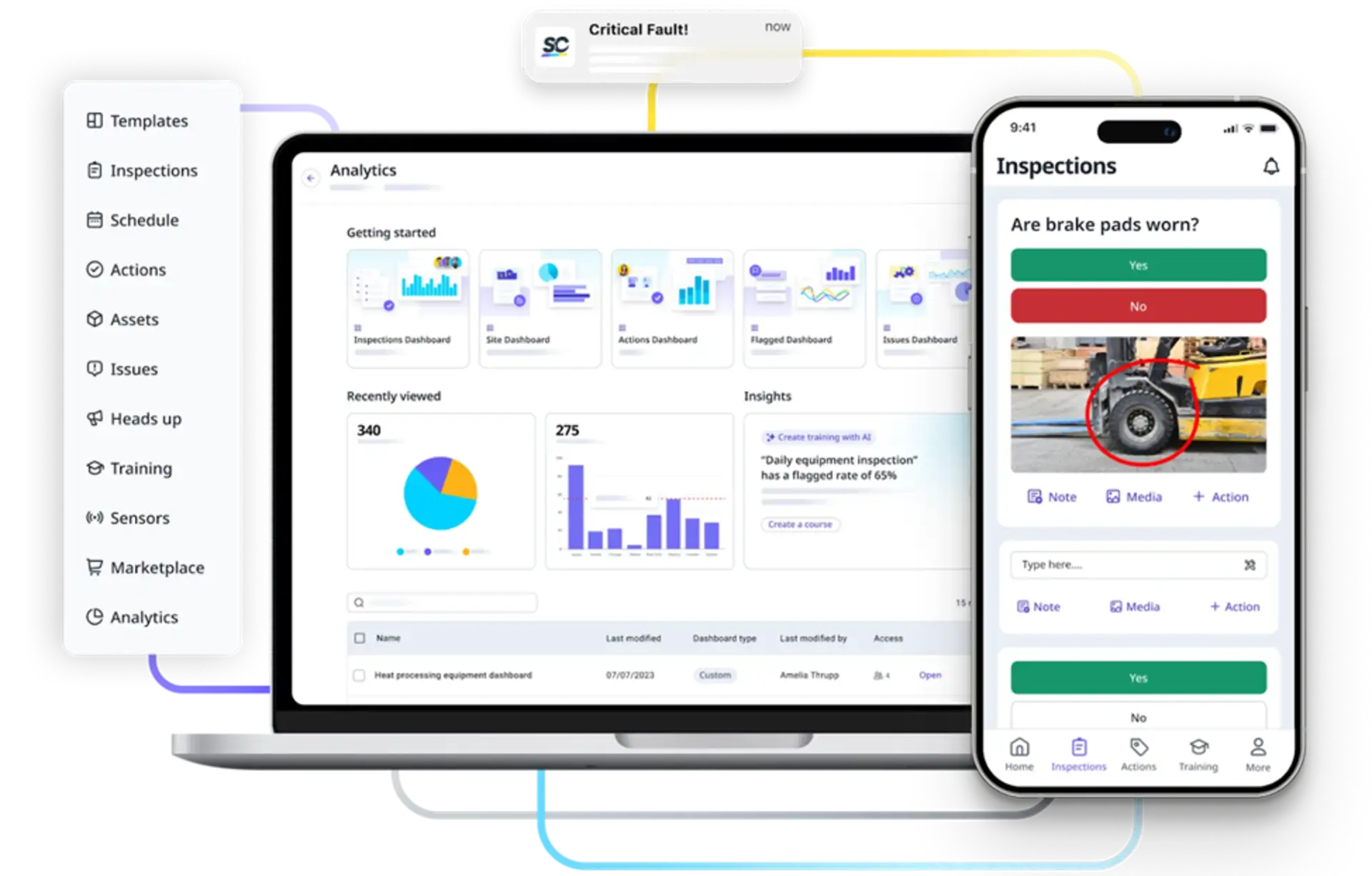
SafetyCulture is a general operations and inspection platform rather than a retail-only product, but its checklist depth makes it highly relevant to daily store management. Retail teams can schedule inspections, collect evidence, flag failures, assign actions, and compare performance across sites.
Daily Retail Coverage
Opening and closing: Ready-made and customizable store operations templates cover pre-opening and end-of-day checks.
Merchandising: Inspect displays, signage, pricing, promotional materials, and planogram compliance.
Inventory and shelves: Check shelf availability, expiry dates, storage conditions, and replenishment needs without treating the inspection as the inventory system of record.
Cleaning and safety: A core strength, with structured inspections for cleanliness, equipment, facilities, hazards, and corrective actions.
Multi-store monitoring: Sites, schedules, analytics, and dashboards help regional teams compare completion and flagged results.
Photo confirmation: Photos and other evidence can be attached to inspection responses and issues.
Incident reporting: The dedicated Issues feature lets frontline staff capture observations, notify responsible people, and track resolution.
Limitations: SafetyCulture is inspection-led and not retail-specific. It has less built-in retail communication and merchandising workflow context than Zipline or YOOBIC.
Pricing: The Free plan supports up to 10 users and five active inspection templates. Premium is $24 per full seat/month when billed annually or $29 monthly; Enterprise pricing is custom.
Verdict: Best for retailers that prioritize audit quality, cleaning and safety inspections, corrective actions, and comparable evidence across stores.
4. YOOBIC — Best for Visual Merchandising and Frontline Execution
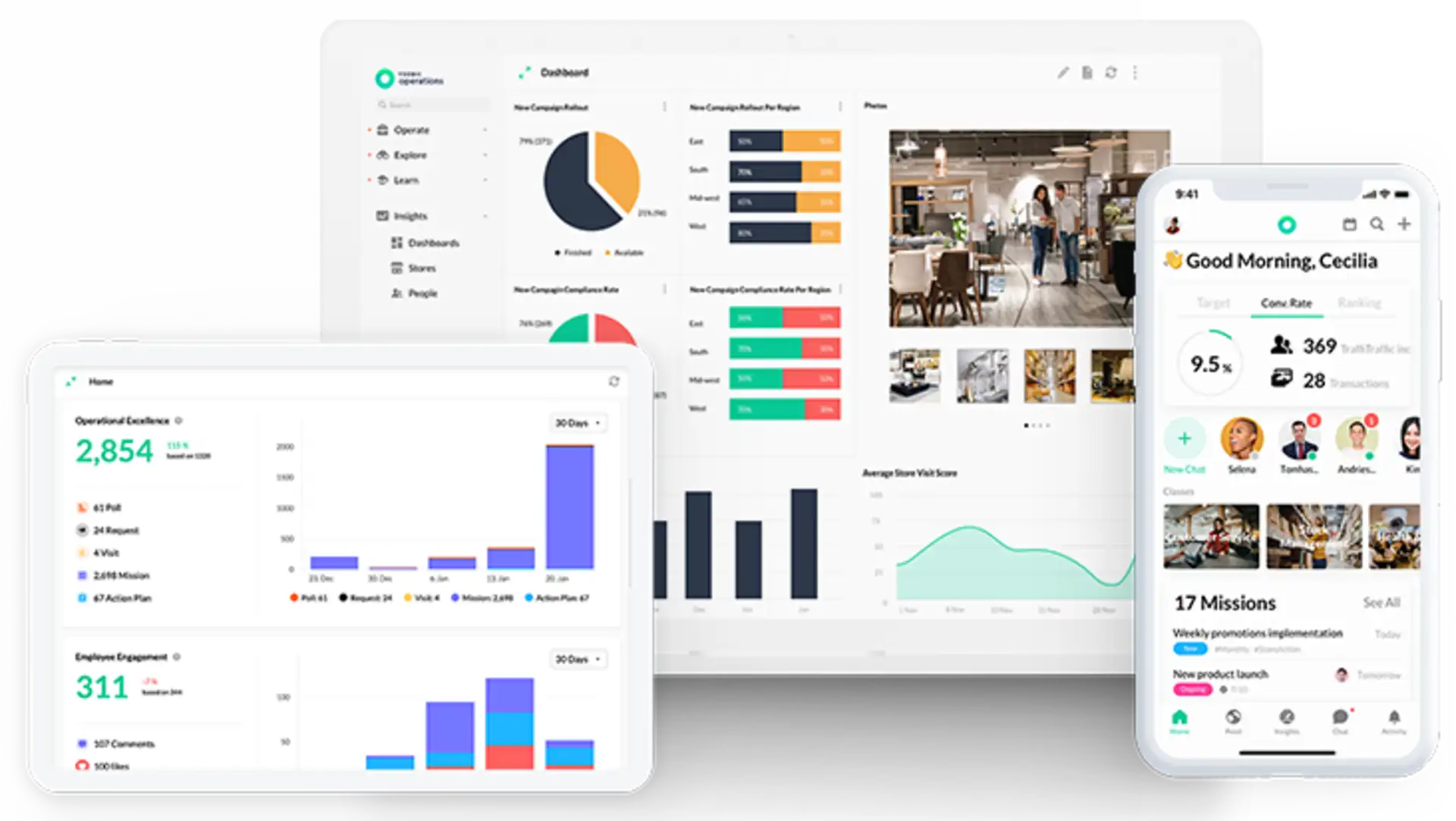
YOOBIC is a mobile-first frontline platform designed around retail execution. It combines task management, store visits, audits, communication, and learning, with strong workflows for visual merchandising and multi-store rollouts.
Daily Retail Coverage
Opening and closing: Digital routines and tailored checklists can standardize daily store readiness and closing procedures.
Merchandising: A standout capability: teams submit display photos, managers annotate evidence, and work can move through review and approval.
Inventory and shelves: Checklists support stock-control, shelf, promotion, and availability checks; they do not replace inventory accounting.
Cleaning and safety: Retailers can digitize safety logbooks, cleaning checks, store visits, and compliance audits.
Multi-store monitoring: Real-time retail dashboards, scoring, and analysis show execution across locations and regions.
Photo confirmation: Yes, with visual feedback, annotation, and approval for merchandising-heavy workflows.
Incident reporting: Teams can report issues and turn failed checks into action plans for resolution.
Limitations: YOOBIC is an enterprise-oriented platform and can be more extensive than a small retailer needs. Pricing is not published publicly.
Pricing: Custom quote and demo.
Verdict: Best for larger retailers that want visual merchandising control, store audits, communications, and frontline learning in one platform.
5. Connecteam — Best for Checklists Plus Scheduling and Time Tracking
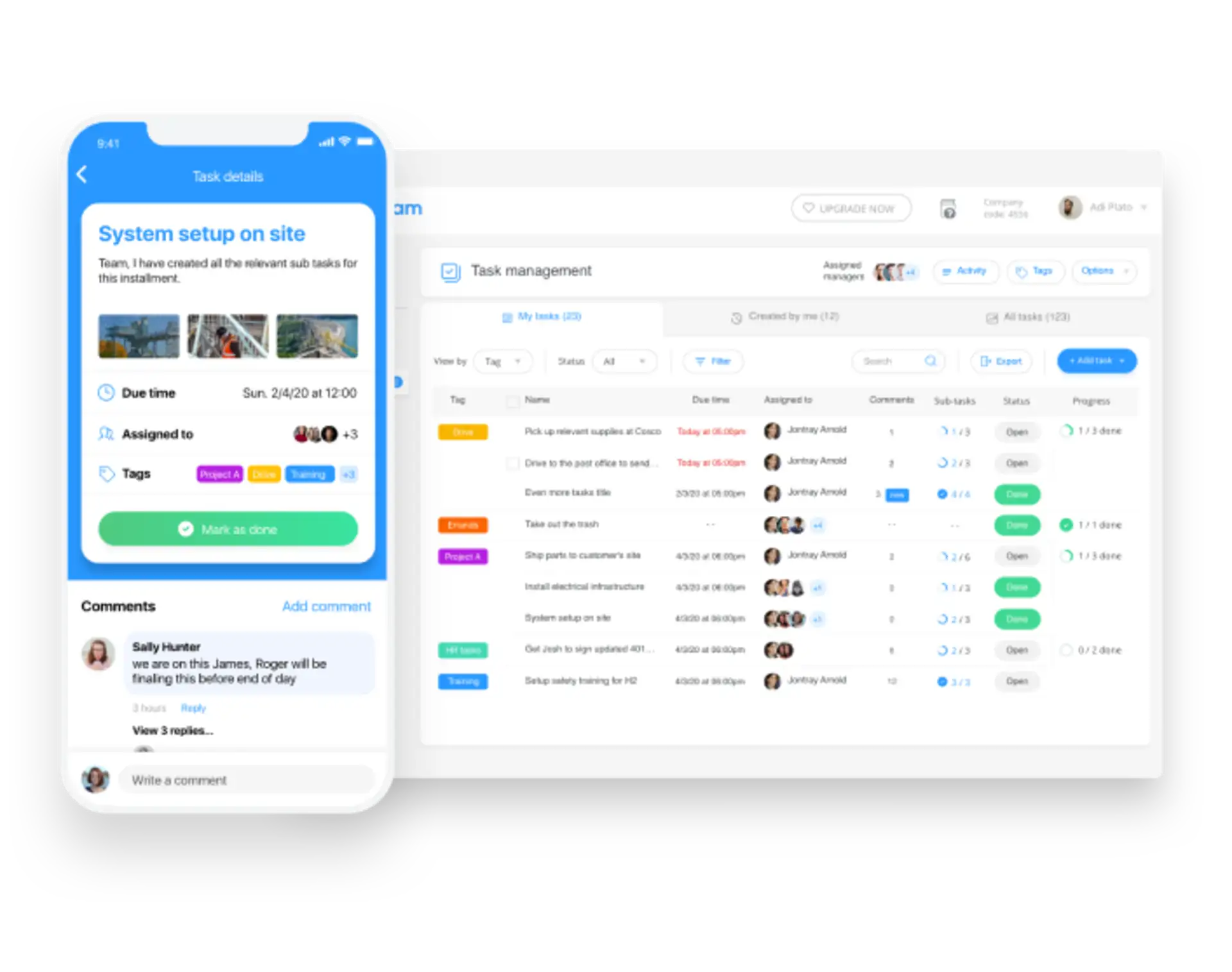
Connecteam is a mobile workforce-management platform with forms, checklists, task management, scheduling, time tracking, and communications. It is not as retail-specific as Zipline or YOOBIC, but it is accessible for small and midsize store teams that want operations and workforce tools together.
Daily Retail Coverage
Opening and closing: Use digital opening and closing forms with required fields and reminders. Automatic recurring Quick Tasks are available on the free Small Business plan for up to 10 users and from Operations Advanced for larger teams.
Merchandising: Configurable forms can capture display, signage, price-label, and promotional checks with images.
Inventory and shelves: Teams can complete stockroom and shelf checklists, but Connecteam does not become the inventory ledger.
Cleaning and safety: Template-based or custom forms support cleaning, facility, and safety inspections.
Multi-store monitoring: Jobs, sites, locations, groups, task views, and form reports can separate and compare store activity.
Photo confirmation: Forms support images and controls over whether users can submit from the camera or photo gallery; GPS can be required for selected fields.
Incident reporting: Incident and hazard forms can be configured with required fields, photos, signatures, notifications, and status columns, but this is a form workflow rather than a dedicated retail incident module.
Limitations: Automatic recurring Quick Tasks require Operations Advanced or above for teams that do not qualify for the free Small Business plan. Advanced form automation, conditional logic, and automated reports also depend on higher Operations Hub tiers. Retail execution and merchandising are configurable rather than purpose-built.
Pricing: Connecteam is free for up to 10 users. For larger teams, Operations Basic costs $29/month when billed annually or $35/month on monthly billing for the first 30 users, but recurring Quick Tasks require Operations Advanced at $49/month on annual billing or $59/month on monthly billing. A 14-day trial is available.
Verdict: Best for small and midsize retailers that want store checklists alongside scheduling, time tracking, and employee communication.
Why Deel Is Not Included
Deel is an HR, payroll, compliance, benefits, and global workforce platform. Those functions may support a retailer’s employment operations, especially across countries, but Deel does not provide the core daily store execution workflows evaluated here: opening and closing checklists, merchandising verification, shelf inspections, cleaning audits, photo proof, or store-level issue resolution.
For that reason, SafetyCulture replaces Deel in this list. Deel can complement a retail operations app for hiring and payroll, but it is not a substitute for one.
Which Retail Store Checklist App Should You Choose?
Choose TARGPatrol for recurring checklists, checkpoint verification, offline work, reporting, and dedicated issue management without an enterprise-heavy rollout.
Choose Zipline for enterprise retail task execution, headquarters-to-store communication, and photo approval workflows.
Choose SafetyCulture for inspection depth, safety and cleaning programs, corrective actions, and cross-site analytics.
Choose YOOBIC for enterprise visual merchandising, store visits, frontline communication, and learning.
Choose Connecteam for configurable checklists combined with scheduling, time tracking, and workforce communication.
Before deciding, build one real opening checklist, one merchandising photo check, one safety inspection, and one incident workflow in each shortlisted product. The best fit is the app that store employees can complete quickly and managers can review across every location without extra spreadsheets.