Top 5 Retail Audit Apps for Stores in 2026
Top 5 Store-Audit Software Solutions for Small Retail Businesses in 2026
Retail audits turn daily store standards into repeatable work. Opening and closing routines, merchandising checks, shelf availability, cleaning, safety, and incident follow-up can all be documented in one mobile workflow instead of separate paper forms and spreadsheets.
The most useful retail audit apps combine straightforward frontline execution with enough visibility for district and headquarters teams. When comparing platforms, look for:
Configurable mobile checklists for recurring store walks, with offline access where connectivity is unreliable.
Photo or video evidence, timestamps, comments, and clear audit trails for failed items.
Corrective tasks with owners, priorities, due dates, reminders, and status tracking.
Multi-store scheduling, completion monitoring, dashboards, and reports that expose repeated gaps.
Incident reporting for hazards, equipment failures, security events, and other exceptions.
Optional location verification, QR codes, or NFC tags when the business needs proof that a check happened at the correct point.
We reviewed publicly available product information, feature descriptions, pricing pages, and suitability for retail audit workflows. See our software review methodology for the criteria behind this comparison. The five platforms below are included in this 2026 comparison because each supports structured inspections, but they serve different team sizes and operating models.
1. SafetyCulture (formerly iAuditor)
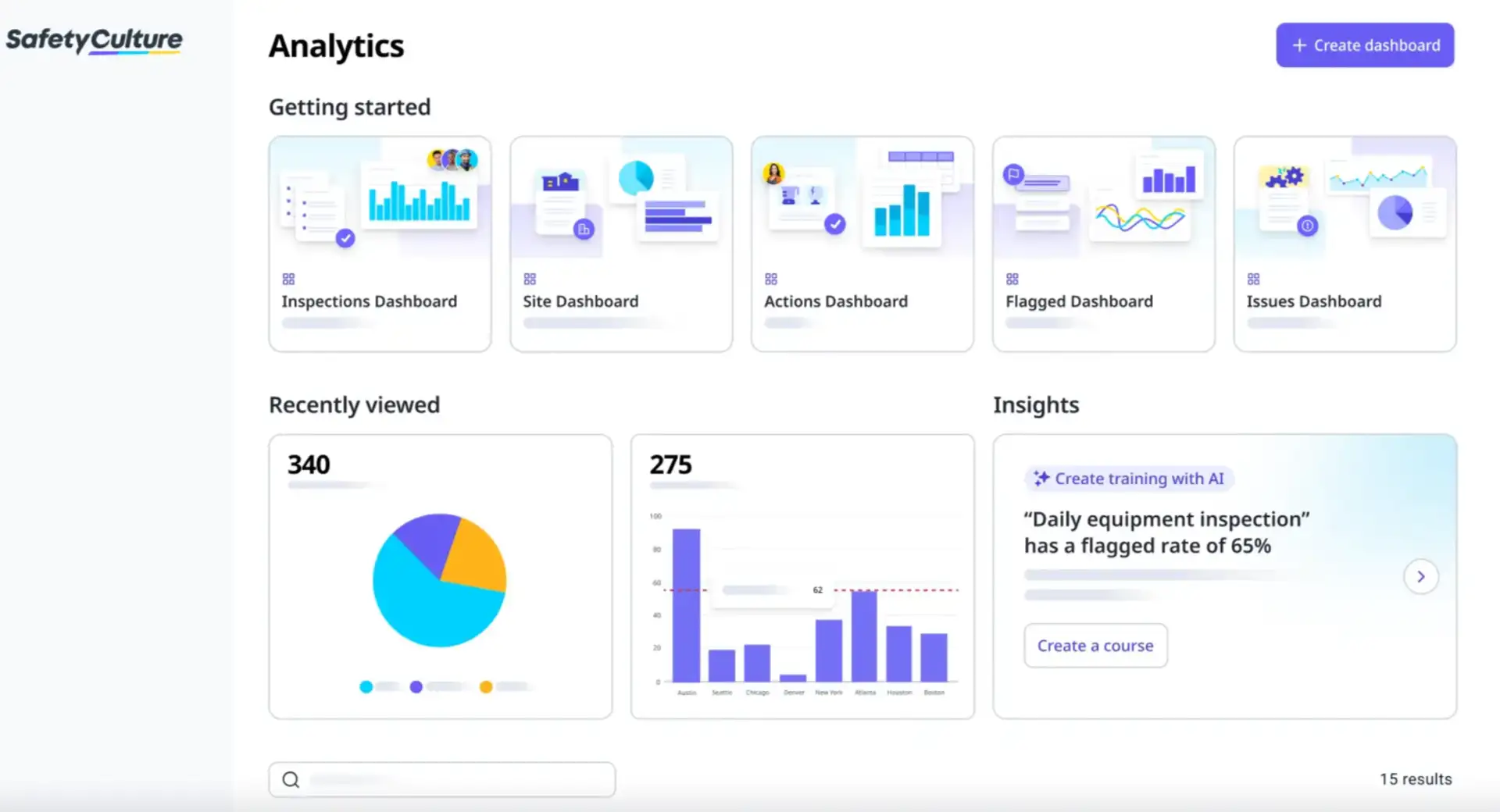
SafetyCulture is a broad inspections and operations platform for organizations that need customizable mobile audits, corrective actions, issue reporting, and centralized analytics.
Why it stands out
SafetyCulture offers a mature inspection workflow with a large template library, a visual checklist editor, conditional questions, required evidence, and configurable reports. Retail teams can adapt it to store walks, health and safety checks, merchandising reviews, equipment inspections, and loss-prevention routines.
Key features
Custom inspection templates with conditional logic, calculations, required responses, and approval workflows.
Photo and video capture, photo annotations, notes, signatures, timestamps, and GPS information in inspection records.
Mobile inspections that continue offline and sync when the device reconnects.
Scheduled inspections, notifications, and Actions for assigning and tracking corrective work.
Instant PDF and web reports with customizable layouts and automated distribution.
Dashboards and analytics for comparing results across sites, teams, and time periods.
Pricing
Free Plan: $0 for up to 10 active users and five active inspection templates. Premium: $24 per full seat per month when billed annually or $29 when billed monthly. Enterprise pricing is available upon request.
Pros
Strong general-purpose inspection, reporting, and evidence-capture capabilities.
Large template library can shorten setup for common safety and operational checks.
Suitable for organizations that want inspections connected to a broader operations platform.
Cons
The broad product scope can add complexity for a retailer that only needs simple daily store audits.
Advanced permissions, analytics, and integration options depend on paid plans and seat types.
2. TARGPatrol
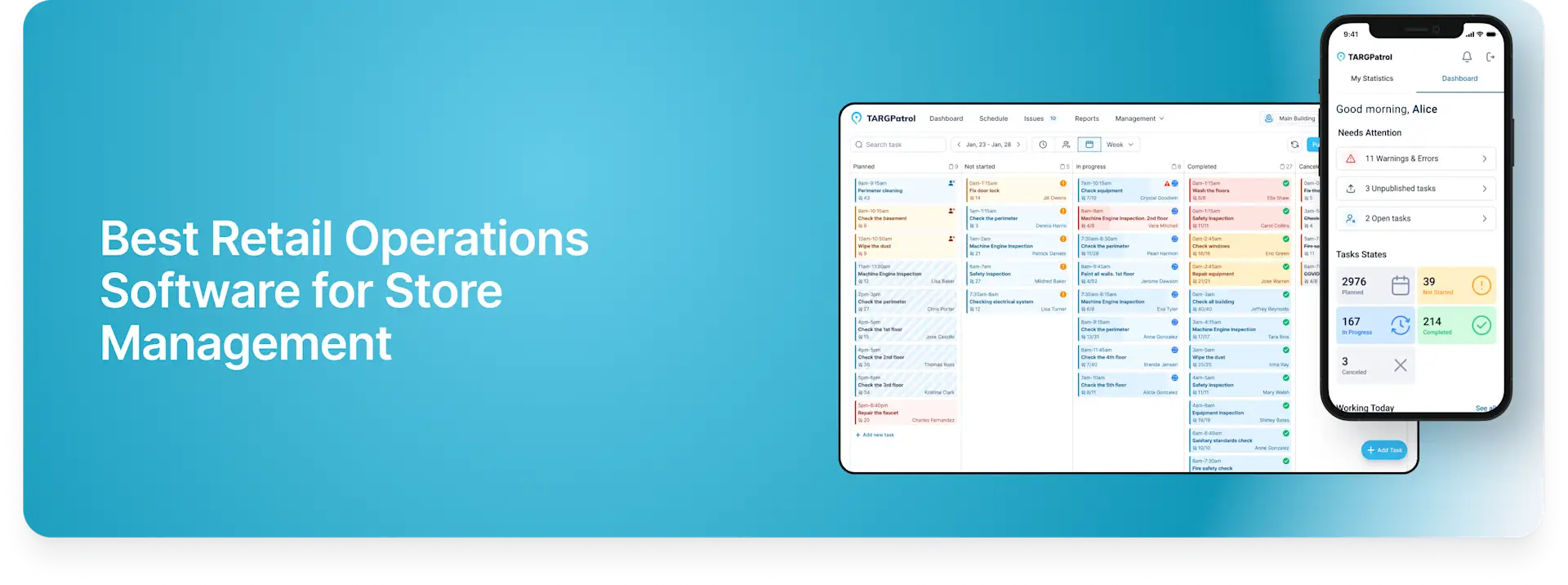
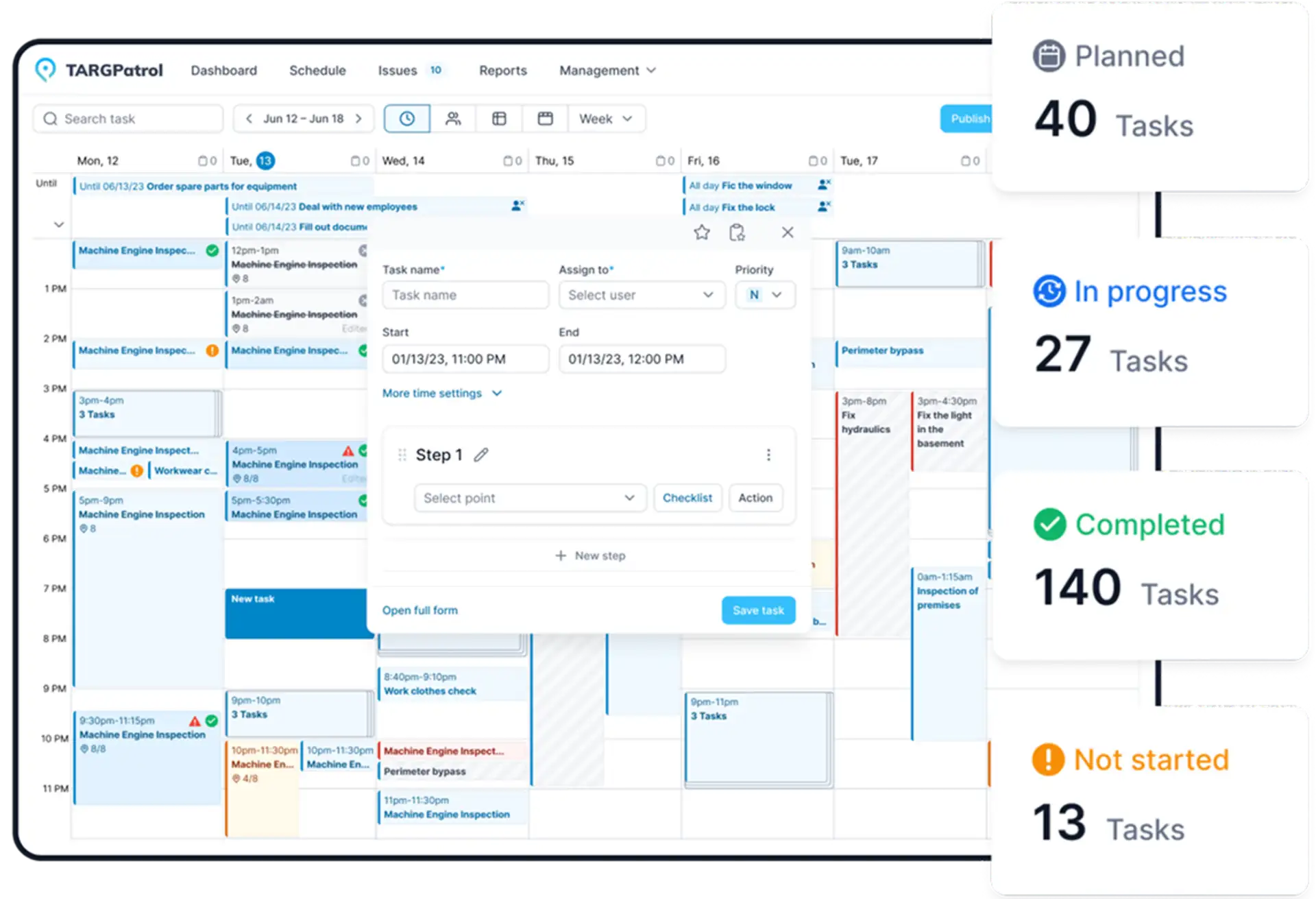
TARGPatrol combines scheduled tasks, reusable checklists, inspections, tours, incident reporting, and work verification for retail teams that want one system for daily execution and audits.
Why it stands out
TARGPatrol is useful when an audit is part of day-to-day store operations rather than a separate periodic process. Managers can create recurring or one-time tasks, attach structured checklists, monitor completion by location, and turn findings into tracked issues. The same web and mobile platform supports inspections and audits, opening and closing routines, cleaning checks, shelf reviews, and maintenance follow-up.
Key features
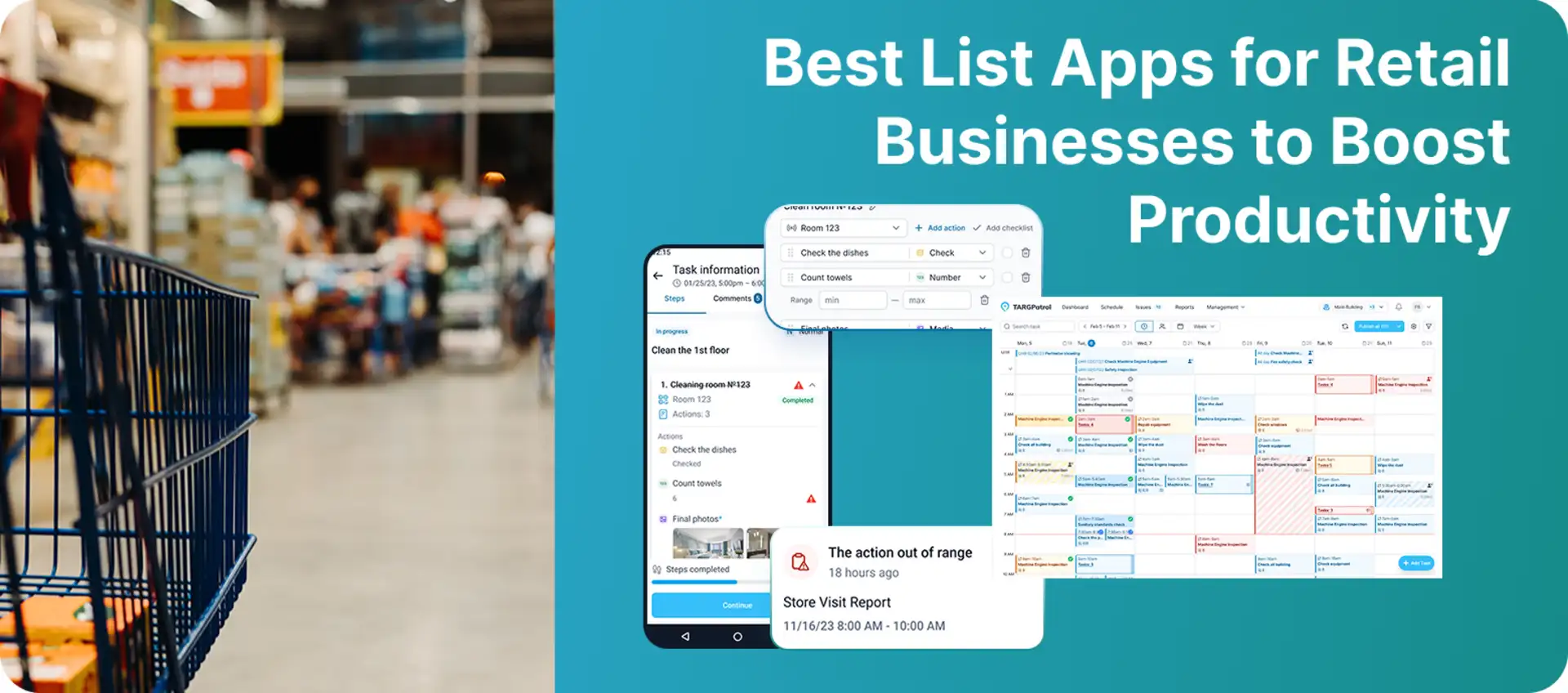
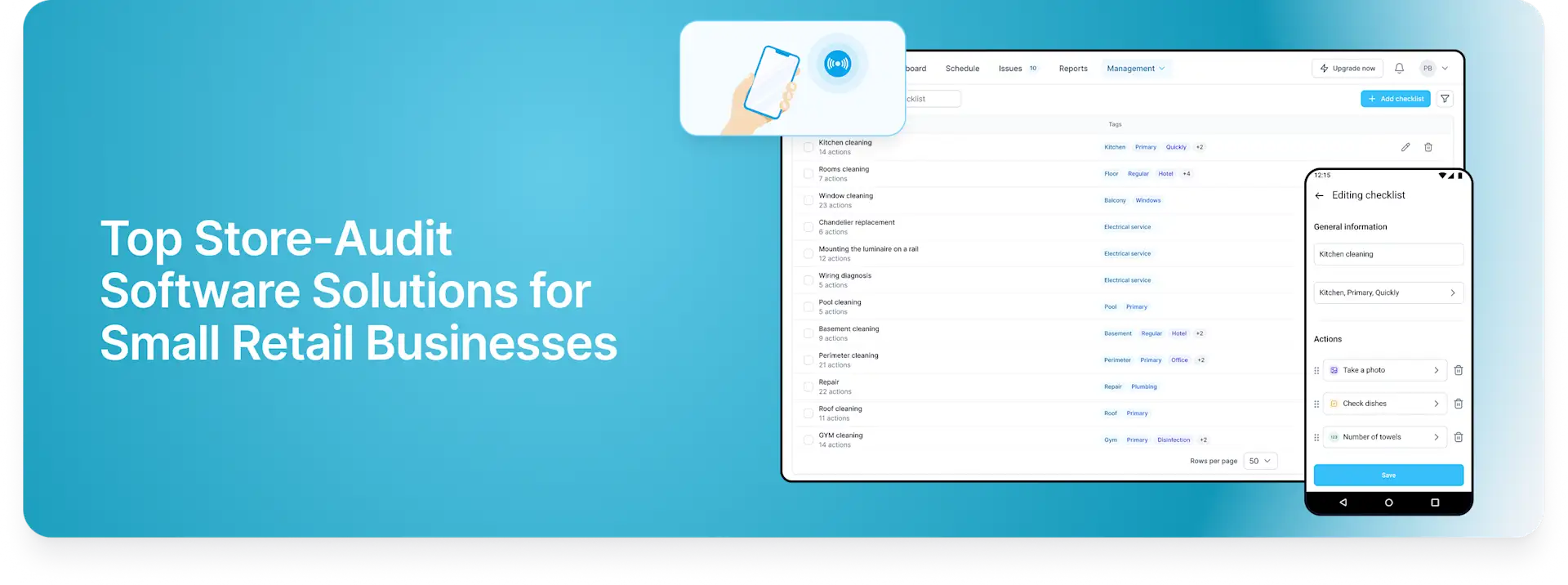
Reusable checklists attached to scheduled or one-time tasks, tours, inspections, and patrols.
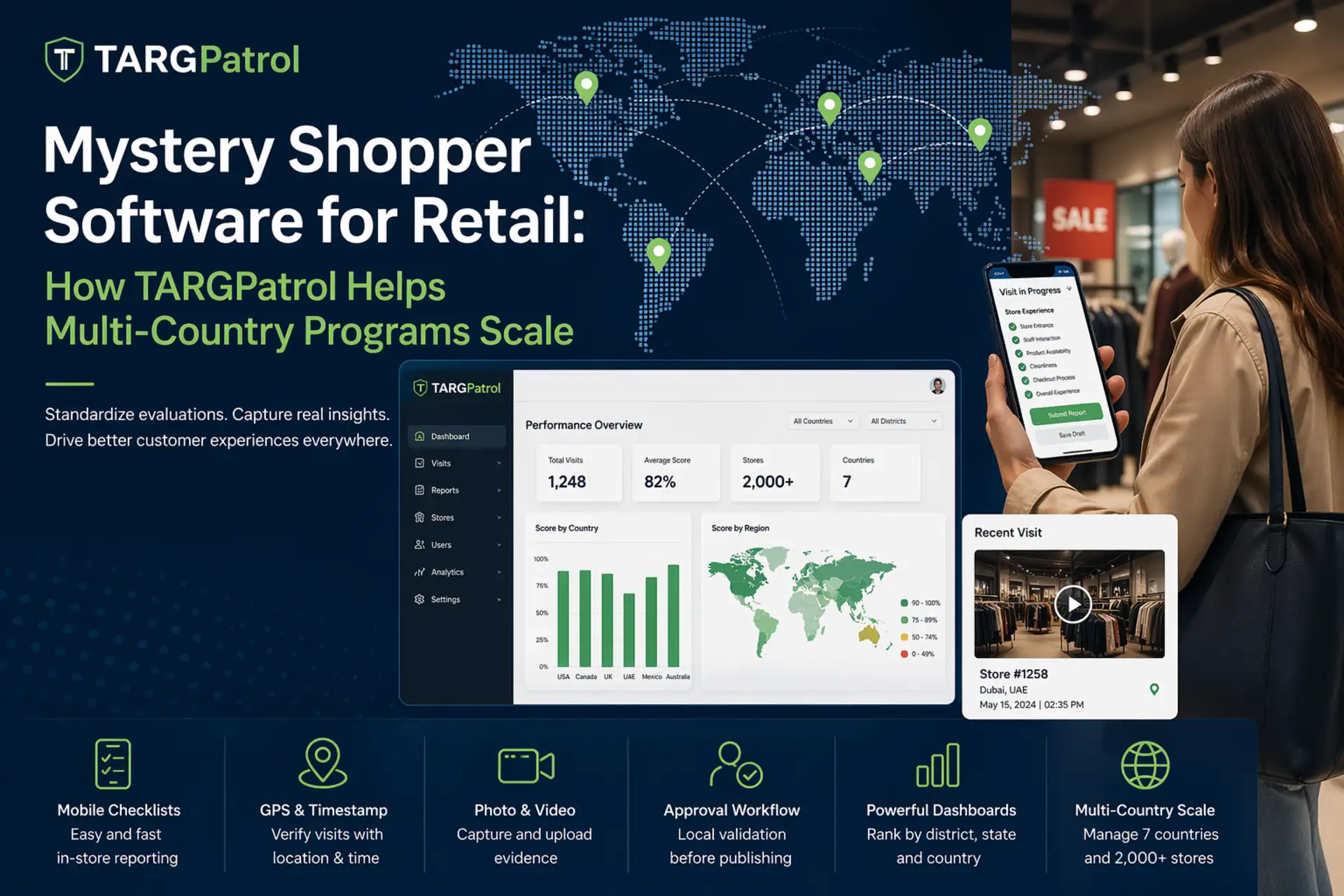
QR and NFC check-ins plus GPS Point proximity validation, which accepts a GPS check-in only when the user is close enough to the saved coordinates.
Photo confirmation on all plans and video attachments on paid plans, with time-stamped activity history.
Task management with assignees, priorities, statuses, due dates, comments, reminders, and notifications.
Issue and incident reporting with attachments, history, priority, location context, and follow-up tracking.
Offline mobile work with synchronization after connectivity returns.
Reports and dashboards for reviewing task, checklist, location, and team activity; paid plans add scheduled reports and Excel/PDF exports.
REST API and webhooks on paid plans for connecting audit data with other business systems.
Pricing
Free: $0 for up to 10 users, unlimited locations, points, checklists, and tasks, with media storage for up to seven days. Base: $15 per user per month, or $12 with annual billing, for up to 1,000 users. A 14-day fully featured trial is available.
Pros
Free plan covers core retail audit and daily operations workflows for small teams.
Multiple on-site verification options support stores, stockrooms, and distributed locations.
Audits, corrective tasks, incidents, notifications, and reporting remain connected in one workflow.
Cons
Video attachments, API access, webhooks, scheduled reports, and data exports require a paid plan.
Free-plan media retention is limited to seven days, which may not suit long audit-retention requirements.
3. Crunchtime Ops Execution (formerly Zenput)
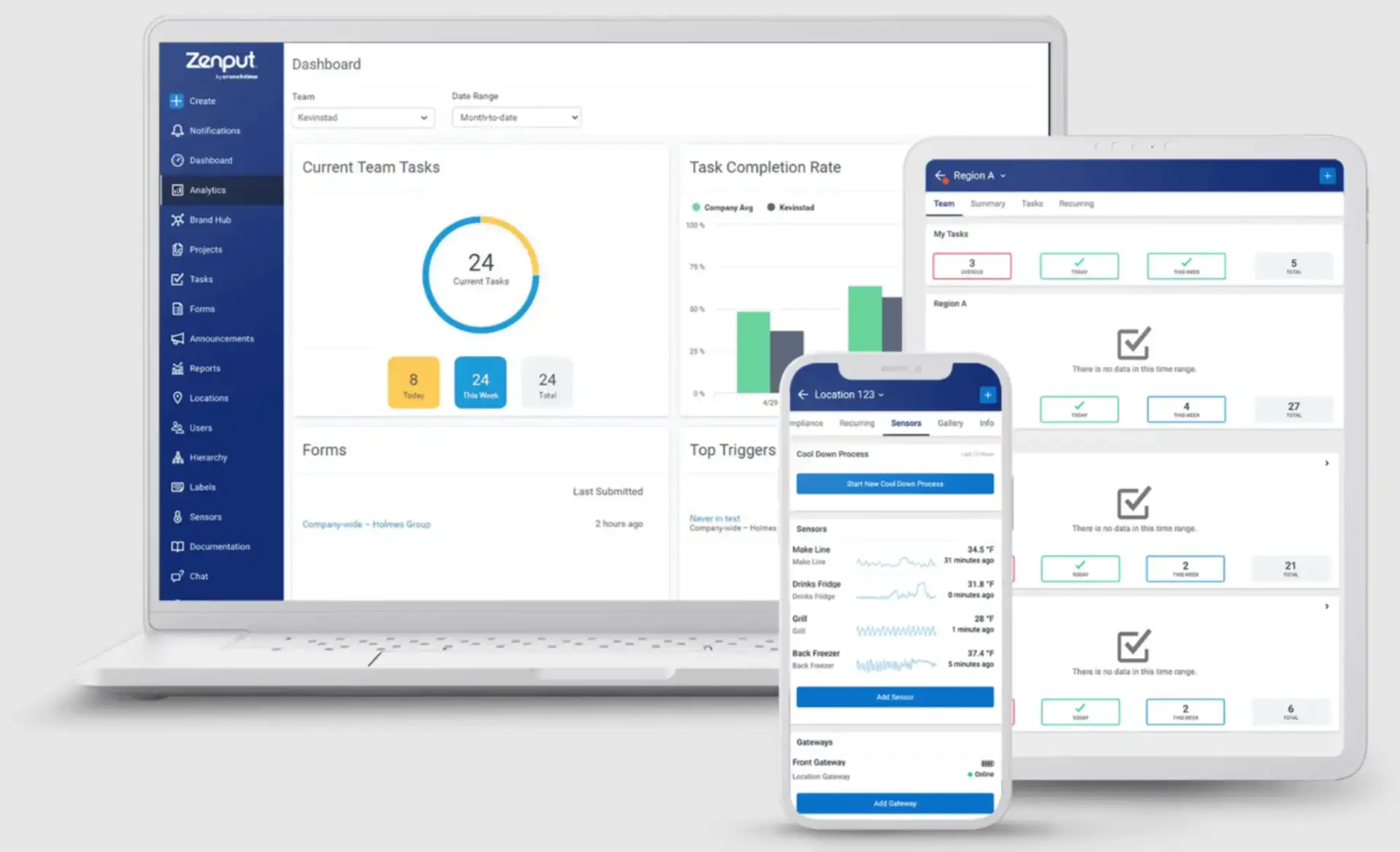
Crunchtime Ops Execution is the current name for Zenput. It focuses on operational tasks, audits, food-safety processes, and above-store visibility for multi-unit restaurants and convenience-store operators.
Why it stands out
Crunchtime Ops Execution is the most specialized option in this list for food-centric retail. It connects daily opening and closing work, HACCP checks, store walk-throughs, incidents, temperature monitoring, and corrective action across large location networks. That depth is valuable for convenience stores, grocery food-service departments, and restaurant-led retail operations.
Key features
Digital forms for daily checklists, audits, food-safety processes, incidents, and recurring projects.
Task scheduling, late-completion alerts, timed tasks, follow-up actions, and corrective workflows.
Photo uploads and photo validation, plus GPS submission tracking for stronger audit evidence.
Real-time dashboards and task-completion reporting across stores and above-store teams.
Temperature-monitoring and food-prep-labeling options for regulated food operations.
API integrations and data-streaming options for broader enterprise reporting.
Pricing
Pricing is available upon request.
Pros
Strong fit for multi-unit food service, convenience retail, and operations with strict food-safety controls.
Combines daily execution, formal audits, incidents, corrective work, and multi-location reporting.
Designed for complex organizational hierarchies and large store networks.
Cons
No public price list, so comparison and budget planning require a sales conversation.
Its restaurant and convenience-store orientation may be more specialized than a general retailer needs.
4. GoAudits
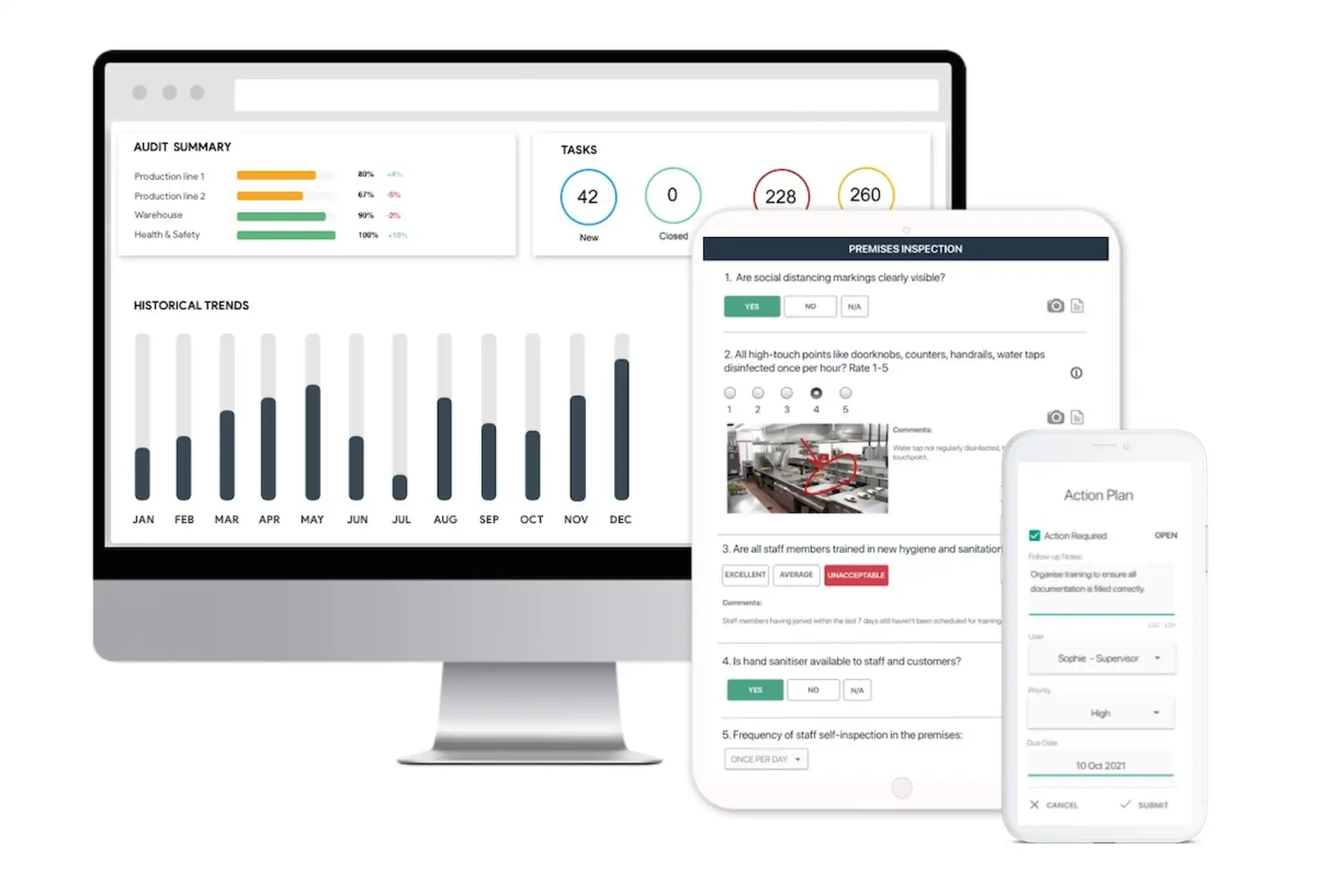
GoAudits is a dedicated mobile inspection platform with retail templates, offline audits, automatic reports, corrective actions, and multi-site dashboards.
Why it stands out
GoAudits keeps the inspection workflow focused: build or import a checklist, complete it on a phone, tablet, or computer, attach evidence, and generate a report as soon as the audit closes. Its retail use cases cover merchandising, opening and closing routines, cleaning, safety, food hygiene, incident management, and mystery shopping.
Key features
Custom checklists and retail-specific templates with conditional questions, mandatory fields, and smart scoring.
Offline inspections on mobile devices and computers, with synchronization after reconnection.
Photos, annotations, comments, signatures, timestamps, and geolocation in audit records.
Instant PDF reports and automatic email distribution after an inspection is submitted.
Corrective actions with assignees, priorities, deadlines, notifications, and resolution evidence.
Dashboards and analytics for comparing locations, recurring failures, scores, and open actions.
Pricing
Starter: $10 per user per month with annual billing. Enterprise: $30 per user per month with annual billing. GoAudits also offers a 14-day free trial with no credit card required.
Pros
Public entry pricing and a clearly defined inspection workflow.
Strong offline support, automatic reporting, and retail-specific checklist coverage.
Corrective action assignees can be added without separate per-assignee charges.
Cons
The Starter plan is limited to one company or department, 25 sites, and 10 checklist templates.
Advanced scheduling, permissions, reporting, trends, and API access are positioned in the Enterprise plan.
5. YOOBIC
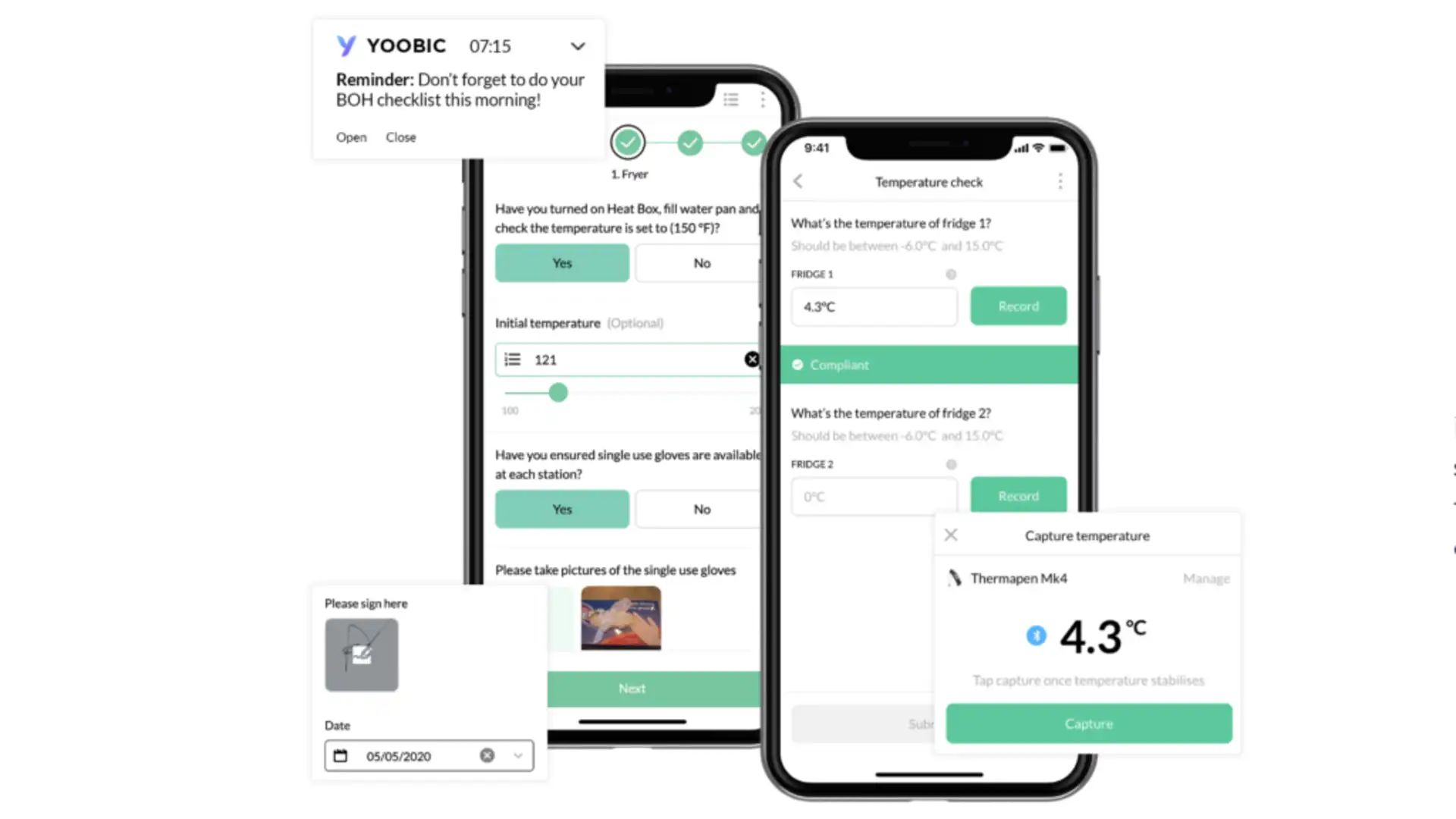
YOOBIC is an enterprise retail operations platform that connects store visits and audits with task execution, communications, learning, visual merchandising, and network-wide performance data.
Why it stands out
YOOBIC is built around the needs of multi-store retailers. District managers can plan visits using historical performance and KPIs, complete dynamic audit checklists, collect photo proof, create action plans, and generate reports. Store, regional, and headquarters teams then see scores and follow-up progress in shared dashboards.
Key features
Mobile-first store visits with dynamic checklists, scoring, historical visit data, and site-level context.
Photo capture and verification for visual merchandising, promotion, safety, and compliance checks.
Offline task and audit completion with automatic data synchronization after reconnection.
Action plans assigned from visit findings, with owners, deadlines, progress tracking, and escalation.
Automatic reports and custom dashboards for store, district, regional, and headquarters views.
Optional communications and learning modules that can link audit findings to guidance or training.
Pricing
Pricing is available upon request. Packages are modular and priced by the number of business locations or users, depending on the selected modules.
Pros
Retail-specific store-visit, visual-merchandising, and multi-location execution workflows.
Connects audit findings to action plans, reporting, communications, and training.
Well suited to large retailers that need consistent execution across regions or countries.
Cons
No public price list, so buyers must request a tailored quote.
The enterprise platform and module selection may be more than a small retailer needs for basic audits.
Conclusion: Choosing the Right Retail-Inspection Software
The five platforms cover different versions of the same core problem: defining a store standard, recording what happened, assigning corrective work, and giving managers visibility across locations. The best choice depends less on the longest feature list and more on the type of audits, number of stores, evidence requirements, and systems already in use.
What Every Retail Inspection Platform Should Deliver
Flexible checklists for opening, closing, merchandising, shelf, cleaning, safety, and compliance checks.
Reliable mobile execution with photo evidence, timestamps, and offline support where required.
Clear corrective actions with an owner, deadline, status, and proof of resolution.
Central monitoring of completion and results across stores, regions, and audit types.
Reports and exports that preserve an audit trail and make repeated failures visible.
Appropriate access controls, data retention, integrations, and location verification for the organization’s risk level.
Not every retailer needs sensors, AI analysis, training, or a large integration catalog. Treat those as fit-dependent capabilities, not baseline requirements.
Decision Checklist
1. Match the platform to the operating model
Choose SafetyCulture for broad, configurable inspections across several operational use cases.
Choose TARGPatrol when scheduled store work, audits, incidents, and QR/NFC/GPS Point verification need to share one workflow.
Choose Crunchtime Ops Execution for multi-unit restaurants, convenience stores, or food-centric retail operations.
Choose GoAudits for a focused inspection product with public entry pricing and strong report automation.
Choose YOOBIC for enterprise retail execution that combines store visits with action plans, communications, and learning.
2. Test the real store environment
Pilot the app in a busy opening shift, a stockroom with poor connectivity, and a multi-step merchandising or safety audit. Check how quickly staff can complete the form, attach evidence, sync data, and resolve a failed item.
3. Calculate the complete cost
Include paid seats, location limits, storage and retention, implementation, sensors, premium reporting, API access, and the users who only receive or close corrective tasks.
4. Review privacy and verification settings
Use GPS, photo, QR, or NFC verification only when it serves a clear operational purpose. Confirm what data is captured, when it is captured, who can access it, and how long it is retained.
Final Word on Retail Inspections
A retail audit app should make standards easier to follow and exceptions easier to fix. Start with the workflows that affect customers and risk most—opening and closing, safety, cleaning, merchandising, and shelf availability—then expand only after store teams consistently complete and close the loop on those checks.
For small and growing teams that want to connect audits with daily tasks and verified check-ins, review TARGPatrol pricing and compare the free and paid plans against your retention, reporting, and integration needs.