

External API
Use the TARGPatrol External API to connect your systems to one organization. This guide covers access, authentication and safe integration practices. Endpoint-specific fields and examples belong in the API reference, not in this introductory guide.
Availability and API keys
External API access is available on Base and Enterprise, not Free. An organization Owner creates and manages its API tokens in the web app. Each key identifies one organization; it is not a personal sign-in password or a mobile User ID/PIN.
Sign in to the web app and open the intended organization as its Owner.
Open Management → External API and select Add Token.
Use a clear integration name, save the token and copy the key.
Store it in a server-side secret store. Use separate tokens for integrations where practical and revoke a token when it is no longer needed.
Authenticate requests
Send requests over HTTPS to the API host shown in the reference, using the /api/v1 base path. Include the key in the x-api-key request header. Signing in to the web app does not authenticate an external request. Do not put a key in a URL, browser bundle, screenshot, public repository or logs.
1x-api-key: <YOUR_API_KEY>Use the reference and test safely
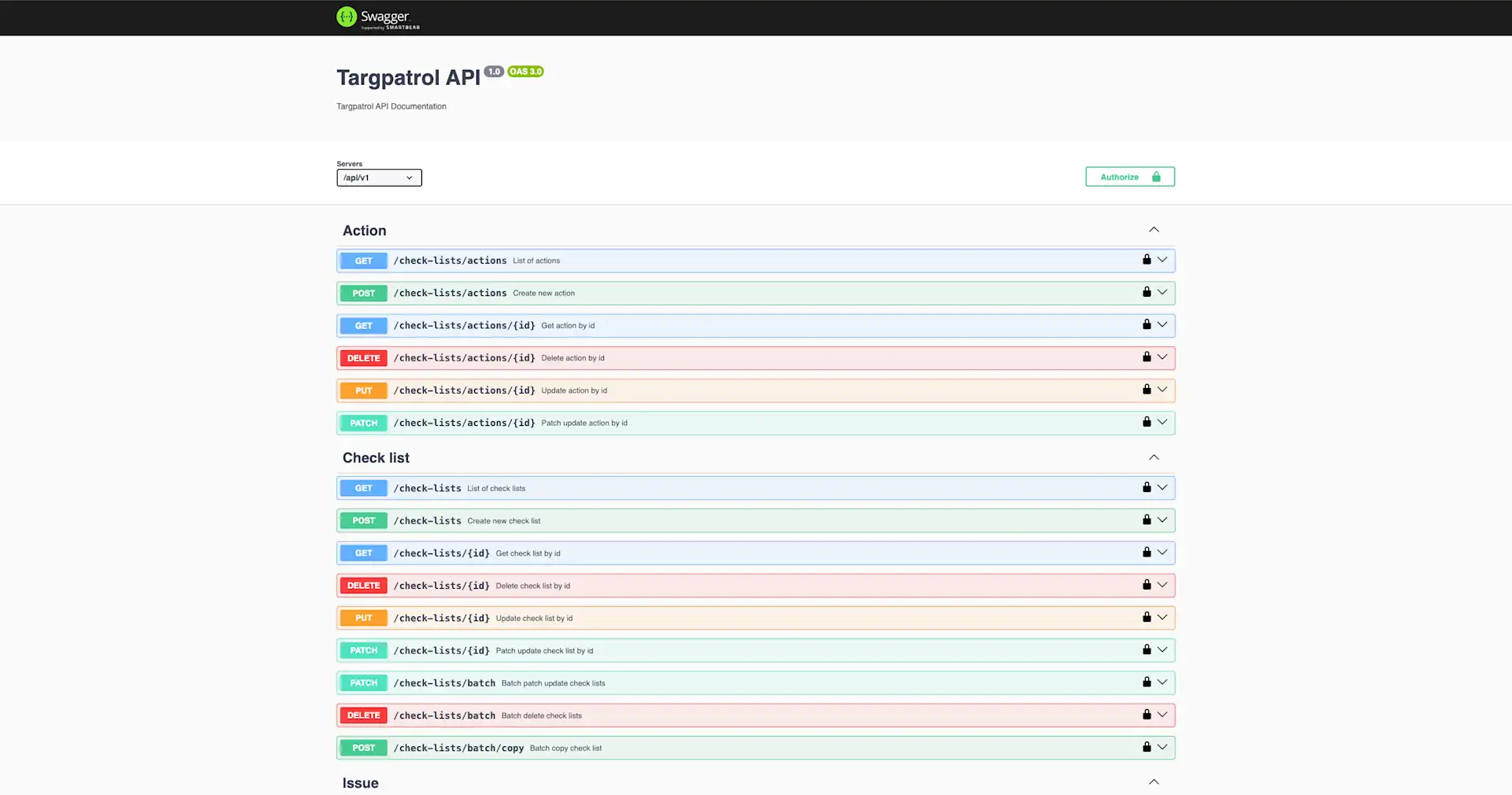
Open the API reference, choose an operation and check its method, path, required fields and response schema.
Start with a read-only request and verify that the results belong to the intended organization. Interactive reference requests may act on real data.
Follow the pagination, filtering and sorting documented for that operation. Do not assume identical defaults for every endpoint.
Before making changes, check whether the operation uses POST, PUT or PATCH and how omitted, null or empty values are handled. Test writes in a test organization first.
Handle network errors and server failures deliberately. Avoid blindly repeating creation requests, and never include keys or personal data in diagnostic logs.
API reference and interactive explorer
Troubleshoot access
For 401, check the x-api-key header and whether the token still exists. For 403, check plan availability and the operation’s requirements. For 404, verify the URL, identifier and organization; for 400, review the documented request format and validation details. Rotate a key if it was exposed and update every integration that uses it.
What changed in the API reference?
1.1
Reference 1.1 made lastName required when creating users and corrected the location-assignment field name to locationIds. Check the current user schema when preparing requests.
1.2
Reference 1.2 added temporary signed download URLs for attachments on legacy Issues, including thumbnail URLs when available. Download links must be used before they expire.
1.3
Reference 1.3 added comment listing and creation for Tasks, Incidents and legacy Issues, plus editing and deletion of API-created comments. Existing comment attachments can be read and downloaded; uploading attachments or editing comments created by application users is not supported through this API.
1.4
Reference 1.4 introduced structured international phone metadata and validation for user data. Use the current schemas for the exact request and update semantics.
1.5
Reference 1.5 added read-only per-record change history. Its subsequent updates document User, Location and Point history as well as Point display order and dedicated reorder/move operations. Follow the current reference for supported operations and compatibility details.
These are API-reference/schema versions, not new URL prefixes: the base path remains /api/v1. This summary is not a complete endpoint changelog. Webhooks are configured separately when you need event-driven updates.