7 Best Field Service Management Software in 2026
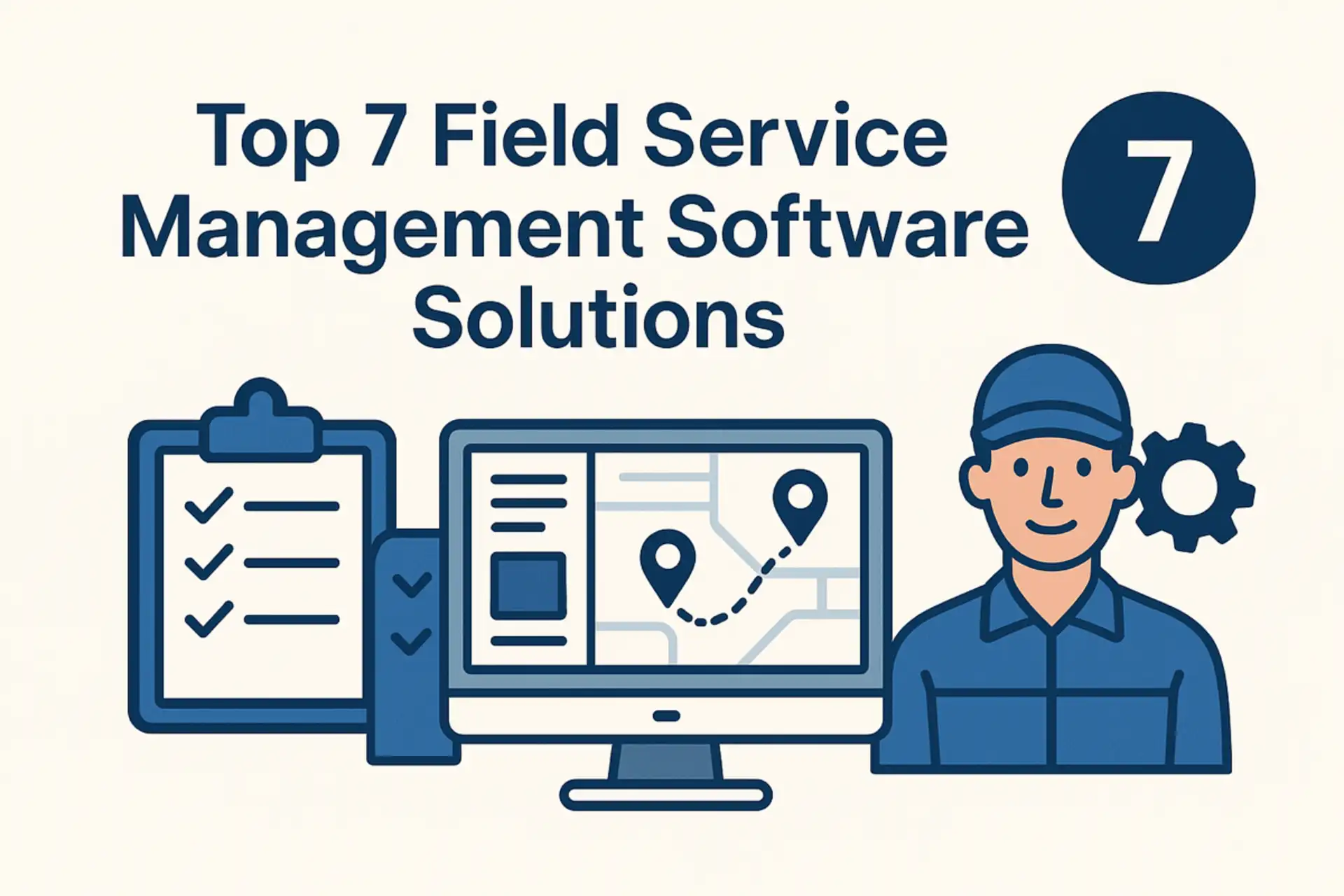
Field service management software connects dispatchers, managers, technicians, and customer-facing teams around the same work. The right platform can schedule jobs, deliver instructions to mobile workers, capture proof from the field, and keep office teams informed without relying on paper forms or disconnected messages.
The category is broad. Some products manage the complete customer lifecycle from request and estimate through invoice and payment. Others focus on field work orders, recurring operations, inspection checklists, location verification, and issue follow-up. This 2026 comparison explains those differences instead of treating every platform as interchangeable.
Our seven selections are TARGPatrol, Zuper, Jobber, Skedulo, Housecall Pro, Salesforce Field Service, and Service Fusion. Each serves a different operating model, team size, and level of workflow complexity.
How We Evaluated Field Service Management Software
We reviewed official product documentation and public pricing information available on August 11, 2026. The comparison follows our software review methodology. Prices and packages can change, so buyers should confirm final terms directly with each vendor.
TARGPatrol publishes this comparison and is included as one of the products. To keep the comparison useful, its narrower role and missing customer-management features are stated explicitly.
Scheduling and dispatch: one-time and recurring work, calendar visibility, assignment, routing, and schedule changes.
Mobile execution: job details, forms, checklists, photos, signatures, offline work, and synchronization.
Operational visibility: job status, time records, location context, alerts, dashboards, and reports.
Customer workflow: requests, estimates, portals, communication, invoices, payments, and service history where applicable.
Back-office depth: inventory, assets, contracts, integrations, APIs, permissions, and multi-location support.
Commercial fit: public pricing, user limits, implementation effort, add-ons, and the type of organization each product best serves.
Field Service Software Comparison for 2026
Platform | Best for | Starting price | Important limitation |
|---|---|---|---|
TARGPatrol | Distributed field execution, inspections, and proof of work | Free; Base from $12/user/month annually | No native estimates, invoicing, or customer CRM |
Zuper | Configurable end-to-end field service operations | Contact sales | Pricing and implementation require a sales process |
Jobber | Small home-service businesses | From $29/month annually for one user | Advanced automation and team features require higher plans |
Skedulo | Complex scheduling for large mobile workforces | Contact sales; annual subscription | More implementation than many small teams need |
Housecall Pro | Residential service trades | From $59/month annually for one user | Several advanced capabilities sit in higher plans or add-ons |
Salesforce Field Service | Enterprises already using Salesforce | Dispatcher or Technician: $175/user/month annually | Service Cloud prerequisites and implementation raise total cost |
Service Fusion | Service companies that value unlimited users | From $245/month | Starter excludes several operational add-ons |
Pricing note: The figures above are standard public starting prices, not temporary promotional discounts. Taxes, onboarding, implementation, extra users, payment processing, messaging, and optional modules can materially change the total cost.
1. TARGPatrol
Best for: organizations that need reliable execution of scheduled work, inspections, maintenance routines, or site visits across distributed locations.
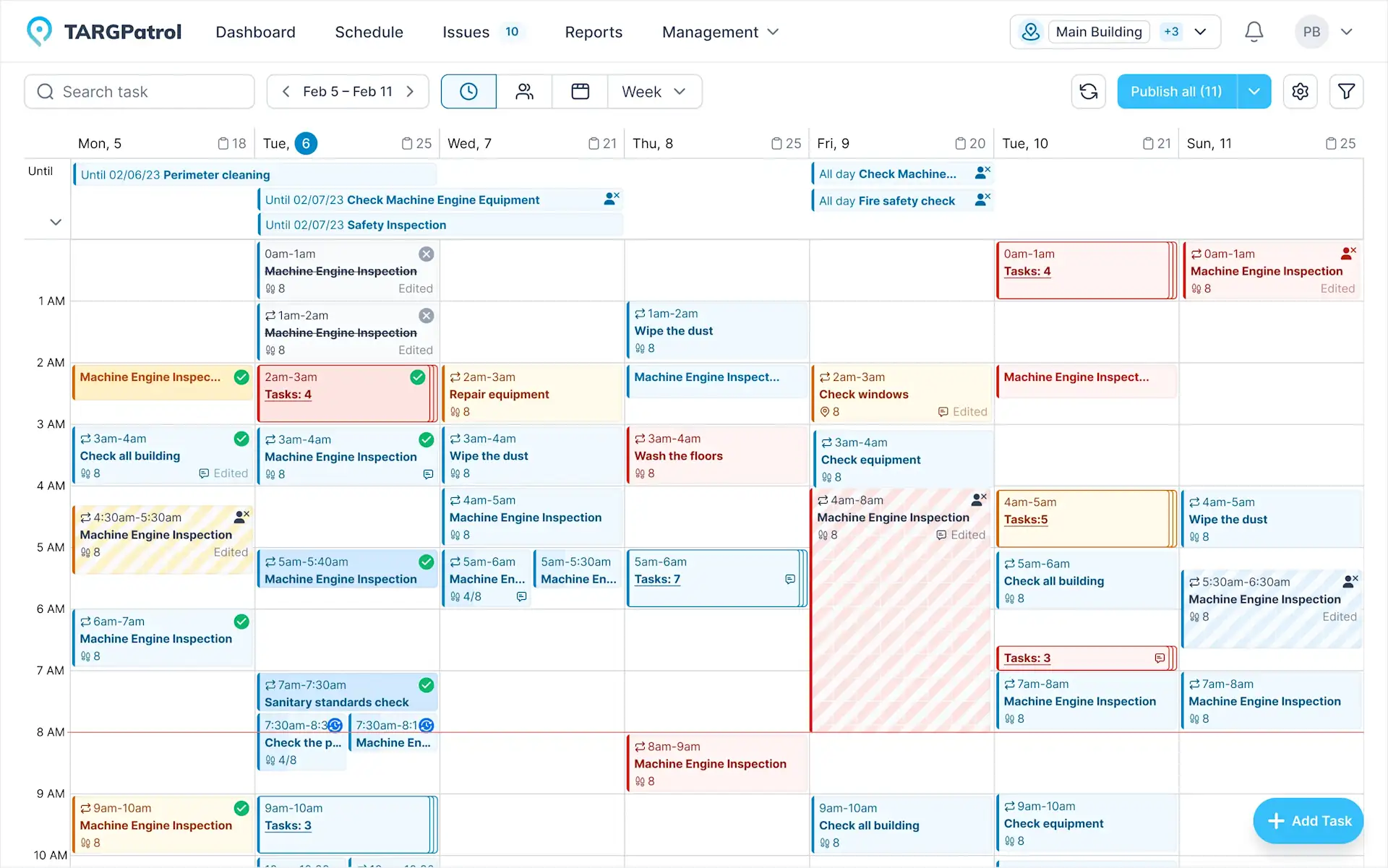
TARGPatrol connects scheduled and recurring tasks with mobile checklists, tours, check-ins, incidents, and reporting. Managers can organize work by user, location, or tag and review completion from a central web application. Field employees receive assignments in the mobile app, complete structured steps, attach evidence, and continue working when connectivity is limited.
TARGPatrol uses two distinct GPS controls. GPS Point proximity validation allows a GPS Point to be completed only when the user is within the configured radius of its saved coordinates. Separately, an administrator can enable optional GPS tracking for an individual user; while the mobile application is active, it records coordinates for operational map visibility. Organizations should configure location collection for a clear business purpose and follow applicable privacy and labor requirements.
Key capabilities
One-time and recurring task management with assignees, priorities, deadlines, reminders, comments, and notifications.
Reusable checklists for inspections, maintenance, safety, service delivery, and proof-of-completion workflows.
QR and NFC check-ins, GPS Point proximity validation, virtual check-ins, and time-stamped activity history.
Photo confirmation on all plans, video attachments on paid plans, and offline mobile execution with later synchronization.
Issue and incident management with priorities, attachments, location context, history, and follow-up.
Dashboards and reports, with scheduled reports, Excel/PDF export, media tools, API access, and webhooks available on paid plans.
Pricing
The Free plan supports up to 10 users with unlimited locations, points, checklists, and tasks. The Base plan costs $15 per user per month when billed monthly or $12 per user per month with annual billing. Enterprise pricing is customized. Compare current inclusions on the TARGPatrol pricing page.
Important limitation
TARGPatrol is not a full sales-to-cash FSM suite. It does not natively provide customer estimates, a sales CRM, invoicing, payment processing, or spare-parts inventory. It is strongest when operational execution, checklists, verification, incidents, and reporting matter more than customer billing. Businesses can connect other systems through the paid API and webhooks.
2. Zuper
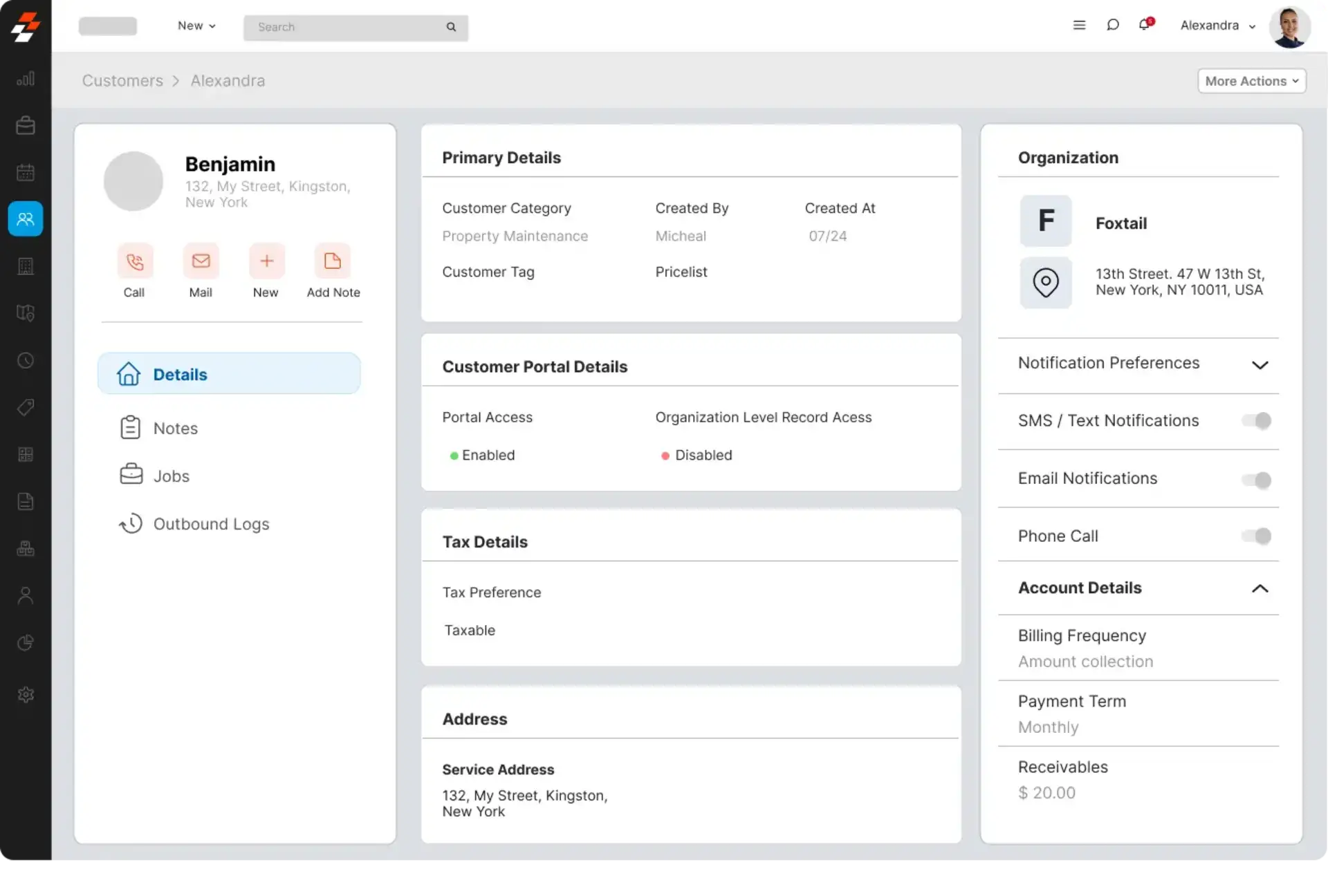
Best for: mid-sized and larger service organizations that need a configurable platform spanning dispatch, field execution, inventory, assets, and customer transactions.
Zuper provides work order management, automated scheduling, AI-assisted dispatch, route and location intelligence, a technician mobile app, customer communication, estimates, invoicing, payments, inventory, and integrations. It is a broader traditional FSM platform than TARGPatrol and can support complex service lifecycles from the initial job through completion and billing.
Key capabilities
One-time and recurring jobs, configurable statuses, service tasks, checklists, and job reports.
Dispatch board, skill and location-aware assignment, route optimization, service territories, and technician alerts.
Mobile and desktop applications with offline work, media capture, time logs, and team communication.
Customer records, estimates, invoices, payments, contracts, and a customer portal.
Inventory, serialized parts, multiple warehouses, assets, warranties, and planned preventive maintenance on applicable packages.
APIs and integrations with CRM, accounting, help-desk, and collaboration tools.
Pricing
Zuper’s current public field-service page directs buyers to schedule a demo and discuss pricing. Final cost depends on users, selected modules, onboarding, configuration, integrations, and support requirements.
Important limitation
Zuper’s breadth is useful for complex operations, but it can require more configuration, implementation support, and budget than a small team needs for straightforward assignments and checklists. Buyers should request a complete quote that includes required modules and professional services.
3. Jobber
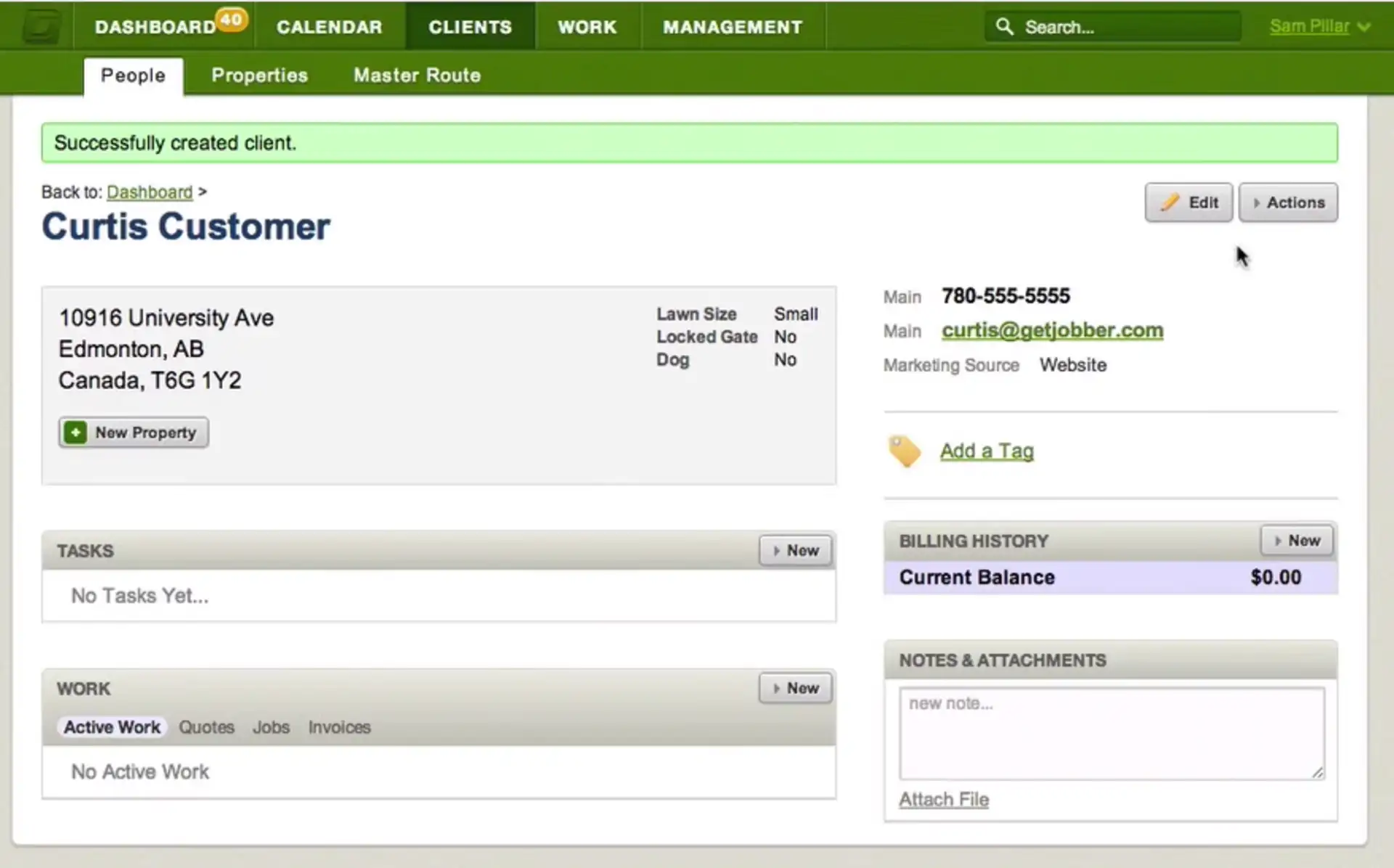
Best for: small and growing home-service businesses that want customer requests, scheduling, quotes, field work, and payment in one approachable system.
Jobber is designed around the workflow of home-service contractors. Customers can request or book work, office staff can create quotes and schedule visits, technicians receive job details and checklists in the mobile app, and completed work can move directly to invoicing and payment. The Client Hub gives customers a self-service place to review appointments, approve quotes, and pay invoices.
Key capabilities
Online requests and booking, client records, quotes, and follow-up workflows.
One-time and recurring job scheduling, drag-and-drop calendar management, dispatch, maps, and routing.
Mobile job details, instructions, photos, checklists, time tracking, expenses, and team notifications.
Client Hub, appointment reminders, on-my-way messages, invoices, online payments, and automatic payment collection on applicable plans.
Reporting, job costing on higher plans, QuickBooks Online and Xero connections, and an application marketplace.
Pricing
Jobber’s standard Core plan starts at $29 per month with annual billing for one user, before temporary promotions. Connect, Grow, and Plus add automation, team capacity, job costing, advanced quotes, and other features. A 14-day trial is available without a credit card.
Important limitation
Jobber is optimized for small home-service companies rather than highly regulated enterprise field operations or complex asset fleets. Teams should check which plan includes checklists, time and expense tracking, route optimization, job costing, and the number of users they need.
4. Skedulo
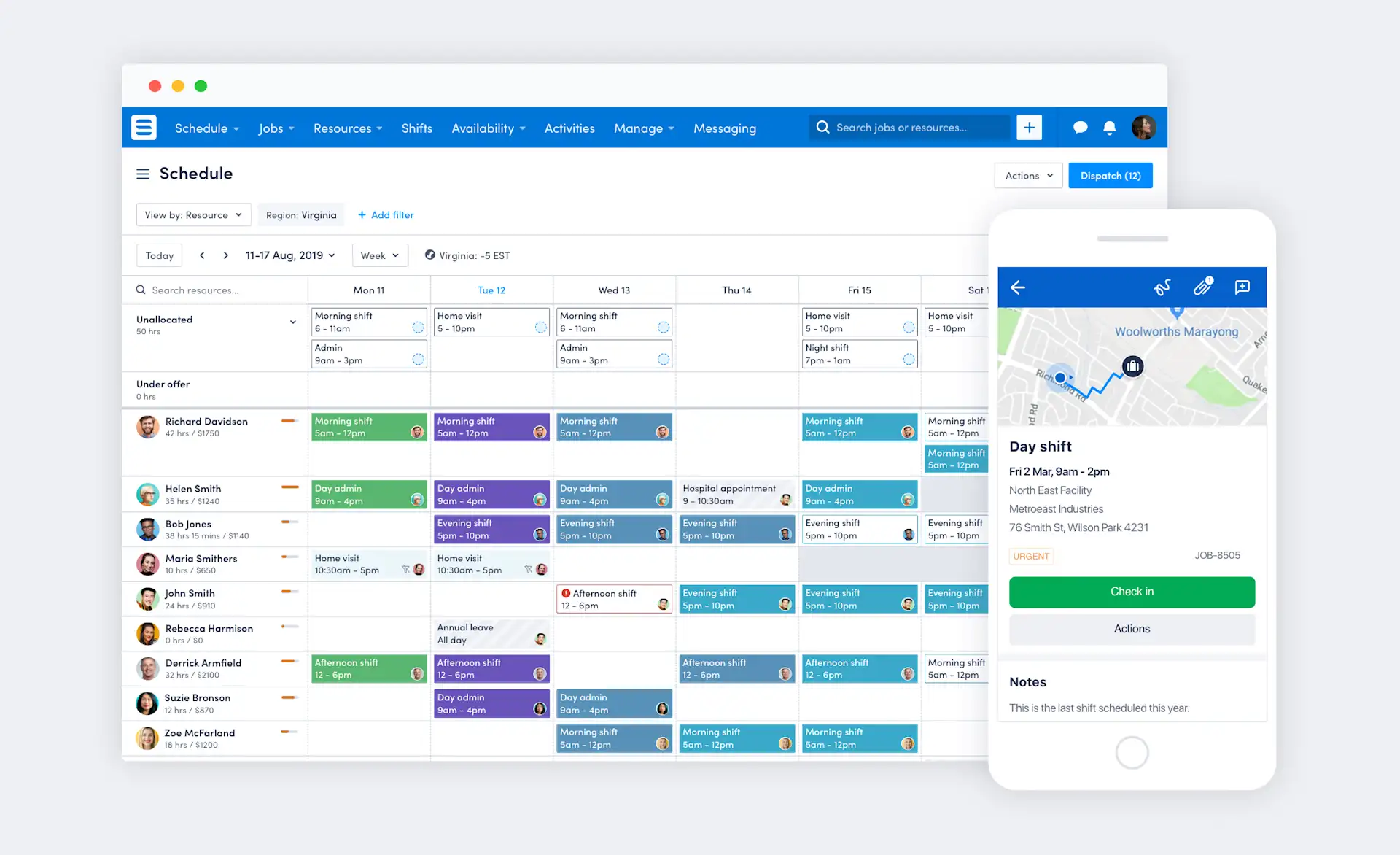
Best for: large or operationally complex mobile workforces where skills, certifications, availability, travel time, shifts, and utilization drive scheduling decisions.
Skedulo focuses on workforce orchestration. Schedulers can match people to work using skills and travel considerations, optimize schedules and routes, dispatch changes in real time, and manage fixed-location shifts alongside mobile jobs. Its mobile application supports job details, forms, photos, signatures, time capture, and offline work.
Key capabilities
Skill, qualification, availability, client, location, and travel-aware scheduling.
Automated schedule optimization, routing, dispatch, work offers, shifts, rostering, and recurring work patterns.
Mobile forms, field notes, photos, signatures, push notifications, calendars, and offline synchronization.
Capacity, utilization, workforce analytics, demand planning, and integrations with enterprise systems.
Salesforce-native and standalone deployment options, APIs, and configurable mobile experiences.
Pricing
Skedulo uses annual subscriptions and generally prices scheduler and mobile-worker licenses per user per month. The company does not publish dollar amounts and notes that minimum license quantities apply. Volume pricing and implementation services are quoted separately.
Important limitation
Skedulo is principally a mobile-workforce scheduling and execution platform. A small contractor that mainly needs estimates, invoicing, and payments may find a home-service suite simpler. Enterprise configuration and integration should be included in the implementation plan.
5. Housecall Pro
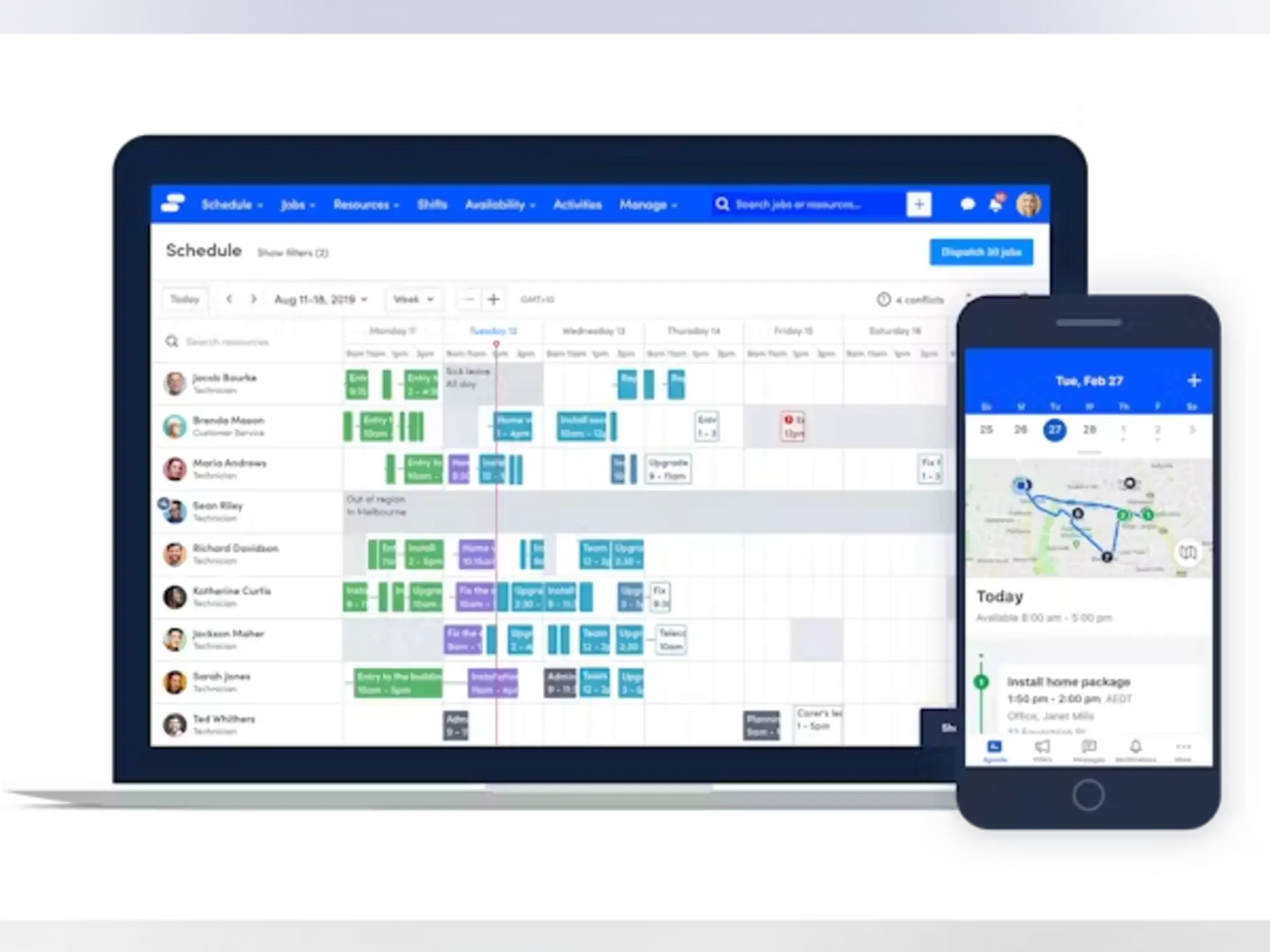
Best for: residential service trades such as HVAC, plumbing, electrical, cleaning, landscaping, and appliance repair.
Housecall Pro combines customer management with booking, estimates, scheduling, dispatch, technician workflows, invoices, payments, service plans, and reputation tools. It is designed to help home-service businesses move from a new request to a paid job without switching between separate operational and customer systems.
Key capabilities
Online booking, customer records, drag-and-drop scheduling, recurring jobs, and technician dispatch.
Mobile job details, status updates, checklists, time tracking, photos, estimates, invoices, and payment collection.
Price book, job costing, QuickBooks integration, automated reminders, customer portal, reviews, and marketing tools.
GPS and route optimization options for technician and fleet visibility on applicable packages.
Service plans, sales proposals, API access, and dedicated onboarding at higher tiers.
Pricing
As of July 2026, Basic costs $59 per month billed annually or $79 month-to-month for one user. Essentials costs $149 annually or $189 month-to-month for up to five users. MAX costs $299 annually or $329 month-to-month for up to eight users. Additional users and optional products cost extra. A 14-day trial is available.
Important limitation
Housecall Pro is purpose-built for home services, so it may not fit organizations centered on formal inspections, multi-site compliance, or complex enterprise assets. Route optimization, API access, advanced sales tools, and some business features require higher packages or add-ons.
6. Salesforce Field Service
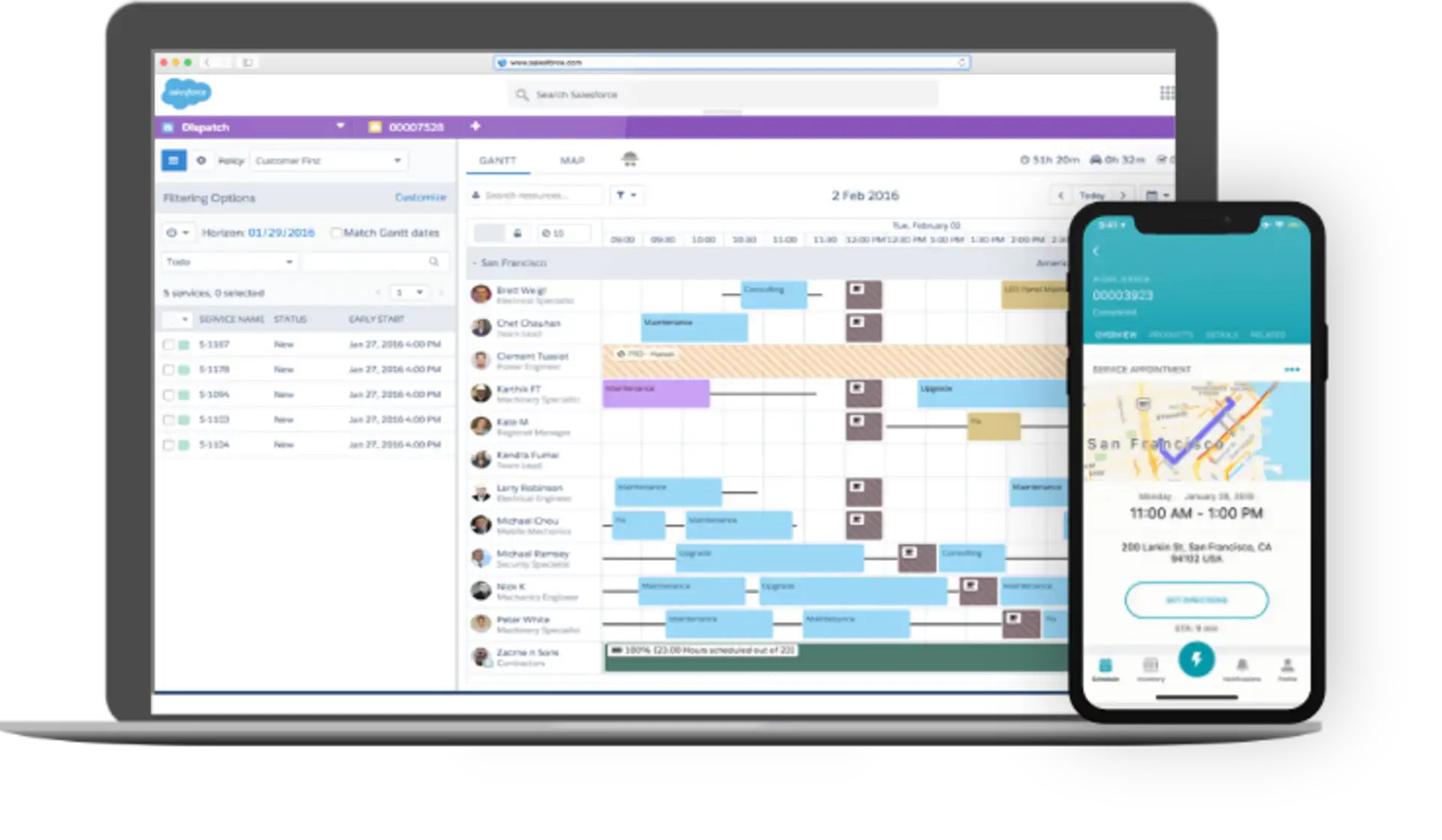
Best for: enterprises that already use Salesforce and need field service connected directly to CRM, cases, customer data, automation, and analytics.
Salesforce Field Service extends Salesforce with work orders, scheduling, dispatch, route optimization, mobile execution, contractor access, asset and service history, and customer-facing workflows. Its strongest advantage is the shared Salesforce data model: field operations can work from the same customer and service records used by contact-center, sales, and account teams.
Key capabilities
Work orders, service appointments, skills, territories, dispatch console, intelligent assignment, and route optimization.
Technician mobile app with offline work orders, forms, quotes, payments, parts, signatures, and configurable experiences.
Contractor licenses and mobile access for extended workforces.
Salesforce CRM, Service Cloud, Flow automation, analytics, asset data, and partner ecosystem connections.
Enterprise permissions, customization, APIs, and industry-specific extensions.
Pricing
Dispatcher and Technician licenses are each listed at $175 per user per month, billed annually. Contractor access starts at $55 per user per month or $22 per login. Salesforce states that Field Service requires qualifying Service Cloud and dispatcher licensing, so the complete implementation costs more than the mobile-worker license alone.
Important limitation
Salesforce Field Service has the highest platform and implementation complexity in this comparison. Licensing prerequisites, configuration, data migration, integrations, and administration can make it excessive for a small service company that does not already operate on Salesforce.
7. Service Fusion
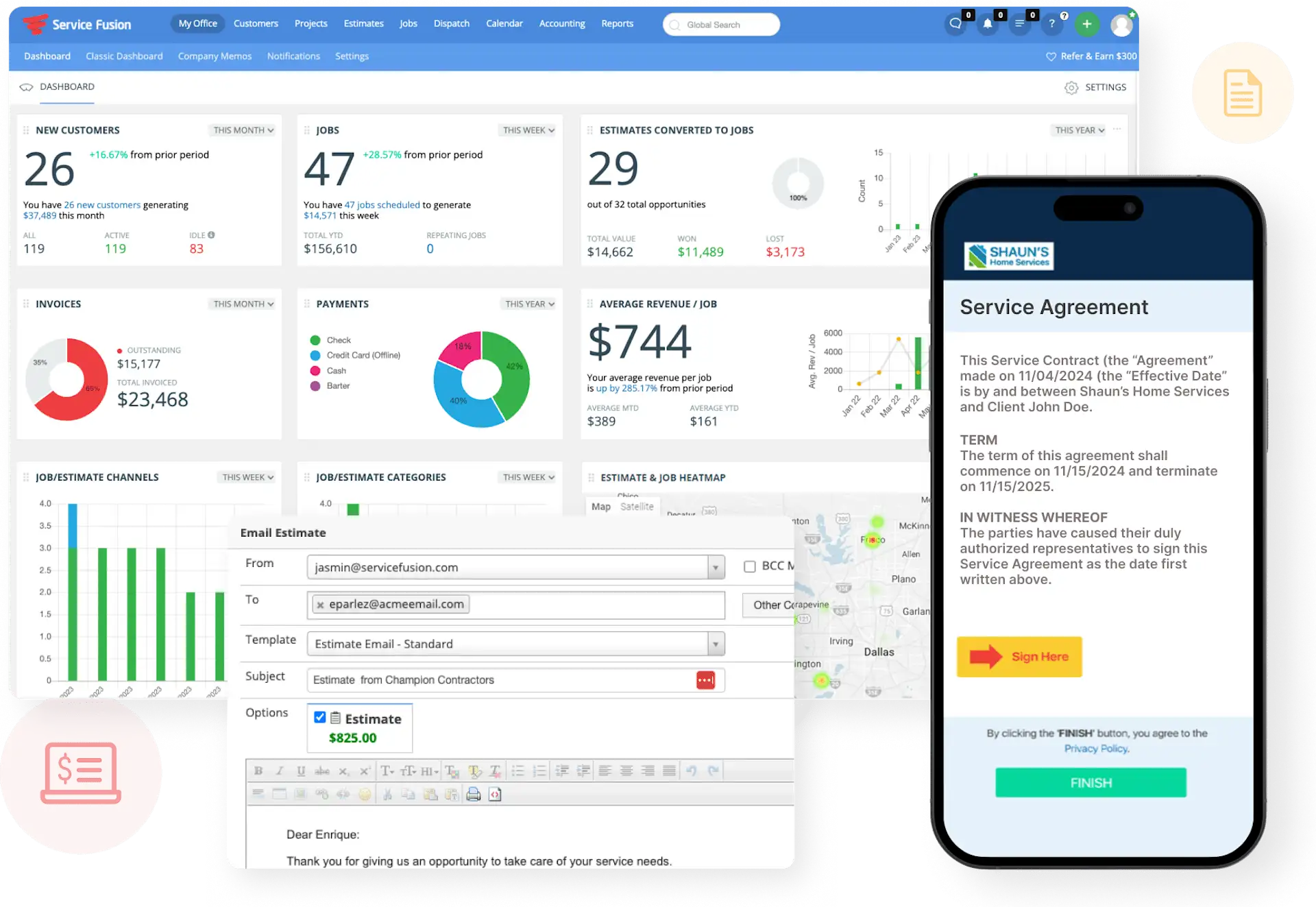
Best for: growing service businesses that want scheduling, customer management, estimates, invoicing, and technician access with unlimited users on every plan.
Service Fusion combines customer records, estimates, jobs, dispatch, a technician mobile app, invoices, payments, QuickBooks integration, and reporting. Its flat monthly plans can be attractive when a company needs to give many technicians and office users access without paying a separate license for every person.
Key capabilities
Customer records, service history, estimates, jobs, scheduling, dispatch, and text alerts.
Technician mobile access to job details, customer information, work orders, invoices, signatures, and payments.
Integrated payments, QuickBooks integration, reporting, project management, and estimate options.
Job photos, inventory, job costing, customer portal, recurring invoicing, custom documents, API access, and GPS fleet tracking depending on plan or add-on.
Unlimited users, onboarding, and support across the published packages.
Pricing
Starter costs $245 per month, Plus costs $382 per month, and Pro costs $627 per month, with unlimited users. Service Fusion advertises month-to-month plans without a contract and a 15% discount for annual billing.
Important limitation
The Starter price is higher than the entry point of several small-business products, and important capabilities such as job photo uploads, inventory, job costing, custom documents, customer portal, API access, and GPS fleet tracking depend on the package or add-ons selected.
Which Field Service Platform Should You Choose?
Choose TARGPatrol when the priority is scheduled field execution, reusable checklists, on-site verification, incidents, evidence, and operational reporting rather than estimates and invoicing.
Choose Zuper when a configurable, end-to-end FSM workflow must cover dispatch, inventory, assets, contracts, and customer transactions.
Choose Jobber for a small home-service company that wants an accessible customer-to-payment workflow and clear entry pricing.
Choose Skedulo when complex workforce scheduling, skills, certifications, travel, shifts, and utilization are the central problem.
Choose Housecall Pro for residential trades that want booking, sales, dispatch, payments, and customer-growth tools in one product.
Choose Salesforce Field Service when field work must live inside an established Salesforce enterprise architecture.
Choose Service Fusion when an unlimited-user pricing model is more attractive than per-seat licensing for a growing service company.
Field Service Software Buying Checklist
Define the full workflow. Map what happens from the first request through assignment, travel, completion, approval, invoicing, and follow-up.
Separate scheduling from execution. Some teams need advanced dispatch optimization; others mainly need recurring work, clear checklists, and proof that work happened.
Test the mobile app in real conditions. Verify job access, media capture, forms, signatures, offline behavior, synchronization, and battery impact at actual work sites.
Clarify GPS use. Distinguish live or periodic tracking from point-based proximity validation, and define when location is collected, who can see it, and how long it is retained.
Check customer and financial requirements. Confirm whether the platform must handle CRM, estimates, price books, invoices, payments, contracts, and customer portals.
Review assets and inventory. For maintenance-heavy work, verify service history, warranties, parts, warehouses, serial numbers, and preventive maintenance.
Calculate total cost. Include minimum licenses, administrators, contractors, onboarding, implementation, support, messaging, payments, storage, integrations, and add-ons.
Run a controlled pilot. Use real jobs, dispatch changes, low-connectivity sites, failed checklist items, and management reports before signing a long-term agreement.
Frequently Asked Questions
What is field service management software?
Field service management software coordinates work performed away from a central office. Depending on the platform, it can manage requests, work orders, schedules, dispatch, technician instructions, checklists, customer communication, parts, invoices, payments, and operational reports.
What is the difference between field service management and work order software?
Work order software focuses on defining, assigning, completing, and recording a job. Full FSM software usually adds dispatch, technician routing, customer records, estimates, invoices, payments, inventory, and service contracts. A work-execution platform may be the better fit when those commercial modules already exist elsewhere.
Which field service app is best for a small business?
For a small home-service contractor, Jobber and Housecall Pro offer the most complete customer-to-payment workflow. TARGPatrol is a better fit for a small distributed team that needs recurring tasks, checklists, location-aware verification, issue reporting, and a free plan but does not need built-in estimates or invoicing.
How much does field service management software cost?
Entry pricing in this comparison ranges from free to $245 per month, while enterprise products can cost hundreds of dollars per user before implementation. Compare total annual cost for the exact number and type of users rather than comparing only the lowest advertised price.
Can TARGPatrol replace a traditional field service CRM?
Not by itself. TARGPatrol manages operational work, checklists, check-ins, incidents, evidence, and reports. A company that needs lead management, estimates, invoices, payments, and customer accounting should use a traditional FSM/CRM platform or connect TARGPatrol to its existing business systems.
Related TARGPatrol Guides
The best field service platform is the one that matches the way your organization actually receives, schedules, completes, verifies, and bills work. Start with the operational bottleneck, verify the mobile experience with real technicians, and expand only after the core workflow is reliable.