TARGPatrol Update October 2026
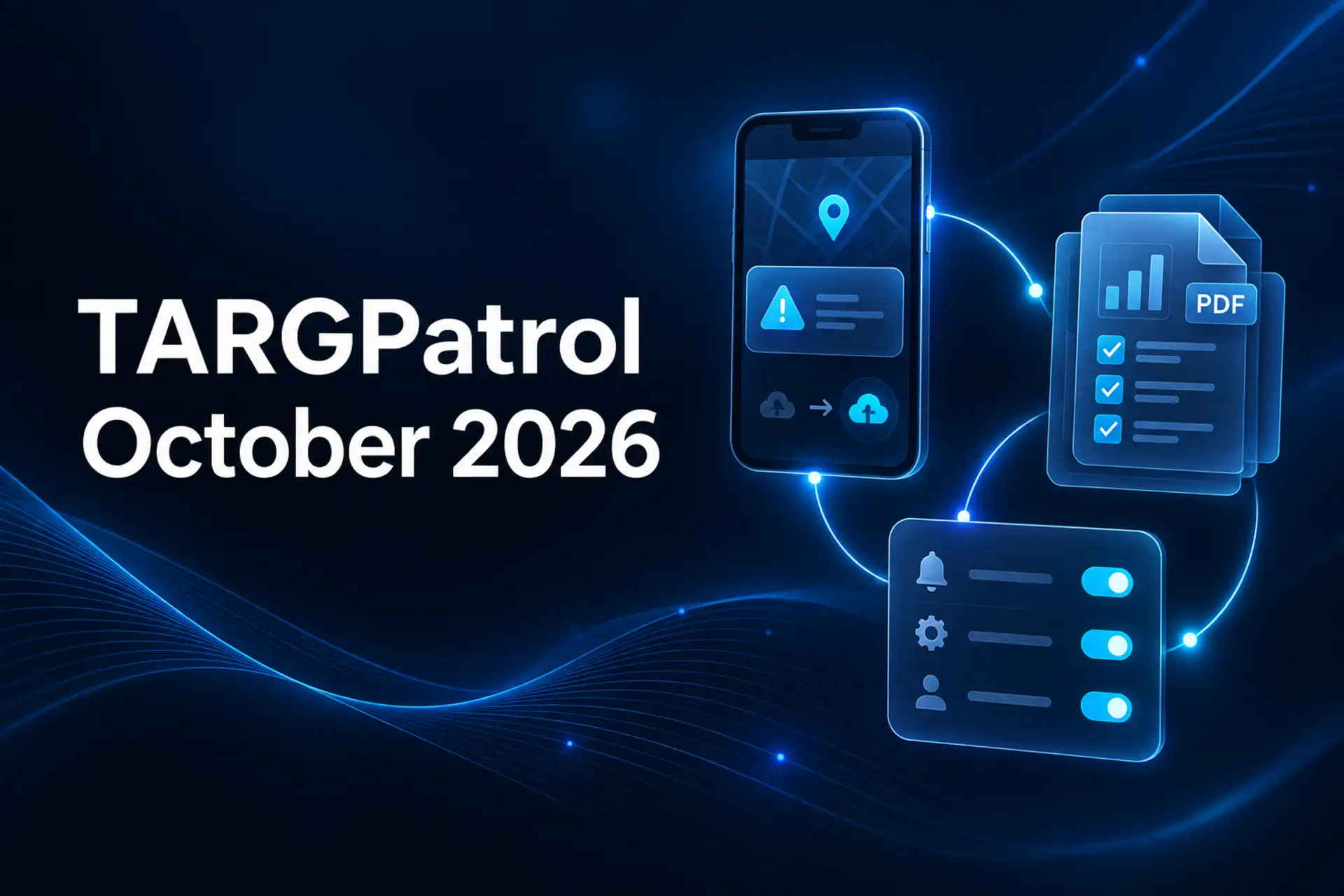
October’s update makes everyday work easier: report Incidents without a signal, change recurring task schedules, share records as PDFs, and choose the totals shown in your reports. Here is what is new for your team.
Report Incidents, even without a signal
Found a problem during a patrol, inspection, cleaning round, or maintenance visit? You can now create an Incident in the mobile app while offline. The report and its attached photos or videos stay on your device and sync when the connection returns.
Create a standalone Incident or report one while completing a task. Your team can capture the problem when they find it, rather than trying to remember the details at the end of a shift.
The mobile map also shows Incidents, making reports easier to find by location. When online, users with the right access can download an individual Incident as a PDF. PDF exports are available on paid plans, not Free.
This builds on the Incidents module introduced in our September update. Learn more about Incident Management.
Change how recurring tasks repeat
Plans change—and now your recurring tasks can change with them. Edit an existing series and switch its repeat pattern, for example from daily to weekly or monthly, without rebuilding the schedule by hand.
In the web app, open a recurring task in Schedule and choose whether to edit the current series or this task and those that follow. Update the repeat settings and save. This is useful when a daily cleaning round becomes a weekly visit, or a maintenance routine needs a new schedule.
Tasks already started or completed, and tasks whose scheduled end has passed, stay unchanged. You can adjust the remaining work without rewriting its history.
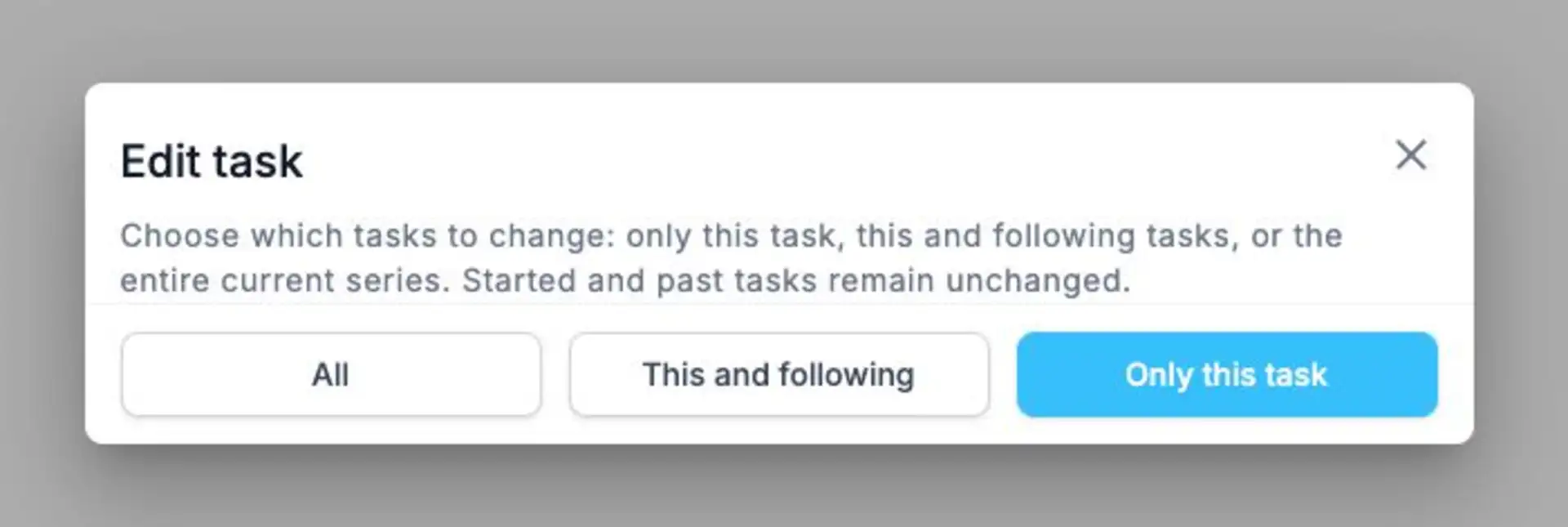
Choose the part of a recurring series you want to update. Started and past tasks stay unchanged.
Share task and Incident records as PDFs
Need to send proof of completed work to a client or colleague? Export scheduled tasks and their execution records as PDFs. Individual Incident and legacy Issue PDF exports are also available.
Select several events in Schedule
Select the events you need, then choose Export tasks to PDF from the bulk actions menu. It is an easy way to share records for a particular shift, team, or client. Each task appears only once in the export, even if it is shown under several employees or tags.
To export all tasks visible in your current date range and filters, use the PDF export button in the Schedule toolbar instead.
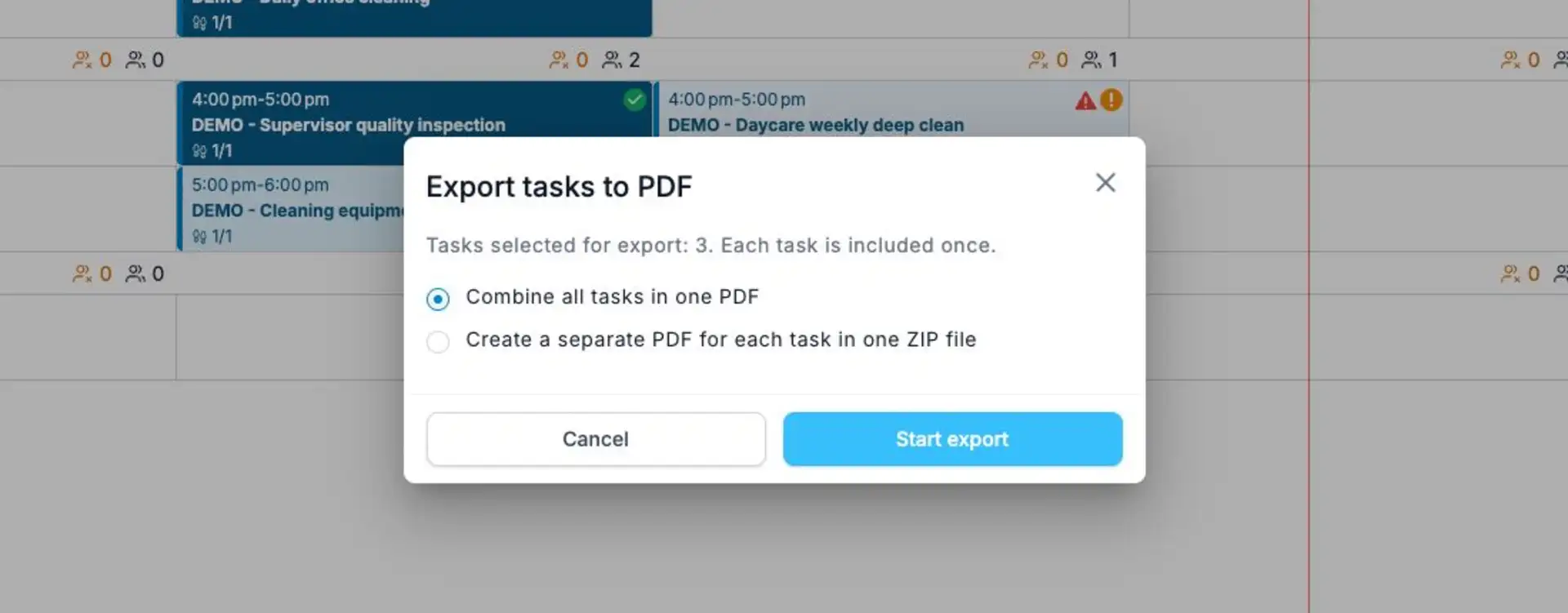
Select the tasks you need, then choose one combined PDF or a ZIP with a separate PDF for each task.
Export several Incidents at once
In the Incidents or legacy Issues table, select the records on the current page that you want to share.
For bulk exports, choose one combined PDF or a ZIP with a separate PDF for each record. You can export up to 25 records per request. The file is prepared in the background and is available to download when ready.
PDF and bulk exports are available on paid plans and are not included in Free.
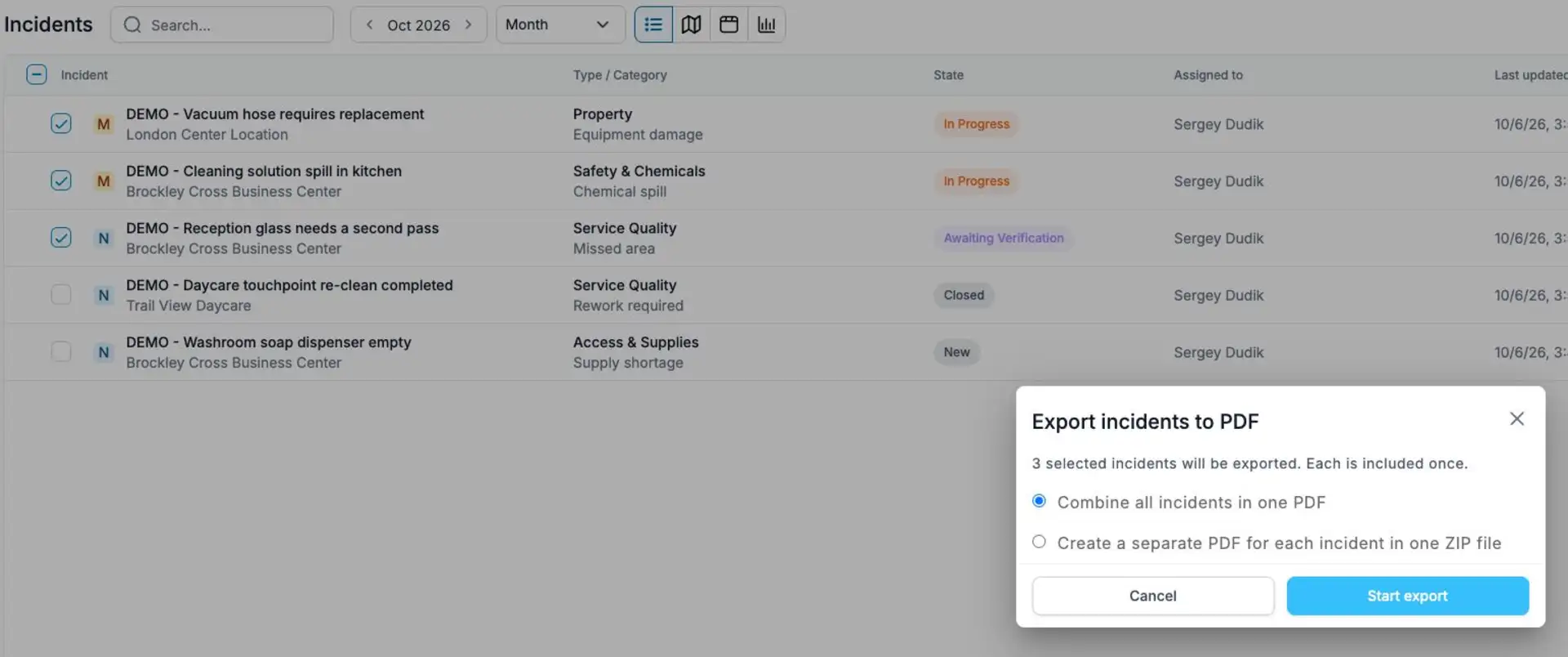
Share selected Incident records as one PDF or as individual PDFs in a ZIP. Shown here with demo data.
Choose the totals your reports show
Your report summary can now show the numbers that matter to your team. In the column settings, choose how each total is calculated:
Sum or average: add up working hours or calculate an average checklist measurement.
Count or unique count: count filled-in values or the number of different values.
Minimum or maximum: show the lowest or highest value, or the earliest or latest date where supported.
Automatic or No total: keep the standard calculation or turn the total off for that column.
The options depend on the column type. Save your choices in a report configuration and reuse them for regular or scheduled reports. Your selected totals are also included in PDF and Excel exports.
Less time recalculating results in a spreadsheet, more time using them. Explore TARGPatrol Reporting.
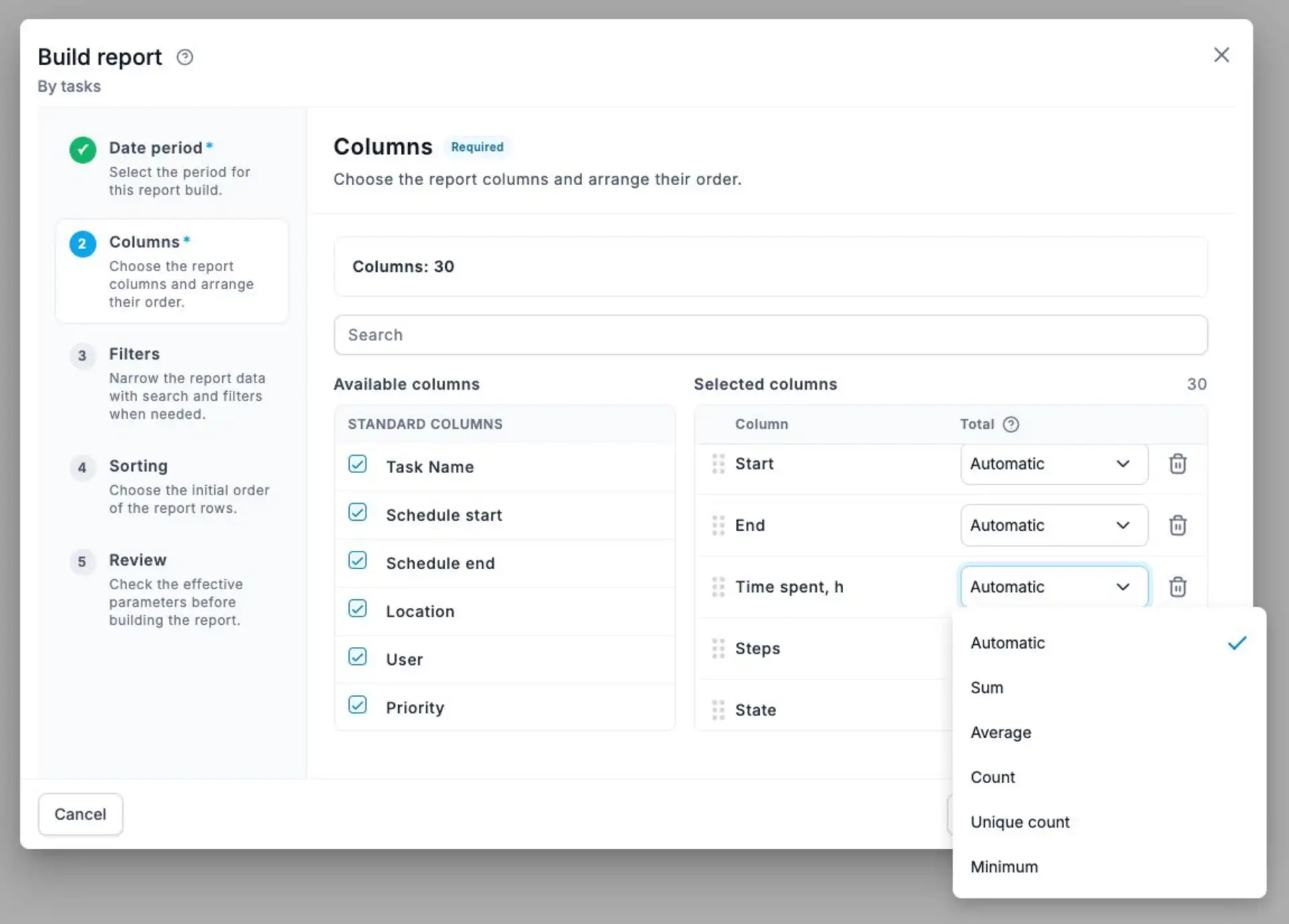
Choose how a column is summarized—for example, sum working hours or calculate an average.
Make settings work for your team
Administrators can make new Check-ins easier to recognize with a naming template that includes the date, time, location, or employee name.
You can also choose whether your dashboard and mobile workflow show Issues, Incidents, or both. These settings do not rename existing records or remove their history.
Users can manage notifications in User Settings → Notifications. Switch Email and Telegram on or off separately, and choose which event types you want to hear about. Notifications are available on paid plans; Free does not include them.
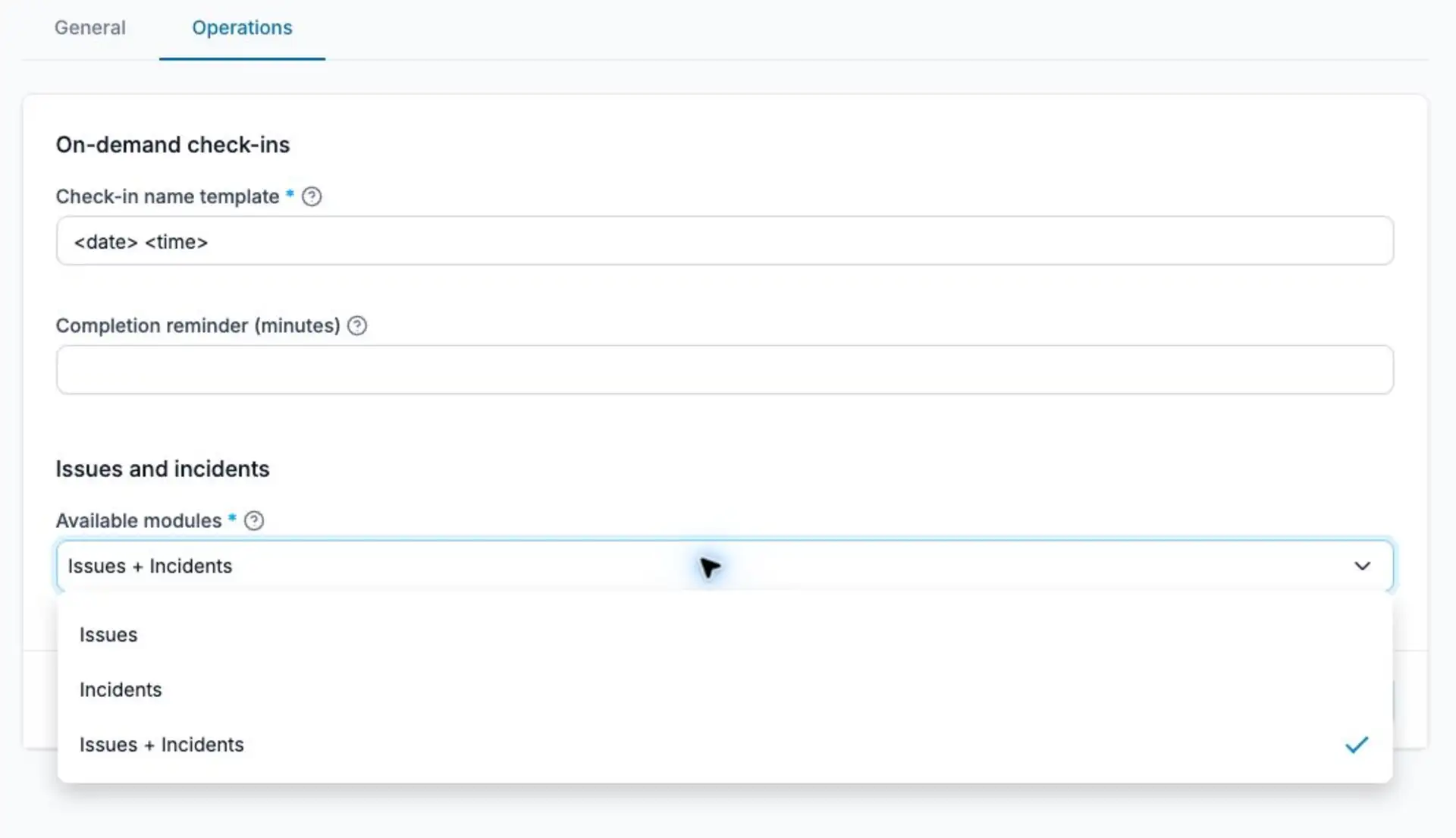
Set a recognizable Check-in naming template and choose which reporting modules your team uses.
Work and learn in more languages
French is now available in the mobile app, following its arrival on the website in September.
The website and knowledge base are also available in Portuguese, helping more teams find guidance in a familiar language.
Ready to try the latest features?
Capture problems when they happen, keep schedules up to date, and share clear records of the work your team does.
Compare plans or contact the TARGPatrol team to find the right fit for your operation.