TARGPatrol Update April 2026
We’re excited to introduce a new set of updates designed to make field operations more transparent, efficient, and easier to manage — especially for security, facility management, and service teams working across multiple sites.
The April 2026 release introduces several important improvements, including new reporting capabilities, issue PDF export, audio files support, GPS tracking for issues, and enhanced Site Map functionality. These updates are aimed at giving managers better visibility into field activity while making it easier for teams to report, document, and review work performed on site.
Overall, this update focuses on stronger reporting, richer incident documentation, improved location visibility, and more powerful tools for monitoring operations across your organization.
🚀 What’s New
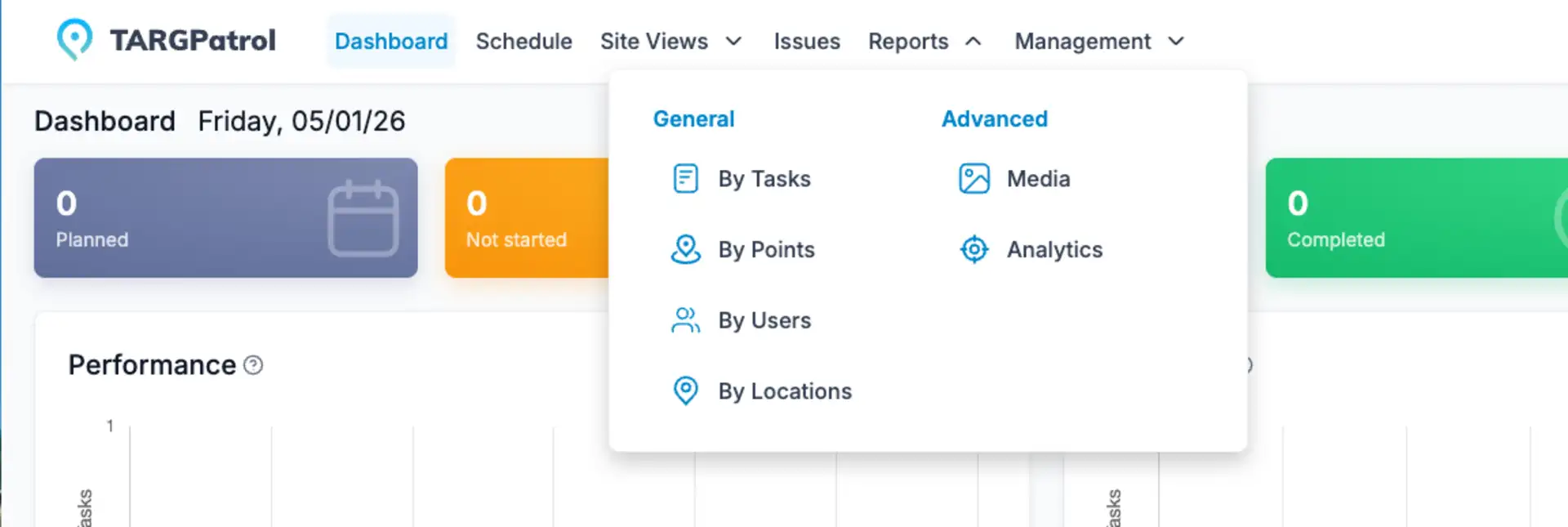
📊 New Reports
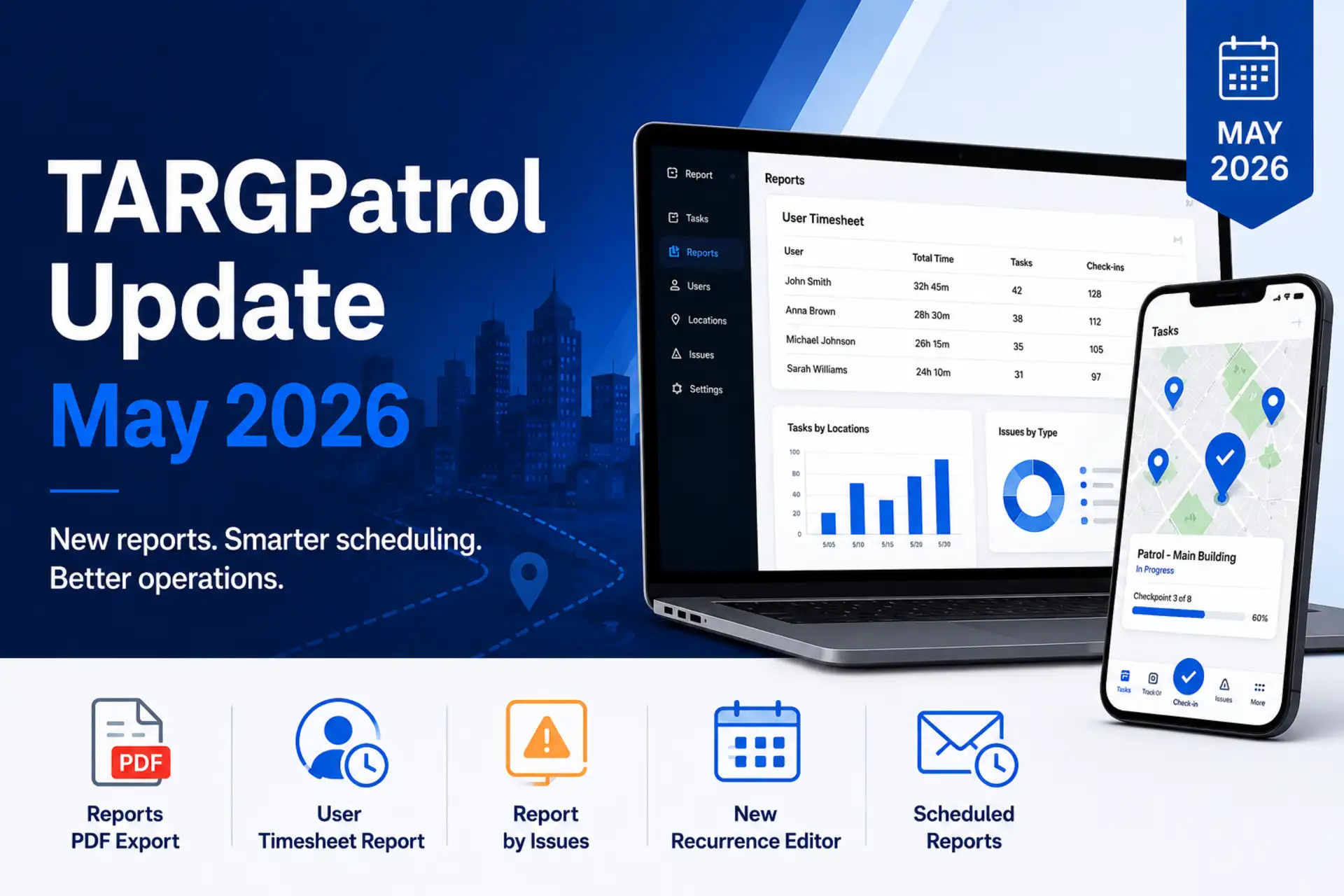
We introduced new reporting options to give teams better visibility into field activity and performance. Users can now generate reports by tasks, points, users, and locations, making it easier to analyze completed work, track activity across sites, measure employee performance, and review operational trends from different angles. These new reports help managers get clearer insights and make faster, more informed decisions.
🎙️ Audio Notes
We’ve introduced Audio Notes to make communication from the field faster and more convenient.
Now team members can record audio directly from their phone instead of typing long messages. Audio recordings can be added as an Action during tasks or left in Comments when reporting issues or providing additional information.
This is especially helpful when employees need to quickly explain a situation while on site. Instead of writing a long description, they can simply record a short voice message.
Audio notes help teams:
save time on typing
explain situations more clearly
capture details while they are still on point / location
provide richer context for managers reviewing reports
The feature works directly from the mobile app, making it easy for guards, cleaners, and facility teams to document their work more efficiently.
Site View Updates
The Site View map has been improved to give you better visibility of field activity. Issues are now displayed on the map with different icons based on their priority, making it easier to quickly identify important incidents. If GPS tracking is enabled, you can also see the current locations of users and review their movement routes directly on the map. This helps managers monitor operations in real time and better understand activity across their sites.
Issue Reporting Improvements
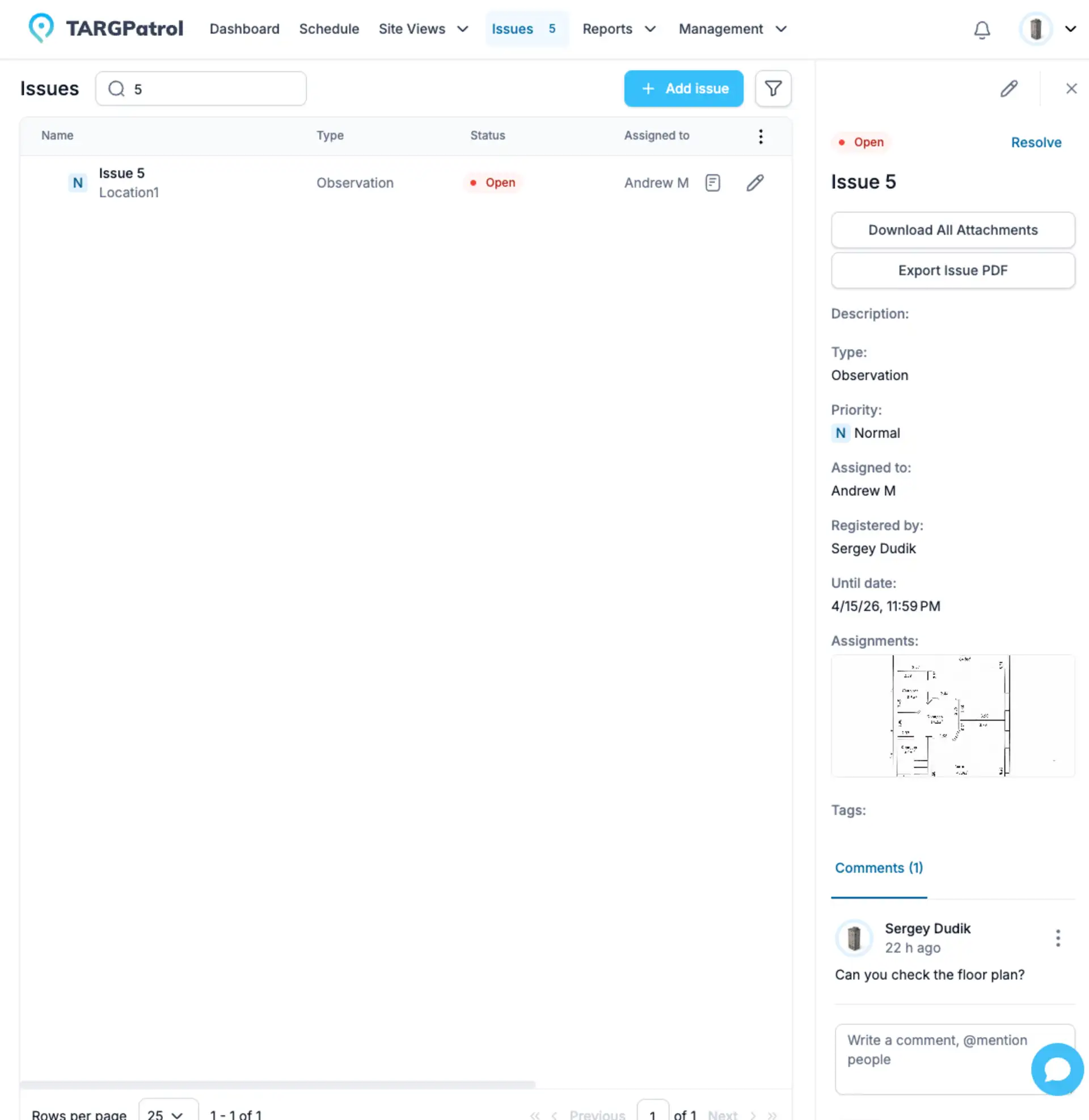
We’ve added new options to make Issue reporting and documentation more convenient. You can now download all attachments related to an issue at once, including photos, videos, and audio files, making it easier to review or share incident information. In addition, issues can now be exported as a PDF, allowing you to quickly generate structured reports that can be sent to managers, clients, or used for internal documentation.
Video and Audio File Links in Reports
Reports now include direct links for video and audio files. This means that any media attached during tasks, check-ins, or issue reports will appear with a link that allows you to open or download the file directly from the report. This makes it much easier to review recordings, share evidence, or archive media without needing to search through the system separately.
👮 Guards Can Now Report Issues from the Mobile App
Guards can now create issues directly from the mobile application. This allows them to quickly report incidents or observations while on site. They can also add comments and attach details, making communication with managers faster and improving visibility of what’s happening in the field.
New Setup Progress Page
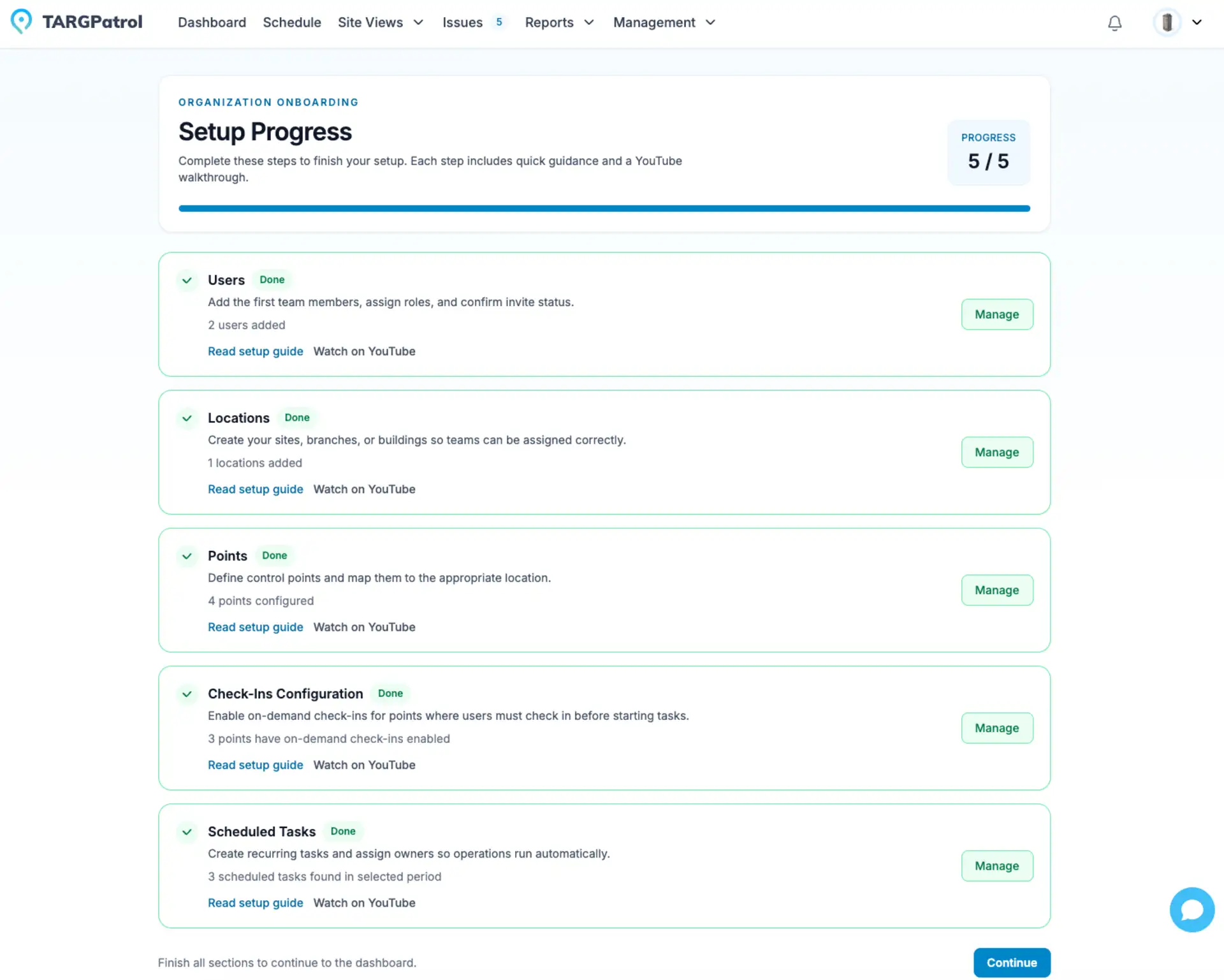
We’ve introduced a new Setup Progress page to make the initial configuration much easier. This page shows all the key steps needed to get your system up and running, helping you track what has already been completed and what still needs attention. It also includes helpful links to our YouTube tutorials and Knowledge Base, with explanations for each step so you can quickly understand how to configure locations, points, tasks, and users.
Check-ins for Virtual Points
On-demand check-ins are now available for Virtual Points. This means employees can start a check-in whenever they are at the location without needing a scheduled task. It provides more flexibility for teams working in dynamic environments, allowing guards, cleaners, and field staff to quickly confirm their presence and complete actions even when visits are not planned in advance.
Microsoft SSO Login
You can now sign in using Microsoft SSO, making access to the platform faster and more secure. Both personal Microsoft accounts and business accounts are supported. For organizations that use Microsoft infrastructure, the login can also be integrated with Microsoft Active Directory, allowing teams to use their existing corporate credentials to access the system.
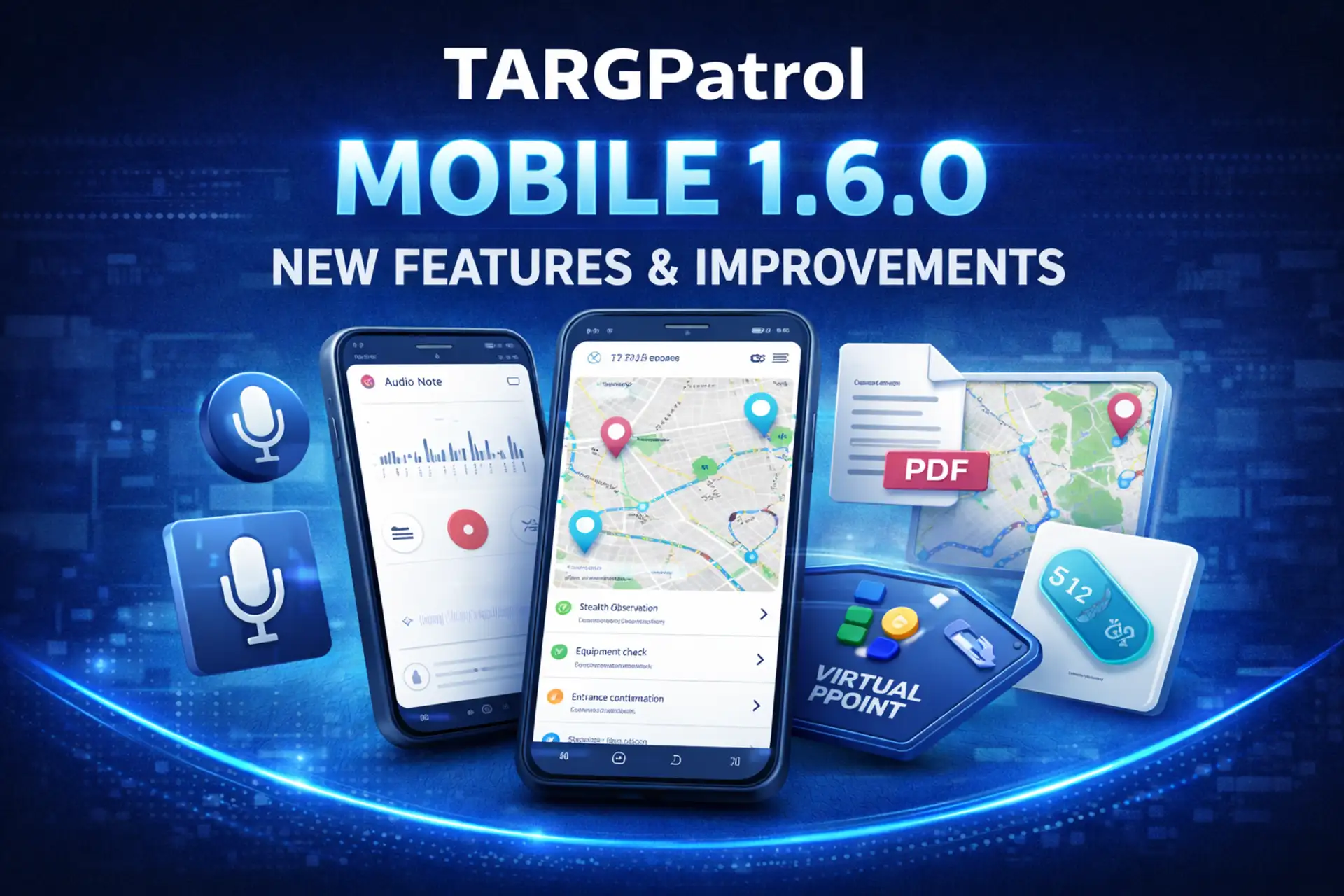
TARGPatrol Mobile 1.6.0 — New Features & Improvements
Alongside the April platform updates, we’re releasing TARGPatrol Mobile 1.6.0, bringing several improvements designed to make field reporting faster and give managers better visibility into operations.
One of the key additions is Audio Notes. Users can now record short voice messages directly from their phone when creating an issue or leaving comments on tasks, issues, and check-ins. This allows teams to quickly explain situations without typing long messages. Audio can be recorded both online and offline and played back immediately from the app.
The update also introduces Virtual Points support for Check-ins. Employees can now complete check-ins on virtual points without scanning QR codes or NFC tags, making it easier to confirm presence at locations where physical tags are not installed.
We’ve also improved map functionality in the mobile app. The new Map screen provides a visual overview of points, GPS logs, and tasks associated with those points, helping managers understand activity across locations.
For better documentation, Issues can now be exported to PDF directly from the mobile app. In addition, issues now support tags, making it easier to organize and filter reports.
Several usability improvements were also added, including profile editing, notification settings, billing and organization settings screens, and the ability to manage organization ownership directly from the app.
Finally, guards can now create issues and leave comments directly from the mobile application, improving communication between field teams and supervisors.
You can read the full details here:
https://targpatrol.com/blog/targpatrol-mobile-1-6-0-new-features-and-improvements/