TARGPatrol Mobile 1.9.0: Dark Mode, Scheduling, and Better Sync
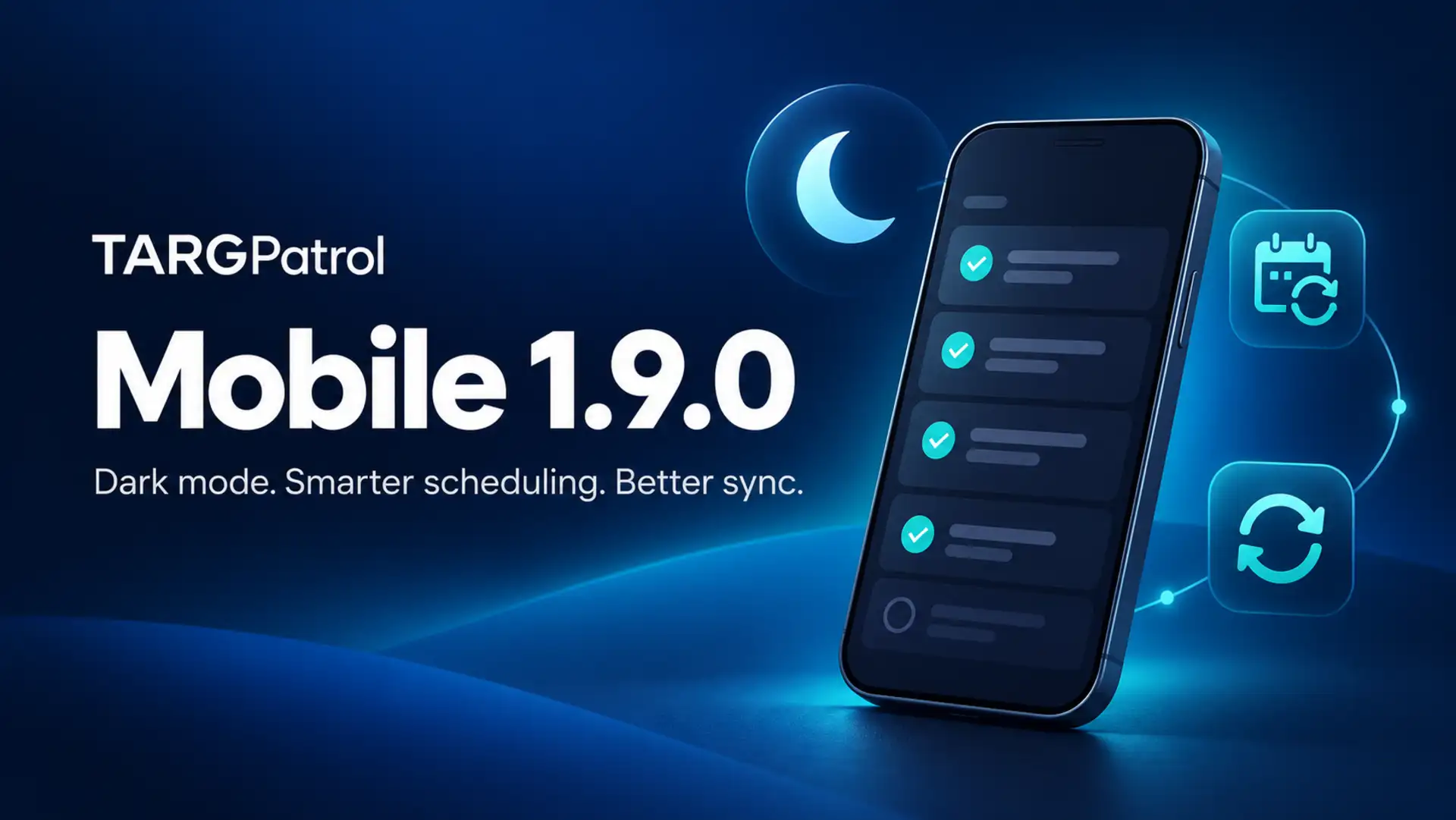
Night shifts, changing schedules, and unreliable connections are part of everyday fieldwork. TARGPatrol Mobile 1.9.0 makes those routines easier to manage with dark mode, more flexible recurring tasks, improved synchronization, and more settings available directly from your phone.
Here is what is changing for the people doing the work and the managers keeping it organized.
Choose a theme that fits your shift
Working a late patrol, checking a dimly lit building, or finishing an evening cleaning round? You can choose a darker interface that better suits your surroundings.
Open More → App Settings and choose Light, Dark, or System. System follows your phone’s appearance setting, while Light and Dark keep the app in your preferred mode. Your choice is saved for the next time you open TARGPatrol.
Build recurring schedules around your routine
Not every routine happens on the same weekday. The updated recurrence editor gives you more ways to plan regular work from the mobile app:
Daily: repeat a task every day or at a chosen interval, such as every three days.
Weekly: choose the weekdays and the number of weeks between repeats.
Monthly: use a specific date, such as the 15th, or a pattern, such as the first Monday of each month.
This makes it easier to schedule daily opening checks, fortnightly cleaning visits, and monthly maintenance inspections without creating each task separately.
When plans change, choose the scope of your edit: just one task, this task and those that follow, or the series. You can also change the repeat pattern of an existing series instead of rebuilding it by hand. The editor shows which scope you are working with, and asks for confirmation before you save a series with repetition turned off.
For more on planning work, explore the Task Management guide.
Sync Check-in progress before the work is finished
On-Demand Check-ins no longer need to wait until completion before their progress can be synchronized.
As a Check-in is carried out, the app can send the started record and its progress to the server. Related comments and media are also handled by the sync process. This helps keep the record of ongoing work more up to date, rather than making the final completed Check-in the first update your team receives.
An internet connection is still needed to send updates. When you are offline, work stays on the device until it can be synchronized; photos and videos may take longer to upload than the Check-in details.
A better handover when you switch organizations or sign out
If you work across several organizations, changing context should be a deliberate part of your workflow.
When connected, TARGPatrol now makes an additional synchronization attempt before you switch organizations, sign out, or follow a notification that opens another organization. This includes pending task and Check-in data, GPS logs, Incident reports, comments, and media.
The app waits for that sync attempt before continuing. Successful uploads still depend on the connection and the server, so allow synchronization to finish and check important uploads before signing out.
Manage everyday operating settings from your phone
You no longer need to open the web app for these organization settings. In Organization Settings → Operations, users with the appropriate permissions can:
Set a Check-in naming template using the date, time, location, or user name, so records are easier to recognize.
Choose the reminder interval for an unfinished Check-in.
Choose whether the organization uses Incidents, legacy Issues, or both.
These are organization-wide settings, not just preferences for one phone. For example, a supervisor can adjust the Check-in naming format or reminder interval while working on site.
Start in the right location
When you enter an organization, you choose the location you want to work in instead of having one selected automatically. This makes the current site an explicit choice before you start work.
If no locations are available to you, a clearer screen explains what to do next. You can refresh your access, switch organizations, or contact your manager. Users with permission to create locations can add one directly from that screen when connected.
Need help organizing your sites? See the Locations guide.
More improvements for everyday work
Restore an archived organization from the organization list while it is still available for restoration.
Get clearer feedback when a task contains an empty group of steps, so you can correct the plan before saving.
See a clearer active state while scanning an NFC checkpoint.
Benefit from fixes to starting tasks, signing out, and loading available locations.
Keep everyday work moving
TARGPatrol Mobile 1.9.0 brings more control to the phone in your pocket: choose a comfortable theme, plan routines that fit your operation, keep ongoing work better synchronized, and adjust key settings while you are on site.
Explore TARGPatrol plans to find the right fit for your team, or visit the knowledge base for practical setup guides.