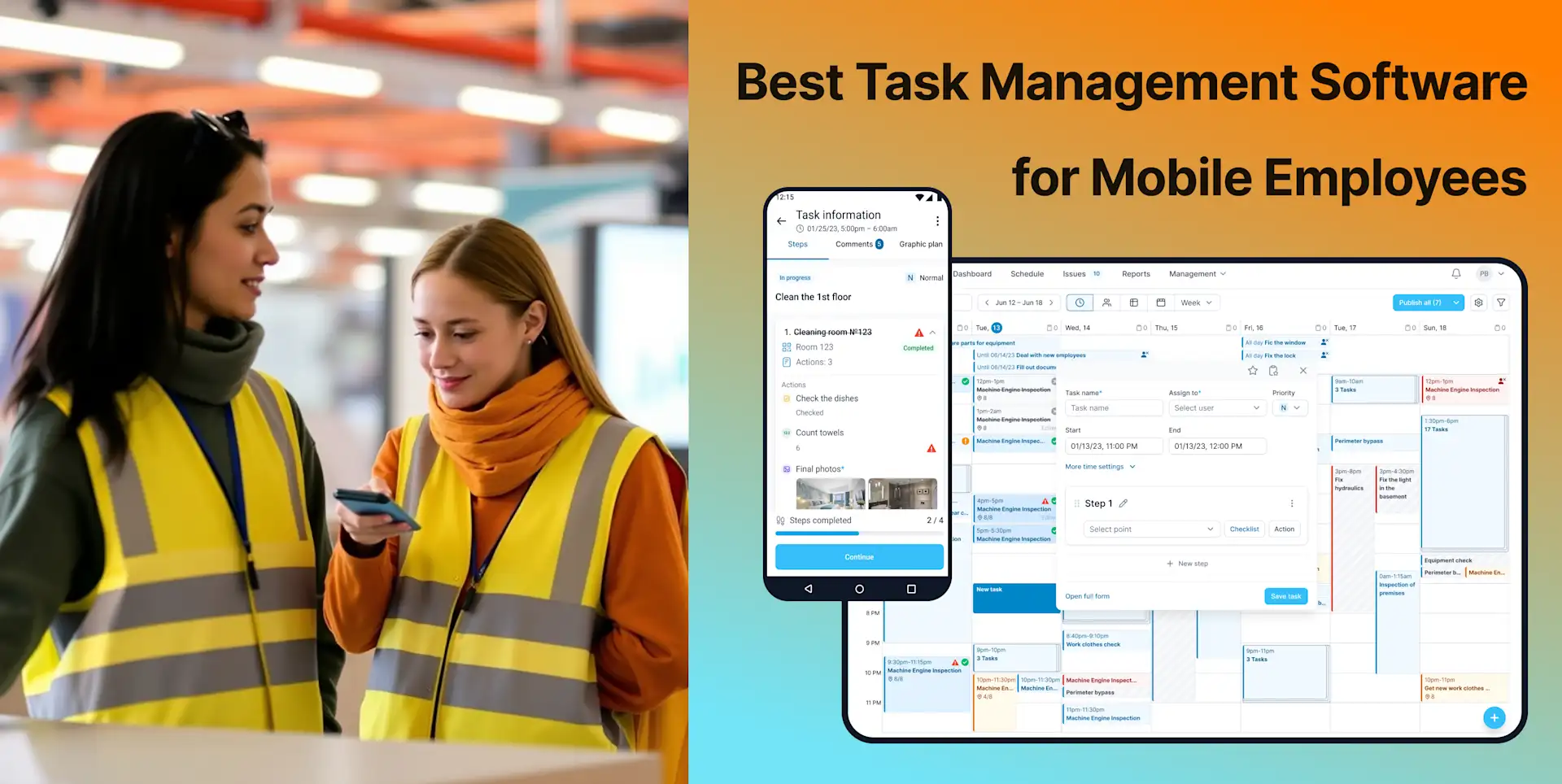
5 Best Multi-Location Employee Scheduling Apps in 2026
Multi-location scheduling becomes difficult when the schedule, employee availability, time records and actual site work live in separate systems. The best application depends on what “scheduling” means to your business: labor shifts, restaurant rotas, recurring inspections or operational tasks.
This 2026 comparison makes that distinction explicit. Pricing and features were checked against official vendor information in September 2026. The analysis is based on documented capabilities, not claimed hands-on testing.
Quick comparison: multi-location employee scheduling apps
App | Best for | Pricing entry point | Important limitation |
|---|---|---|---|
TARGPatrol | Recurring work, patrols and inspections across locations | Free up to 10 users; Base $15 monthly or $12 annually per user | Not an advanced payroll roster optimizer |
Connecteam | General deskless scheduling and workforce management | Free plan for small teams; paid hubs for larger operations | Plan and hub structure affects total feature cost |
7shifts | Restaurant scheduling across units | Free one-location Comp plan up to 20 employees | Designed specifically for restaurants |
Deputy | Advanced shift scheduling, compliance and labor optimization | Lite $5/user/month; $30 minimum invoice | Operational inspections are not the main focus |
Homebase | Hourly small businesses and location-based pricing | Free for one location and up to 10 employees | Multi-location features require paid access |
Two different kinds of scheduling
Labor scheduling
Labor scheduling answers who works which shift, how availability and time off affect coverage, and how hours connect to payroll. Connecteam, 7shifts, Deputy and Homebase are designed around this need.
Operational work scheduling
Operational scheduling answers what must happen at each site, in what sequence, with which checklist and evidence. TARGPatrol is designed around this layer. It can complement a payroll scheduler instead of replacing it.
What multi-location teams should evaluate
A centralized view with location-level permissions
Employees who work at more than one site
Open shifts, availability, replacements and notifications
Recurring operational tasks and site-specific instructions
Clock-in or work-location verification rules
Overtime, break and labor-compliance controls
Timesheet, payroll and POS integrations
Mobile access, offline behavior and manager approvals
Reports that compare planned coverage with actual execution
1. TARGPatrol — best for multi-site operational scheduling
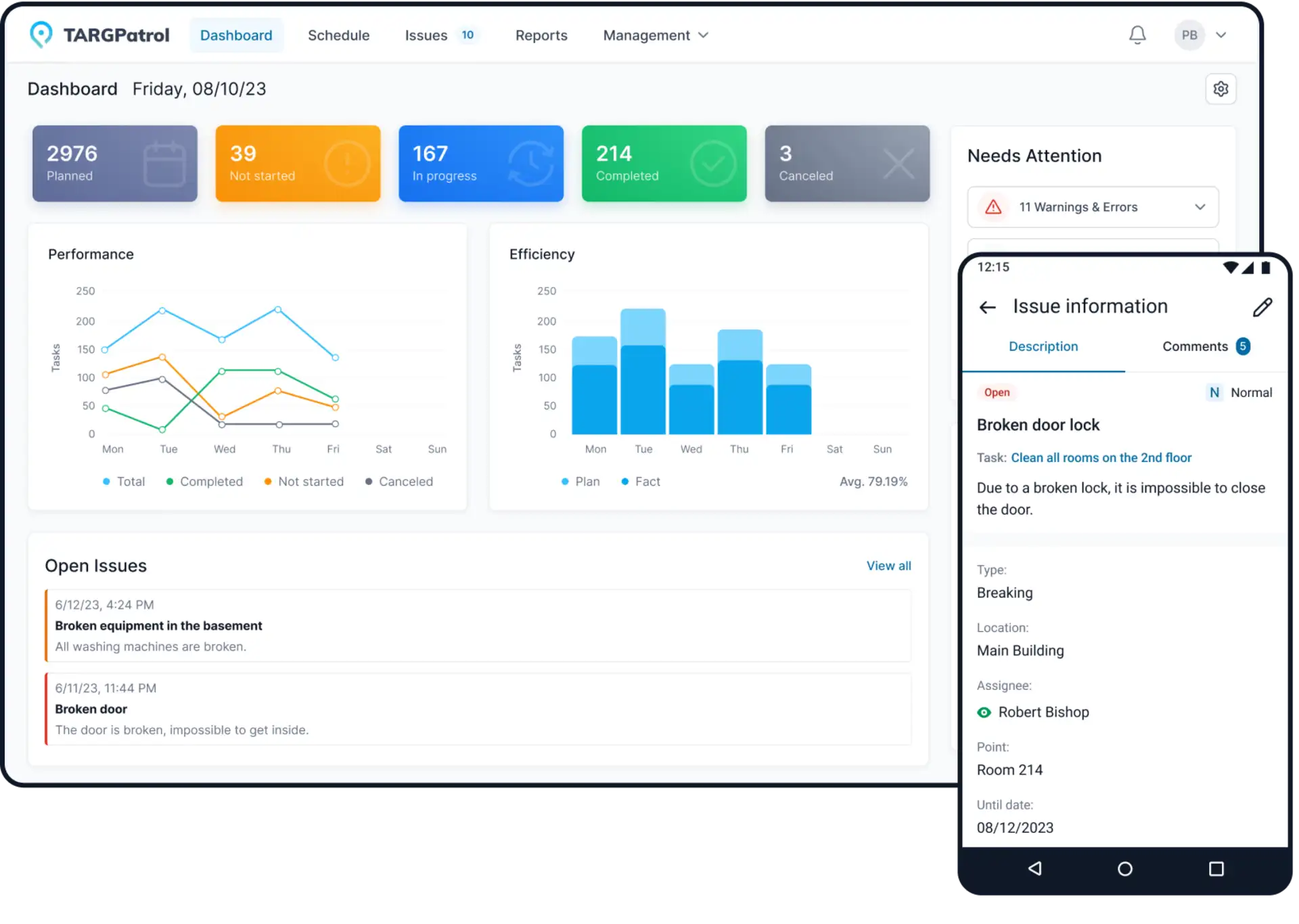
TARGPatrol schedules tasks, checklists, inspections and patrols across locations. Managers define the work and recurrence; mobile employees receive instructions and attach proof as they complete it.
Locations, teams and role-based operational visibility
Recurring tasks, patrol routes and inspection schedules
QR, NFC and GPS Point verification
Photo confirmation, comments and Incident reporting
Reports, exports, API and webhooks on applicable plans
Best fit: security, cleaning, maintenance, retail, hospitality and facility teams whose main problem is standardizing work across sites.
Limitation: TARGPatrol does not provide the same depth of shift swapping, demand forecasting, wage optimization or payroll processing as specialist labor schedulers.
2. Connecteam — best general deskless workforce suite
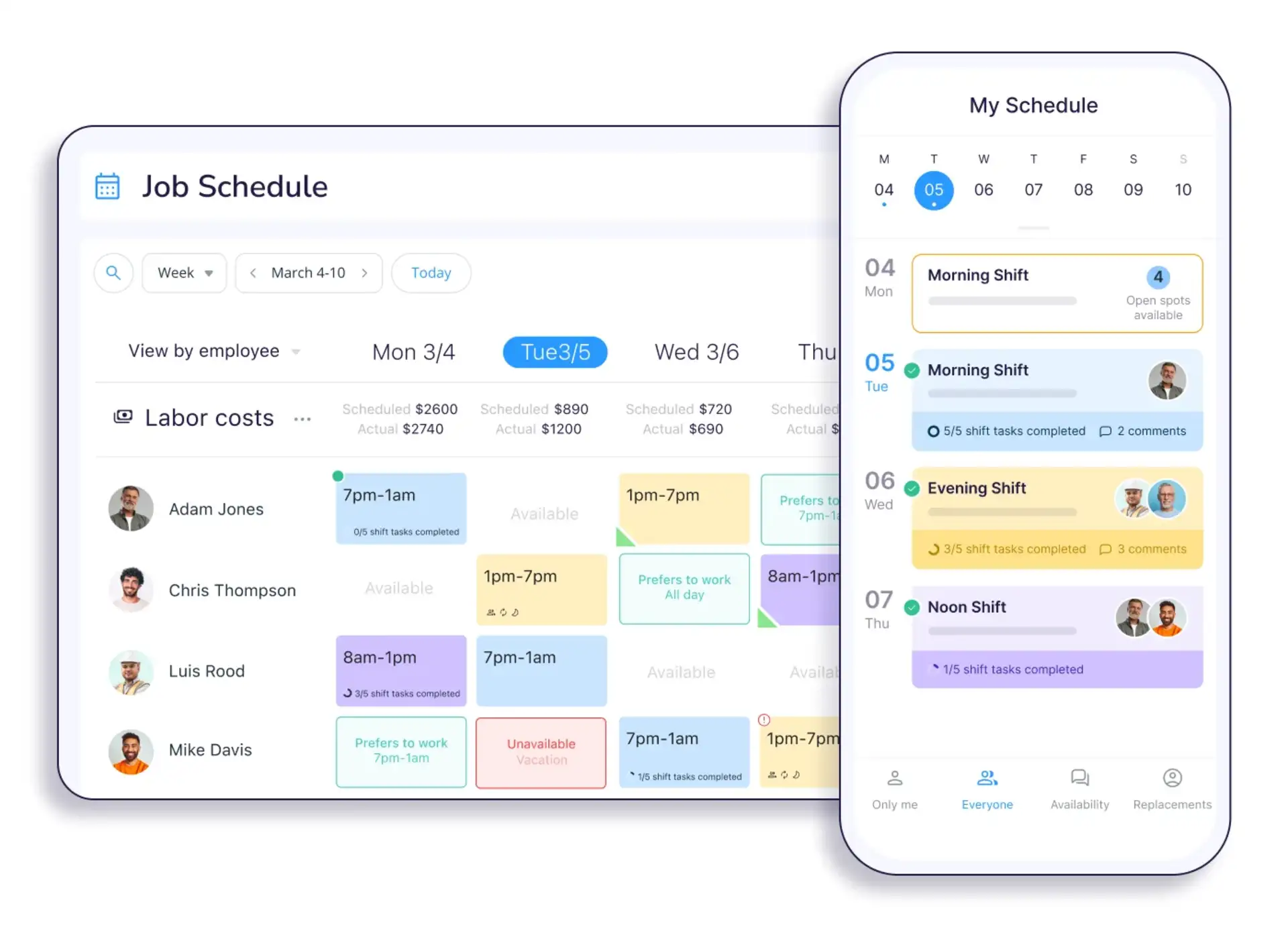
Connecteam combines schedules, availability, time tracking, communication, forms and other employee tools. It is useful when organizations want a single general app shared across many locations and departments.
Shift scheduling and mobile employee access
Time clock, forms, communication and training capabilities
Small Business Plan for teams with fewer than 10 employees
Limited free option up to 30 users after the trial according to current vendor information
Limitation: Different capabilities belong to different product hubs and tiers. Calculate the complete configuration rather than comparing only one advertised starting price.
3. 7shifts — best for multi-location restaurants
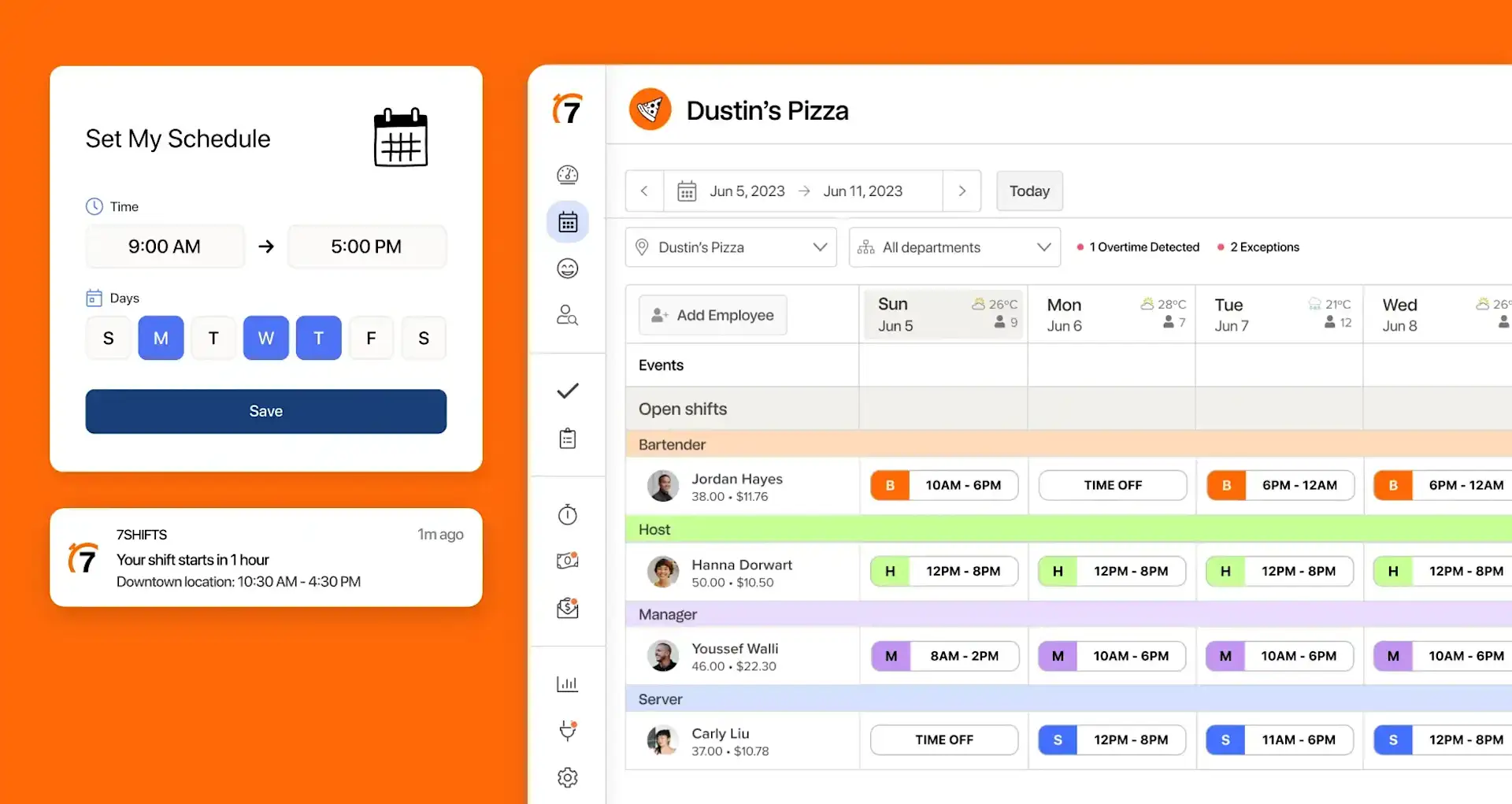
7shifts is built specifically for restaurants, with scheduling, availability, time clocking, team communication, labor tools and restaurant-oriented integrations.
Free Comp plan for one location and up to 20 employees
Paid plans add advanced scheduling, labor controls and multi-location capabilities
Restaurant communication, shift feedback and optional task management
POS, payroll, tips and labor workflows depending on plan and add-ons
Pricing: The current page lists Entrée from $29.99 per location/month annually, The Works from $69.99 and Gourmet from $135. New-customer pricing can change.
Limitation: 7shifts is intentionally restaurant-specific. Other industries may pay for concepts and integrations they do not use.
4. Deputy — best for compliance and labor optimization
Deputy provides shift scheduling, time and attendance, availability, replacements, labor-law controls and payroll integrations. Core and Pro add stronger automation, analytics and organizational controls.
Open shifts, swaps, replacements and confirmations
Break planning, geofencing and mobile time clocks
Auto-scheduling, demand forecasting and labor budgets on Core
Location hierarchies and advanced controls on Pro
Pricing: Lite is $5, Core $6.50 and Pro $9 per user/month in USD, with a $30 minimum monthly invoice for standard plans. Taxes, add-ons and regional pricing can differ.
Limitation: Deputy is strongest at labor scheduling and time administration. It does not replace a full inspection, patrol-point or incident workflow.
5. Homebase — best for small hourly teams priced per location
Homebase combines scheduling, time tracking, team communication and optional payroll for hourly businesses. Its flat per-location paid pricing can be attractive when each site has many employees.
Free Basic plan for one location and up to 10 employees
Essentials adds advanced scheduling, time tracking and communication
Plus adds AI-assisted scheduling, PTO and permissions
Timesheets from multiple locations can feed centralized payroll workflows
Pricing: Essentials is $30/location monthly or $24 annually; Plus is $70/$56; All-in-One is $120/$96 according to the current pricing page.
Limitation: The free plan is single-location. Multi-location controls and more advanced features require paid access, so total cost grows with the number of sites.
Which app should you choose?
Choose TARGPatrol when every location must complete recurring tasks, inspections or patrols with evidence.
Choose Connecteam when you want a broad employee app spanning schedules, communication and operations.
Choose 7shifts when you run restaurants and need restaurant-specific labor workflows.
Choose Deputy when compliance, demand forecasting and labor optimization are decisive.
Choose Homebase when you operate hourly teams and prefer pricing per location rather than per employee.
Implementation checklist for multiple locations
Create a consistent location and department structure.
Define which employees can work across sites and who approves changes.
Import availability, roles, pay rules and required qualifications.
Build templates for common shifts and recurring operational work.
Test overtime, absence, late arrival and replacement scenarios.
Confirm location verification and privacy settings with employees.
Reconcile a sample timesheet and payroll export.
Pilot two different locations before company-wide rollout.
Frequently asked questions
What is the best free multi-location scheduling app?
Most free plans are limited by users or locations. TARGPatrol is free up to 10 users for operational scheduling. Connecteam provides small-team and limited free options. 7shifts and Homebase free plans are primarily single-location.
Can one employee work at several locations?
Most products support multi-location structures, but permissions, overtime calculations and paid-plan requirements differ. Test a real cross-location employee before rollout.
Does TARGPatrol manage shifts and payroll?
TARGPatrol schedules operational work and records related activity. It should be integrated with or used alongside a specialist labor-scheduling and payroll system when advanced rostering or payroll processing is required.
Final recommendation
Do not choose a scheduler only by the largest feature list. Choose the system that matches the layer you need to control. For labor shifts, compare 7shifts, Deputy, Homebase and Connecteam. For recurring work that must be completed and verified at every site, try TARGPatrol.