Top 10 Employee Task Management Apps in 2026
Top 10 Employee Task Management Apps for Mobile Teams in 2026
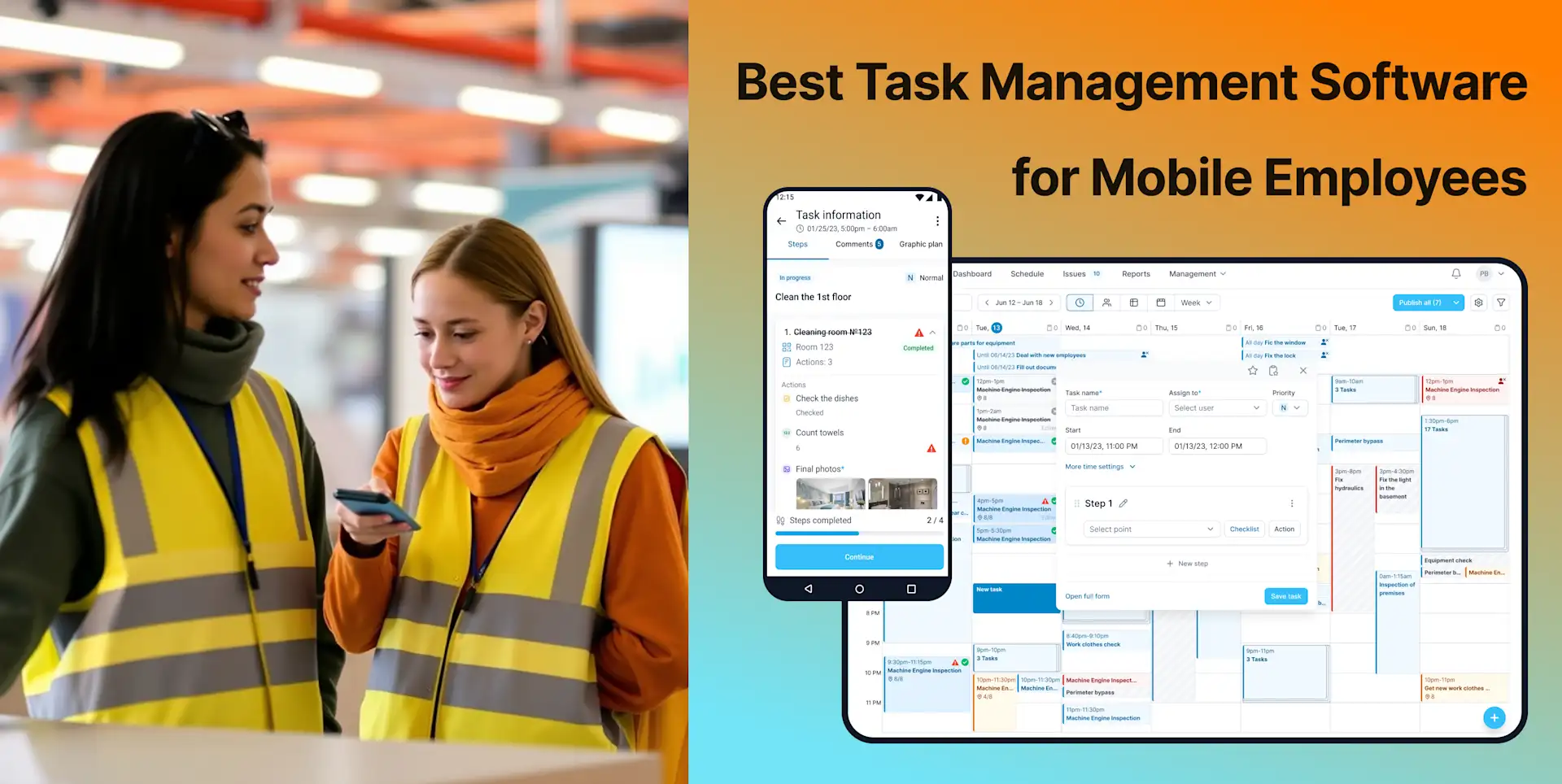
Employee task management means different things for different mobile teams. A retail supervisor may need recurring opening checklists, a field-service company may need dispatch and customer records, and a security provider may need verified patrols and incident reporting. The products below are therefore not interchangeable. Each is evaluated for the type of operational work it handles best.
This 2026 update compares mobile access, task or job assignment, checklists, scheduling, work verification, reporting, multi-location visibility, and current public pricing. We reviewed official product and pricing information using our software review methodology. TARGPatrol is our product; its placement at number three is intended to keep the comparison useful rather than present it as a universal number-one choice.
Quick comparison: which app fits which team?
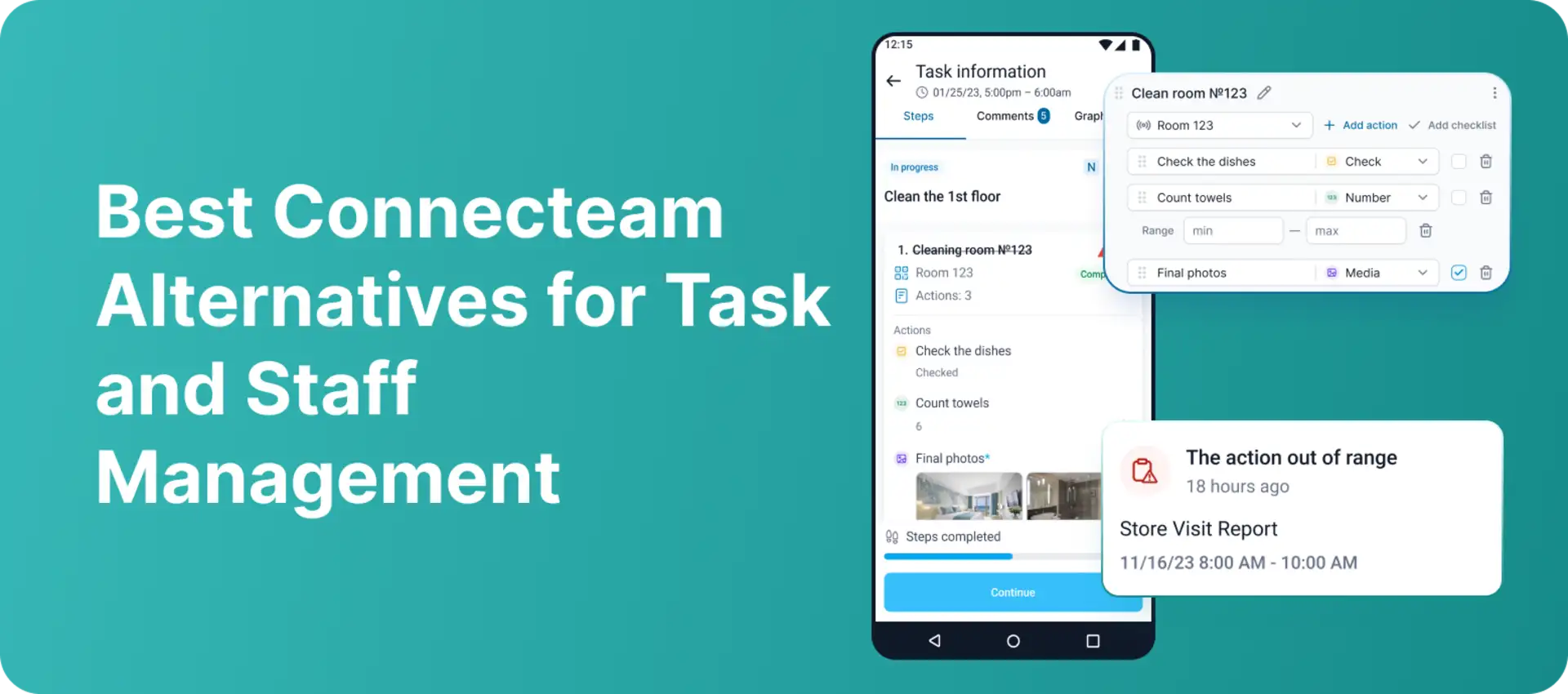
Connecteam — broad operations, communication, scheduling, and tasks for deskless teams.
Deputy — shift scheduling, time and attendance, and lightweight task accountability.
TARGPatrol — recurring field tasks, inspections, patrols, location-verified check-ins, and evidence.
Housecall Pro — customer-facing home-service jobs, dispatch, estimates, invoices, and job checklists.
Hubstaff — time, activity, and optional GPS tracking around work already managed elsewhere.
WorkWave — industry-specific field-service operations for pest, lawn, cleaning, and security businesses.
Jobber — scheduling, job documentation, customer communication, and billing for home-service teams.
QR-Patrol — security guard tours, checkpoint scans, geofencing, alerts, and incident workflows.
MaintainX — mobile work orders, procedures, inspections, and preventive maintenance.
SafetyCulture — inspections, operational checklists, actions, issues, and safety reporting.
What to look for in an employee task management app
Start with the work that must be controlled, not the longest feature list. For mobile employees, the most useful evaluation questions are:
Can managers assign one-time and recurring work by employee, team, location, or shift?
Can employees complete tasks from a mobile app, including when connectivity is unreliable?
Can a task require a checklist, photo, note, signature, QR/NFC scan, or verified location?
Can managers see overdue work, exceptions, incidents, and completion history across locations?
Does the product handle scheduling and time tracking, or will it need to integrate with another system?
Is pricing predictable for the number of employees who need to use the mobile app?
For distributed teams, verification deserves special attention. A completion tap alone proves very little. Depending on the use case, you may need timestamped photos, required checklist items, QR, NFC, or GPS-based check-ins, and a clear audit trail.
1. Connecteam
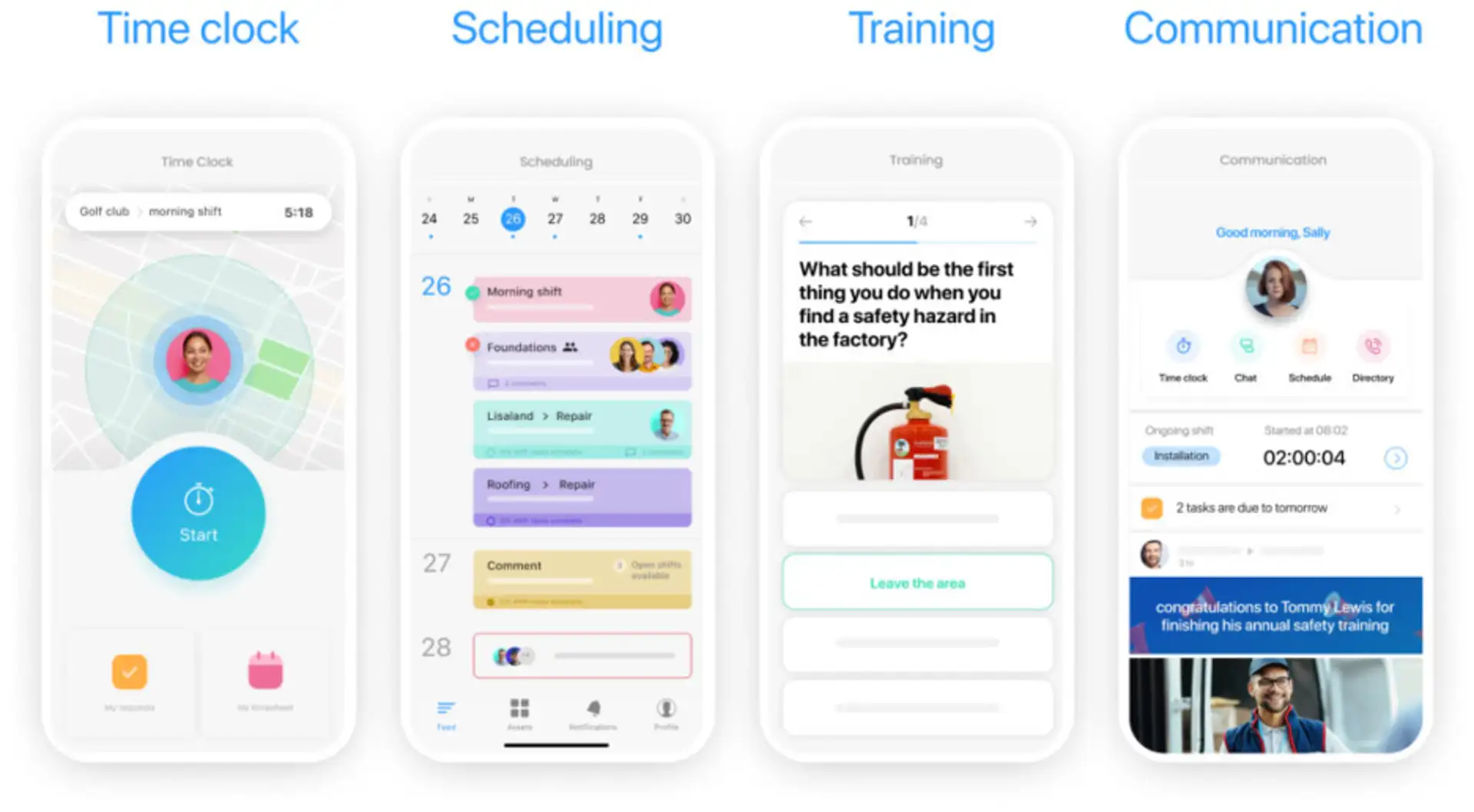
Best for: Deskless organizations that want tasks, scheduling, time tracking, forms, and communication in one employee app.
Connecteam combines operational tools with employee communication and HR features. Its Operations Hub includes job scheduling, a time clock, forms, and quick tasks. Managers can assign work, monitor status, and use templates for recurring processes from a central dashboard.
Key strengths: Broad deskless-workforce coverage, team communication, scheduling, forms and checklists, time tracking, and mobile access.
Limitations: Connecteam is sold in separate hubs, so a team that needs operations, communications, and HR features may need more than one package. Advanced recurring-task and automation features are not all included in the entry plan.
Pricing and trial: A Small Business plan is free for up to 10 users. The Operations Basic plan starts at $29 per month for the first 30 users when billed annually, or $35 month to month. A 14-day trial is available.
2. Deputy
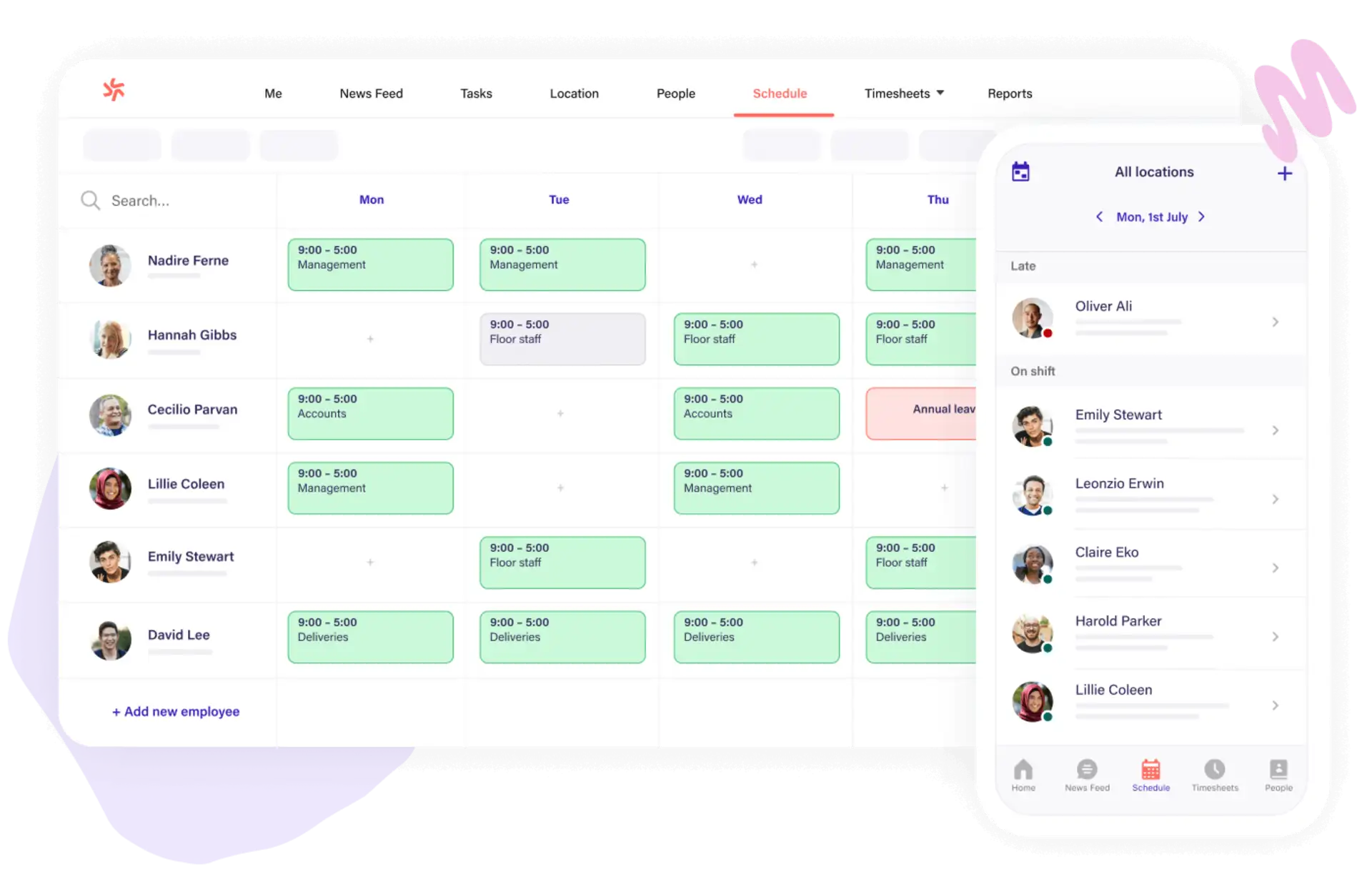
Best for: Shift-based retail, hospitality, healthcare, and service teams where scheduling and attendance are the primary needs.
Deputy is primarily workforce scheduling and time-and-attendance software, but it also includes mobile task management. Managers can assign tasks or reusable task templates, monitor completion from a dashboard, and keep tasks alongside shifts and timesheets.
Key strengths: Employee scheduling, shift swaps, time clocking, timesheets, labor controls, team messaging, and straightforward mobile task tracking.
Limitations: Tasking is lighter than a dedicated field-operations platform. Teams that need inspections, photo evidence, work orders, customer records, or complex task workflows may need another product or integration.
Pricing and trial: Lite is $5 per user per month, Core is $6.50, and Pro is $9, with a $30 monthly minimum on standard plans. Deputy offers a free trial; the advertised duration can vary by offer and region.
3. TARGPatrol
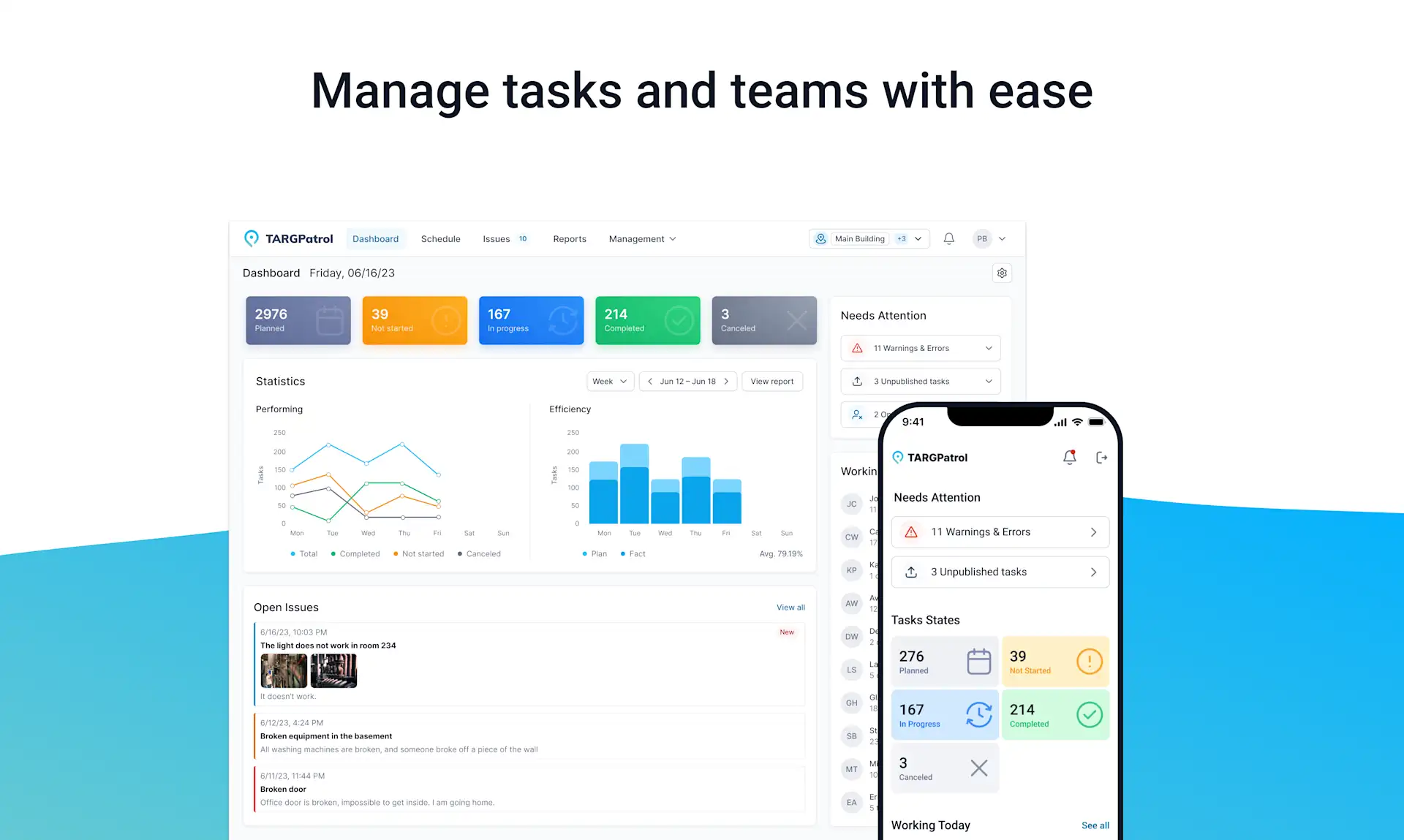
Best for: Cleaning, security, facilities, retail, hospitality, and other distributed teams that must verify recurring work at physical locations.
TARGPatrol combines mobile task management, scheduling, checklists, inspections, tours, reports, and incident handling. Managers can assign work by employee, team, location, or tag, while mobile users complete required actions and attach evidence from the field.
For proof of presence, a Point can use QR codes, NFC tags, virtual check-ins, or GPS check-ins restricted to a configured radius. Optional GPS tracking can record coordinates while the mobile app is active for enabled users. Tasks may require notes, checklist answers, photos, or video, and offline support helps teams work in areas with unstable connectivity.
Key strengths: Recurring field workflows, checklists, photo and video confirmation, location-verified GPS check-ins, QR/NFC, incident reporting, offline work, and multi-location monitoring.
Limitations: TARGPatrol focuses on operational execution and verification. It is not a sales CRM, payroll system, invoicing platform, or full project portfolio tool for office teams.
Pricing and trial: The Free plan supports up to 10 users. Base costs $15 per user per month, or $12 with annual billing, and includes a 14-day fully featured trial. See the current plan comparison.
4. Housecall Pro
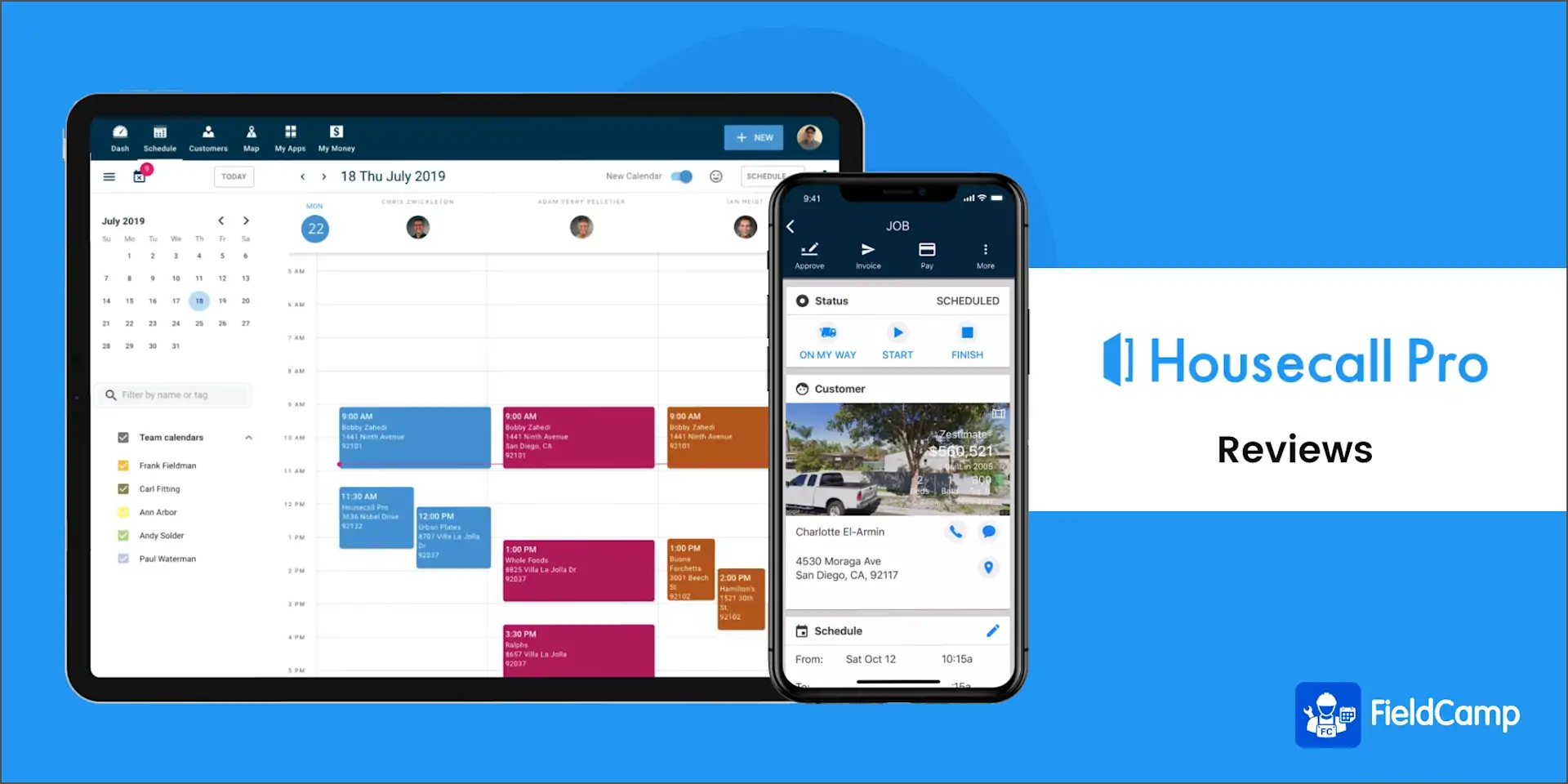
Best for: Home-service businesses that need to manage the full customer job from booking and dispatch through payment.
Housecall Pro is a field-service operating platform for trades such as HVAC, plumbing, electrical, cleaning, and landscaping. Its mobile app gives technicians access to schedules, job details, customer history, notes, and payments. Custom checklists can be attached to jobs, require specific items, accept photos, and block completion until required work is done.
Key strengths: Scheduling, dispatch, recurring jobs, route visibility, customer communication, estimates, invoicing, payments, job checklists, and field documentation.
Limitations: It is designed around customer-facing service jobs rather than general internal task management. Teams that do not need CRM, estimates, and payments may pay for a larger system than they require.
Pricing and trial: The Basic plan starts at $59 per month with annual billing or $79 month to month for one user. A 14-day trial is available without a credit card.
5. Hubstaff
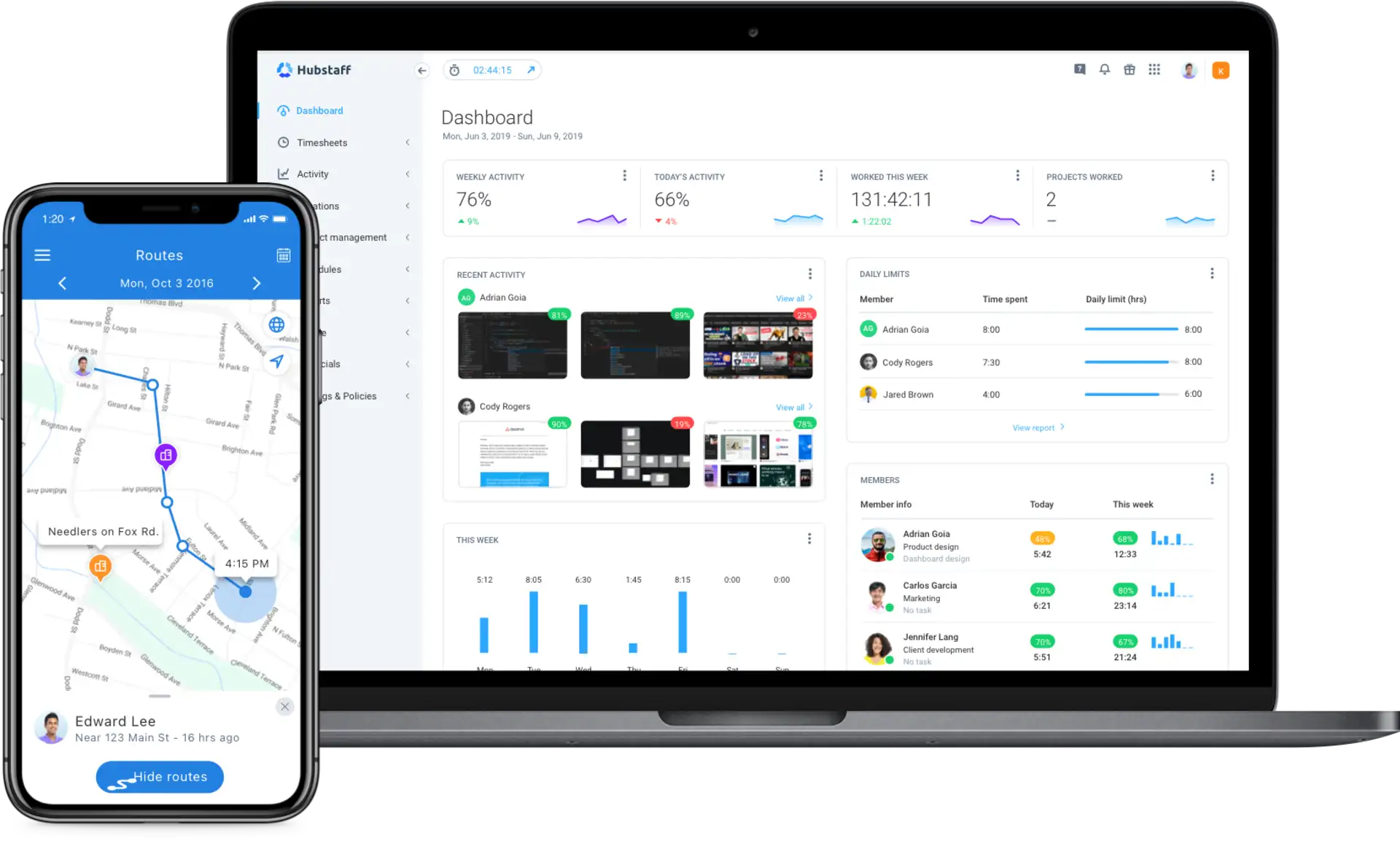
Best for: Remote and mobile teams that primarily need time, activity, attendance, and optional GPS visibility.
Hubstaff centers on time tracking and workforce analytics. Its desktop and mobile apps can associate time with projects and tasks, while the mobile app can record GPS locations when the location add-on is enabled. Hubstaff Tasks or third-party integrations provide the underlying task boards and work items.
Key strengths: Cross-platform time tracking, timesheets, activity data, attendance, reports, payroll integrations, and optional GPS/location features.
Limitations: Hubstaff is not a complete field-work checklist or work-order system. It is strongest as a tracking layer around tasks managed in Hubstaff Tasks or another project tool, and managers should configure employee monitoring transparently and proportionately.
Pricing and trial: A free plan is available for one seat. Paid plans start at $7 per user per month on monthly billing, with lower effective rates on annual billing. A 14-day trial is available; some location features may require an add-on or higher plan.
6. WorkWave
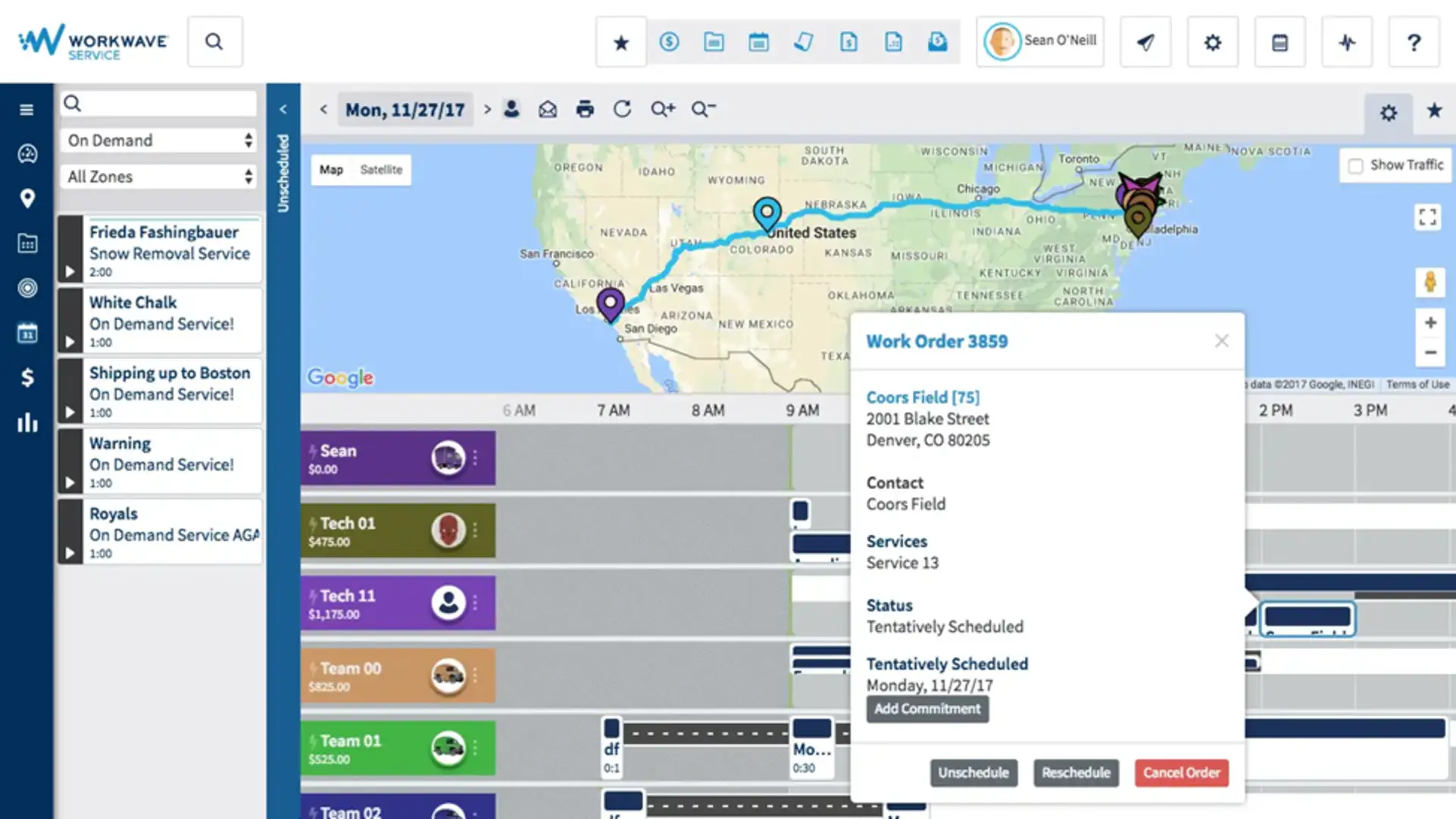
Best for: Established field-service organizations that need industry-specific operational software, routing, mobile workflows, and back-office controls.
WorkWave offers a portfolio of products for pest control, lawn and landscape, commercial cleaning, security, and other mobile-service industries. Depending on the product, teams can manage schedules, routes, work orders, customer records, field updates, payments, and operational reporting.
Key strengths: Deep vertical workflows, scheduling and route optimization, mobile field access, customer and financial operations, and enterprise-scale reporting.
Limitations: WorkWave is a suite rather than one universal task app. Capabilities vary across PestPac, RealGreen, RouteManager, ServMan, TEAM Software, and related products, so buyers must confirm which product and modules match their industry. It can be excessive for a small team that only needs assignments and checklists.
Pricing and trial: Public self-service prices are not consistently listed across the portfolio. Pricing, implementation, and demo options are provided through sales for the selected product.
7. Jobber
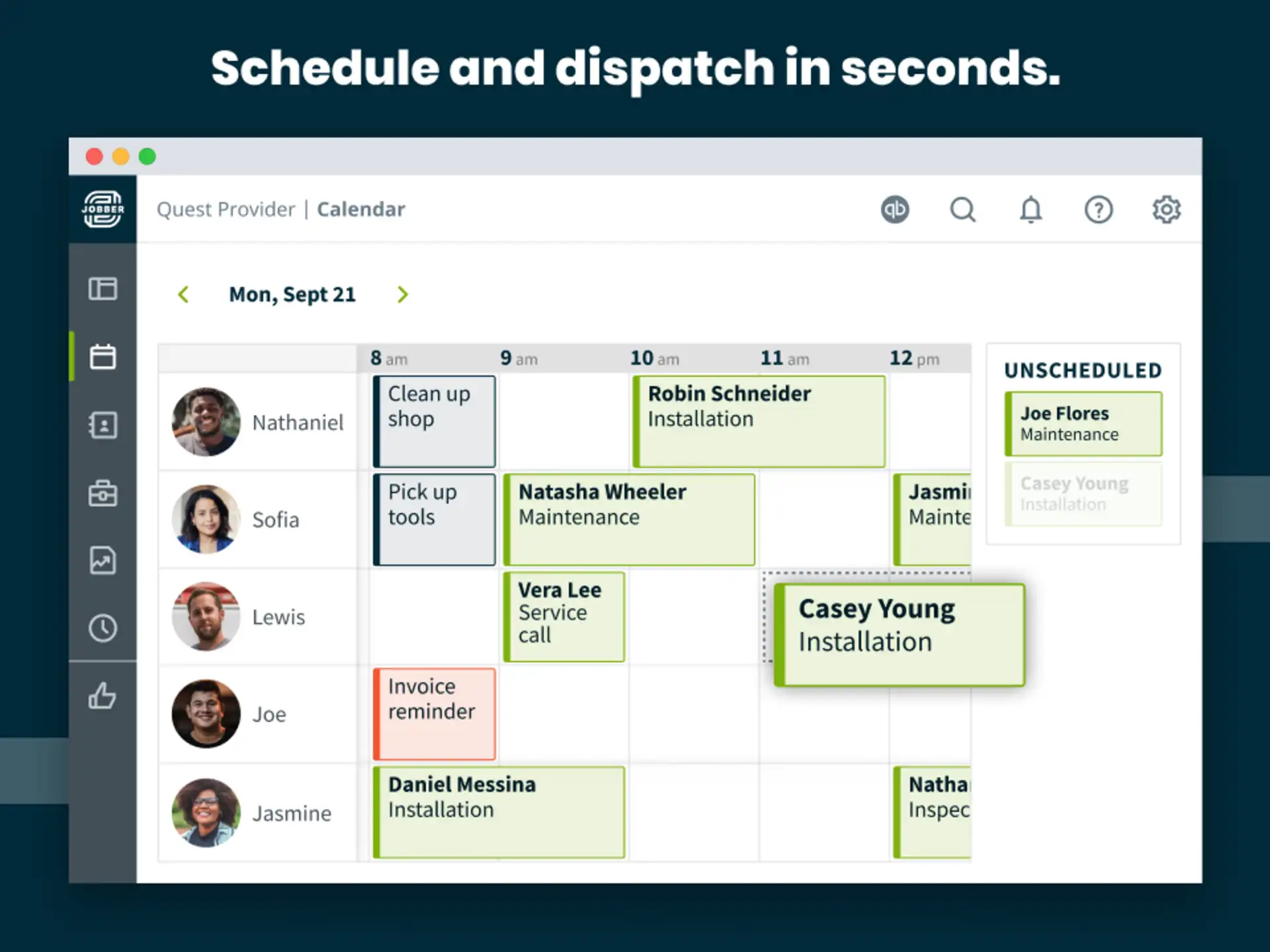
Best for: Small and midsize home-service companies that coordinate crews, customers, schedules, documentation, and billing.
Jobber organizes work around customer jobs. Teams can schedule and assign visits, optimize routes, record job notes and attachments, complete checklists, communicate with customers, create quotes, and invoice from web and mobile apps.
Key strengths: Job scheduling, dispatch, routing, mobile documentation, checklists, customer communication, quotes, invoices, payments, and service history.
Limitations: Like Housecall Pro, Jobber is a field-service CRM rather than a general employee task app. Its value is highest when customer and revenue workflows matter; internal operations teams may not use much of the platform.
Pricing and trial: Current plans start at $29 per month, with price and included users changing by team size, features, and billing commitment. Jobber offers a 14-day free trial and does not offer a permanent free plan.
8. QR-Patrol
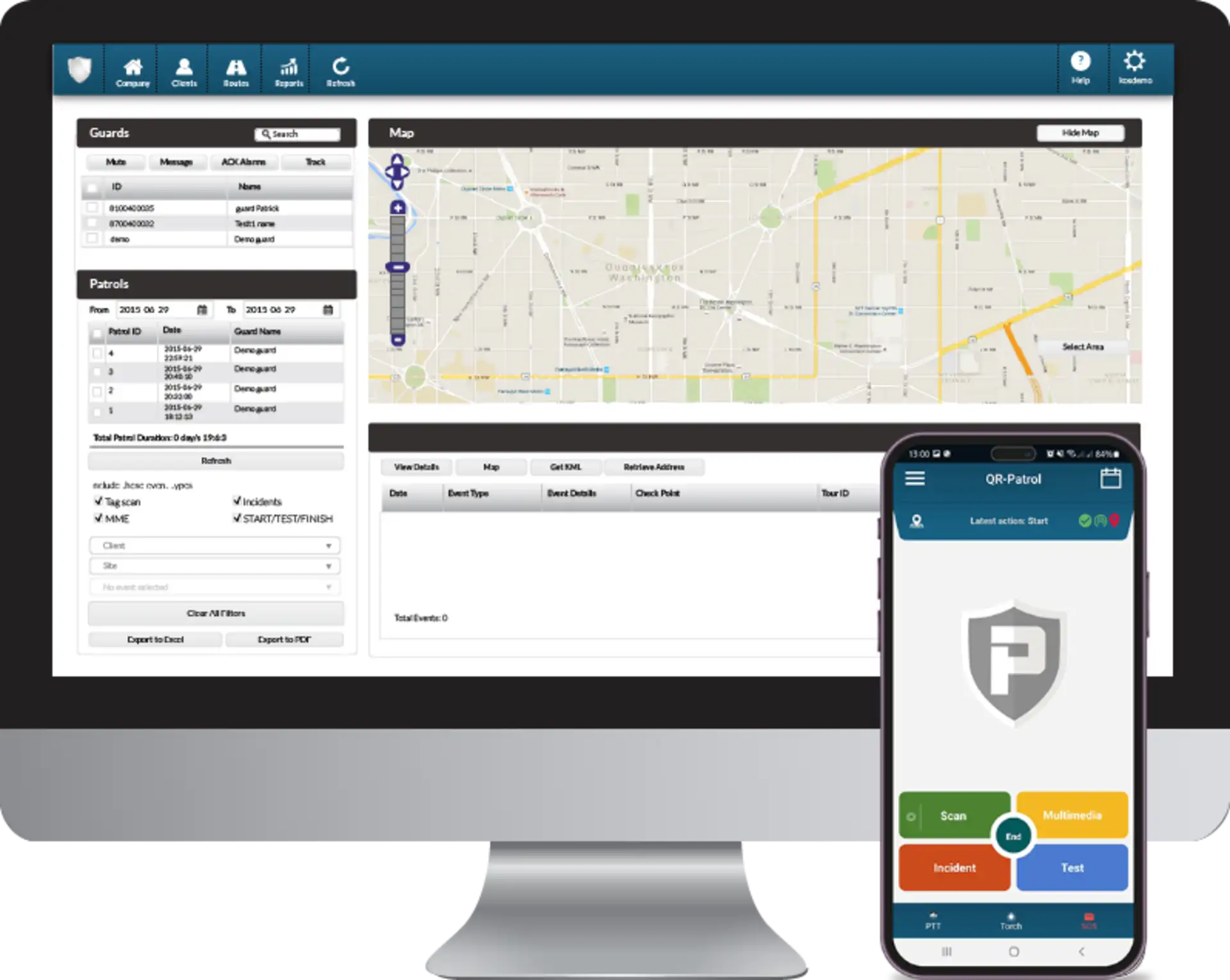
Best for: Security companies that need guard tours, checkpoint verification, real-time alerts, and guard safety features.
QR-Patrol is a specialized guard-tour system. Guards scan QR codes, NFC tags, or beacons, while supervisors monitor patrols, missed checkpoints, GPS information, alerts, and incidents. Higher plans add mobile forms, virtual checkpoints, advanced reporting, and safety capabilities such as SOS, man-down, and welfare checks.
Key strengths: Checkpoint-based patrol verification, schedules, GPS monitoring, geofencing, incident workflows, real-time alerts, and guard-safety tools.
Limitations: QR-Patrol is purpose-built for security and patrol operations. It is not the best fit for general office projects, customer-service CRM, retail scheduling, or maintenance asset management.
Pricing and trial: Published USD prices start at $3.20 per guard per month for Base, $6.15 for Pro, and $11.10 for Gold. Final totals depend on guard volume, billing term, and selected equipment or services. A free test is available.
9. MaintainX
Best for: Maintenance, facilities, manufacturing, and operations teams that manage work orders, procedures, assets, and inspections.
MaintainX replaces TARGControl in this 2026 list because it is a closer match for mobile task execution. MaintainX lets teams create work orders and procedures, schedule repeating work, attach images, capture inspection checks and signatures, communicate in real time, and organize work by asset or location. Advanced plans add parts inventory, purchasing, analytics, approvals, APIs, and multi-site controls.
Key strengths: Mobile work orders, recurring procedures, inspections, photo evidence, QR and barcode scanning, preventive maintenance, asset history, offline mode, and multi-site reporting on Enterprise.
Limitations: MaintainX is optimized for maintenance and asset-centric operations. It is less suitable for shift scheduling, payroll, sales CRM, or guard-tour accountability, and several advanced capabilities require Premium or Enterprise.
Pricing and trial: Basic is free forever with usage limits. Essential costs $20 per user per month when billed annually or $25 monthly; Premium costs $65 annually or $75 monthly. Enterprise uses custom pricing. Paid-plan trials are available.
10. SafetyCulture
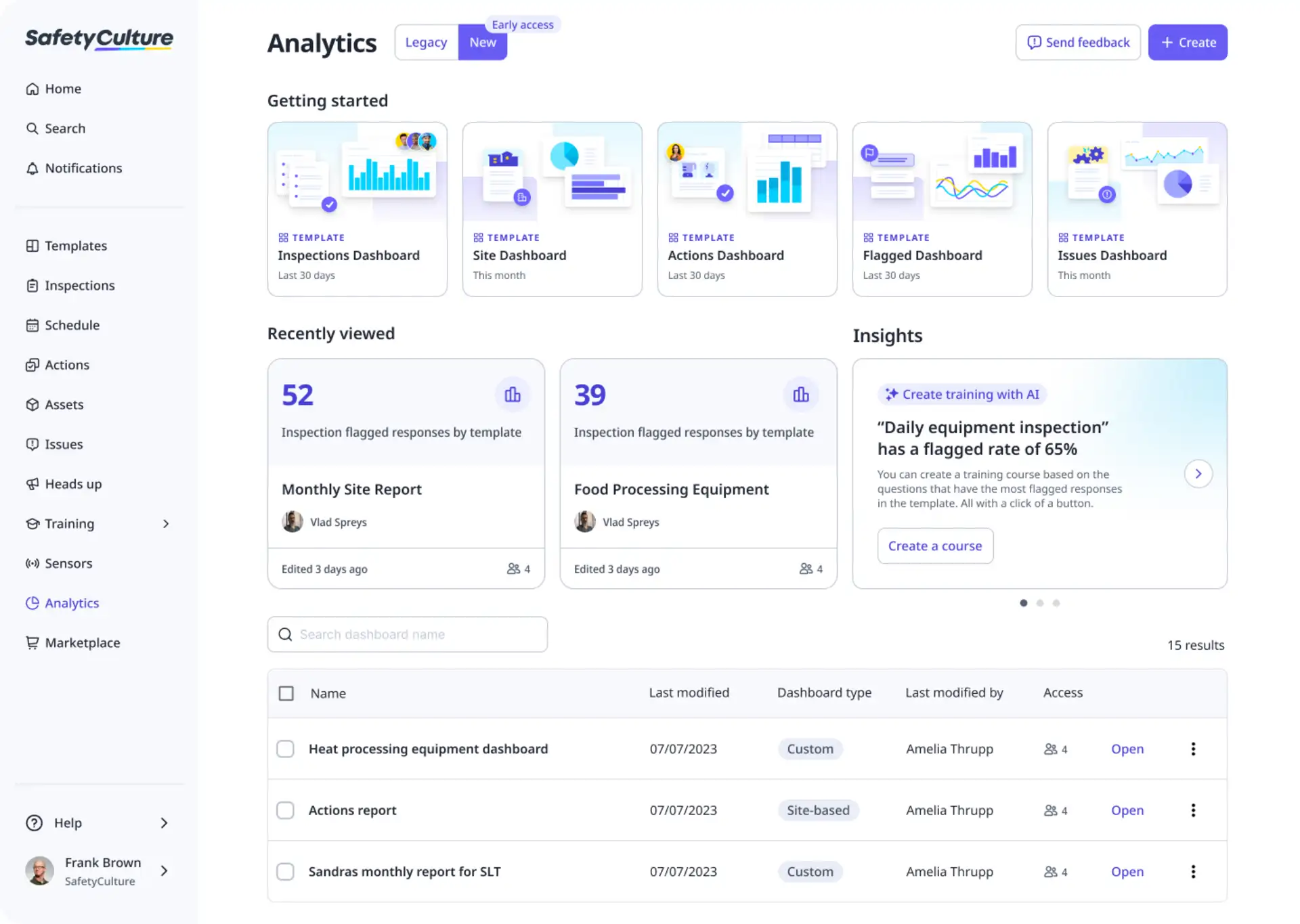
Best for: Organizations that put inspections, safety, quality, training, and corrective actions at the center of daily work.
SafetyCulture combines digital inspections and checklists with task management, issue reporting, assets, training, analytics, and team communication. Mobile employees can complete inspections and raise observations, while managers assign actions and monitor trends across sites.
Key strengths: Inspection templates, mobile checklists, actions, issue reporting, analytics, training, asset records, and multi-site access controls.
Limitations: SafetyCulture is inspection- and safety-led rather than a conventional project-management or dispatch platform. The Free plan limits active templates, and advanced analytics, permissions, integrations, and unlimited history require Premium.
Pricing and trial: The Free plan supports up to 10 seats and five active templates. Premium is $24 per full seat per month when billed annually or $29 monthly, with Lite seats available from $5 annually. A 30-day Premium trial is available.
How to choose among these apps
A practical shortlist starts with the operating model:
Choose Connecteam or Deputy when employee scheduling, time, communication, and lightweight tasking are the main requirements.
Choose TARGPatrol when recurring field work must be verified by checklist evidence, photos, QR/NFC, or a location-restricted GPS check-in across many physical sites.
Choose Housecall Pro or Jobber when tasks belong to customer jobs and must connect to booking, dispatch, estimates, invoices, and payments.
Choose Hubstaff when time and workforce visibility matter more than operational checklists or work orders.
Choose WorkWave when a larger field-service business needs a deep industry platform and is prepared for a sales-led implementation.
Choose QR-Patrol for specialized guard tours and checkpoint-based security operations.
Choose MaintainX when work is organized around maintenance procedures, assets, and preventive work orders.
Choose SafetyCulture when inspections, safety observations, training, and corrective actions drive the workflow.
Before buying, run a pilot with the people who will actually complete the work. Test one recurring workflow, one exception or incident, a low-connectivity location, manager reporting, and the exact evidence required for completion. That reveals fit faster than a generic feature checklist.
Final verdict
There is no single best employee task management app for every mobile team. Connecteam and Deputy are strong workforce platforms; Housecall Pro, WorkWave, and Jobber are full field-service systems; Hubstaff is time-tracking-led; QR-Patrol is security-specific; MaintainX is maintenance-led; and SafetyCulture is inspection-led.
TARGPatrol is the strongest fit in this comparison when the central problem is proving that scheduled operational work happened at the correct place, at the correct time, and with the required evidence. Explore the product tour, compare pricing, or review how inspections and audits work before starting a pilot.