How to Digitize Equipment Rounds with QR-codes

How to Reduce Equipment Downtime by Digitizing Operator Rounds
In many plants and industrial facilities, downtime does not start with a major breakdown. It starts much earlier — when equipment rounds are still paper-based, completed inconsistently, or skipped entirely.
That creates a familiar set of problems:
manual entries lead to errors;
readings may be unclear, incomplete, or entered after the fact;
some checks get missed;
supervisors lack real-time visibility into what was inspected, where, and when;
recurring issues stay buried in paper logs, spreadsheets, or verbal handovers.
⚠️ This is not only an operations issue — it is also a safety issue.
When routine inspections are weak, companies do not just miss performance-related deviations. They also miss leaking equipment, damaged guards, blocked access, overheating surfaces, cable issues, contamination, pressure anomalies, poor housekeeping, and other hazards that can affect operators and maintenance teams.
Reducing downtime, then, is not only about maintenance. It starts with inspection execution, data quality, visibility, accountability, and safety control.
What causes downtime before the actual failure
When companies think about downtime, they usually focus on the final event: a stopped conveyor, an overheated motor, a failed pump, or a line shutdown.
But the real problem often appears earlier:
➡️ rounds are documented on paper clipboards;
➡️ values are written manually;
➡️ readings vary between operators;
➡️ route completion is hard to verify;
➡️ follow-up actions are scattered;
➡️ supervisors only review results after the shift — or later.
✅ That is why downtime reduction should begin not with emergency response, but with better control over daily inspections, operator rounds, and safety observations.

How to control equipment rounds
To reduce downtime in a practical way, companies need more than a written inspection procedure. They need a control model that is repeatable, visible, and easy to manage.
1. Define critical inspection points
First, determine:
1) which assets or areas must be checked;
2) how often inspections should happen;
3) who is responsible;
4) which conditions are acceptable and which should trigger action.
From a safety perspective, rounds should also cover the area around the equipment:
clear operator access;
no spills or slip hazards;
barriers and protective elements in place;
no blocked emergency access;
no exposed wiring or unsafe temporary fixes;
acceptable housekeeping standards.
🔎 Effective rounds are not only about the machine itself. They are also about whether the surrounding work area is safe for operation, inspection, and service.
2. Standardize the inspection itself
If one operator writes “OK,” another writes “looks fine,” and a third enters an estimate, the data becomes difficult to compare and impossible to analyze properly.
Inspections should follow a consistent structure:
⋆ predefined response fields;
⋆ numeric values where needed;
⋆ required comments for abnormalities;
⋆ photo capture where visual proof matters;
⋆ mandatory fields for critical checks.
This turns rounds into a structured process instead of an informal checklist exercise.

3. Verify execution, not just the result
It is not enough to know that an inspection form exists. Supervisors need to know whether the round actually happened:
was it completed on time
was it done by the assigned employee;
were all checkpoints visited;
was the correct route followed;
were entries made on site rather than later.
📍 One of the most practical tools here is QR code confirmation.
By placing QR codes at real checkpoints, companies can require employees to scan the code on site before completing the inspection step. This helps:
➡️ confirm physical presence;
➡️ reduce remote or retrospective reporting;
➡️ improve route discipline;
➡️ link the inspection record to the actual checkpoint.
For many industrial teams, QR codes are one of the easiest and most scalable ways to digitize inspections without adding complexity. They are low-cost, easy to deploy, simple to replace, and intuitive for frontline teams.
4. Turn abnormalities into action
If an operator notices a leak, rising temperature, unusual vibration, missing guard, contamination, blocked path, damaged cable, or another abnormal condition, that information should not stay buried in a paper form.
It should immediately become a managed action:
a recorded incident;
a follow-up task;
an alert to the responsible person;
a due date;
a trackable status until resolution.
This matters for both uptime and safety. A small abnormality can quickly turn from an operational issue into a safety issue — or the other way around.
5. Close the loop
An effective inspection process does not end when the round is submitted.
It ends when the organization can clearly see:
⭢ what was found;
⭢ who reported it;
⭢ who was assigned;
⭢ whether action was taken;
⭢ whether the issue was resolved on time;
⭢ whether follow-up verification was completed.
That is the model that helps prevent small issues from turning into downtime events or unresolved safety risks.
How to digitize equipment rounds with QR-codes
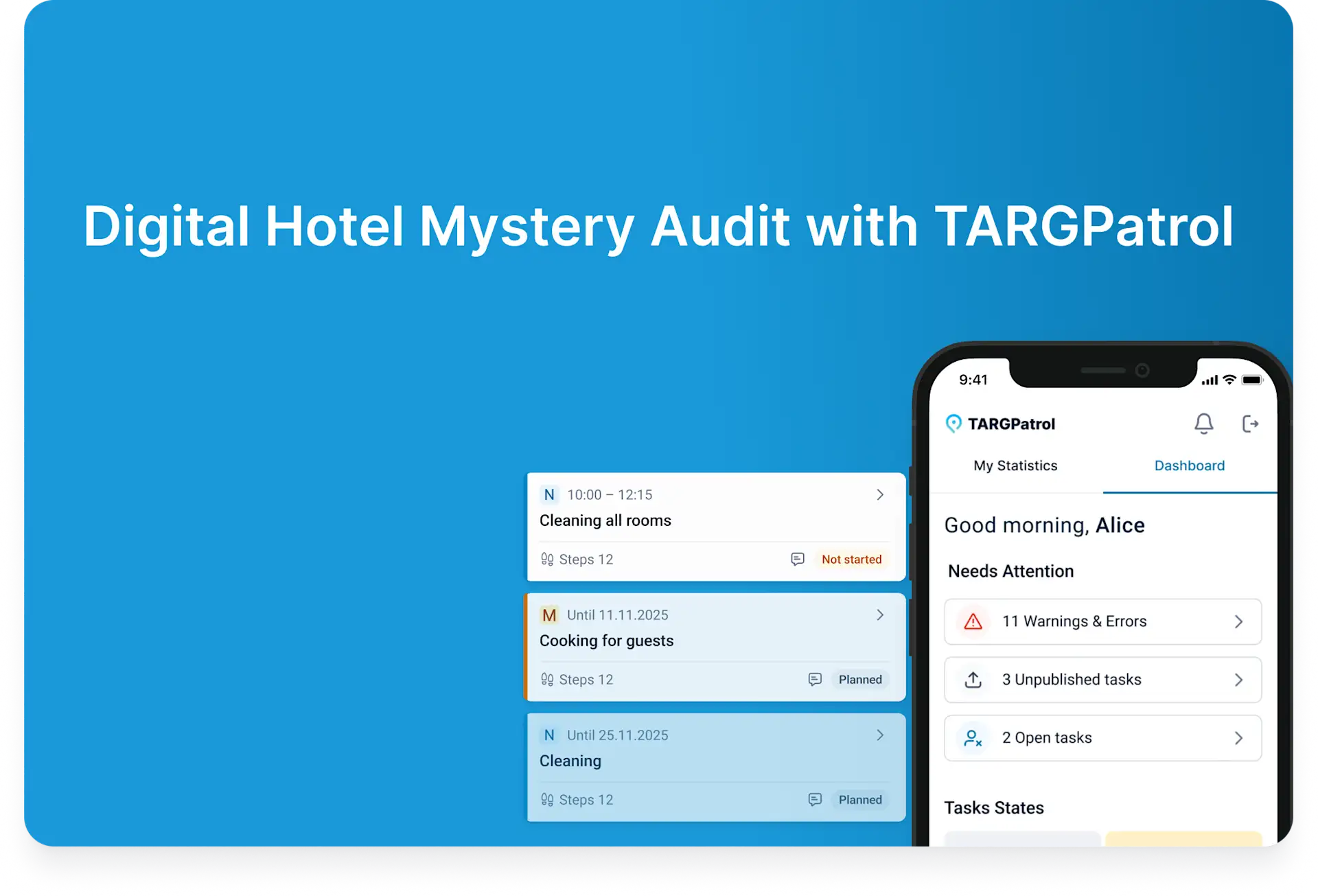
TARGPatrol is a mobile-first inspection, task, and incident management platform that helps organizations move equipment rounds out of paper logs and into a structured digital workflow.
Instead of relying on paper forms, spreadsheets, and verbal handovers, teams can manage inspections in one system: from scheduled rounds and route execution to abnormality reporting, corrective actions, safety observations, and reporting.
This makes TARGPatrol relevant not only for maintenance-related inspection processes, but also for frontline safety control and day-to-day operational discipline.

How it works
🗓️ Scheduled digital rounds
Rounds can be configured as recurring task templates with:
defined frequency;
shift-based timing;
assigned employees;
route structure;
checkpoint logic for different areas, assets, or equipment groups.
This helps turn inspections into scheduled operational tasks instead of loosely followed routines.
✅ Checklists by asset or checkpoint
Each checkpoint can have its own inspection checklist, including:
- different answer types;
- numeric readings;
- comments;
- photo capture.
This allows rounds to capture real operating data rather than a simple “completed / not completed.”
TARGPatrol also includes a Checklist Library with ready-made templates that teams can use as a starting point and adapt to their own standards.
🔳 Route confirmation on site with QR codes
The platform supports checkpoint confirmation using:
QR codes;
NFC tags;
GPS;
virtual checkpoints.
In practice, QR-based rounds move inspections away from trust-based reporting and toward location-confirmed execution.

🗺️ Graphic plans and route maps
For larger sites, rounds can be supported with visual site plans and route maps, making it easier for employees to understand where checkpoints are located and in which order they should be completed.
This is especially useful in plants with multiple rooms, utility zones, technical areas, or distributed assets.
📡 5. Real-time monitoring and notifications
Supervisors can see inspection progress in real time:
whether a round has started;
which checkpoints have been completed;
where something was skipped;
what abnormalities were recorded;
what follow-up actions were created.
The system can also send notifications:
to the employee, when a round is due or overdue;
to the supervisor, when a round is missed or an abnormality is recorded.
This creates immediate visibility instead of end-of-shift reporting.
🚩 6. Incident capture and corrective action
If an operator identifies an issue during the round, they can record it immediately in the mobile app with a description and photo evidence.
That record can then be turned into:
an incident;
a corrective task;
a follow-up activity for maintenance or operations.
This ensures that abnormalities do not remain passive observations.
📊 7. Reporting and analytics
TARGPatrol brings inspection, incident, and task data into one place. That makes it easier to track:
round completion;
missed checkpoints;
recurring abnormalities;
response times;
execution discipline across teams and areas.
As a result, organizations gain visibility not just into individual issues, but into broader weaknesses in inspection execution, operational control, and safety discipline.
📱 No dedicated hardware required
One practical advantage is that digital rounds can be launched without specialized hardware.
Teams can perform inspections, complete checklists, scan QR codes, report issues, and track corrective actions directly from the mobile app. That makes rollout faster and lowers the barrier to adoption.
Example use case
⚙️ Setup
A plant sets up equipment rounds every two hours for a compressor area. In TARGPatrol, these are configured as scheduled task templates assigned to a specific operator.
📍 Route
The route includes checkpoints such as a compressor unit, an electrical room, and the distribution area.
✅ Checklist
Each checkpoint has its own checklist, for example:
visual condition check;
temperature reading;
oil level;
leak presence;
photo confirmation;
absence of visible safety hazards around the equipment.
🔳 QR code confirmation
A QR code is placed at each checkpoint so the employee can confirm physical presence before completing the inspection.
📱 Execution
The employee receives the task in the mobile app, follows the route, scans the QR code at each point, and records the required readings.
🚩 If an issue is found
If an abnormal condition is found — such as overheating, leakage, contamination, or a missing protective element — the operator records it immediately, adds a description, and attaches a photo. That record can then be escalated as an incident or converted into a corrective task.

👀 Supervisor visibility
The supervisor can see in real time:
that the abnormality was reported;
who recorded it;
whether it was assigned;
whether action is in progress;
whether it was resolved on time.
✅ Result
In this model, the round is no longer a box-ticking exercise. It becomes a practical tool for early detection, stronger safety control, and better operational follow-through.
Conclusion
Reducing equipment downtime starts long before maintenance steps in. It begins with the basics: are routine rounds actually being completed, is inspection data reliable, are checkpoints confirmed, and are abnormal conditions visible early enough to act on?
If inspections stay paper-based and inconsistent, companies face the same problems:
missed checks;
delayed escalation;
weak accountability;
limited visibility into equipment condition and safety risks.
Digitizing the process helps solve this. It allows teams to:
👉 schedule rounds;
👉 standardize inspections;
👉 confirm execution with QR codes;
👉 record abnormalities on site;
👉 assign corrective actions;
👉 track completion in one workflow.
With TARGPatrol, companies get a more transparent inspection process, better field visibility, stronger safety control, and faster response to issues before they turn into downtime.